
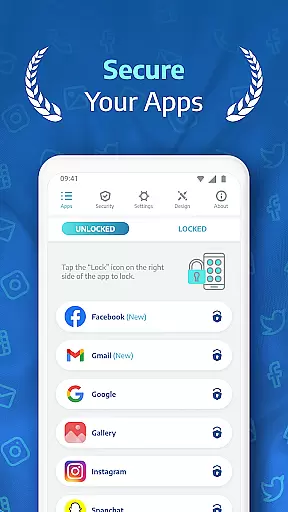
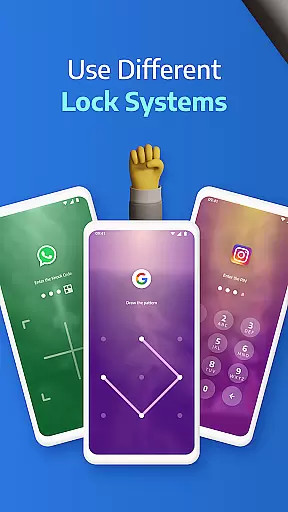
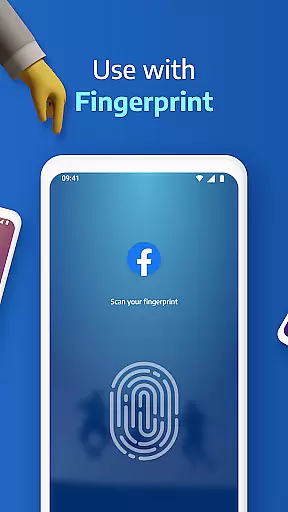
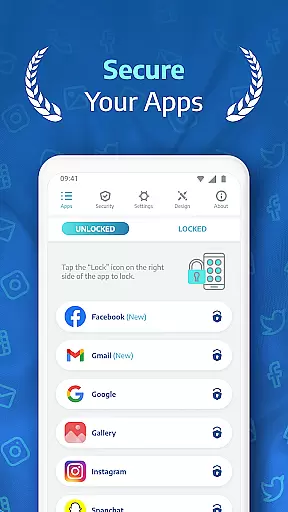
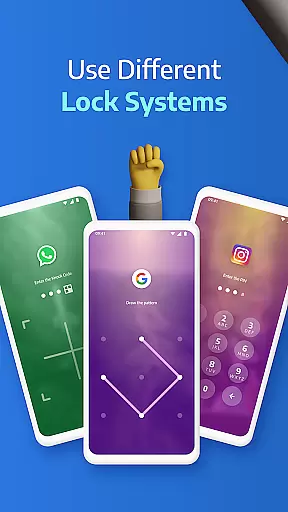
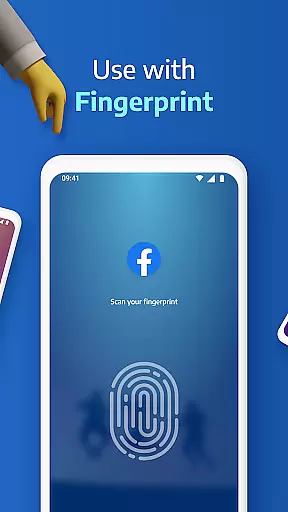
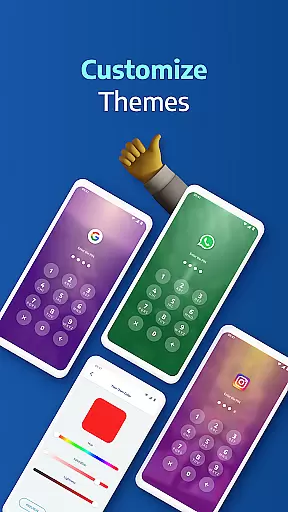
AppLock Pro is a powerful productivity tool designed to protect your privacy by locking sensitive apps and photos. This app provides multiple layers of security, including PIN, pattern, fingerprint authentication, and unique KnockCode functionality. With millions of users trusting this app, it ensures that your private messages, social media accounts, and confidential photos remain secure from unauthorized access.
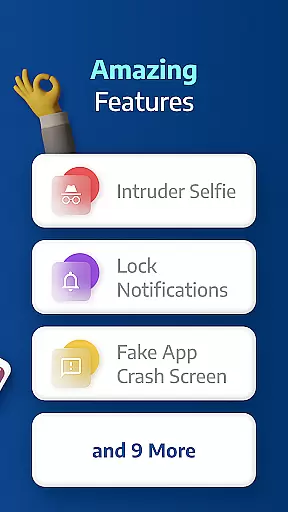
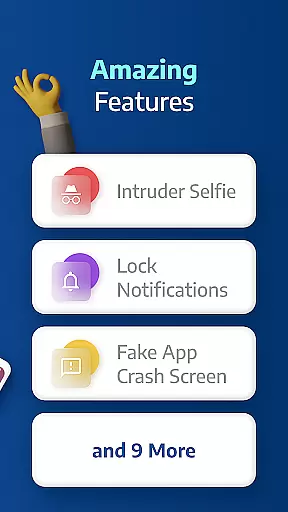
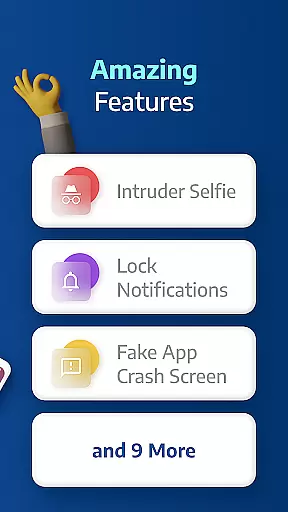
Beyond basic locking features, AppLock Pro offers advanced functionalities such as spy camera protection, fake error messages, and customizable lock styles. These features not only enhance security but also provide a personalized user experience. Whether you're at work, home, or traveling, AppLock Pro keeps your personal data safe while allowing you to customize settings based on your daily routine.
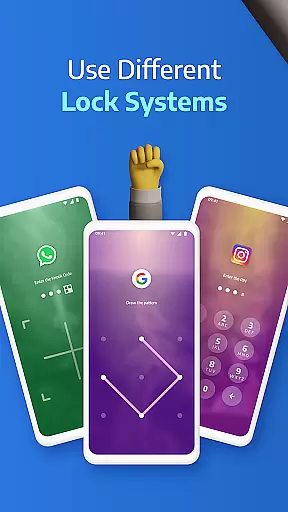
AppLock Pro stands out with its comprehensive feature set tailored for maximum security and customization. The app allows you to lock any application using various methods like PIN, pattern, fingerprint (if supported), or KnockCode. Additionally, the spy camera feature takes a secret photo whenever someone enters the wrong password, adding an extra layer of protection.
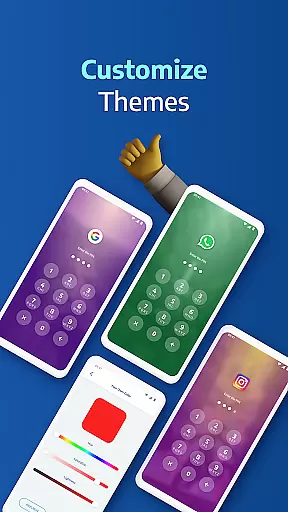
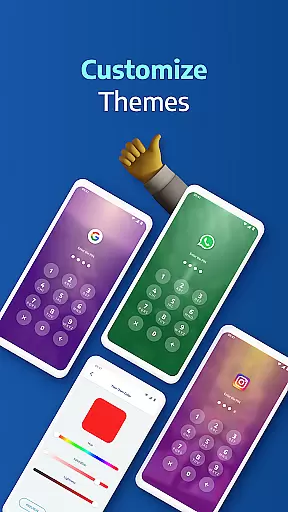
Customization is key in AppLock Pro, offering options like fake error messages, hiding notifications, and setting auto-relock timers. Users can also choose from different themes and backgrounds, making their security interface both functional and visually appealing. Smart settings optimize battery and RAM usage, ensuring the app runs smoothly without draining resources. These robust features collectively make AppLock Pro a top choice for safeguarding personal information.
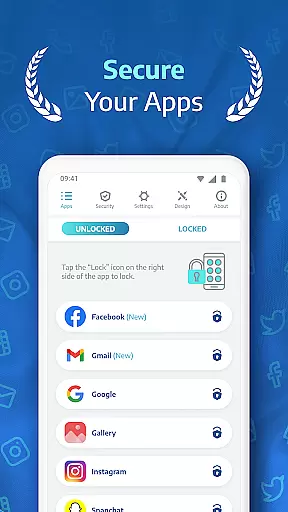
AppLock Pro excels in core task management by offering a comprehensive suite of locking mechanisms tailored to secure various aspects of your digital life. The app allows users to lock any application, from social media platforms like WhatsApp and Instagram to system settings, using multiple security methods such as PINs, patterns, fingerprint recognition, or the unique KnockCode feature.
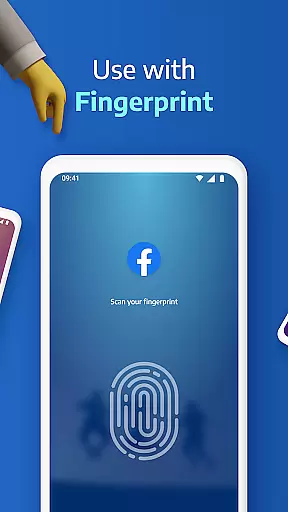
This versatility ensures that users can choose the most convenient yet secure method for their needs. By providing options like fingerprint unlock where supported, AppLock Pro caters to those who prioritize speed without compromising on safety. Additionally, features like setting a lock timer and auto re-lock provide flexibility in managing when apps should be accessible or restricted.
The practical benefits extend beyond mere locking capabilities; they encompass smart functionalities designed to enhance user experience while safeguarding privacy. For instance, the spy camera protection discreetly captures images of anyone attempting unauthorized access after five incorrect password entries. This not only deters potential intruders but also aids users in identifying unauthorized access attempts.
Ultimately, AppLock Pro's robust task management empowers users with peace of mind knowing their sensitive data is shielded against unwanted intrusion. Whether it's protecting private messages or securing confidential photos, this app delivers an efficient solution that adapts seamlessly into daily routines.
Cross-device synchronization reliability is another cornerstone of AppLock Prou2019s functionality, ensuring consistent protection across all user devices. While primarily focused on individual device security, the app incorporates features that support reliable performance even when switching between different gadgets or updating operating systems.
One key aspect is its lightweight design optimized for minimal battery and RAM usage. This optimization guarantees smooth operation without draining resources, which is crucial for maintaining synchronization reliability. Users won't have to worry about lag times or excessive power consumption interfering with their productivity.
Moreover, AppLock Pro includes smart settings such as new app alerts and locking recent apps, which contribute to seamless transitions between devices. These features help maintain continuity in security protocols regardless of whether you're using your primary phone, tablet, or another secondary device.
By focusing on these elements, AppLock Pro ensures that users enjoy uninterrupted service quality. Even if one device undergoes maintenance or replacement, the familiarity and effectiveness of AppLock Pro remain constantu2014providing dependable cross-device synchronization that upholds stringent security standards at every touchpoint.
Highly secure
User-friendly interface
Customizable lock styles
Advanced spy camera
Lightweight performance
Premium version costly
Occasional bugs
Limited free features
Permissions required
Fingerprint issues

QuickBooks Workforce lets teams view pay info and track time in one place.
 4.70
4.70
Easily read and manage all your PDF files
4.10
Smart PDF reader & editor to view, organize and manage PDF documents easily.
3.70
aCalendar+ makes your day, week and month
4.70
Translate text/voice/photos in 150+ languages. Offline & fast translator app.
4.50
Experience and share your SolidWorks designs on your Android® phone and tablet.
2.50
Access your phone's notifications, calls, apps, photos & texts on your PC
3.90
Seamlessly read, manage, and organize all your PDF files solution in one place
4.40
QuickEdit is a fast, stable and full featured text and code editor.
4.20
Quickly and easily keep track of your work shifts
4.70
The long-awaited modern gallery app for your Nextcloud server
4.70
AI Chatbot and AI writing assistant powered by ChatGPT.
4.60
Experience Reading - Night Mode for Documents
4.40
Send files, sync SMS, notifications & clipboard across devices via local network
4.40
A lightweight JSON & XML files creator, editor and viewer (Premium Version)
4.40
Cloud storage, automatic phone backup, and more.
4.10
Activate Two Factor Authentication (2FA or Multi OTP), Password manager and more
4.10
* block pre-roll ads, pop-up and forced redirect ads * Samsung certification app
4.00
The upgraded version of Name Wheel with AI and the power to add your own wheels.
4.5


User Reviews