
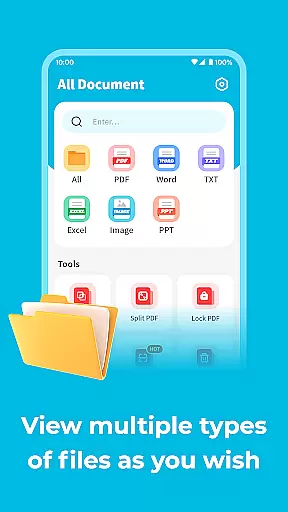
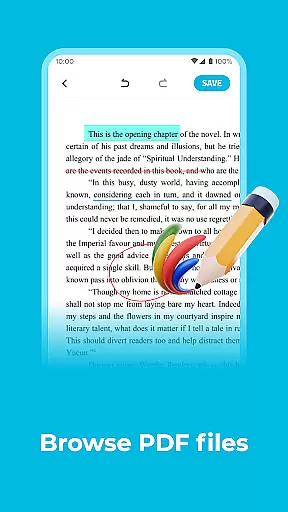
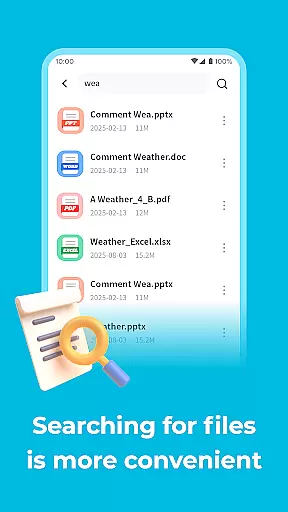
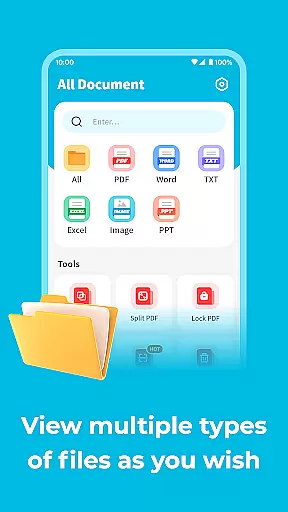
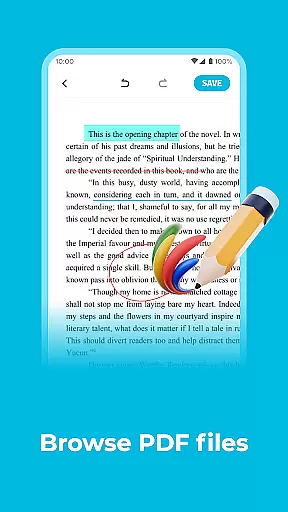
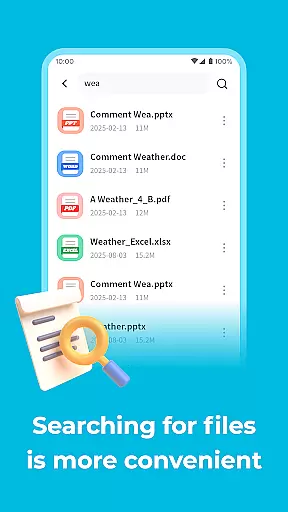
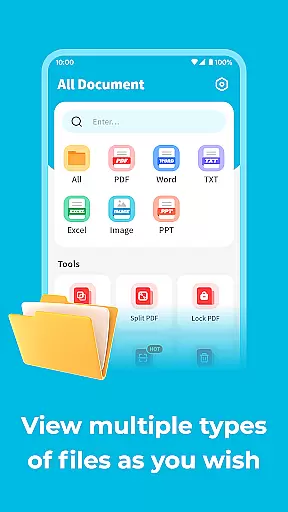
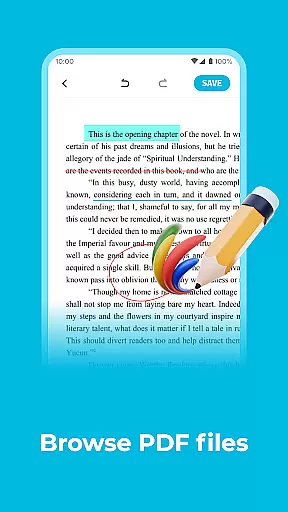
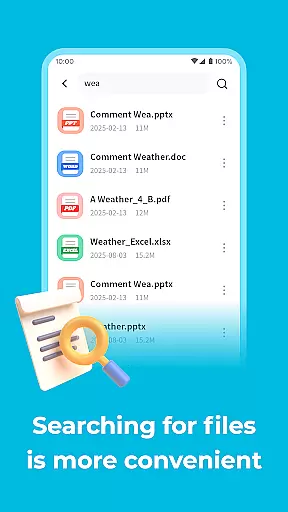
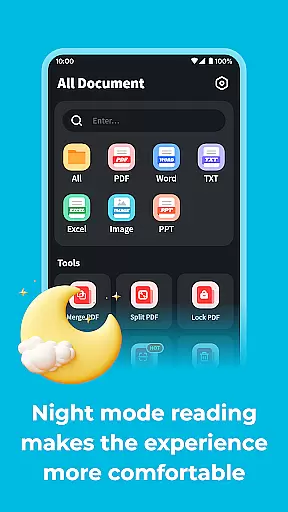
All Document Explor is a versatile productivity app designed to help users manage and view documents in multiple formats on their mobile devices. With support for PDF, Word, and PPT files, this app allows you to perform essential operations such as renaming, deleting, or sharing documents with ease.
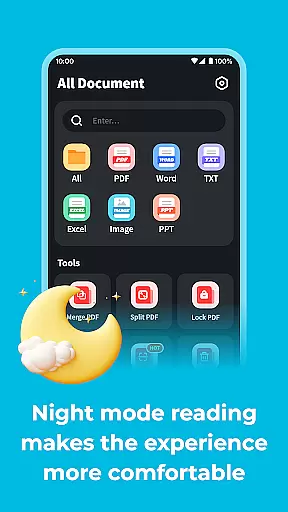
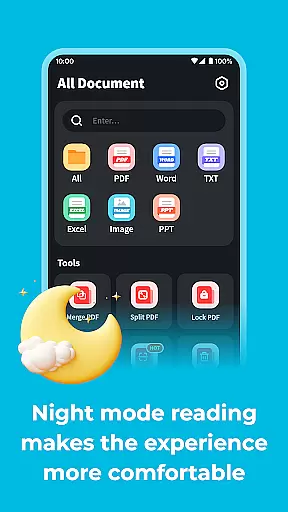
One of the standout features is its night mode, which optimizes reading in low-light conditions, helping to protect your eyesight. Additionally, the app offers advanced security options, allowing you to set digital passwords on PDF files to safeguard sensitive information. Whether you need to scan documents or convert images into PDFs, All Document Explor provides a comprehensive solution for all your document management needs.
This app is particularly useful for professionals who need to handle various document types while on the go. Its user-friendly interface and robust functionality make it an indispensable tool for enhancing productivity and ensuring that important files are always accessible and secure.
All Document Explor boasts a range of features that cater to diverse document management needs. The app supports multiple file formats including PDF, Word, and PPT, enabling users to rename, delete, or share documents effortlessly. This versatility ensures that you can manage all your files from one convenient location.
A notable feature is the night mode, which adjusts the screen brightness and contrast for comfortable reading in dark environments. This not only enhances the user experience but also helps in reducing eye strain during extended reading sessions. Furthermore, the app includes a robust security feature that allows users to password-protect PDF documents, adding an extra layer of privacy and protection against unauthorized access.
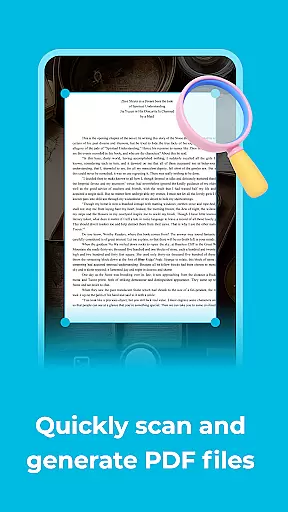
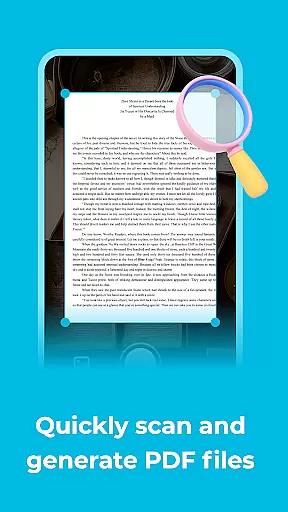
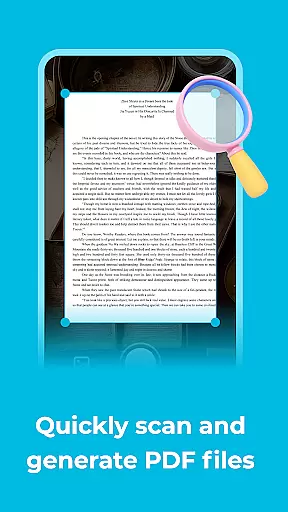
For those who frequently work with physical documents, the app offers a scanning function that converts images or photos into PDF files. This feature is invaluable for digitizing paper documents and making them easily shareable and storable. Overall, All Document Explor combines essential tools with innovative features to deliver a seamless and efficient document management experience.
Task management is essential for productivity applications as it allows users to organize and prioritize their work efficiently. All Document Explor offers a comprehensive suite of tools designed to manage documents effectively.
The app supports multiple document formats including PDF, Word, and PPT. Users can perform various operations such as renaming, deleting, or sharing these files with others. This versatility ensures that all your document management needs are covered within a single platform.
One standout feature is the ability to protect PDF documents by setting a digital password. This functionality not only secures sensitive information but also provides peace of mind knowing that your documents are safe from unauthorized access.
By integrating these robust document management features, All Document Explor empowers users to handle their files with ease and confidence, significantly enhancing their productivity.
Cross-device synchronization is crucial for users who need consistent access to their documents across different devices. All Document Explor excels in providing reliable and seamless synchronization capabilities.
With this app, you can switch to night mode, which is particularly useful for reading documents in low-light conditions. This feature helps reduce eye strain and makes late-night document reviews more comfortable.
In addition to its synchronization prowess, All Document Explor includes a scanning function that converts images into PDF files. Whether you take new photos or add existing ones, the app transforms them into easily shareable and manageable PDFs.
These features collectively ensure that users have a reliable and versatile tool for managing their documents across various devices, making All Document Explor an indispensable asset for anyone seeking efficient document handling solutions.
User-friendly interface
Supports multiple formats
Advanced security options
Night mode for eye protection
Free to use
Limited advanced features
No cloud integration
Occasional bugs
Ads in free version
Basic UI design

Auto-shutoff Alarm with Sunrise, Sunset & Fixed Options.
 3.50
3.50
Easily read and manage all your PDF files
4.10
Send files, sync SMS, notifications & clipboard across devices via local network
4.40
Device's storage information in a simple and clear graphical form (infographics)
4.10
App Lock with fingerprint, password: Lock apps & hide photos with lock screens
4.60
Great calculator for Android named one of USA TODAY's "25 Essential Apps".
4.90
A simple Whisper AI keyboard for reliable speech transcription and rewording
4.60
QuickEdit is a fast, stable and full featured text and code editor.
4.20
Note taking, handwriting, record audio, PDF annotation, planner & journal
4.20
The long-awaited modern gallery app for your Nextcloud server
4.70
Scan paperwork into PDF/JPG, generate your own e-signature and send fax or email
4.70
Absolutely the best CNC machinist speed and feed calculator around. fswizard.com
4.60
A lightweight JSON & XML files creator, editor and viewer (Premium Version)
4.40
When you Focus, so will your Bean in this cozy focus timer
4.30
Enjoy classic gameplay with customizable features and retro-style graphics.
4.30
Make apps & sites with natural language prompts
4.10
Access your phone's notifications, calls, apps, photos & texts on your PC
3.90
Ultimate Virtual AI Character for immersive Roleplay Chat. Perfect Companion
3.90
A simple, portable logger for POTA, SOTA, Field Day, and more
4.2


User Reviews