![Disk & Storage Analyzer [PRO]](https://cdn.linksharehub.com/ocp/?u=https%3A%2F%2Fl2.fancapitalize.com%2Fimages%2F2025%2F12%2Fe6da4367704733d389803d59b763e052.jpg&t=webp)
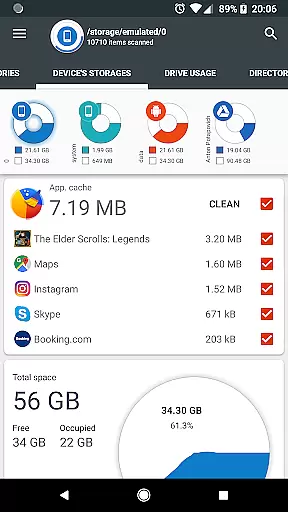
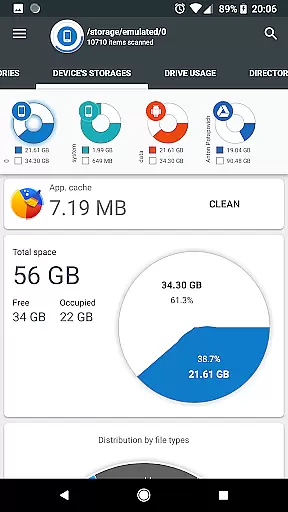
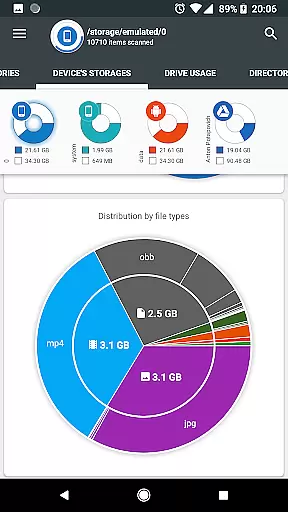
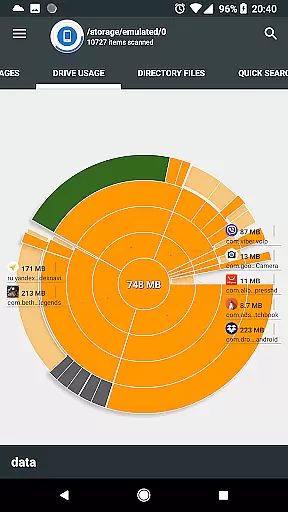
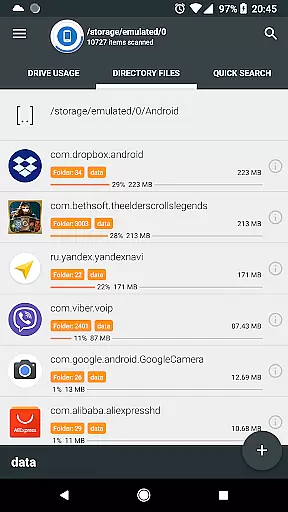
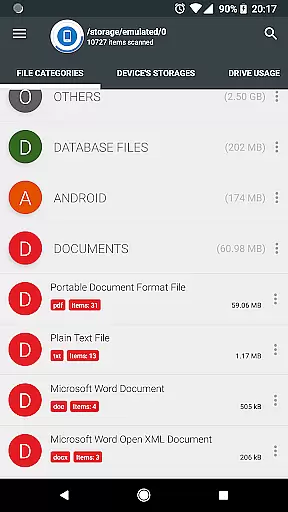
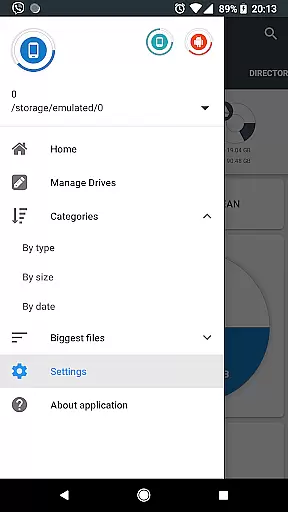
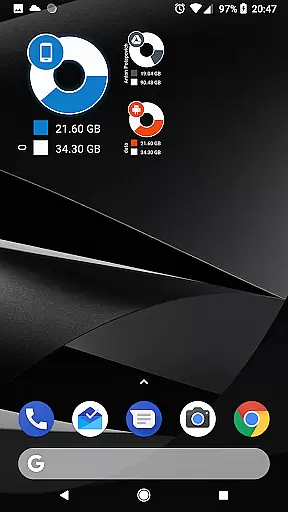
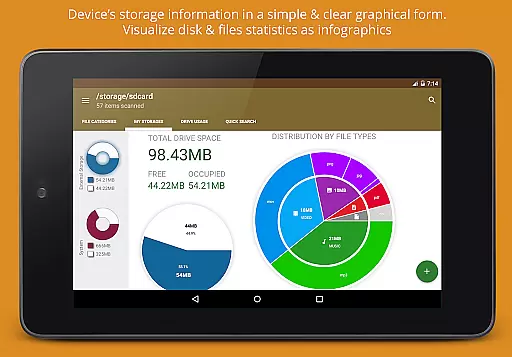
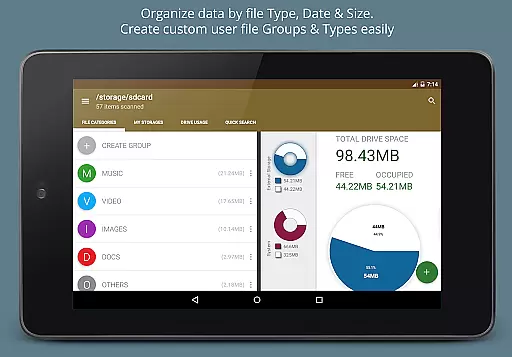
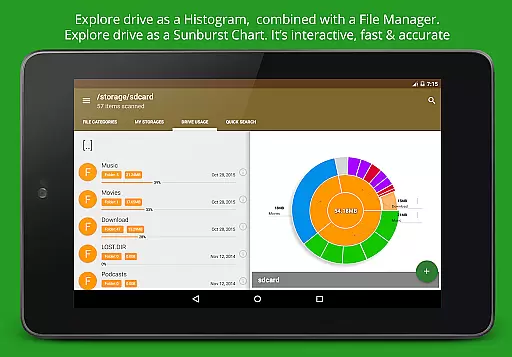
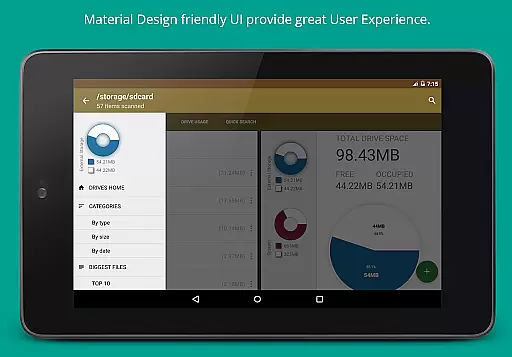
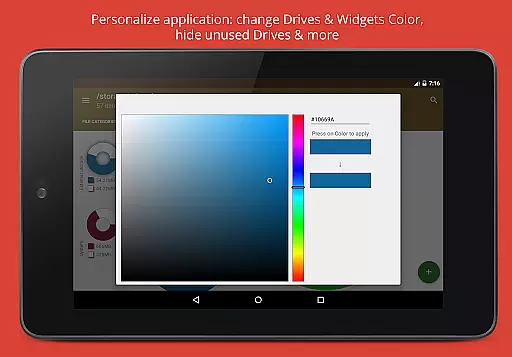
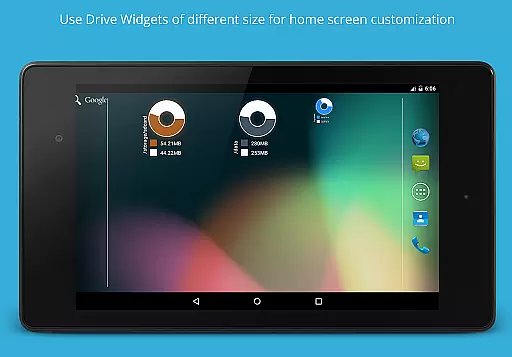
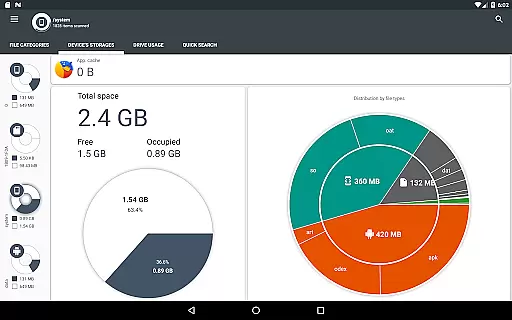
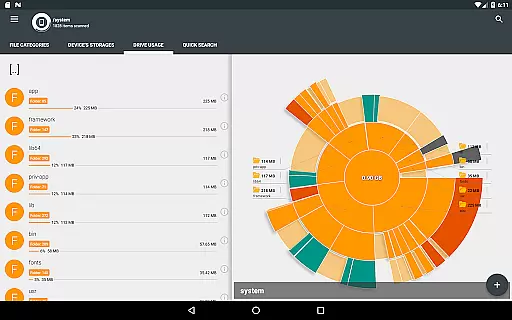
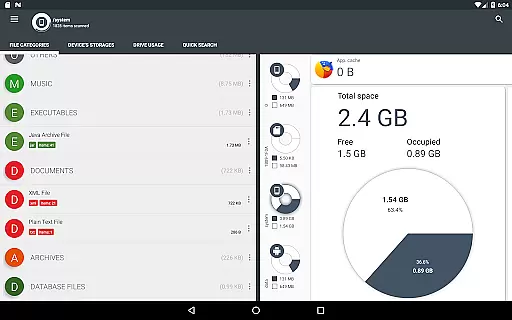
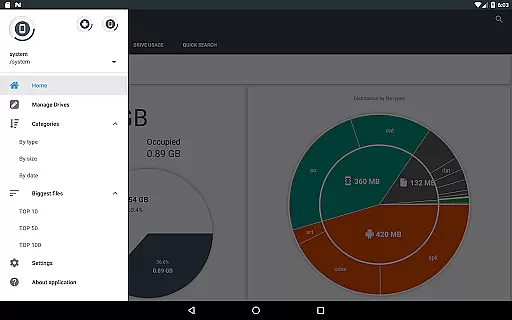
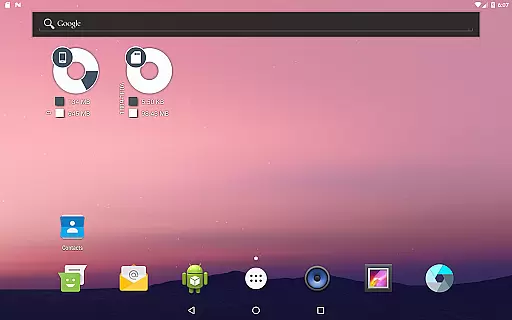
Disk & Storage Analyzer [PRO] is a comprehensive productivity tool designed to help users manage their device storage effectively. This application provides detailed insights into internal and external storage, USB devices, and cloud drives through clear graphical representations such as pie charts and sunburst diagrams. By analyzing file-specific data like size, name, path, and last modified date, it offers an organized view of your storage usage.
One of the standout features of this app is its ability to connect with cloud services like Google Drive, Dropbox, and Yandex.Disk, allowing users to build statistics for cloud storage similarly to local storage. Additionally, it lists installed applications sorted by size and cache, enabling users to clean cache and delete apps directly from the interface. The absence of ads ensures a seamless user experience while managing files and applications efficiently.
This app is particularly useful for users who need to optimize their device's performance by clearing unnecessary files and applications. With functionalities ranging from global search indexing to structured file categorization by type, size, and date, Disk & Storage Analyzer [PRO] proves to be an indispensable tool for maintaining an organized digital environment.
The Disk & Storage Analyzer [PRO] boasts several advanced features that set it apart in the realm of productivity tools. One of its primary capabilities is accessing and analyzing both local and cloud storage solutions. For local storage, it scans internal memory, SD cards, and USB devices, presenting the data through intuitive infographics like pie charts and sunburst diagrams. These visual aids make it easier for users to understand their storage distribution at a glance.
When it comes to cloud integration, the app supports major platforms such as Google Drive, Dropbox, and Yandex.Disk. Upon connecting these services, the app retrieves file-specific details including name, path, size, and last modified date, subsequently generating detailed reports and usage diagrams. Another significant feature is its ability to list installed applications sorted by various parameters like app size and cache size. Users can also perform maintenance tasks such as clearing cache or deleting selected apps directly within the app interface.
Additional functionalities include global search indexing which allows quick retrieval of files based on queries, structured categorization of files by type, size, and date, and context menus accessible via long clicks for actions like opening, deleting, or sharing files. With required permissions like QUERY_ALL_PACKAGES and MANAGE_EXTERNAL_STORAGE, the app ensures comprehensive access to provide these robust features, making it a powerful ally for anyone looking to maintain optimal device performance.
At the heart of Disk & Storage Analyzer [PRO] lies its robust core task management system, designed to streamline how users interact with their storage data. This application provides a comprehensive overview of device storage, including SD card and USB devices, presenting it in an easy-to-understand graphical format.
The app meticulously scans and categorizes files across various storage mediums, empowering users with detailed insights into file-specific data such as name, path, size, and last modified date. With this information at their fingertips, users can efficiently manage their digital content without feeling overwhelmed by technical complexity.
By offering clear visualizations through infographics like pie charts and sunburst diagrams, the app ensures that even those who aren't tech-savvy can grasp complex storage statistics effortlessly. These features collectively enhance user productivity by simplifying data management tasks.
Disk & Storage Analyzer [PRO] excels in providing reliable cross-device synchronization, ensuring seamless access to cloud drives such as Google Drive, Dropbox, and Yandex.Disk. By integrating these services, the app allows users to view and analyze their cloud-stored files with the same level of detail as local storage.
This synchronization feature is not just about accessibility; it also extends to real-time updates. Whenever changes are made either locally or within the cloud, they reflect instantly across all connected devices, maintaining consistency and accuracy throughout the user's digital ecosystem.
Moreover, the ability to connect multiple cloud services under one interface significantly boosts productivity. Users no longer need to switch between different apps for each serviceu2014they can manage everything from one centralized location, making their workflow more efficient and reducing the risk of errors during file transfers.
User-friendly interface
Comprehensive storage analysis
Cloud drive integration
Cache cleaning capability
Ads-free experience
Requires many permissions
No automatic backup option
Limited customer support
Premium version only
Occasional force closes

8 custom complications. Custom Time Fonts. Beautiful color schemes. A++ Design.
 5.00
5.00
IP Camera Viewer - Android TV : RTSP Surveillance camera viewer for Android TV
4.0
A comprehensive suite of tools designed specifically for Lactation Consultants
4.3
Quickly and easily keep track of your work shifts
4.70
Experience and share your SolidWorks designs on your Android® phone and tablet.
2.50
Daily processing of PDF documents.
4.40
Browse and view your photos and videos from the phone with photo & video hide.
4.10
Put a lock on your cloud: Take the security of your data into your own hands
3.70
Note taking, handwriting, record audio, PDF annotation, planner & journal
4.20
Scientific calculator for Android - looks and operates like the real thing!
4.90
Seamlessly integrate data and reports to build your presentation to impress
4.80
Scan paperwork into PDF/JPG, generate your own e-signature and send fax or email
4.70
Functional QR scanner and barcode reader that requires little storage space.
4.60
Lightweight PDF, Word, Excel reader.
4.60
Planet Free VPN - The best Fast Unlimited and Secure VPN Without Logs
4.50
Access, manage and transfer files on Android, PC, Mac, NAS and cloud storages.
4.30
Activate Two Factor Authentication (2FA or Multi OTP), Password manager and more
4.10
Simple and reliable communication between inmates, friends and family
3.20
Code on-the-go with VScode for Android. Edit,debug and collaborate from mobile!!
3.10


User Reviews