
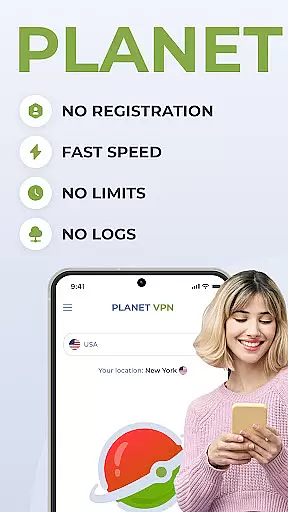
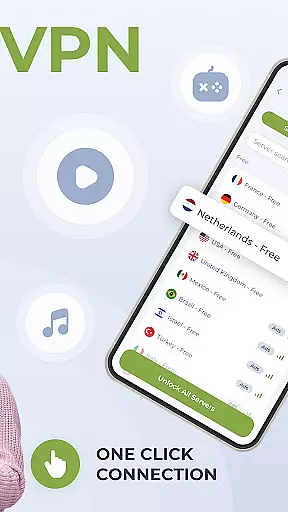
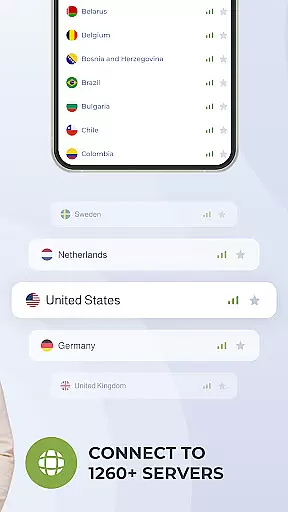
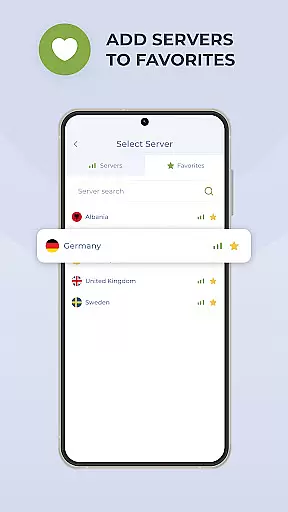
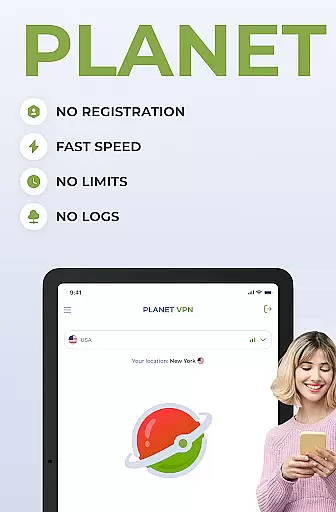
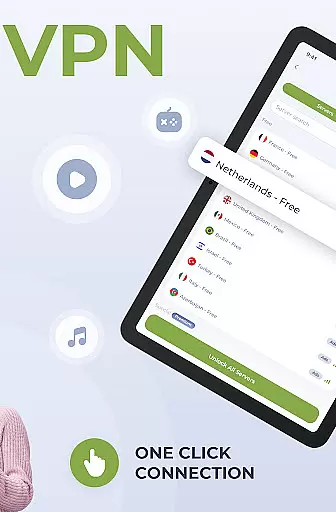
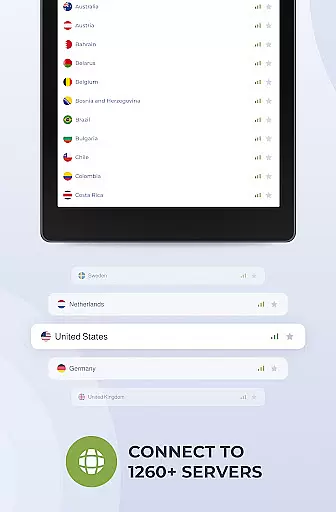
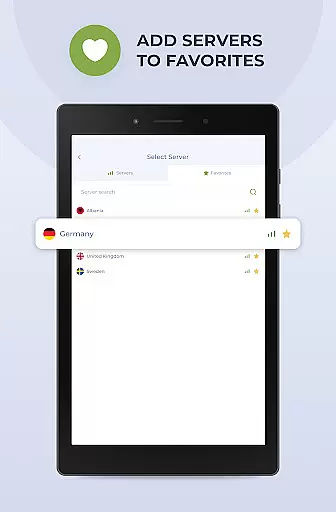
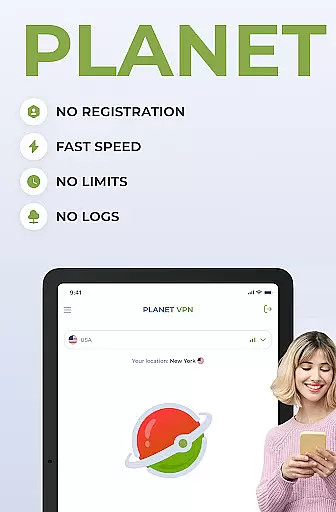
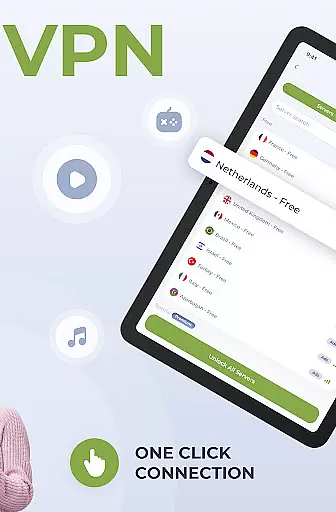
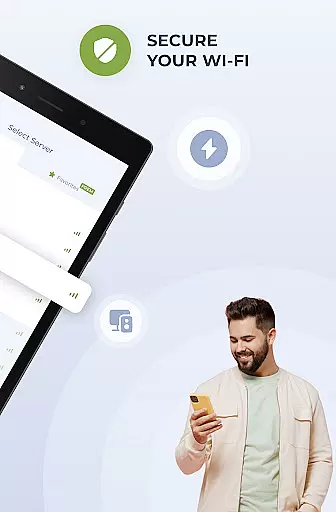
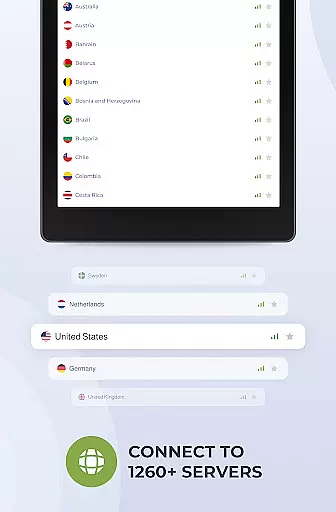
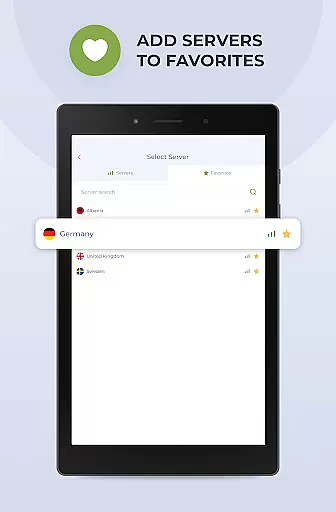
Planet Free VPN Super Proxy is a top-tier productivity tool designed to provide users with complete online privacy and security. This application offers instant access to unlimited free servers worldwide without requiring any registration or personal data. With 11 server locations available, users can enjoy unrestricted browsing with no limitations on time, bandwidth, or speed.
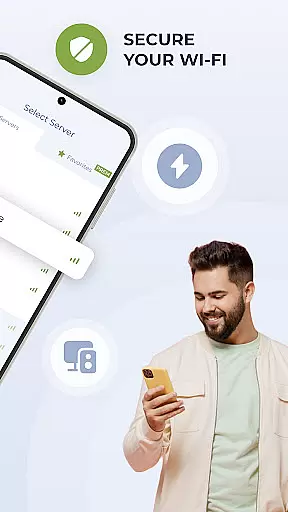
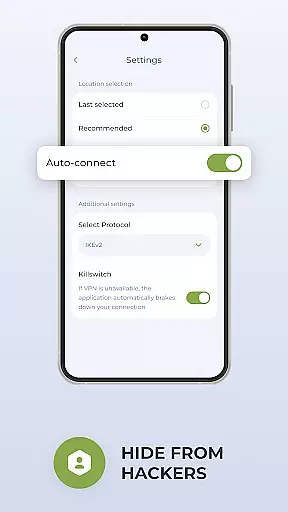
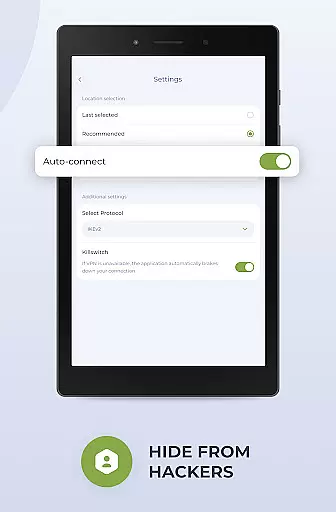
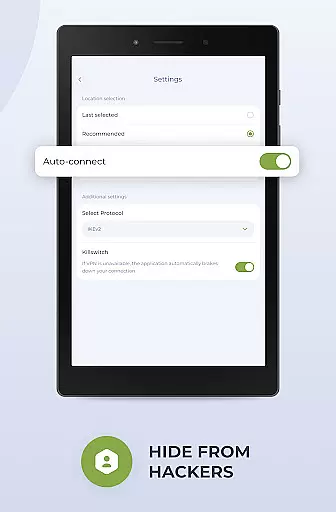
The app ensures user privacy through its strict no-logs policy and adherence to local privacy laws. It features flexible protocol options, a high-speed connection with robust encryption, and a kill switch function that automatically disconnects the internet if the server connection is lost. Optimized for Android devices, Planet Free VPN guarantees seamless performance and wide compatibility across various devices and operating systems.
Whether you're looking to protect personal data, access local services while traveling, or browse sites safely, Planet Free VPN has got you covered. The app also includes 24/7 support for any assistance you may need. For enhanced features like an ad blocker and app filter, consider upgrading to the Premium version.
Planet Free VPN Super Proxy stands out with its array of advanced features tailored to boost productivity and ensure online security. One of its key highlights is the instant access feature, allowing users to start using the VPN without any registration or sharing of personal data. This makes it incredibly user-friendly and accessible.
The app provides unlimited free server access across 11 locations globally, ensuring no restrictions on time, bandwidth, or speed. Privacy is guaranteed as the app never stores logs of your activity. Users can choose from multiple protocol options and experience fast servers with strong encryption. The kill switch function adds an extra layer of security by disconnecting the internet if the server connection is lost.
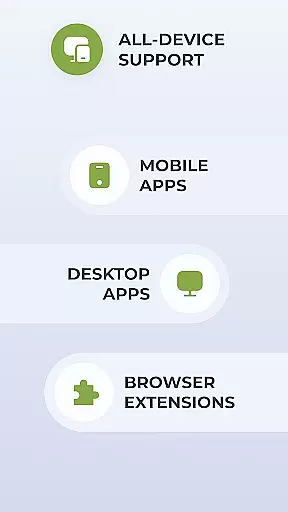
Optimized for Android, this app delivers smooth and seamless performance. Its wide compatibility ensures it works well with all types of devices and operating systems. Additionally, users benefit from 24/7 support via live chat or email, making it a reliable choice for maintaining online privacy and productivity.
For a productivity app like Planet Free VPN, core task management refers to the seamless handling of various privacy and security tasks that users need to perform daily. This includes managing connections to different servers, ensuring data encryption, and maintaining user anonymity.
The app provides instant access without requiring registration or personal data, which simplifies the task initiation process. With unlimited free server options worldwide, users can easily switch between 11 server locations, effectively managing their online presence and data security without restrictions on time, bandwidth, or speed.
Planet Free VPN's killswitch function is another crucial aspect of task management. If the server connection is lost, the internet automatically disconnects, ensuring that the user's real IP address and location are never exposed. This feature gives users peace of mind, knowing that their online activities remain private even during unexpected disconnections.
By offering flexible protocol options and high-speed connections with strong encryption, Planet Free VPN empowers users to manage their online tasks efficiently while maintaining top-notch security and privacy standards.
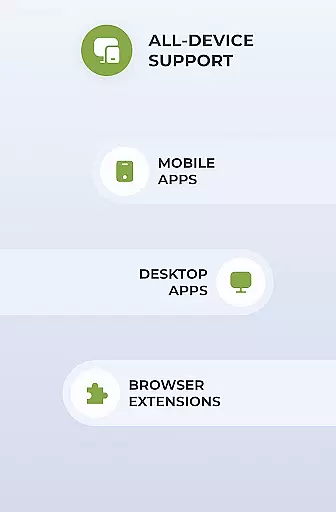
Cross-device synchronization is vital for users who operate multiple devices and require consistent performance and security across all platforms. Planet Free VPN ensures reliable synchronization by being compatible with various types of devices and operating systems, providing a uniform experience no matter where or how you connect.
With its optimized design for Android, Planet Free VPN delivers smooth and seamless performance, guaranteeing that users won't face any hiccups when switching between devices. The app's wide compatibility means that whether you're on a smartphone, tablet, or other gadgets, your data remains secure and your sessions uninterrupted.
For those opting for the Premium version, the ability to use one account on up to 10 different devices significantly enhances cross-device functionality. This allows users to maintain a synchronized and secure environment across multiple gadgets, streamlining their workflow and personal activities without compromising on privacy or performance.
Reliable 24/7 support further bolsters cross-device synchronization reliability. Whether you encounter issues or have questions about setup and usage, the dedicated support team is available via live chat or email to ensure your experience remains consistent and trouble-free across all your devices.
Instant Access
No Registration Needed
Unlimited Bandwidth
Strong Encryption
24/7 Support
Limited Free Servers
Premium Features Locked
Occasional Speed Drops
Ads in Free Version
Complex Settings

Secure, fast, open-source, VNC and SSH Remote Desktop for Windows, Linux and Mac
 4.70
4.70
A Revolutionary All-in-One Artificial Intelligence Tools
3.80
aCalendar+ makes your day, week and month
4.70
Activate Two Factor Authentication (2FA or Multi OTP), Password manager and more
4.10
Enjoy classic gameplay with customizable features and retro-style graphics.
4.30
All document reader, all in one file viewer read PDF, DOCX, XLS, PPT, TXT files.
4.60
Daily processing of PDF documents.
4.40
Browse and view your photos and videos from the phone with photo & video hide.
4.10
Put a lock on your cloud: Take the security of your data into your own hands
3.70
Direct Chat without saving contacts & Dual WA Account on Single Device
4.70
Stay on top of your to-dos with Google Tasks, part of Google Workspace.
4.60
The AI assistant that thinks with you - write, code, and solve complex tasks
4.60
Calendar 2023 widget for Android. Appointment scheduler, planner, and reminder
4.60
Secure your apps with lock screens, use custom themes and different features.
4.40
Share files & memories safely. Keep your photos and videos secure.
4.40
Automates browsing any website and notifies you of important changes or events
4.30
Font maker keyboard with your own handwriting
4.10
Ultimate Virtual AI Character for immersive Roleplay Chat. Perfect Companion
3.90
Simple and reliable communication between inmates, friends and family
3.20


User Reviews