
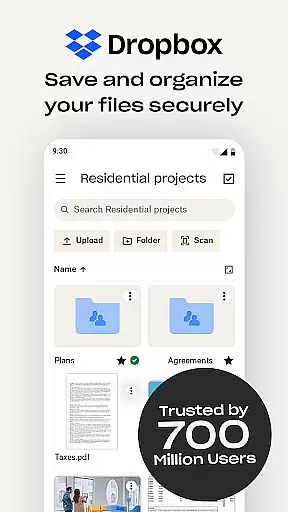
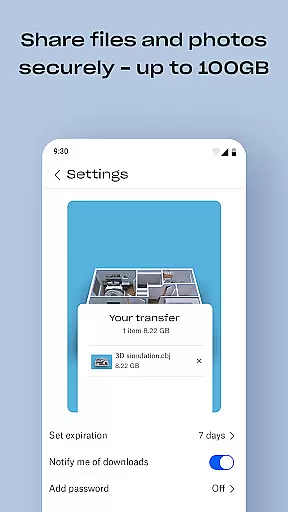
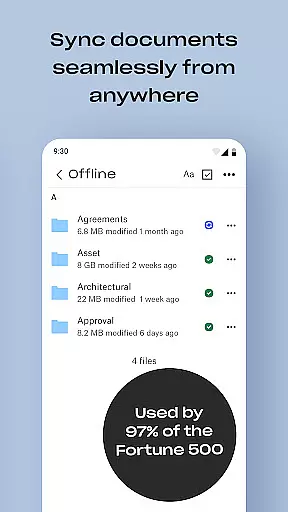
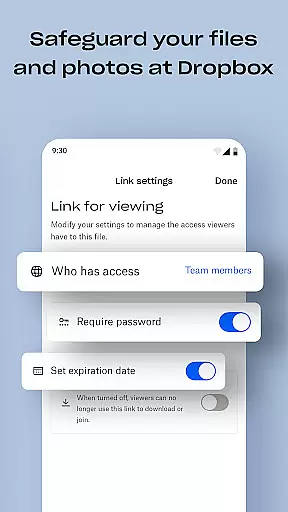
Dropbox is a leading cloud storage solution that allows users to securely backup, access, and manage their essential files from any location. Trusted by over 700 million registered users globally, it offers reliable and private file storage with advanced security features.
The app provides seamless synchronization across devices, automatic camera uploads, and the ability to preview over 175 file types without additional software. Dropbox also supports easy sharing of large files via links, document scanning, and file recovery options, making it an ideal productivity tool for individuals and teams.
Whether you need to store personal documents, share work files, or organize family photos, Dropbox ensures your data is accessible and secure. Its user-friendly interface and robust functionality make it suitable for both casual users and businesses managing sensitive information.
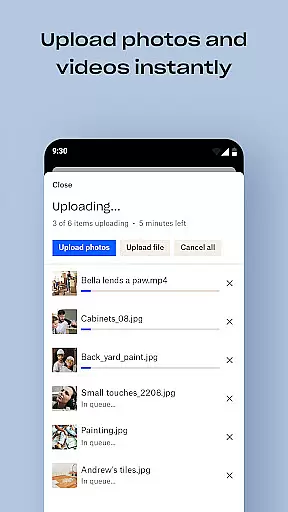
Dropbox stands out with its comprehensive feature set designed to enhance productivity. One of its key strengths is automatic photo uploads from your device's camera roll to cloud storage, enabling effortless photo sharing and backup.
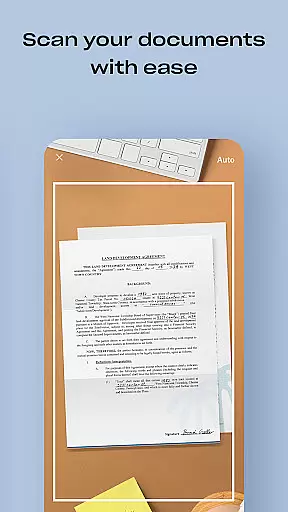
Users can access files offline, preview various file formats, and share large files via links even with non-Dropbox users. Advanced functionalities include document scanning, transforming images into high-quality PDFs, and syncing folders on PCs or Macs with version history and file recovery options.
For subscribers, Dropbox Plus offers additional tools like Passwords for secure password management, Vault for safeguarding sensitive documents, and Rewind for rolling back changes. These features ensure Dropbox remains a versatile and indispensable tool for efficient file management.
Dropbox excels in core task management by offering a seamless experience for organizing and accessing files. The app allows users to automatically upload photos and documents, ensuring that important data is always backed up and available.
With features like offline access and file previews for over 175 formats, Dropbox ensures productivity is never hindered. Users can easily share large files via links, even with those who do not have a Dropbox account, streamlining collaboration.
The ability to sync folders across devices and recover deleted files with version history adds another layer of reliability. This functionality supports efficient task management, allowing users to focus on their work without worrying about data loss or accessibility.
By providing secure storage and easy sharing options, Dropbox empowers users to manage their tasks effectively, whether for personal use or team projects, enhancing overall productivity.
Cross-device synchronization is a cornerstone of Dropbox's reliability, ensuring that files are consistently updated across all user devices. This feature allows users to start a task on one device and seamlessly continue on another, maintaining workflow continuity.
Dropbox's automatic camera roll uploads and cloud photo storage make it easy to transfer and access media from anywhere. This reliable syncing process ensures that users have the latest versions of their files at their fingertips, regardless of the device they are using.
In addition to file synchronization, Dropbox offers advanced features like document scanning and PDF conversion, further enhancing its utility as a productivity tool. These functions ensure that users can digitize and access physical documents from any device.
With robust security measures and privacy protections, Dropbox guarantees that cross-device synchronization does not compromise data integrity. Users can trust that their files are securely and accurately synced, providing peace of mind and uninterrupted productivity.
User-friendly interface
Secure file storage
Seamless cross-device sync
Advanced sharing options
Reliable customer support
Limited free storage
Paid subscription required
Occasional sync issues
High cost for extra space
No built-in editing tools

Unlock AutoNotification
 4.00
4.00
All in one sketching tool. Technical and General drawing. Online Maps support.
3.70
Customizable calendar widget for seamless event sync, planning & scheduling.
4.00
App lock - lock apps with fingerprint, password, pin or pattern, protect privacy
4.70
Functional QR scanner and barcode reader that requires little storage space.
4.60
Subscribe to Webcal & .ics calendars and keep them up-to-date!
4.50
Secure, open-source, SPICE and SSH Remote Desktop for QEMU KVM virtual machines
4.00
Scientific calculator for Android - looks and operates like the real thing!
4.90
Set up, print, and get support—in one place
4.20
Seamlessly integrate data and reports to build your presentation to impress
4.80
aCalendar+ makes your day, week and month
4.70
A beautiful digital clock with autostart and many other functions
4.70
Calendar 2023 widget for Android. Appointment scheduler, planner, and reminder
4.60
AI Chatbot and AI writing assistant powered by ChatGPT.
4.60
Tally and goal counter for Wear OS & mobile
4.50
When you Focus, so will your Bean in this cozy focus timer
4.30
Device's storage information in a simple and clear graphical form (infographics)
4.10
The ultimate file manager for rooted devices. The original and still the best.
4.00
Easiest event planning, volunteer signups & parent teacher conference scheduling
2.20


User Reviews