
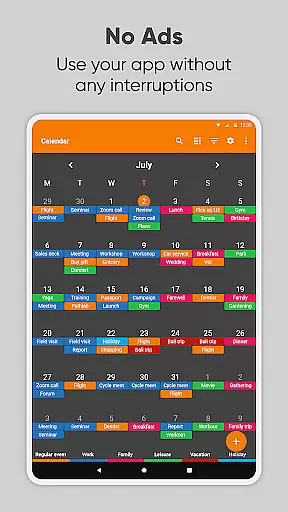
Simple Calendar Pro is a productivity-focused calendar application designed for Android users who value simplicity and customization. This offline calendar app offers a streamlined experience without ads or unnecessary permissions, making it an ideal personal schedule planner. With support for syncing events via Google Calendar or CalDAV protocol, it ensures seamless integration with existing systems while maintaining user privacy.
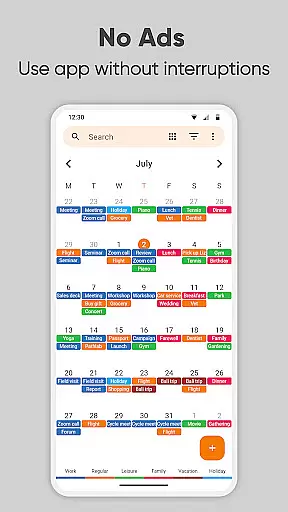
The app's core strength lies in its flexibility and customization options. Users can personalize everything from event reminders to notification appearance, creating a tailored scheduling experience. Its widget provides multiple viewing options including monthly, weekly, and daily schedules, as well as a simple list view of upcoming events. The inclusion of powerful repetition rules and comprehensive time management features makes it suitable for both personal and professional use.
Particularly valuable for those seeking an all-in-one organization solution, Simple Calendar Pro combines appointment scheduling, family organizing, and business planning capabilities. Its open-source nature and extensive language support (45+ languages) make it accessible to a global audience. The app's ability to function offline while offering advanced features like event exporting, importing, and sharing through various channels demonstrates its commitment to providing a robust, user-centric calendar solution.
Simple Calendar Pro distinguishes itself through its comprehensive feature set that caters to diverse productivity needs. The app's primary advantage is its implementation of the CalDAV protocol, enabling seamless synchronization with major calendar services including Google Calendar, Microsoft Outlook, and Nextcloud. This cross-platform compatibility ensures users can maintain consistent scheduling across devices while retaining control over their data.
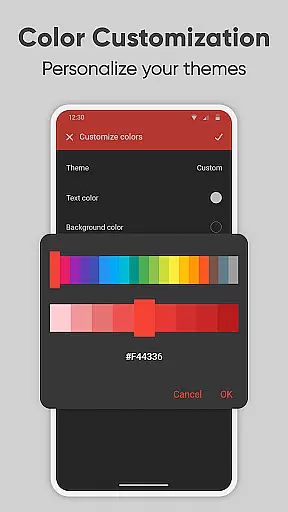
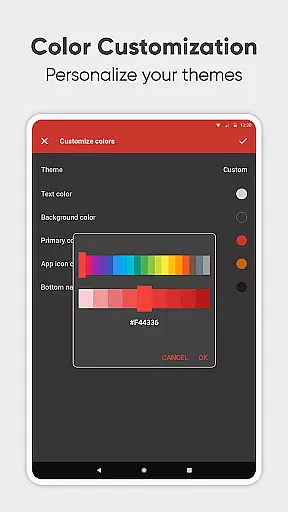
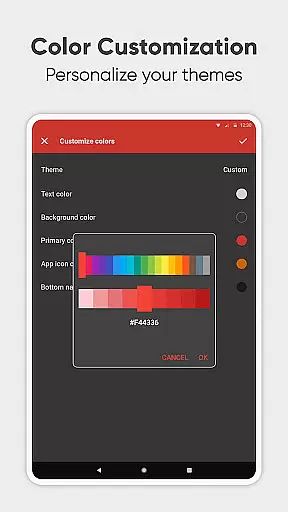
A key differentiator is the app's extensive customization capabilities. Users can modify every aspect of the calendar's appearance and functionality, from color schemes and themes to notification sounds and vibration patterns. The widget system offers remarkable flexibility, allowing users to create personalized views that suit their specific workflow. Advanced features like .ics file import/export and settings transfer between devices demonstrate the developer's attention to power users' needs.
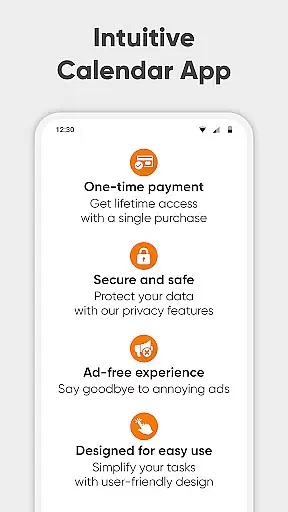
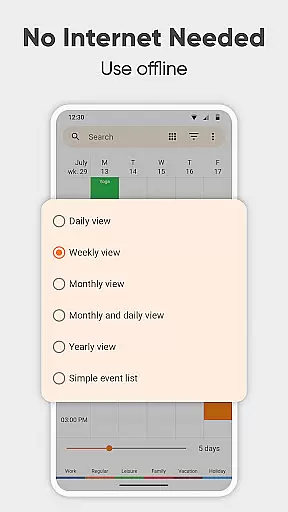
The app's organizational tools provide substantial value through innovative implementations. The quick-switch view system enables efficient navigation between daily, weekly, monthly, and yearly perspectives. The inclusion of map integration for event locations, holiday imports, and birthday tracking adds practical utility. Most notably, the app's commitment to privacy and security through offline functionality, combined with its ad-free experience and open-source transparency, establishes it as a trustworthy choice for discerning users seeking a sophisticated yet straightforward calendar solution.
Task management is at the heart of productivity applications, and Simple Calendar Pro excels in this area. This feature allows users to organize their daily activities efficiently, ensuring that nothing important slips through the cracks. The app supports the creation of single and recurring events, making it suitable for both personal and professional use.
The application provides flexible event creation options, enabling users to set specific times, durations, and reminders. With powerful repetition rules, users can easily schedule recurring meetings or appointments without the need to input them individually each time. Additionally, the CalDAV support ensures seamless syncing with external calendars like Google Calendar, Microsoft Outlook, and others, offering a unified view of all scheduled events.
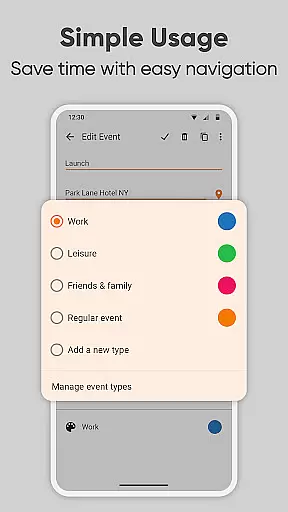
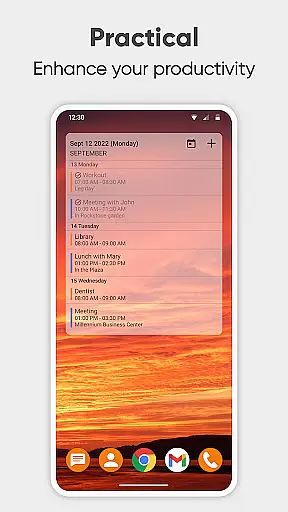
For users who prefer a simplified overview, Simple Calendar Pro offers a list view of upcoming events. This functionality helps users stay on top of their schedules by providing a clear and concise summary of what lies ahead. The ability to filter events by type further enhances organization, allowing users to focus on specific categories such as work-related tasks or personal engagements.
Ultimately, the core task management features of Simple Calendar Pro empower users to take control of their time effectively. By integrating essential scheduling tools with customization options, the app delivers a comprehensive solution for managing one's daily agenda with ease and precision.
Cross-device synchronization is crucial for users who rely on multiple devices to manage their schedules. Simple Calendar Pro addresses this need by offering reliable syncing capabilities through the CalDAV protocol. This ensures that whether you're using your phone, tablet, or computer, your calendar remains up-to-date across all platforms.
The app supports exporting and importing events via .ics files, which facilitates easy data transfer between different devices and calendar systems. Users can also export settings to .txt files, allowing for quick configuration on another device. This level of compatibility ensures that your schedule is always accessible, no matter where you are or which device you're using.
One of the standout features of Simple Calendar Pro is its offline functionality. No internet access is required to view or edit your calendar, which enhances privacy, security, and stability. When an internet connection is available, changes made offline are automatically synced, ensuring that your calendar reflects the most current information.
By prioritizing cross-device synchronization reliability, Simple Calendar Pro provides peace of mind for users who demand consistent access to their schedules. Whether you're planning your day at home or coordinating meetings while traveling, the app ensures that your calendar is always accurate and up-to-date, enhancing overall productivity and time management.
User-friendly interface
Offline functionality
Highly customizable
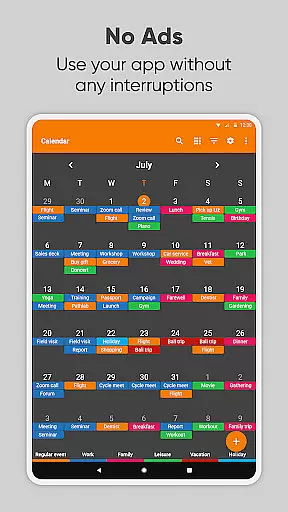
No ads or popups
Cross-platform sync
Limited iOS support
Advanced features
Manual setup
Learning curve
Premium price

QuickBooks Workforce lets teams view pay info and track time in one place.
 4.70
4.70
When you Focus, so will your Bean in this cozy focus timer
4.30
Auto-shutoff Alarm with Sunrise, Sunset & Fixed Options.
3.50
Wake up & get tasks done! Add alarms & reminders on the Clock Launcher.
4.00
Make your handwriting beautiful, even more than pen on paper.
3.60
Find and delete junk files & block unwanted notifications & manage files
3.70
Subscribe to Webcal & .ics calendars and keep them up-to-date!
4.50
Scan paperwork into PDF/JPG, generate your own e-signature and send fax or email
4.70
Put a lock on your cloud: Take the security of your data into your own hands
3.70
Multilingual translator for text, voice, and image translation!
4.90
Seamlessly integrate data and reports to build your presentation to impress
4.80
Protect and view your important info on your phone and tablet with eWallet®
4.80
Understand anything with a personalized AI research assistant
4.80
Simple notepad & memo. Take notes, to-do list, shopping list with reminders.
4.80
To do list widget with a notebook organizer, checklist, simple shopping list
4.60
A customizable calendar for your Wear OS watch
4.20
A Revolutionary All-in-One Artificial Intelligence Tools
3.80
Remotely view listen control and record cameras.
3.70
IP Camera Viewer - Android TV : RTSP Surveillance camera viewer for Android TV
4.5


User Reviews