
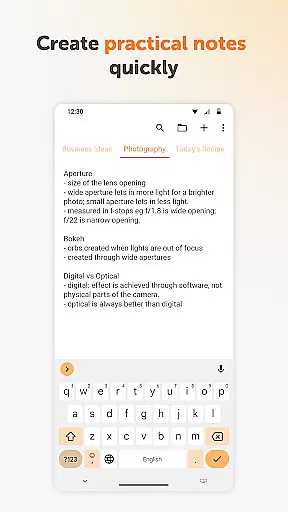
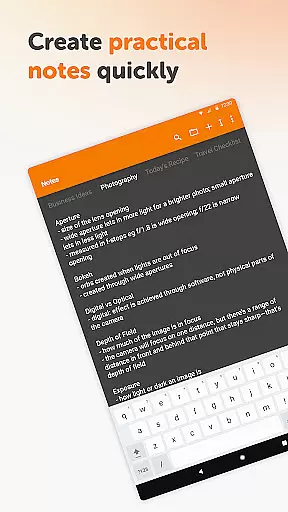
Simple Notes Pro is a productivity-focused note-taking application designed to streamline your daily organization. This app allows users to create quick notes, to-do lists, and checklists with remarkable ease, making it an ideal tool for managing shopping lists, meeting agendas, or startup ideas. Its user-friendly interface ensures that you can start taking notes immediately without any complicated setup.
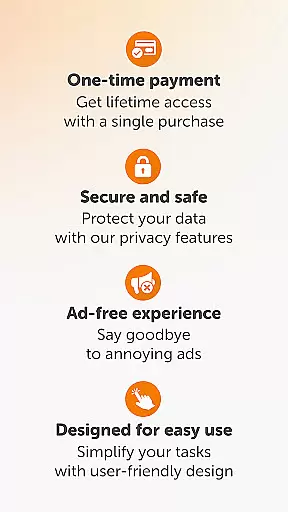
The app stands out with its customizable and resizable widget, enabling instant access to your notes and lists. Simple Notes Pro also offers multiple independent plain text notes, autosave functionality, and a dark theme by default. With no ads or unnecessary permissions, this open-source app provides both privacy and stability, making it a reliable companion for all your note-taking needs.
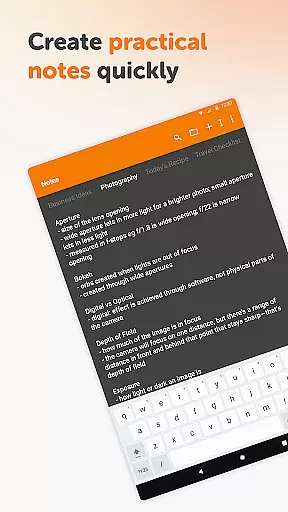
Simple Notes Pro boasts an array of features that enhance the note-taking experience. One of its key capabilities is the ability to create multiple independent plain text notes quickly, allowing users to organize different types of information efficiently. The app's autosave feature ensures that no changes are lost, providing peace of mind while you work.
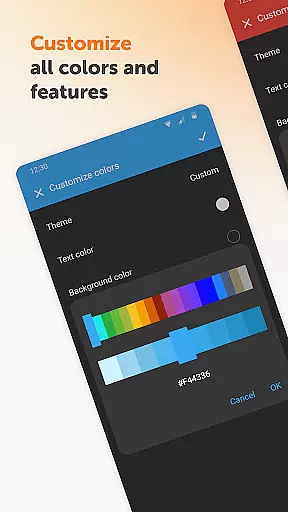
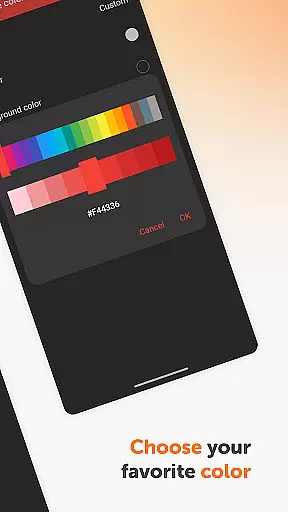
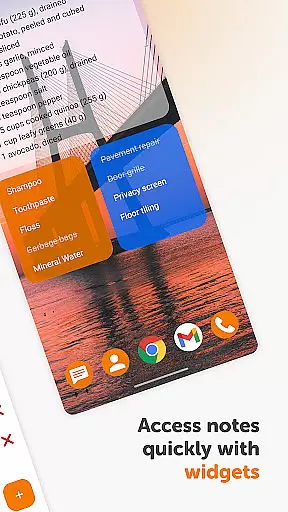
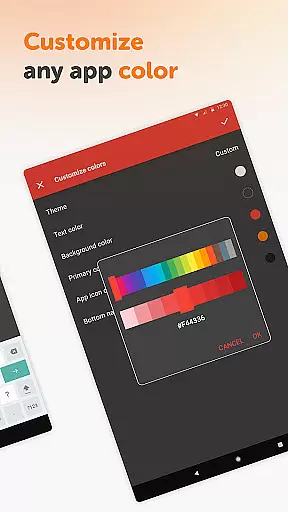
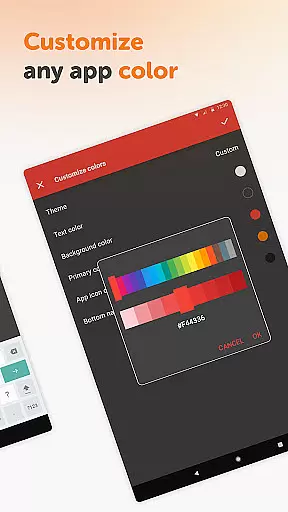
Another standout feature is the customizable and resizable widget, which opens the app instantly and helps you manage your notes with ease. Additionally, Simple Notes Pro offers customizable colors and a material design interface, ensuring a pleasant user experience. The app operates offline, enhancing privacy and security. These features collectively make Simple Notes Pro a top choice for anyone seeking a reliable and efficient note-taking tool.
Task management is a cornerstone of productivity applications, and Simple Notes Pro excels in this area. This feature allows users to efficiently organize their daily tasks and responsibilities.
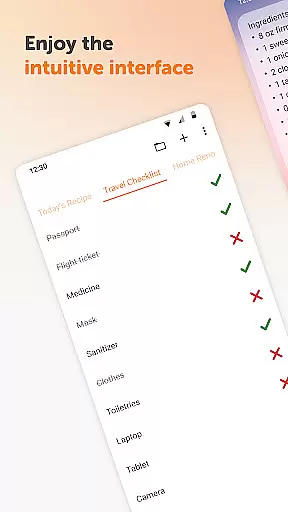
The app provides an intuitive interface for creating quick lists, checklists, and reminders. With the ability to generate multiple independent plain text notes, users can segment their tasks into manageable pieces, ensuring nothing gets overlooked.
One of the standout aspects of Simple Notes Pro is its autosave functionality. This ensures that users won't lose their progress due to unexpected interruptions or mistakes. The peace of mind that comes with knowing your notes are always saved cannot be overstated.
Additionally, the customizable and resizable widget offers seamless access to your notes and lists. This makes it incredibly easy to manage your to-do list on the go, enhancing both productivity and efficiency.
In today's interconnected world, reliable cross-device synchronization is crucial for any productivity tool. Simple Notes Pro addresses this need by providing stable and consistent synchronization across devices.
While the app itself does not require internet access for note-taking, it ensures that your data remains secure and private. This approach not only enhances security but also guarantees stability, as your notes aren't dependent on a constant internet connection.
Although direct cloud synchronization isn't highlighted, the app's material design and dark theme create a seamless user experience across different devices. The uniformity in design helps maintain familiarity, regardless of which device you're using.
Moreover, being fully open-source adds another layer of reliability. Users can trust that the app will continue to function smoothly and remain free from ads or unnecessary permissions, making it a dependable choice for managing your notes and tasks across multiple platforms.
User-friendly interface
No ads or unnecessary permissions
Autosave functionality
Customizable widget
Offline operation
Limited advanced features
No cloud sync option
Basic design aesthetics
Independent plain text only
No collaborative tools

AI Video AI Image Private LLM AI Browser Llama Gemma Ollama Connect LLM Studio
 4.2
4.2
Client for Nextcloud Deck
4.60
Direct Chat without saving contacts & Dual WA Account on Single Device
4.70
Make apps & sites with natural language prompts
4.10
Secure, open-source, SPICE and SSH Remote Desktop for QEMU KVM virtual machines
4.00
Calendar 2023 widget for Android. Appointment scheduler, planner, and reminder
4.60
Access, manage and transfer files on Android, PC, Mac, NAS and cloud storages.
4.30
Scan paperwork into PDF/JPG, generate your own e-signature and send fax or email
4.70
Note taking, handwriting, record audio, PDF annotation, planner & journal
4.20
Secure, fast, open-source, VNC and SSH Remote Desktop for Windows, Linux and Mac
4.70
Okta MFA
4.70
Stay on top of your to-dos with Google Tasks, part of Google Workspace.
4.60
Functional QR scanner and barcode reader that requires little storage space.
4.60
This small app MUST BE INSTALLED after purchase, else license won't work
4.40
Secure your apps with lock screens, use custom themes and different features.
4.40
Enjoy classic gameplay with customizable features and retro-style graphics.
4.30
Unlock AutoNotification
4.00
Customizable calendar widget for seamless event sync, planning & scheduling.
4.00
A Revolutionary All-in-One Artificial Intelligence Tools
3.80


User Reviews