
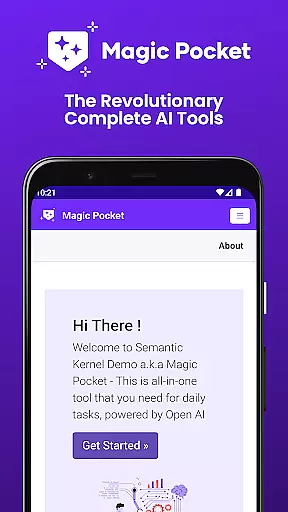
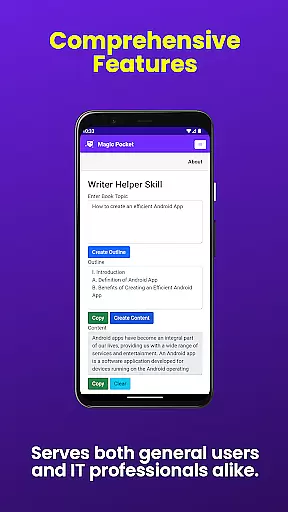
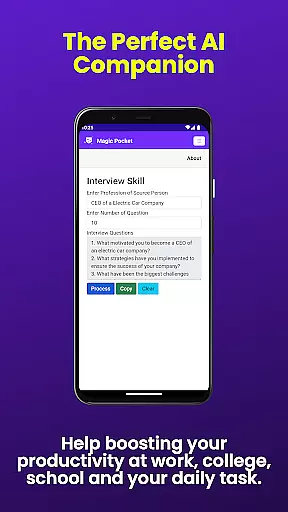

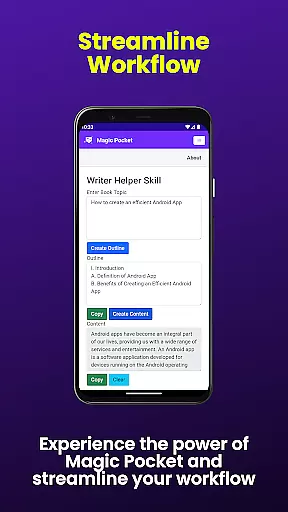
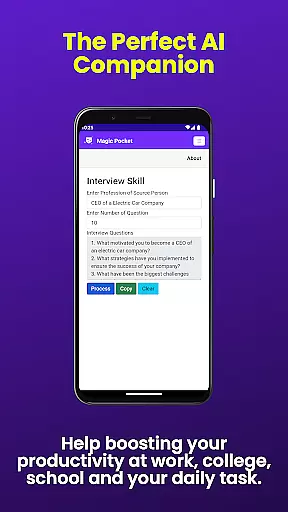

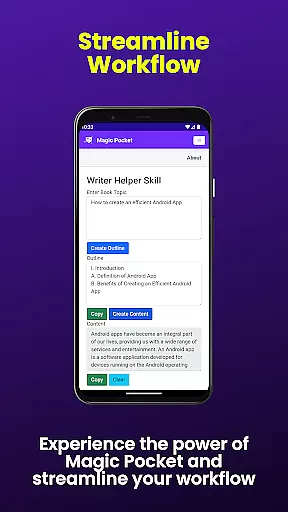
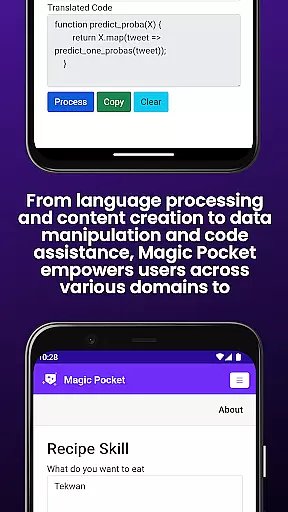
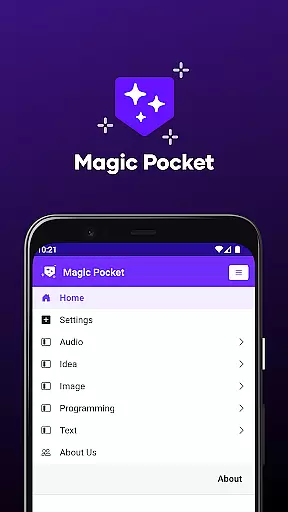
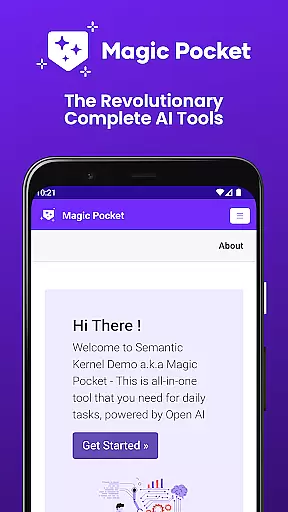
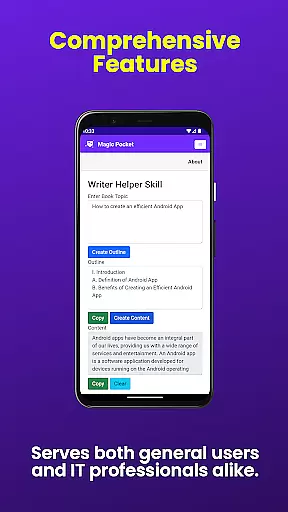
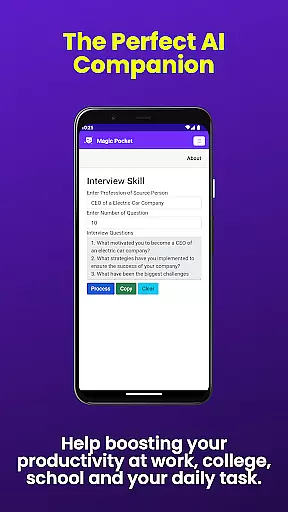

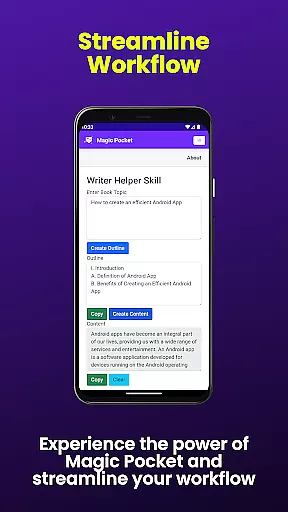
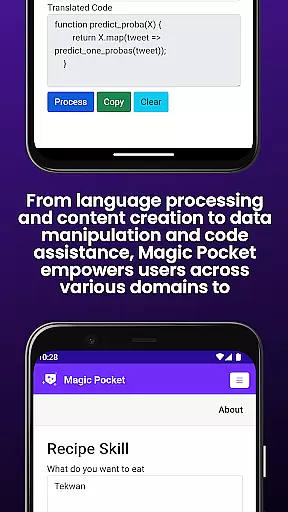
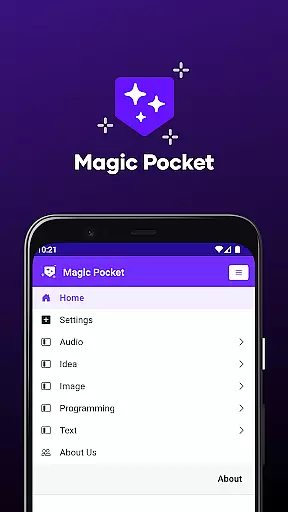
Magic Pocket is a productivity powerhouse that now offers an impressive suite of 100 features, designed to enhance creativity and efficiency on Android and Windows platforms. The app's latest update introduces 20 innovative tools, including video conversations, image data extraction, and voice-activated animations.
With capabilities ranging from HTML to Markdown conversion and speech-to-speech translation to high-quality video generation using the Luma model, Magic Pocket caters to diverse user needs. Whether you're crafting stunning visuals or managing complex media projects, this app provides indispensable utilities for both creative professionals and everyday users.
The true value of Magic Pocket lies in its ability to streamline workflows while unlocking new possibilities for content creation. From generating detailed images with Sana Model from Nvidia to effortlessly creating vector graphics, it empowers users to achieve more with less effort.
Magic Pocket stands out with its comprehensive feature set tailored for productivity enthusiasts. Notable additions include Talk with Video for seamless video calls and Extract Image Data, which allows users to pull valuable information from their photos effortlessly.
Creative professionals will appreciate advanced tools like Animate Image With Voice, enabling dynamic image presentations through voice commands, and Image to Emoji, transforming visuals into engaging emojis. The inclusion of cutting-edge technologies such as Photon Image Generator and Trellis 3D Asset converter showcases the app's commitment to innovation.
Each feature is meticulously crafted to deliver tangible benefits - whether it's enhancing multimedia projects with Video Foreground Extractor or converting text into realistic handwriting using Handwriting Generator. These functionalities not only save time but also elevate the quality of work across various domains.
Task management is a cornerstone of productivity applications, and Magic Pocket excels in providing users with robust tools to handle their tasks efficiently. The app's suite of features allows for seamless organization, prioritization, and completion of tasks, which is crucial for both personal and professional settings.
Magic Pocket offers an array of functionalities such as the ability to extract image data, convert HTML to Markdown, and generate vector images. These capabilities ensure that users can manage different types of content within their projects without hassle. Additionally, innovative tools like Video Foreground Extractor and Change Video Background empower users to manipulate media files effortlessly.
The real value for users lies in the app's capacity to integrate various task management features into one platform. With options ranging from handwriting generation to video captioning, Magic Pocket streamlines workflows by consolidating essential functions. This consolidation not only saves time but also enhances focus, allowing users to concentrate on what truly mattersu2014their work.
Ultimately, Magic Pocket stands out by equipping its users with cutting-edge technology designed to maximize efficiency. By leveraging AI-driven tools, it ensures that every project detail is accounted for, making task management not just simpler, but smarter. Users benefit from enhanced productivity, enabling them to achieve more in less time while maintaining high standards of quality.
Cross-device synchronization is vital for ensuring that all your devices reflect the latest updates and changes made to your projects. Magic Pocket understands this need and provides reliable synchronization across Android and Windows platforms, guaranteeing that your work remains consistent no matter where you access it.
The app employs advanced algorithms to maintain synchronization integrity. Whether you're converting text to realistic handwriting using the Handwriting Generator or creating 3D assets with Trellis, every action is accurately mirrored across devices. This reliability extends to features like Talk with Video and Speech to Speech translation, ensuring uninterrupted communication and collaboration.
For users, this means unparalleled convenience and peace of mind. Knowing that your creative projects, media files, and textual content are always up-to-date allows you to switch between devices seamlessly. Whether you start a project on your phone during a commute and finish it on your desktop at home, Magic Pocket ensures continuity without missing a beat.
In summary, Magic Pocketu2019s commitment to reliable cross-device synchronization sets it apart in the realm of productivity apps. By offering a cohesive experience across multiple platforms, it empowers users to stay productive and connected, regardless of their location or preferred device. This reliability translates directly into increased efficiency and satisfaction, making Magic Pocket an indispensable tool for modern professionals.
User-friendly interface
Extensive feature set
Cross-platform compatibility
Regular updates
Innovative tools
Steep learning curve
High system requirements
Limited iOS support
Occasional bugs
Premium pricing

Experience Reading - Night Mode for Documents
 4.40
4.40
Auto-shutoff Alarm with Sunrise, Sunset & Fixed Options.
3.50
Ads Free App! Editor, Hide File, Copy, Move, Delete and Rename.. all facility av
1.70
The upgraded version of Name Wheel with AI and the power to add your own wheels.
4.3
A simple, portable logger for POTA, SOTA, Field Day, and more
4.2
Secure, open-source, SPICE and SSH Remote Desktop for QEMU KVM virtual machines
4.00
Best Tool for the professionals Electrician, Electrical contractors, etc.
4.90
Scan paperwork into PDF/JPG, generate your own e-signature and send fax or email
4.70
Browse and view your photos and videos from the phone with photo & video hide.
4.10
Multilingual translator for text, voice, and image translation!
4.90
Android Wallet Password Manager
4.80
Understand anything with a personalized AI research assistant
4.80
All document reader, all in one file viewer read PDF, DOCX, XLS, PPT, TXT files.
4.60
Calendar 2023 widget for Android. Appointment scheduler, planner, and reminder
4.60
PDF scanner & converter for files, photos, lottery, QR codes. One swipe away!
4.50
Activate Two Factor Authentication (2FA or Multi OTP), Password manager and more
4.10
Smart PDF reader & editor to view, organize and manage PDF documents easily.
3.70
Find and delete junk files & block unwanted notifications & manage files
3.70
Make your handwriting beautiful, even more than pen on paper.
3.60


User Reviews