
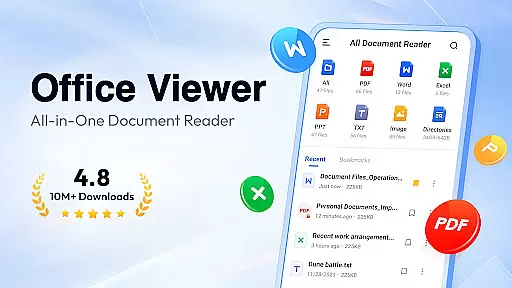
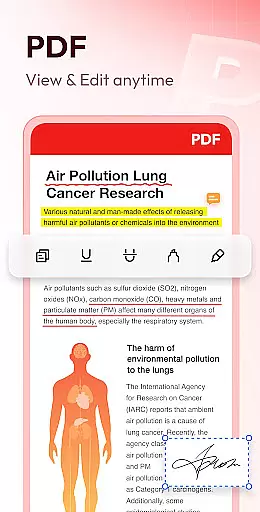
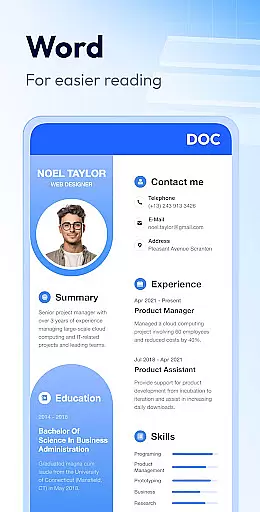
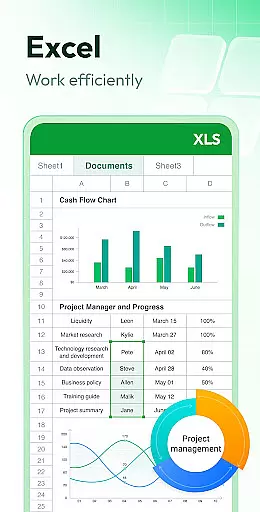
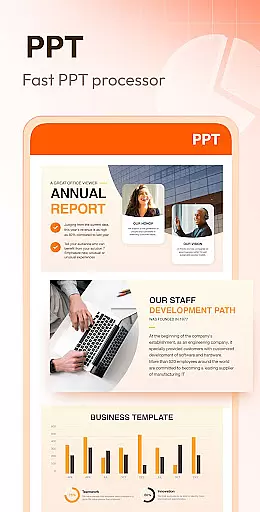
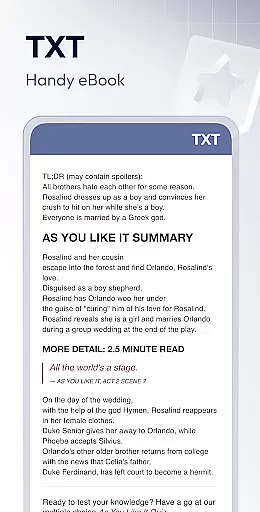
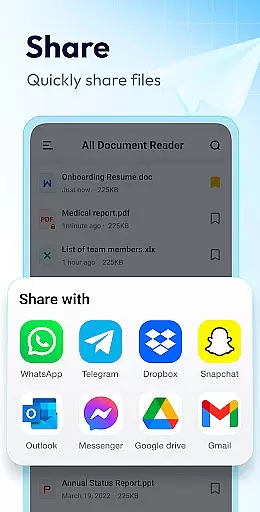
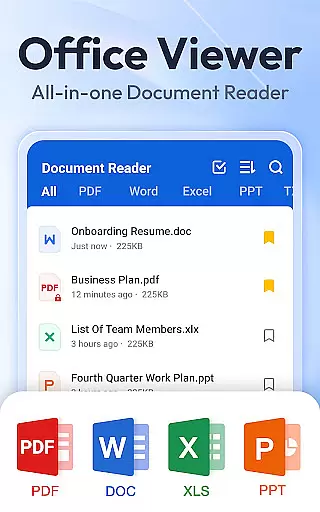
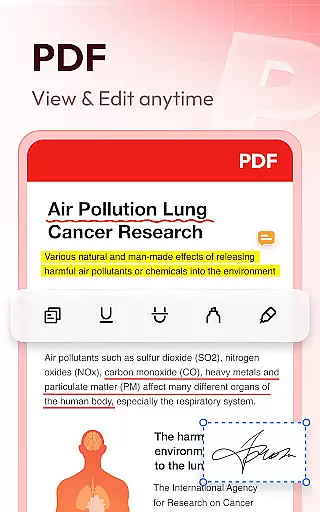
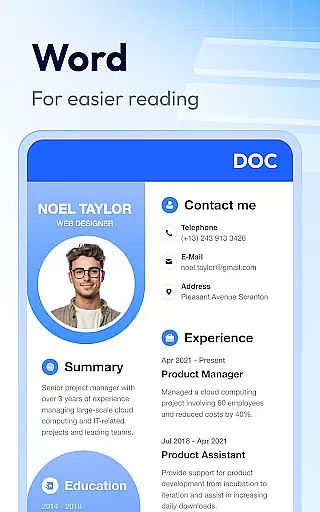
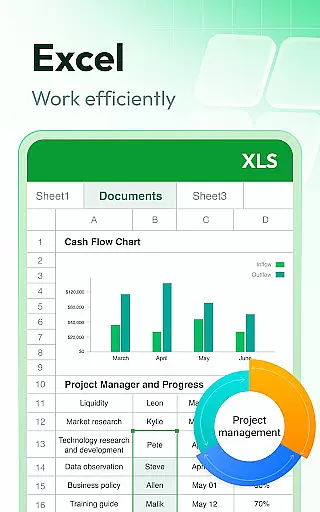
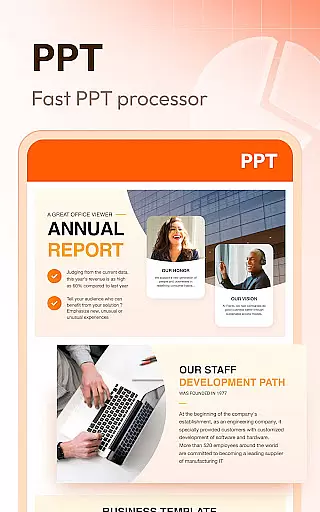
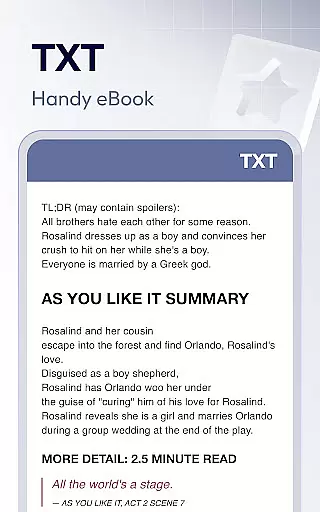
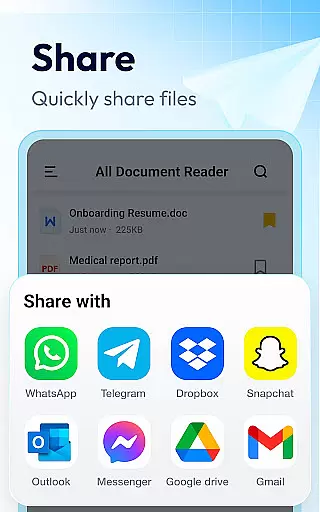
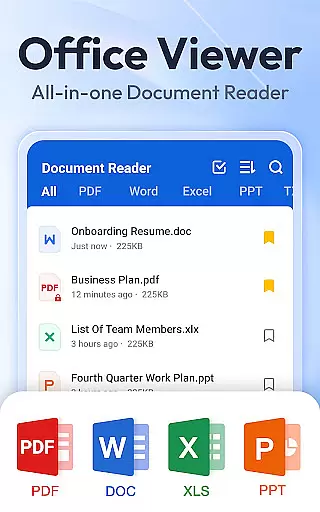
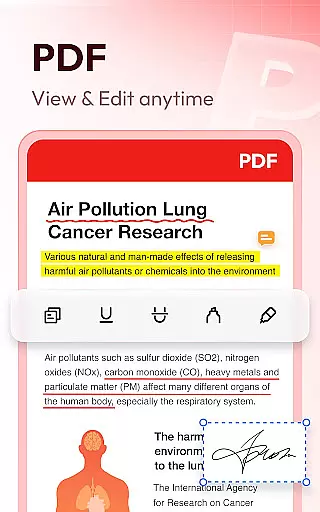
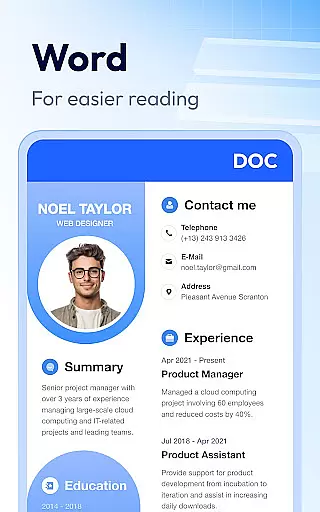
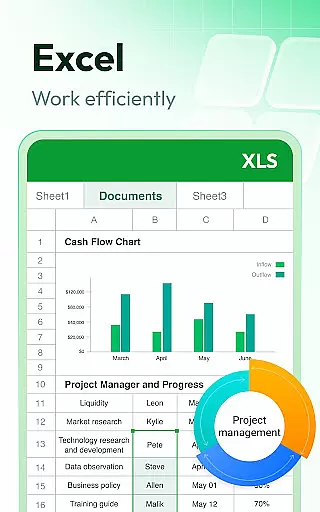
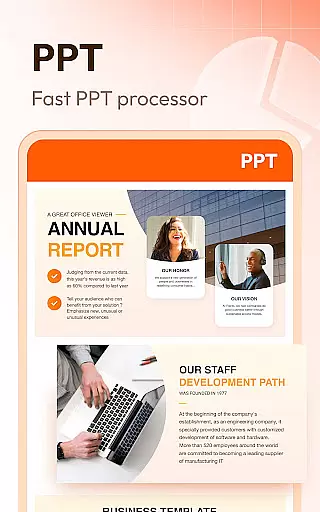
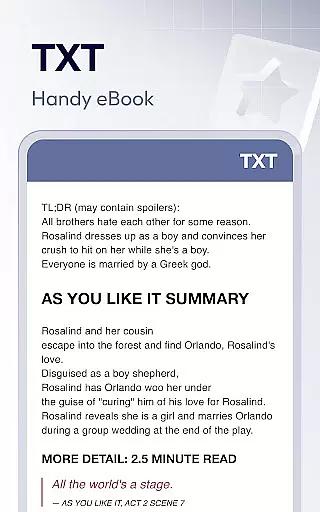
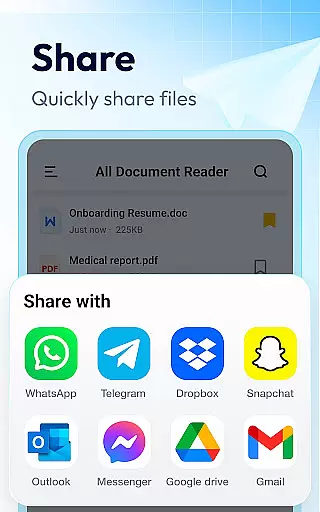
Document Reader & PDF Editor is a versatile productivity tool designed to streamline document management across multiple formats. This all-in-one solution supports PDF, Word, Excel, PowerPoint, and TXT files, making it an essential app for professionals and students alike.
The app's core functionality lies in its comprehensive format compatibility and user-friendly interface. Users can view, organize, and manage their documents efficiently through an intuitive folder system with quick search capabilities. The offline functionality ensures users can access their important files anytime, anywhere without internet dependency.
Ideal for business travelers and remote workers, Document Reader enables seamless document handling on the go. Its one-click access feature and bookmarking capability make it particularly valuable for presentations and meetings where quick document retrieval is crucial.
Document Reader distinguishes itself through several advanced features that enhance document management efficiency. The app provides specialized viewers for different file types, including a sophisticated PDF reader with zoom functionality and page navigation, alongside dedicated Word, Excel, and PowerPoint viewers.
Each document type benefits from customized viewing options - from spreadsheet data searching in Excel files to presentation mode switching in PPT files. The app maintains high-definition quality while ensuring fast performance across all supported formats. Additional practical features include printing capabilities, file sorting options, and landscape/portrait viewing modes.
Looking forward, the developers plan to expand functionality with image-to-PDF conversion, enhanced editing capabilities, and support for additional formats like RAR and ZIP files. These upcoming features will further solidify Document Reader's position as a comprehensive document management solution.
Task management is a critical aspect of productivity applications, and Document Reader & PDF Editor excels in this area by offering users an efficient way to handle their documents. The app supports a wide array of file formats including PDF, DOC, XLS, PPT, and TXT, which ensures that all your office files can be managed under one roof.
The application's interface is designed for simplicity and clarity, presenting file lists that are easy to navigate. Users can quickly search and manage their files thanks to features like bookmarks for quick access, and the ability to sort documents by various criteria such as file path, size, name, or last edit date.
With its offline functionality, Document Reader allows users to read and manage documents without an internet connection, providing flexibility and convenience. This feature is particularly beneficial for individuals who need to access their files on-the-go or in environments where connectivity may be limited.
By consolidating these comprehensive document management capabilities into a single, user-friendly application, Document Reader & PDF Editor empowers users to maintain control over their digital paperwork efficiently, thus enhancing overall productivity.
Cross-device synchronization is essential for users who operate across multiple platforms and devices. Document Reader & PDF Editor addresses this need by ensuring reliable synchronization that keeps all your documents up-to-date, regardless of the device you're using.
While the current version of the app focuses on standalone functionality with robust support for reading and managing files, it lays a solid foundation for future enhancements. Planned features include an image to PDF converter, more editing capabilities, and expanded format support, which will further enrich cross-device experiences.
Although direct cloud integration details are not highlighted in the description, the app's commitment to working on permissions like MANAGE_EXTERNAL_STORAGE indicates a dedication to secure and effective file handling. This suggests that when synchronization features are implemented, they will prioritize data integrity and user privacy.
By focusing on creating a seamless experience between different devices now, Document Reader & PDF Editor prepares itself to become an indispensable tool for those seeking consistent access to their documents from anywhere, at any time.
User-friendly interface
Multi-format support
Offline functionality
Quick search feature
Bookmarking system
Limited editing tools
Advanced features pending
Storage permission required
Interface customization limited
File size limitations

Client for Nextcloud Deck
 4.60
4.60
Seamlessly integrate data and reports to build your presentation to impress
4.80
Automates browsing any website and notifies you of important changes or events
4.30
Absolutely the best CNC machinist speed and feed calculator around. fswizard.com
4.60
App Lock with fingerprint, password: Lock apps & hide photos with lock screens
4.60
Secure, open-source, SPICE and SSH Remote Desktop for QEMU KVM virtual machines
4.00
Docker, Kubernetes management over Portainer Mobile
4.40
Access your phone's notifications, calls, apps, photos & texts on your PC
3.90
Intelligent AI Assistant
4.10
Android Wallet Password Manager
4.80
The Pro Version of Android's tiniest Notepad app. Just 0.3MB but feature-packed!
4.60
A lightweight JSON & XML files creator, editor and viewer (Premium Version)
4.40
When you Focus, so will your Bean in this cozy focus timer
4.30
Device's storage information in a simple and clear graphical form (infographics)
4.10
A Revolutionary All-in-One Artificial Intelligence Tools
3.80
Make your handwriting beautiful, even more than pen on paper.
3.60
Code on-the-go with VScode for Android. Edit,debug and collaborate from mobile!!
3.10
The upgraded version of Name Wheel with AI and the power to add your own wheels.
4.2
IP Camera Viewer - Android TV : RTSP Surveillance camera viewer for Android TV
4.4


User Reviews