
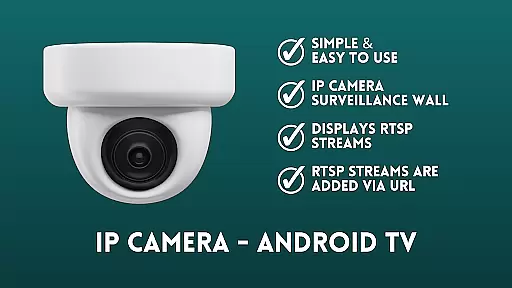
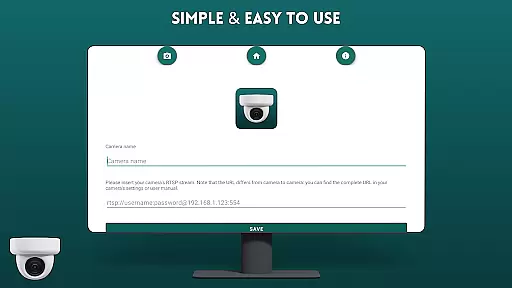
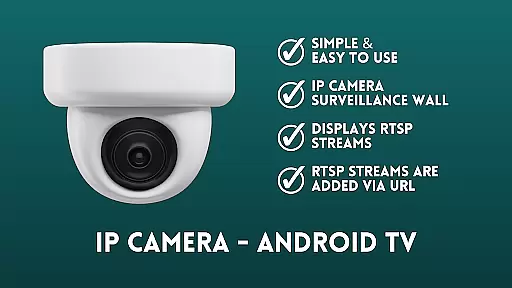
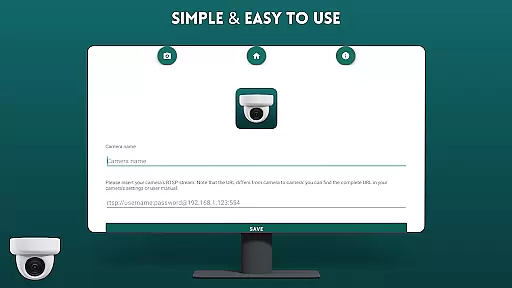
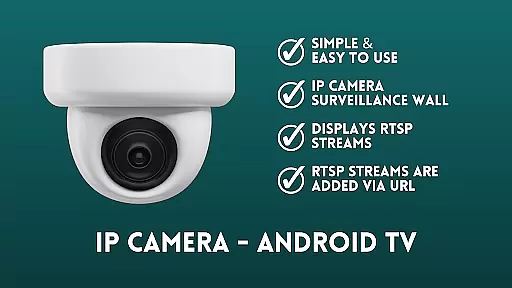
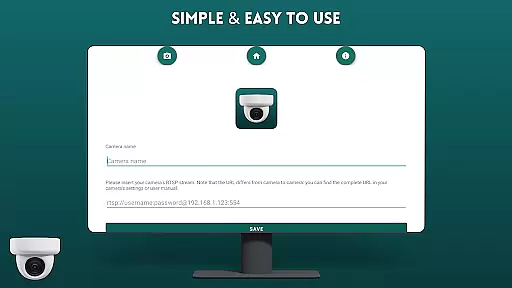
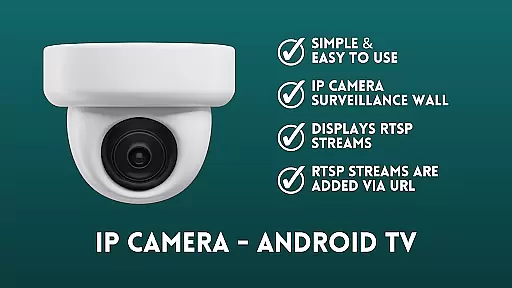
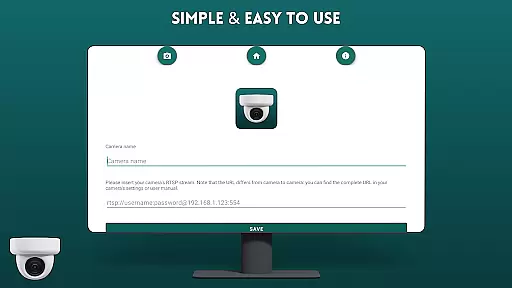
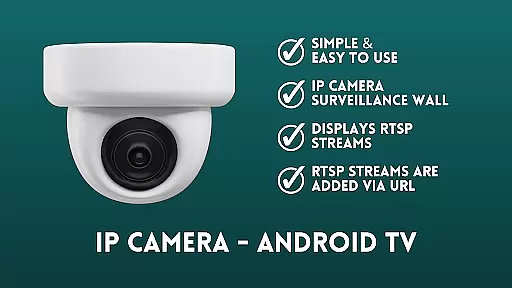
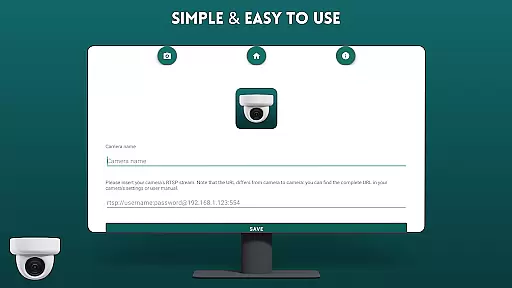
IP Camera Viewer - Android TV is a productivity-focused application designed specifically for viewing IP cameras on Android TV and Google TV platforms. The app utilizes RTSP protocol to deliver a fast and user-friendly camera monitoring experience.
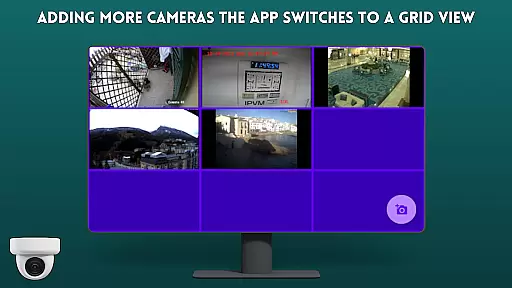
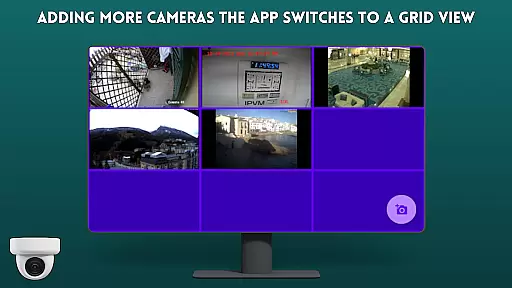
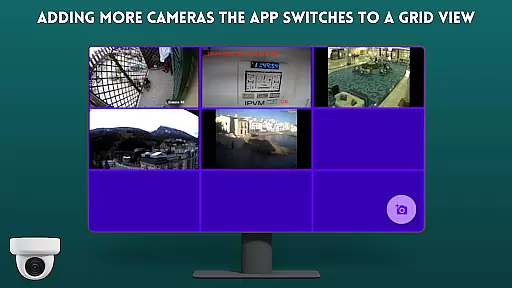
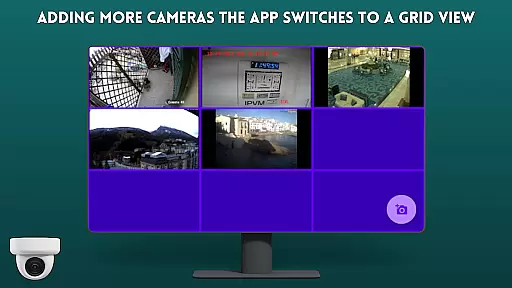
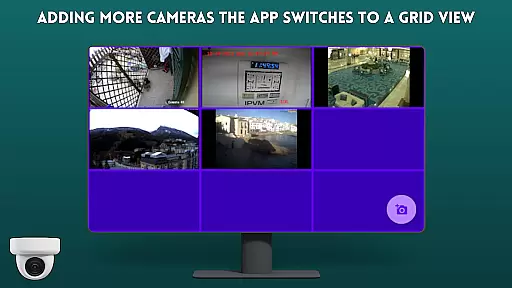
The application allows users to easily add IP camera streams via URL, displaying them in a classic tile configuration. This creates an efficient surveillance wall that is both easy to navigate and quick to set up. Its intuitive interface makes it particularly suitable for home security systems or small business monitoring solutions.
With its specialized design for large-screen devices, this app provides an optimized viewing experience that turns any Android TV or Google TV into a comprehensive security monitoring station.
IP Camera Viewer - Android TV stands out with its streamlined feature set tailored for optimal performance on TV platforms. The application's core functionality revolves around its ability to display multiple RTSP streams simultaneously through a simple URL-based setup system.
Key features include a straightforward user interface that maintains accessibility while providing essential tools for surveillance. The app supports basic IP camera monitoring capabilities while maintaining stability and speed on Android TV devices. Its tile-based display configuration enables users to monitor multiple camera feeds efficiently.
While focusing on essential functionality, the application maintains compatibility with standard RTSP streams, making it versatile for various IP camera models. The open-source nature of the project, licensed under GPL-3.0, also allows for potential customization and improvements by developers.
Core task management in IP Camera Viewer - Android TV ensures seamless handling of multiple camera feeds. This feature is crucial for users who need to monitor several locations simultaneously.
The app allows users to add RTSP streams via URL, creating a surveillance wall that displays all connected cameras in a classic tile configuration. This setup enables efficient organization and quick access to different camera views.
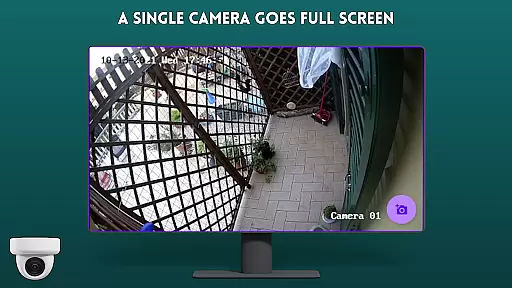
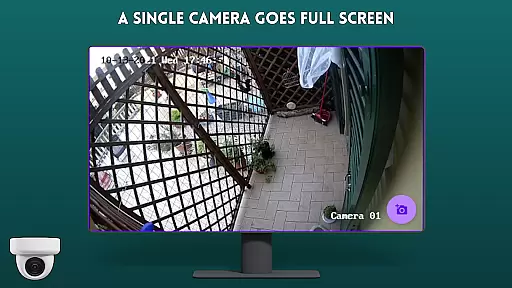
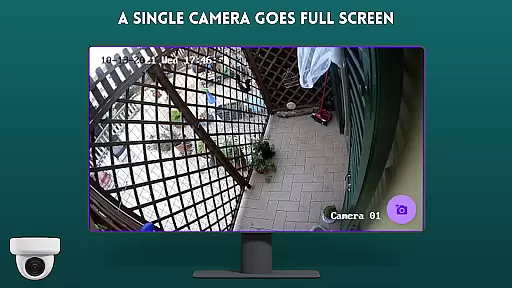
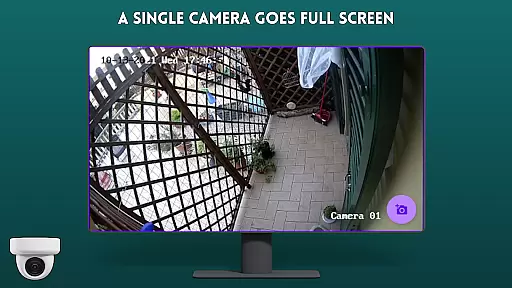
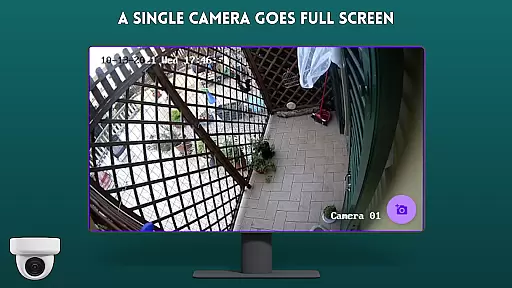
With its user-friendly interface, the application simplifies the process of managing and switching between various camera feeds. Users can easily navigate through the tiles, ensuring they never miss important details from any location.
This functionality not only enhances productivity but also provides peace of mind by allowing real-time monitoring of multiple sites from the comfort of an Android TV or Google TV.
Cross-device synchronization reliability is a key feature of IP Camera Viewer - Android TV, ensuring consistent performance across different devices. This aspect is vital for users who rely on accurate and timely updates from their surveillance system.
The app supports RTSP streams, which are known for their stability and speed. By integrating these streams into the Android TV and Google TV platforms, it guarantees that users receive reliable and up-to-date video feeds regardless of the device they use.
Moreover, the easy navigation feature enhances the user experience by providing smooth transitions between different camera views. This reliability ensures that users can depend on the app for continuous monitoring without interruptions.
Ultimately, this synchronization capability offers users confidence in their security setup, knowing that their surveillance system remains robust and dependable across all supported devices.
User-friendly interface
Fast RTSP streaming
Easy camera setup
Tile view support
Open-source code
Limited advanced features
No cloud storage
Basic UI design
TV-only focus
Restricted protocols

Easily read and manage all your PDF files
 4.10
4.10
Automates browsing any website and notifies you of important changes or events
4.30
We're working to become the best machining app on the market! www.cncdirt.com
4.80
Pwnagotchi companion app
4.20
Enjoy classic gameplay with customizable features and retro-style graphics.
4.30
Experience and share your SolidWorks designs on your Android® phone and tablet.
2.50
Secure your apps with lock screens, use custom themes and different features.
4.40
Lightweight PDF, Word, Excel reader.
4.60
Browse and view your photos and videos from the phone with photo & video hide.
4.10
Native client for Forgejo and Gitea
5.00
Client for Nextcloud Deck
4.60
Secure, fast, open-source, Remote Desktop Client for Windows and Linux with SSH
4.60
CalenGoo is a very flexible and feature-rich calendar app
4.40
This small app MUST BE INSTALLED after purchase, else license won't work
4.40
Total remote control for your Android device, PC and cloud services (IFTTT)!
4.20
Take control of your clipboard with Clipper!
3.90
Ultimate Virtual AI Character for immersive Roleplay Chat. Perfect Companion
3.90
Remotely view listen control and record cameras.
3.70
Simple and reliable communication between inmates, friends and family
3.20


User Reviews