
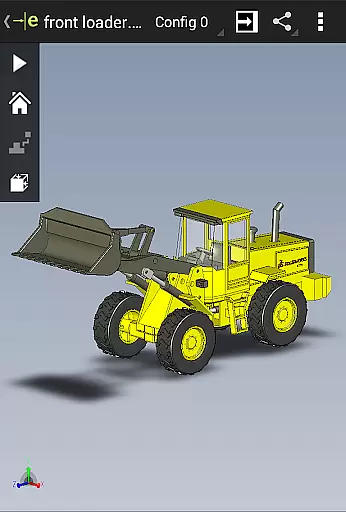
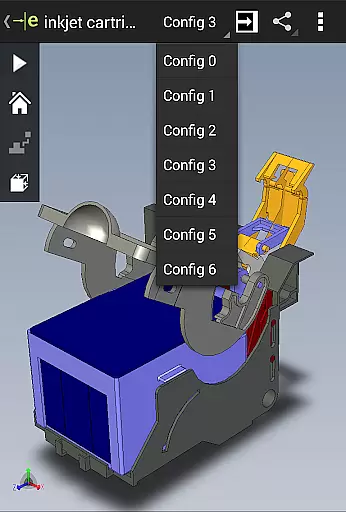
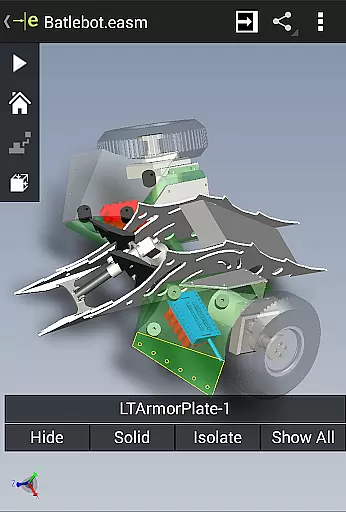
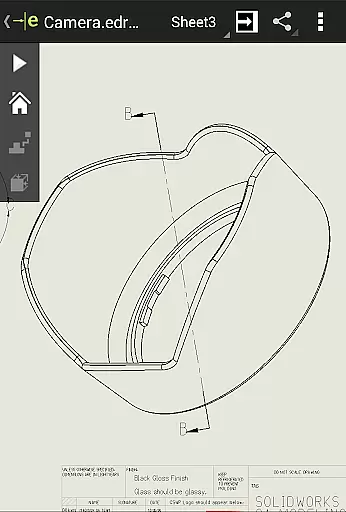
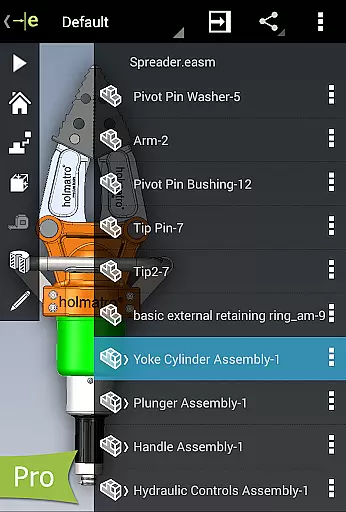
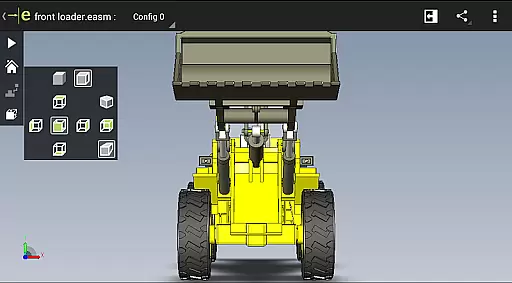
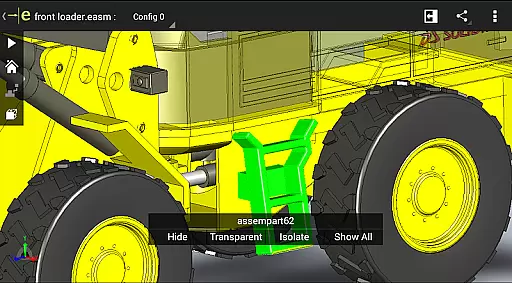
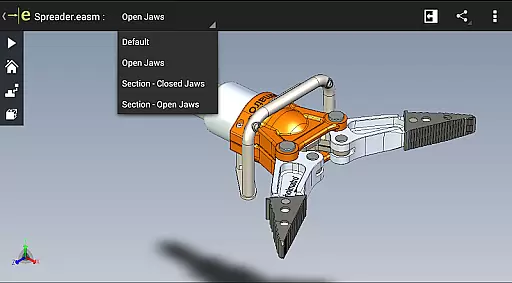
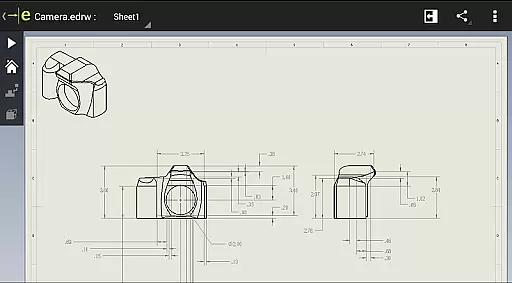
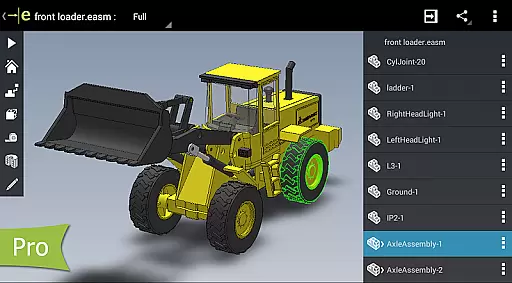
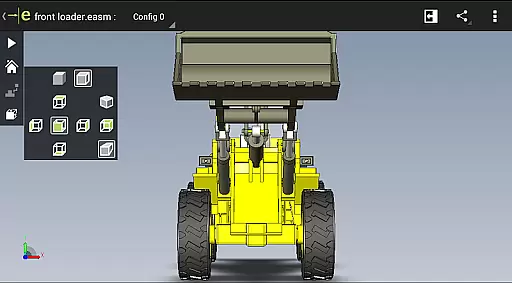
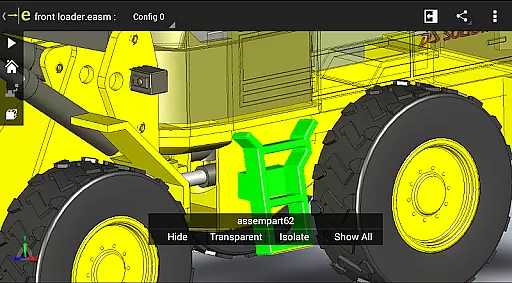
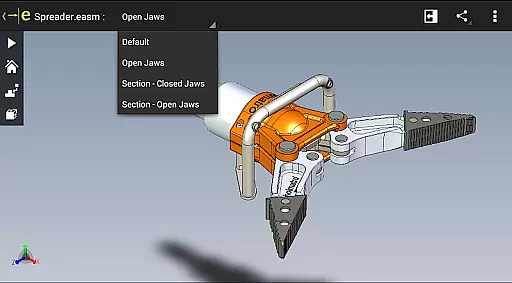
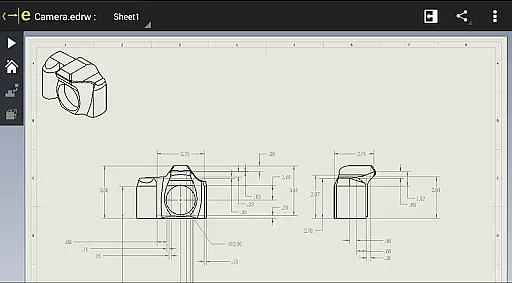
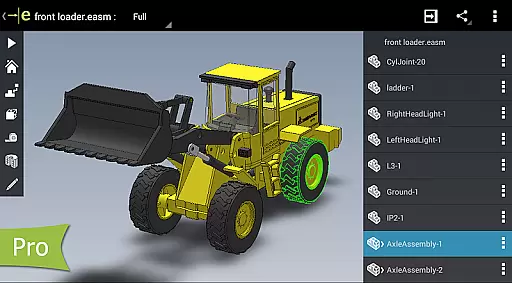
eDrawings is a powerful CAD viewer designed for Android devices, enabling users to view native eDrawings files as well as SolidWorks parts, assemblies, and drawings. This app revolutionizes the way product design information is shared by allowing users to easily load and send CAD files via email, making collaboration seamless even with non-CAD users.
With multi-touch gestures, users can pan, zoom, and rotate 2D and 3D models effortlessly. The app supports drawing sheets and exploded views for files published from SolidWorks, providing an intuitive experience for interpreting complex designs. Its ability to open various file formats from multiple sources makes it versatile for different workflows.
Whether you're an engineer, designer, or part of a product development team, eDrawings enhances communication and understanding of CAD data, streamlining the review process and improving productivity.
eDrawings offers an intuitive and user-friendly interface that simplifies the viewing of complex CAD designs. Users can open a wide range of 3D and 2D file formats including EASM, EPRT, SLDASM, SLDPRT, IGES, STEP, DWG, and DXF. This versatility allows access to files from various sources such as email attachments, cloud storage services like Dropbox and Google Drive, web and FTP sites, and network folders.
The app supports multi-touch gestures for easy navigation of CAD data, allowing users to zoom, pan, and rotate models with simple finger movements. It also features animation of standard 3D views, browsing through 2D drawing sheets, and full-screen viewing options. These capabilities ensure that users can thoroughly examine their designs from every angle.
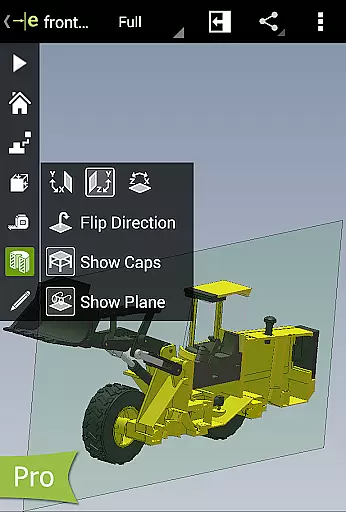
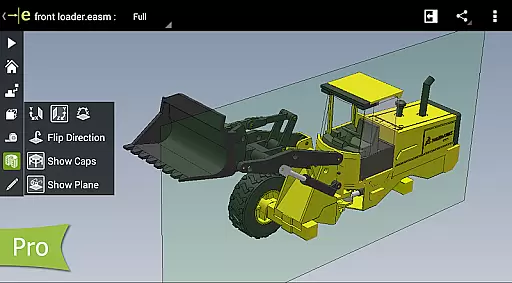
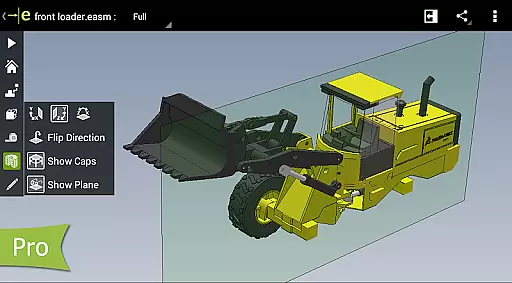
For advanced functionality, users can upgrade to eDrawings Pro through an in-app purchase. This unlocks measurement tools, dynamic cross-section viewing, markup features for adding notes and annotations, and the ability to share marked-up files for further review. These professional-grade tools enhance the app's utility for detailed design analysis and collaboration.
eDrawings excels in core task management by offering a comprehensive suite of tools for viewing and interacting with CAD files. This application allows users to open both 2D and 3D CAD data, making it an essential productivity tool for professionals who need to review designs on the go.
With its intuitive user interface, eDrawings simplifies the process of navigating complex assemblies and detailed drawings. Users can easily manipulate their models using multi-touch gestures to zoom, pan, and rotate, ensuring that every aspect of the design is thoroughly examined without the need for physical prototypes.
The ability to animate standard views and browse drawing sheets adds another layer of functionality, enabling users to present their work more effectively. Whether you're collaborating with team members or presenting to clients, these features ensure that your designs are communicated clearly and efficiently.
By upgrading to eDrawings Pro through an in-app purchase, users gain access to advanced measurement tools and dynamic cross-section viewing. These capabilities enhance task management by allowing precise measurements and internal inspections, which are crucial for quality assurance and design validation.
Cross-device synchronization is a standout feature of eDrawings, ensuring that all your CAD files are up-to-date across multiple devices. This reliability is vital for professionals who work in dynamic environments where access to the latest design information is critical.
eDrawings supports integration with various cloud storage services such as Dropboxu2122, SkyDriveu00ae, Google Drive, and others. This means you can seamlessly load and send files via email or sync them across platforms, enhancing collaboration with colleagues and stakeholders involved in product development.
The app's capability to handle different file formatsu2014including EASM, EPRT, SLDASM, SLDPRT, IGES, IGS, JT, STEP, STP, IFC, EDRW, SLDDRW, DWG, and DXFu2014ensures compatibility and consistency when sharing data between devices. This versatility guarantees that no matter the source, your files will be accurately represented.
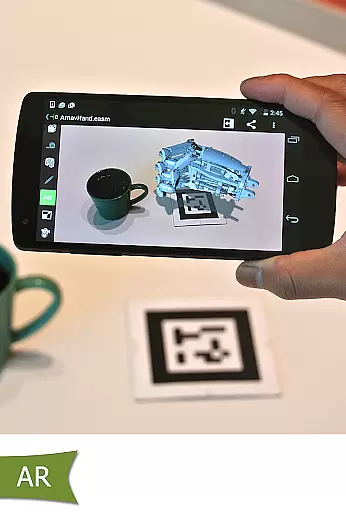
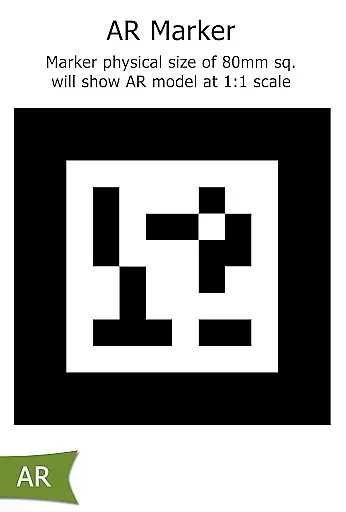
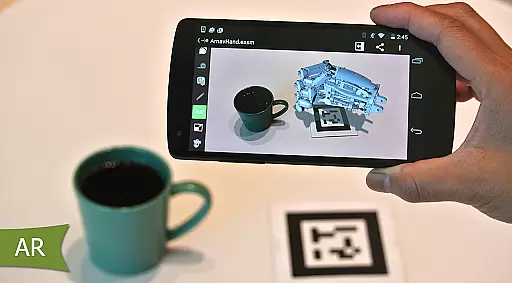
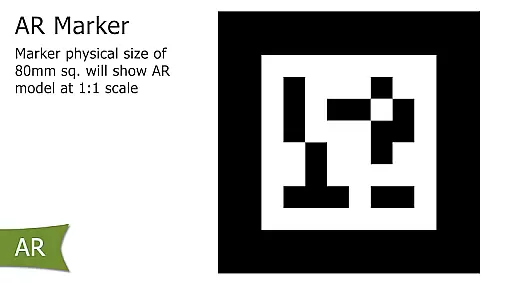
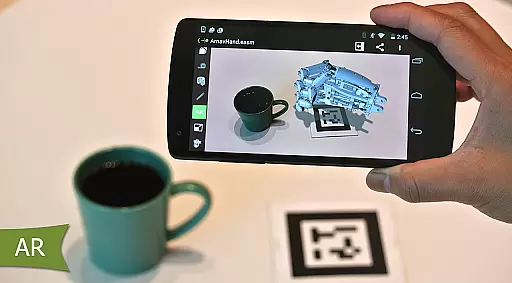
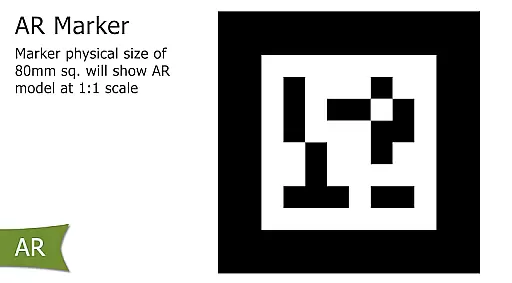
Furthermore, eDrawingsu2019 support for augmented reality (AR) enhances cross-device experiences by providing immersive ways to visualize models. Despite some known issues with AR, the app continues to improve, ensuring reliable performance and innovative solutions for modern engineering challenges.
Easy-to-use interface
Wide file format support
Multi-touch navigation
Enhanced collaboration
Professional upgrade options
Limited free features
In-app purchases required
Occasional AR issues
Complex for beginners
High system requirements

Mega cloud explorer plugin for Solid Explorer
 3.80
3.80
Wake up & get tasks done! Add alarms & reminders on the Clock Launcher.
4.00
Automates browsing any website and notifies you of important changes or events
4.30
Secure, fast, open-source, Remote Desktop Client for Windows and Linux with SSH
4.60
App Lock with fingerprint, password: Lock apps & hide photos with lock screens
4.60
All document reader, all in one file viewer read PDF, DOCX, XLS, PPT, TXT files.
4.60
Code on-the-go with VScode for Android. Edit,debug and collaborate from mobile!!
3.10
Access your phone's notifications, calls, apps, photos & texts on your PC
3.90
Intelligent AI Assistant
4.10
Scientific calculator for Android - looks and operates like the real thing!
4.90
Android Wallet Password Manager
4.80
Use powerful, industry-leading AI tools to generate visual charts from any data
4.80
The AI assistant that thinks with you - write, code, and solve complex tasks
4.60
Planet Free VPN - The best Fast Unlimited and Secure VPN Without Logs
4.50
Professional calendar app for Google Calendar, MS Outlook & Exchange
4.20
Device's storage information in a simple and clear graphical form (infographics)
4.10
Create and edit presentations with Google Slides, part of Google Workspace.
4.00
All in one sketching tool. Technical and General drawing. Online Maps support.
3.70
Smart PDF reader & editor to view, organize and manage PDF documents easily.
3.70


User Reviews