
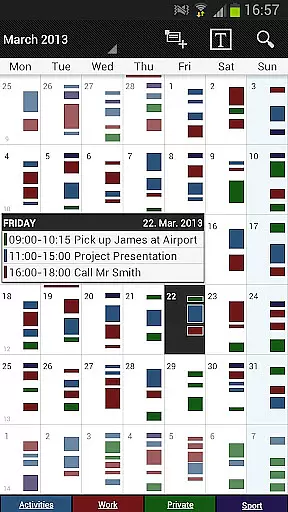
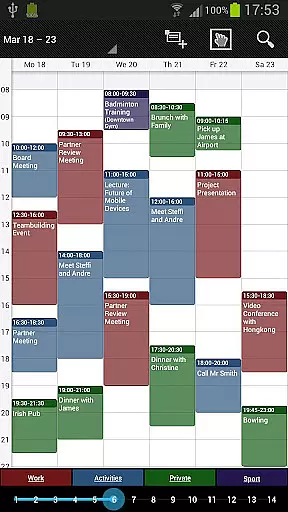
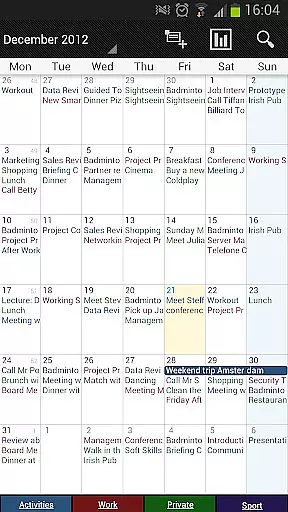
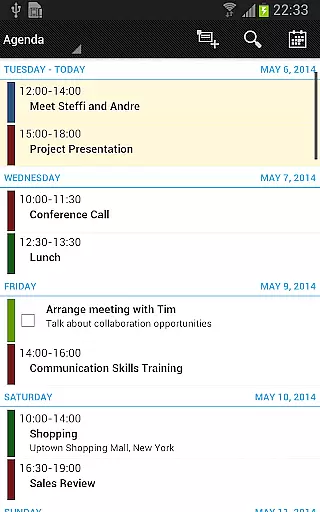
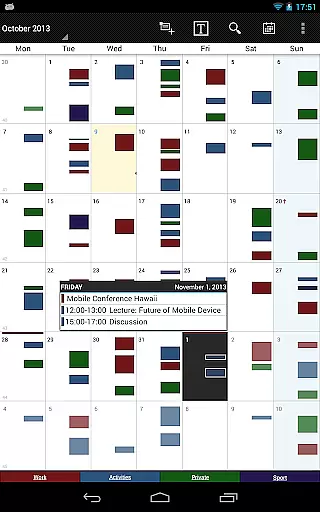
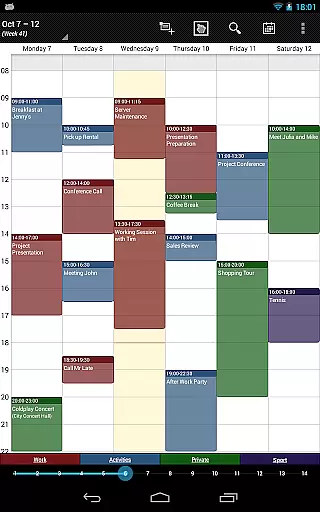
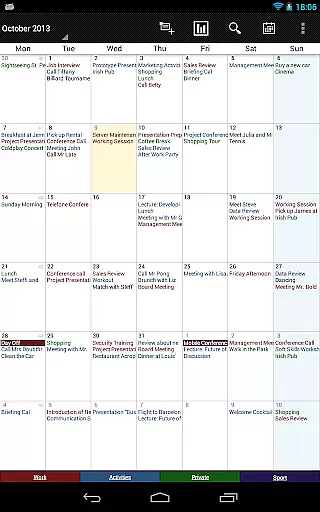
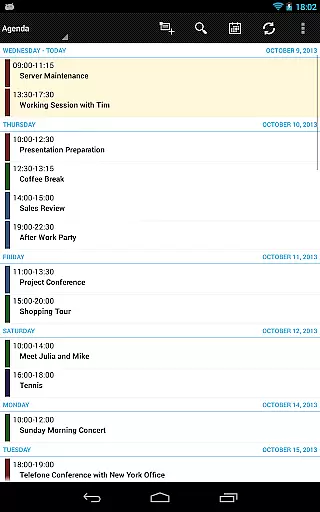
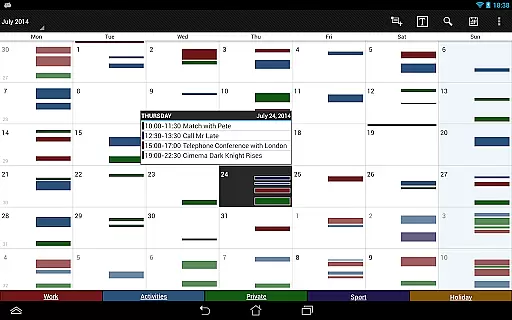
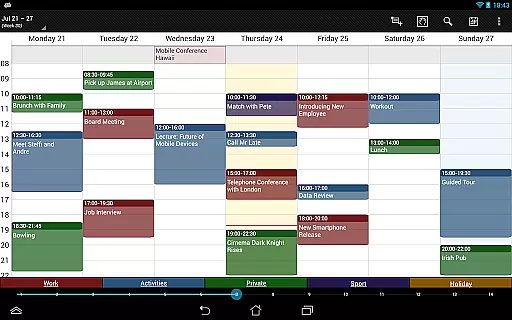
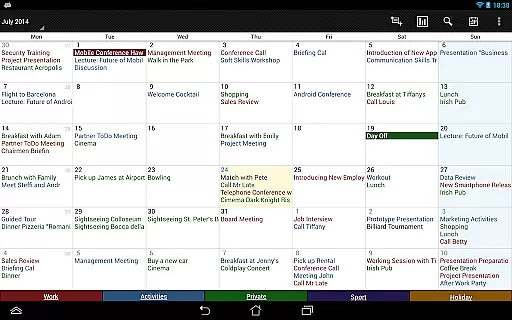

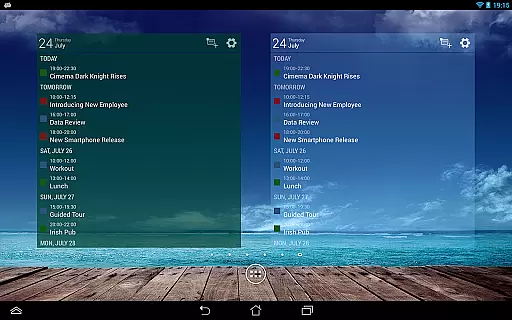
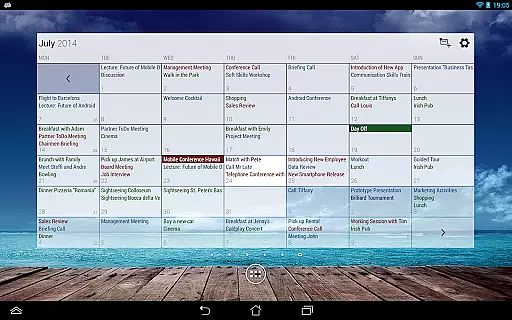
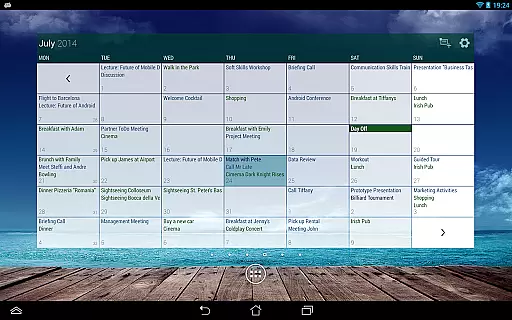
Business Calendar Pro is a comprehensive productivity tool designed for professionals who need an efficient way to manage their schedules. The app offers a complete suite of calendar functionalities, including intuitive day, week, and month views that allow users to easily navigate through their appointments and events. With its customizable interface, users can tailor the appearance and functionality of the app to suit their preferences, ensuring a personalized experience.
One standout feature is the Quick Day View, which provides a fast overview of all daily events, while the Favorite Bar allows direct access to all calendars. The app also supports synchronization with Google Calendar, Microsoft Outlook, and Exchange, making it versatile for both personal and professional use. Its smooth scroll and zoom capabilities enhance user interaction, providing a seamless experience when managing busy schedules. Business Calendar Pro is particularly valuable for users who require detailed customization options and robust event management tools.
Business Calendar Pro stands out with its extensive customization options and powerful features. Users can adapt all views and widgets to their liking, from individual reminders with vibration, sounds, and repetitions to adjustable font sizes for both the app and widgets. This level of customization ensures that users can create a setup that perfectly matches their workflow and aesthetic preferences.
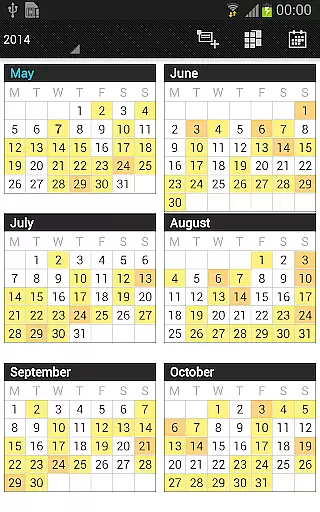
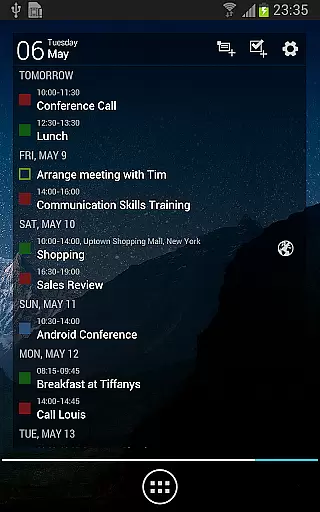
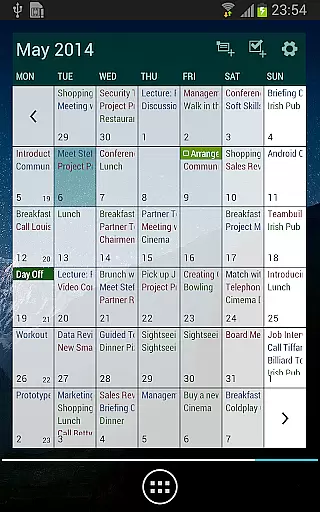
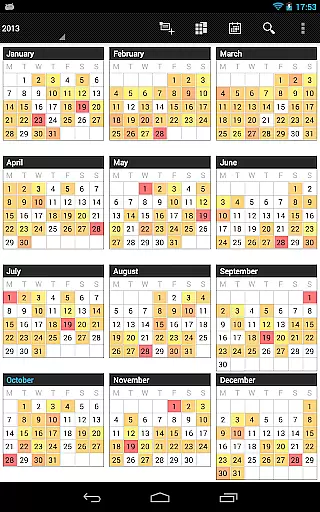
The app includes multiple viewing options such as month, week, day, agenda, and event views, along with a color-coded year view for better visual organization. The multi-day view is scrollable and zoomable, allowing users to view 1-14 days at once. Additionally, the app offers professional widgets for different views, intuitive handling, and many options for recurrent events. With advanced features like drag-and-drop functionality, tasks add-on integration with Google Tasks and Toodledo, and comprehensive reminder notifications, Business Calendar Pro delivers a premium experience for power users.
Task management is a cornerstone of productivity applications, and Business Calendar Pro excels in this area. The app provides users with comprehensive tools to create, manipulate, and organize their events efficiently.
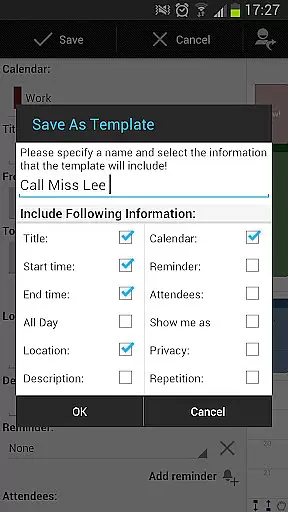
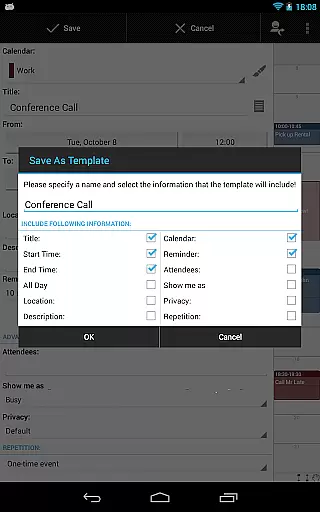
With features such as individual reminders, vibration, sounds, repetitions, and intervals, users can customize alerts that suit their preferences. Additionally, the ability to sync events with external calendars like Google Calendar, Microsoft Outlook, and Exchange ensures seamless integration into existing workflows.
The app also includes advanced functionalities for handling recurrent events, making it simple to schedule meetings or tasks that occur regularly without repetitive input. This saves time and reduces the potential for errors in planning.
Moreover, Business Calendar Pro offers a tasks add-on that syncs with task-management services like Google Tasks and Toodledo. This feature enhances the user's capacity to manage both their schedules and to-do lists from one cohesive platform, boosting overall productivity.
Cross-device synchronization is vital for users who operate across multiple platforms and devices. Business Calendar Pro addresses this need by ensuring reliable and consistent data sharing between different systems.
Utilizing Android calendar synchronization, the app allows users to maintain up-to-date information regardless of the device they are using. Whether it's a smartphone, tablet, or computer, all entries are synced in real-time, providing peace of mind that important dates won't be missed.
In addition to basic event syncing, Business Calendar Pro supports importing and exporting calendars in .ics format. This makes it easy to transfer data between different calendar applications or share schedules with others while preserving formatting and details.
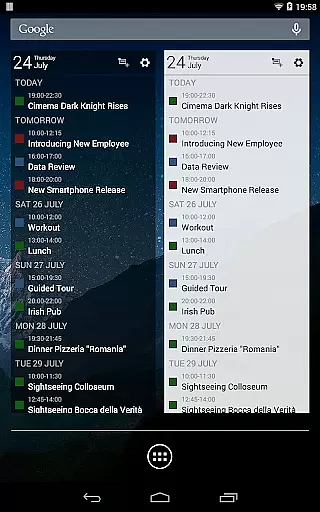
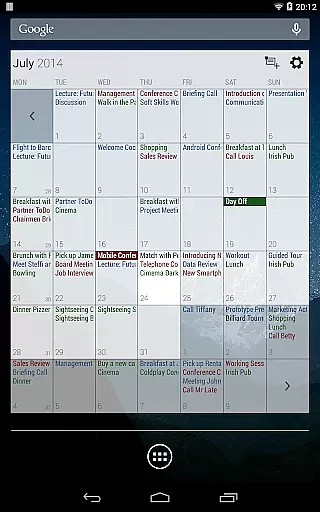
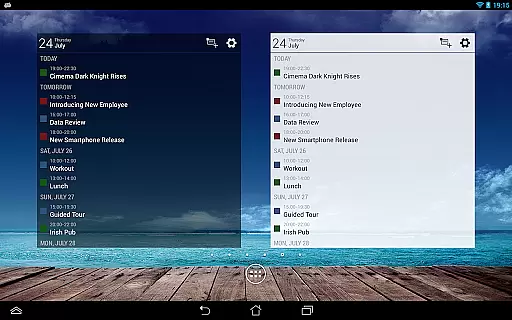
Furthermore, the availability of professional widgets for month, week, agenda, and day views means users have quick access to their schedules no matter where they are. These widgets are customizable with adjustable colors, font sizes, and individual calendar settings, ensuring a tailored experience on every device.
User-friendly interface
Highly customizable
Smooth navigation
Comprehensive widget options
Advanced task management
Paid version only
Complex for beginners
Limited free features
Occasional sync issues
Resource-intensive

Experience Reading - Night Mode for Documents
 4.40
4.40
Send files, sync SMS, notifications & clipboard across devices via local network
4.40
Absolutely the best CNC machinist speed and feed calculator around. fswizard.com
4.60
Remotely view listen control and record cameras.
3.70
Make apps & sites with natural language prompts
4.10
Simple and reliable communication between inmates, friends and family
3.20
All document reader, all in one file viewer read PDF, DOCX, XLS, PPT, TXT files.
4.60
Docker, Kubernetes management over Portainer Mobile
4.40
Great calculator for Android named one of USA TODAY's "25 Essential Apps".
4.90
Multilingual translator for text, voice, and image translation!
4.90
Understand anything with a personalized AI research assistant
4.80
QuickBooks Workforce lets teams view pay info and track time in one place.
4.70
Direct Chat without saving contacts & Dual WA Account on Single Device
4.70
Stay on top of your to-dos with Google Tasks, part of Google Workspace.
4.60
The AI assistant that thinks with you - write, code, and solve complex tasks
4.60
A simple Whisper AI keyboard for reliable speech transcription and rewording
4.60
Share files & memories safely. Keep your photos and videos secure.
4.40
Device's storage information in a simple and clear graphical form (infographics)
4.10
Secure, open-source, SPICE and SSH Remote Desktop for QEMU KVM virtual machines
4.00


User Reviews