
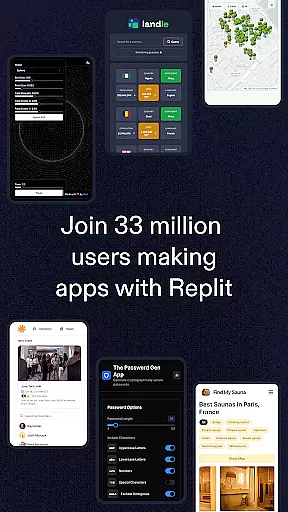
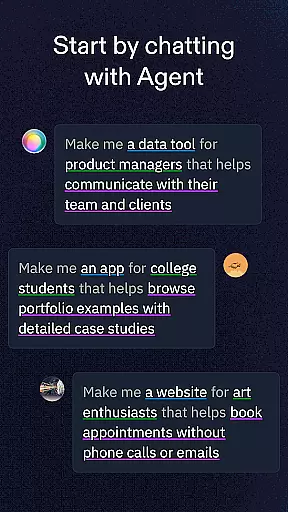
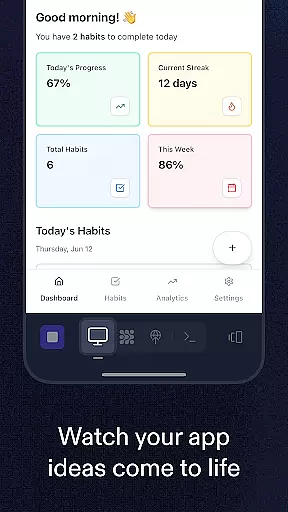
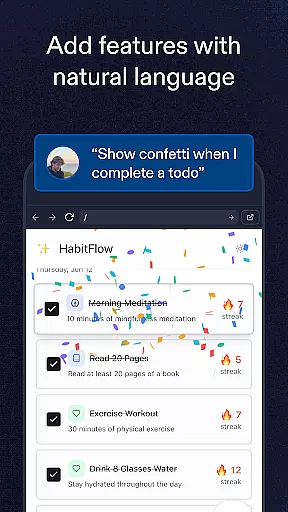
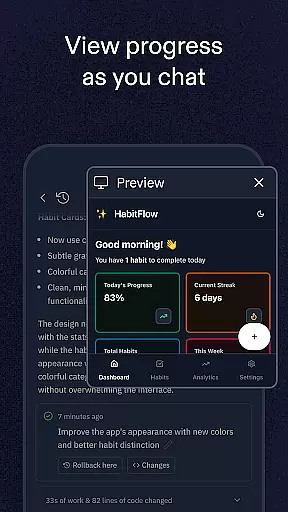
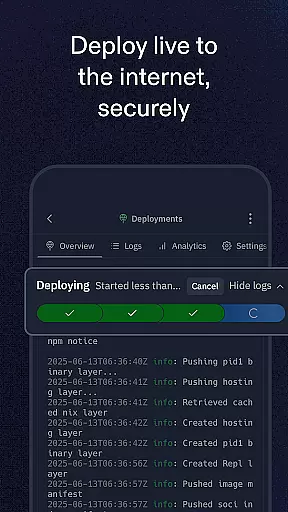
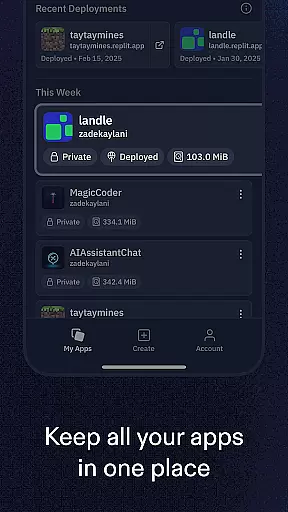
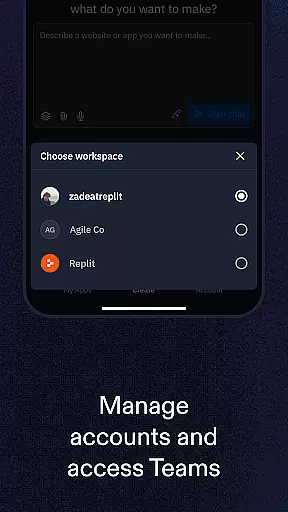
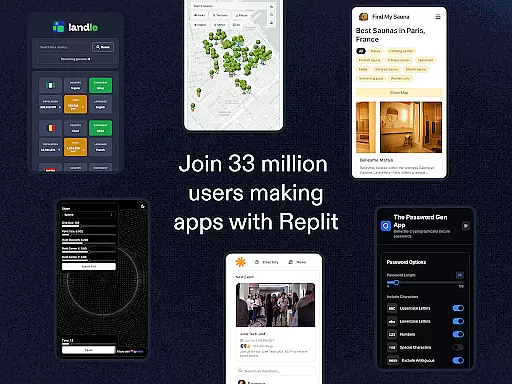
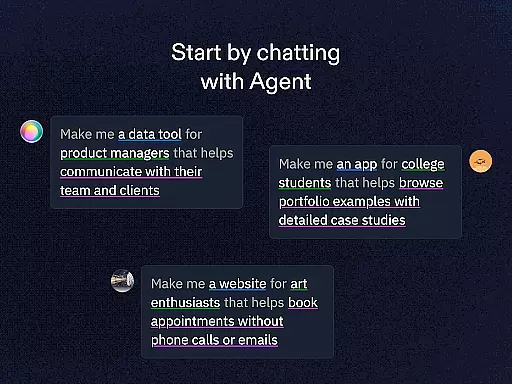
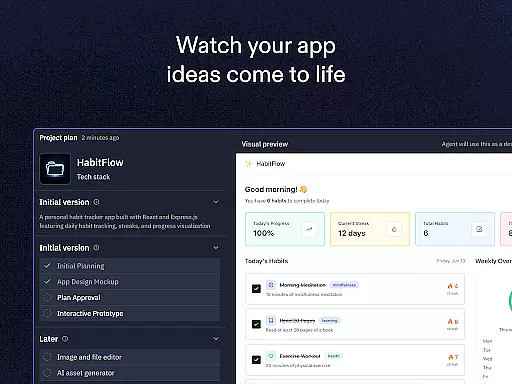
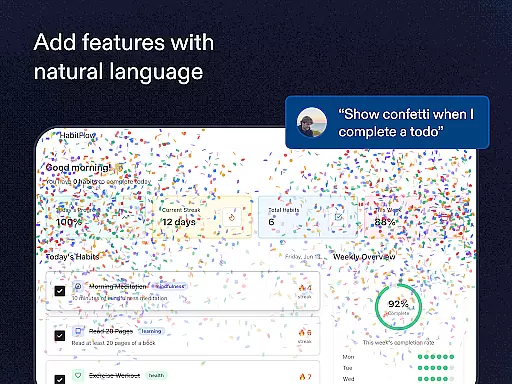
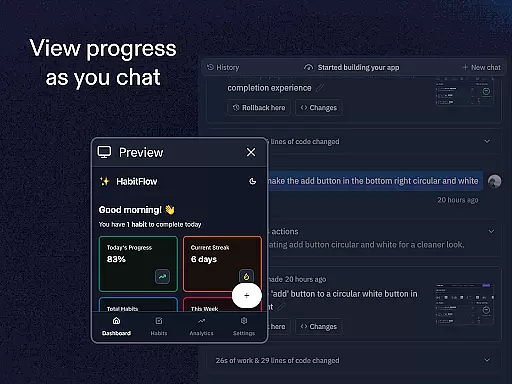
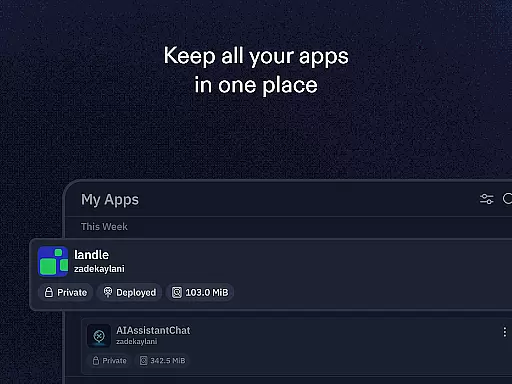
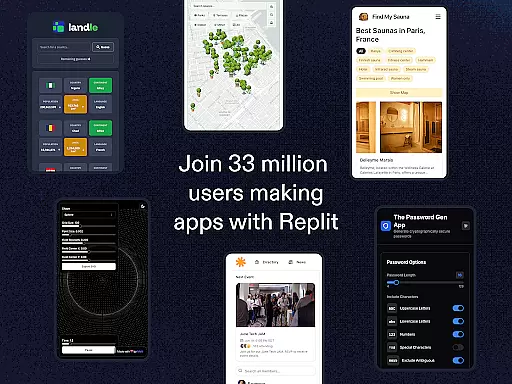
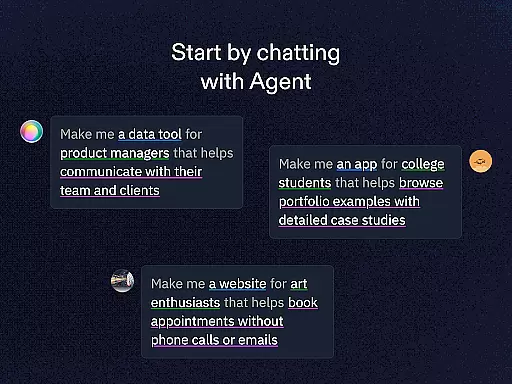
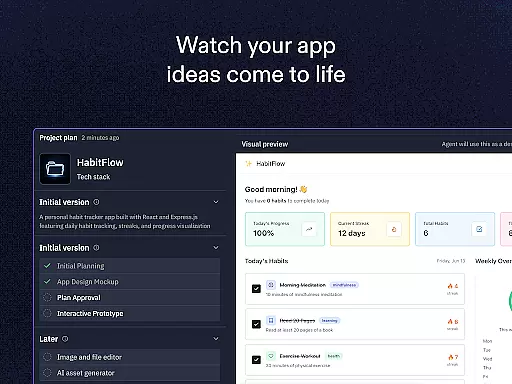
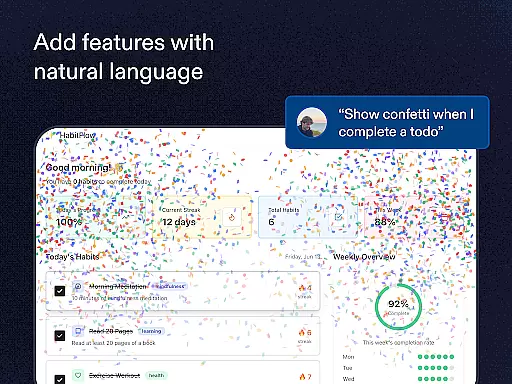
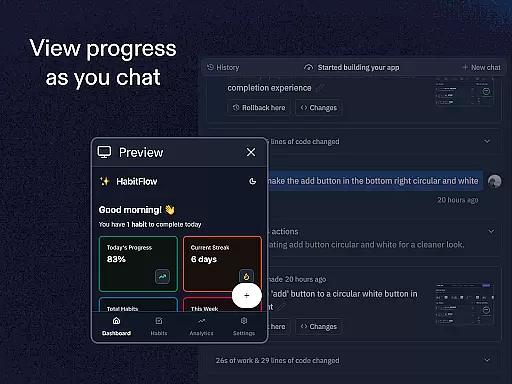
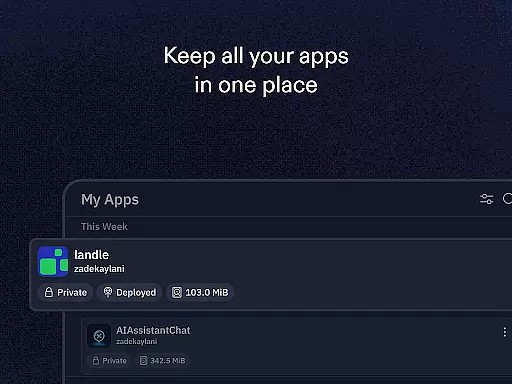
Replit is a powerful productivity app that revolutionizes the way users create and deploy projects directly from their mobile devices. This innovative platform allows anyone to build real apps, websites, and games with ease, whether they are beginners or seasoned developers.
The app's standout feature is its AI-powered Replit Agent, which enables users to generate apps and websites simply by describing their ideas in natural language. With zero setup deployment, real-time multiplayer collaboration, and support for any programming language or framework, Replit provides an unmatched level of flexibility and convenience. It also offers advanced tools like replAuth for user login configuration and ReplDB for quick database setup, making it ideal for both learning and professional use.
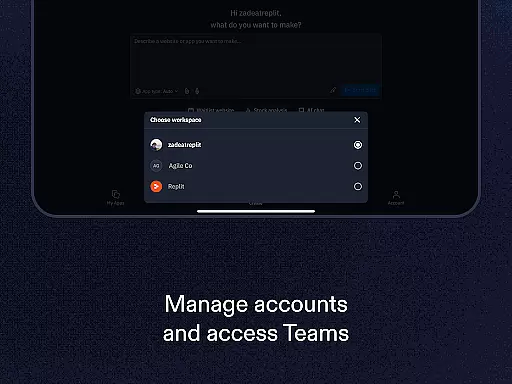
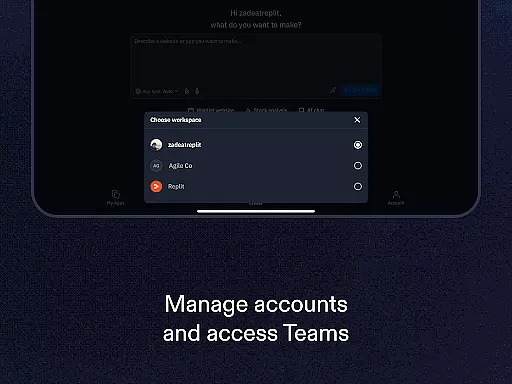
Replit is perfect for collaborative projects, allowing users to invite friends to work together live or remix existing projects from a vast library of over 33 million creations. Its built-in hosting ensures that once a project is created, it can be instantly shared via custom URLs, providing seamless accessibility and showcasing opportunities.
Replit stands out due to its comprehensive suite of features tailored for modern creators. One of its most notable capabilities is the Replit Agent, which uses natural language processing to automatically build apps and websites based on simple text prompts. This eliminates the need for extensive coding knowledge, making development accessible to everyone.
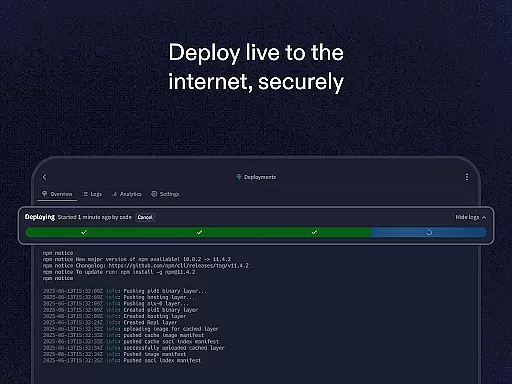
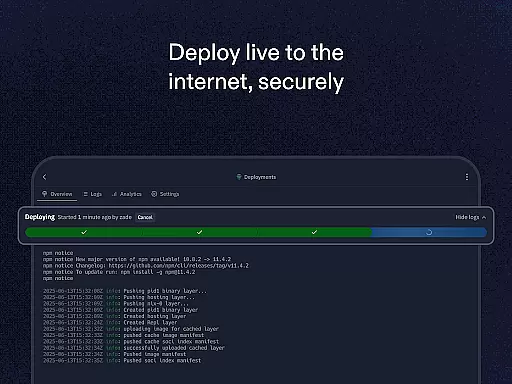
In addition to its no-code functionality, Replit supports instant deployment with zero setup, enabling users to host their projects immediately after creation. The app also facilitates real-time multiplayer collaboration, allowing multiple users to work on the same project simultaneously. This feature is particularly valuable for teams working remotely or students engaging in group assignments.
Other key features include support for any programming language or framework, customizable domains for hosted projects, and access to a library of millions of templates and projects. Advanced tools such as replAuth and ReplDB further enhance the development experience, empowering users to configure authentication systems and databases effortlessly.
Replit revolutionizes the way users manage tasks by offering a seamless platform for creating, hosting, and collaborating on projects directly from mobile devices. This functionality is crucial for developers and creators who need to organize their workflow efficiently while on the go.
The app provides zero-setup deployment, enabling instant hosting of websites and apps with just a few taps. Its real-time multiplayer collaboration feature allows users to work together live, making task management more dynamic and efficient. These capabilities ensure that teams can stay productive regardless of their physical location.
For users, this means they can focus on creation without worrying about complex configurations or setups. The ability to clone and remix projects from millions of creators adds another layer of flexibility, allowing users to learn from existing projects and adapt them to their needs.
Ultimately, Replit's core task management features empower both beginners and experts to streamline their project workflows. By integrating advanced tools like replAuth and ReplDB, it ensures that users have everything they need to manage tasks effectively and bring their ideas to life quickly and easily.
Cross-device synchronization is a cornerstone of Replit's productivity suite, ensuring that all projects, apps, and games are consistently updated across every device used by creators. This reliability is essential for users who switch between multiple devices throughout their day.
Replit achieves this through its cloud-based infrastructure, which automatically saves and syncs all changes in real-time. Whether you're editing code on your phone during a commute or fine-tuning a website on your laptop at home, every modification is instantly reflected across all platforms.
This seamless synchronization offers significant benefits to users. It eliminates the risk of losing work due to device failure or forgetting to transfer files between devices. Additionally, the ability to set up custom domains for projects ensures that all devices present the most current version of your work to the world.
By prioritizing cross-device synchronization reliability, Replit enables creators to maintain uninterrupted productivity. This feature not only enhances workflow efficiency but also provides peace of mind knowing that all devices are perfectly in sync, allowing users to focus on what truly matters u2013 bringing their creative visions to life.
User-friendly interface
AI-powered app generation
Real-time collaboration
Supports all languages
Built-in hosting
Limited offline functionality
Premium features locked
Steep learning curve
Requires constant internet
Occasional bugs

Professional calendar app for Google Calendar, MS Outlook & Exchange
 4.20
4.20
Wake up & get tasks done! Add alarms & reminders on the Clock Launcher.
4.00
Planet Free VPN - The best Fast Unlimited and Secure VPN Without Logs
4.50
Smart PDF reader & editor to view, organize and manage PDF documents easily.
3.70
App Lock with fingerprint, password: Lock apps & hide photos with lock screens
4.60
Cloud storage, automatic phone backup, and more.
4.10
Functional QR scanner and barcode reader that requires little storage space.
4.60
Subscribe to Webcal & .ics calendars and keep them up-to-date!
4.50
Scan paperwork into PDF/JPG, generate your own e-signature and send fax or email
4.70
Best Tool for the professionals Electrician, Electrical contractors, etc.
4.90
Protect and view your important info on your phone and tablet with eWallet®
4.80
Quickly and easily keep track of your work shifts
4.70
Okta MFA
4.70
The Pro Version of Android's tiniest Notepad app. Just 0.3MB but feature-packed!
4.60
Absolutely the best CNC machinist speed and feed calculator around. fswizard.com
4.60
Automates browsing any website and notifies you of important changes or events
4.30
* block pre-roll ads, pop-up and forced redirect ads * Samsung certification app
4.00
Find and delete junk files & block unwanted notifications & manage files
3.70
Easiest event planning, volunteer signups & parent teacher conference scheduling
2.20


User Reviews