
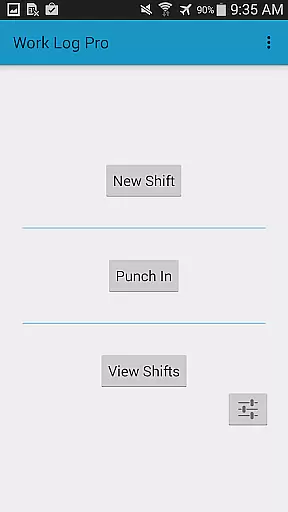
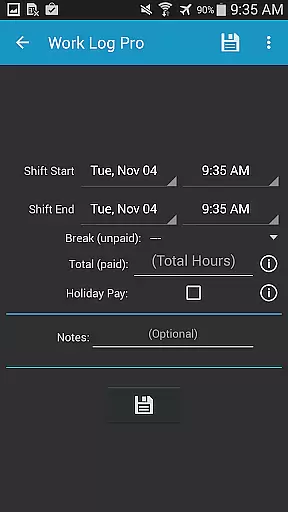
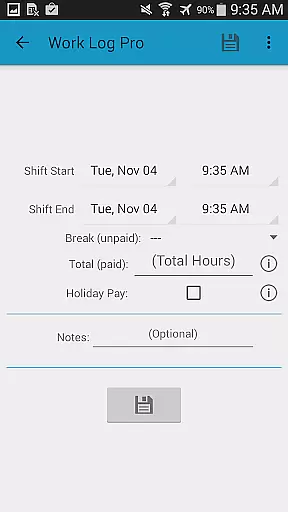
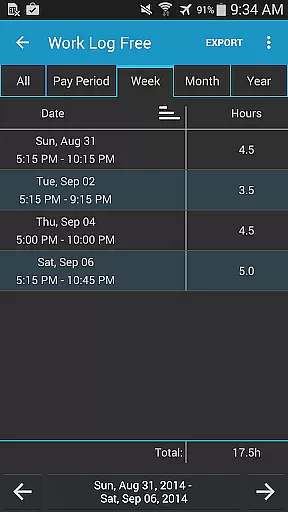
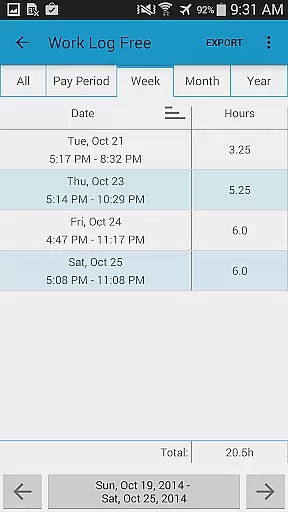
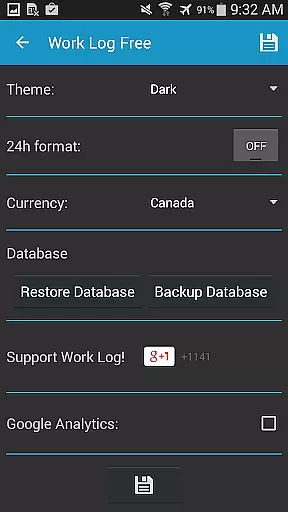
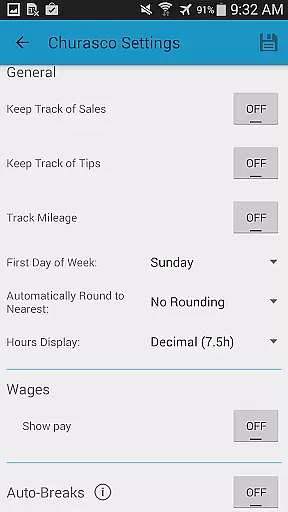
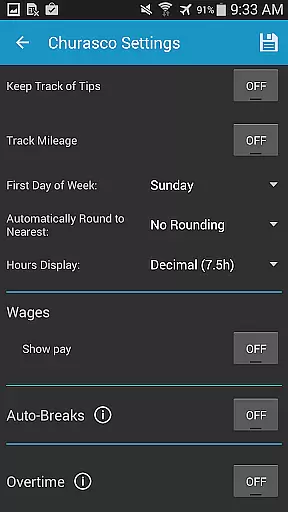
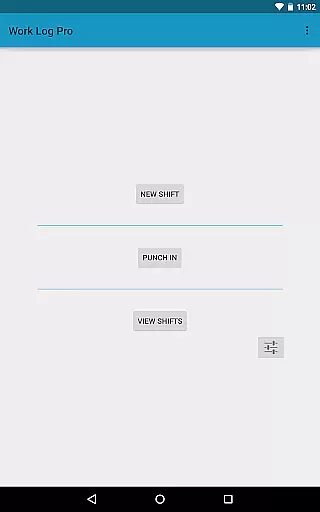
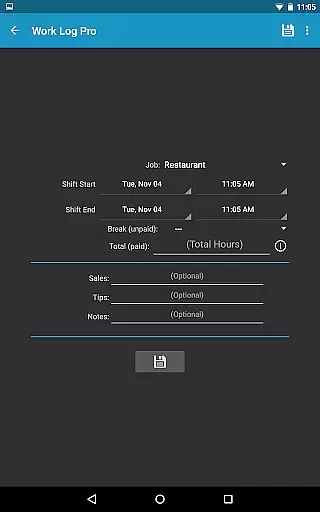
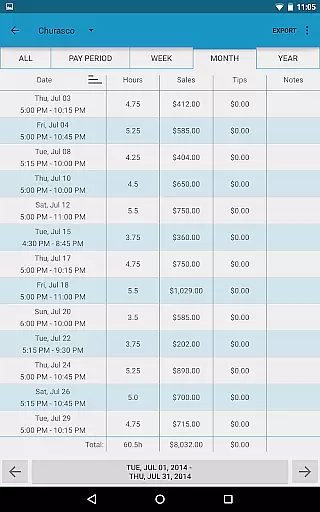
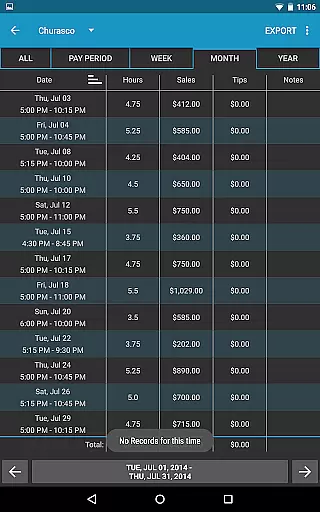
Work Log Pro is a comprehensive productivity tool designed for professionals who need to track their work hours efficiently. This app allows users to log shifts, calculate working hours, and manage wages across multiple jobs. With advanced customization options, it caters to various work styles and preferences.
The application stands out with its ability to export data as spreadsheets or PDFs, create backups, and offer an ad-free experience. Work Log Pro also supports automatic break deductions, overtime tracking, and paycheck calculations including taxes and bonuses, making it ideal for anyone from servers to salespeople.
For users who require precision in time management and payroll accuracy, Work Log Pro offers widgets for quick access and extensive settings for pay period configurations. Its practicality extends to providing detailed wage insights over customizable periods, ensuring that both employers and employees can maintain transparent and efficient records.
Work Log Pro boasts an array of features that enhance productivity and streamline work hour management. The app provides multiple methods to log hours, whether by punching in and out or manually entering shift details, thus accommodating different work environments.
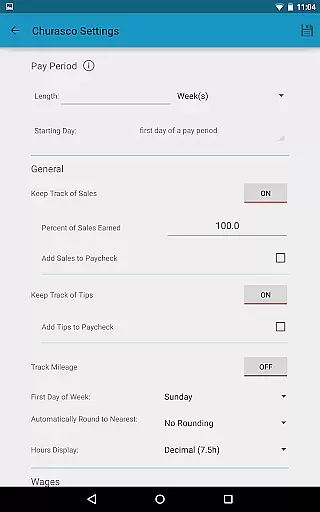
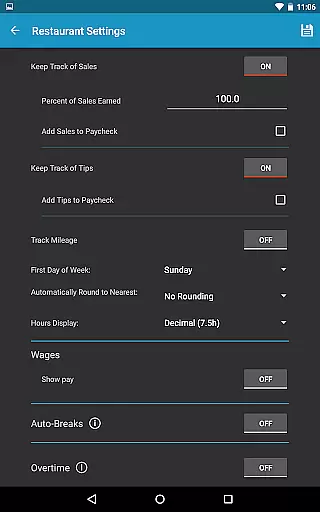
One of the key highlights is the high level of customization available. Users can tailor the app to their specific needs by setting up automatic break deductions, custom pay periods, and overtime rules. Additionally, the app supports tracking sales and tips, which is particularly beneficial for workers in commission-based roles.
Security and convenience are prioritized with functionalities such as data backup and restore options, exporting capabilities, and widget support for quick actions. These features collectively ensure that users have a reliable, flexible, and user-friendly tool to manage their work logs effectively.
Work Log Pro excels in core task management by offering users a comprehensive suite of tools to track and manage their work hours efficiently. The app allows for both manual entry and automatic time tracking, ensuring that every shift is accurately recorded.
One of the standout features is its ability to handle multiple jobs, each with customizable settings such as pay rates, overtime calculations, and break deductions. This flexibility makes it suitable for a wide range of professionals, from servers to salespeople.
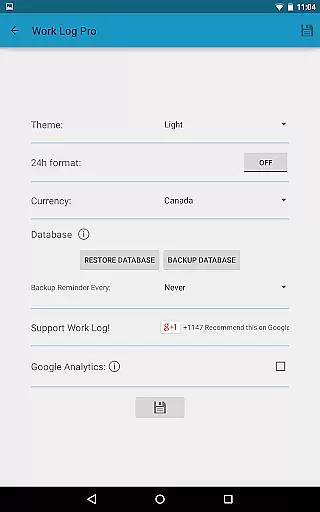
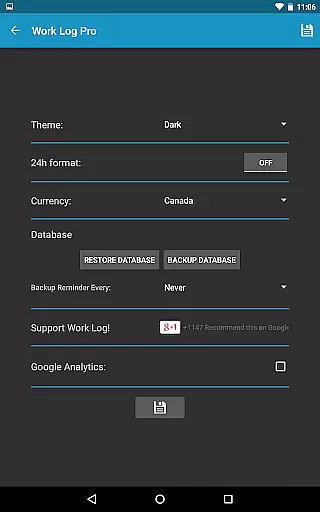
Additionally, Work Log Pro provides extensive customization options, enabling users to tailor the app to their specific needs. Whether it's setting up automatic backups, choosing between 12-hour or 24-hour time formats, or selecting a preferred currency symbol, the app ensures a personalized experience.
By integrating widgets for quick access and providing detailed reports on hours worked and wages earned, Work Log Pro empowers users to stay organized and informed about their productivity and earnings.
Cross-device synchronization is a critical feature of Work Log Pro, ensuring that users can seamlessly transition between devices without losing any data. By utilizing robust backup and restore functionalities, the app guarantees that all shifts and settings are preserved.
Users can create backups of their entire database and transfer them via email, making it easy to import shifts onto a new device. This process not only safeguards against data loss but also facilitates a smooth transition when upgrading hardware.
The reliability of this synchronization is further enhanced by the app's ability to export recorded shifts as spreadsheets or PDFs. These files can be used for record-keeping or sharing with employers, adding another layer of utility and security.
Overall, Work Log Pro's commitment to cross-device synchronization ensures that users have continuous access to their work logs, regardless of the device they are using, thereby maintaining productivity and peace of mind.
Accurate time tracking
Customizable settings
Multiple job support
Export functionality
Ad-free experience
Requires free version
No built-in reminders
Paid upgrade needed
Complex for beginners
Limited offline help

Take control of your clipboard with Clipper!
 3.90
3.90
The Pro Version of Android's tiniest Notepad app. Just 0.3MB but feature-packed!
4.60
Todo reminder
4.10
App Lock with fingerprint, password: Lock apps & hide photos with lock screens
4.60
The AI assistant that thinks with you - write, code, and solve complex tasks
4.60
Code on-the-go with VScode for Android. Edit,debug and collaborate from mobile!!
3.10
Use powerful, industry-leading AI tools to generate visual charts from any data
4.80
AI Chatbot and AI writing assistant powered by ChatGPT.
4.60
2026 USPS Alpha/Color coded calendar Sunday/Rotating day off schedules
4.2
Multilingual translator for text, voice, and image translation!
4.90
Simple notepad & memo. Take notes, to-do list, shopping list with reminders.
4.80
The long-awaited modern gallery app for your Nextcloud server
4.70
A beautiful digital clock with autostart and many other functions
4.70
To do list widget with a notebook organizer, checklist, simple shopping list
4.60
Docker, Kubernetes management over Portainer Mobile
4.40
A Pixel Art watchface inspired by other iconic 90s designs for Wear OS devices!
4.40
Professional calendar app for Google Calendar, MS Outlook & Exchange
4.20
Intelligent AI Assistant
4.10
Ads Free App! Editor, Hide File, Copy, Move, Delete and Rename.. all facility av
1.70


User Reviews