
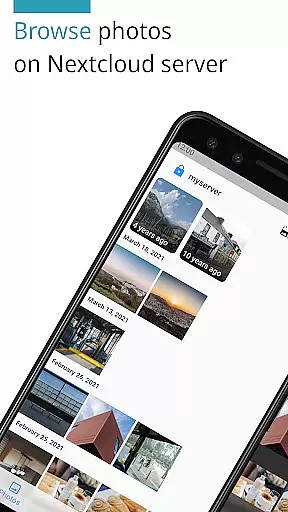
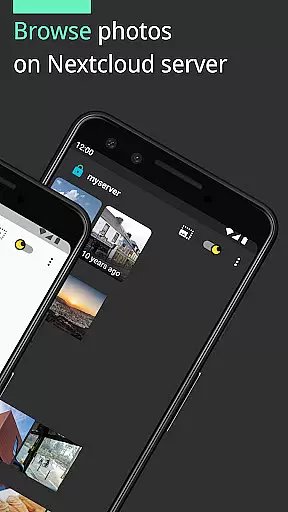
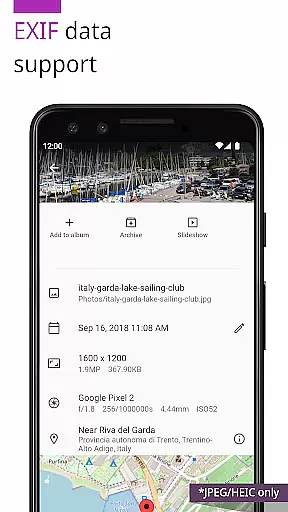
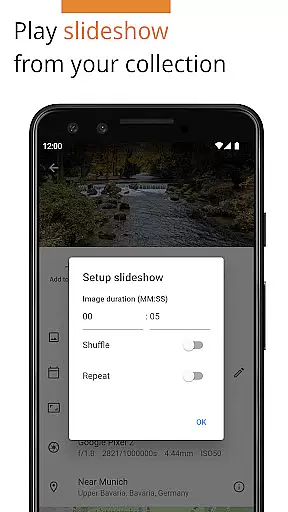
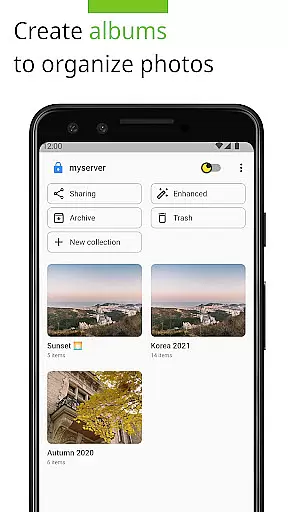
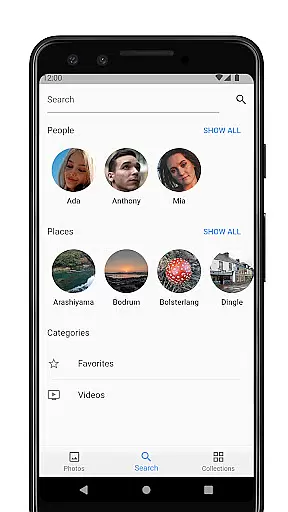

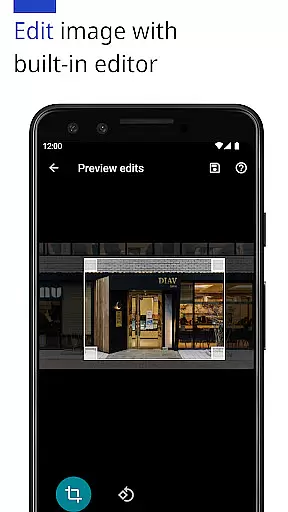
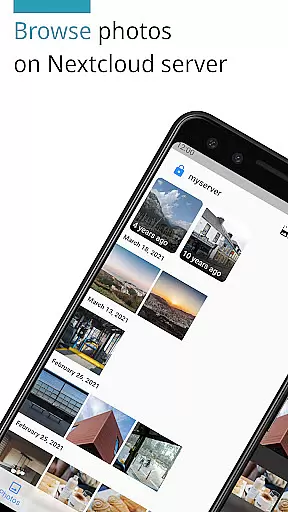
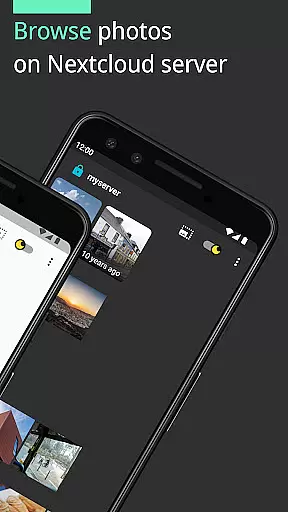
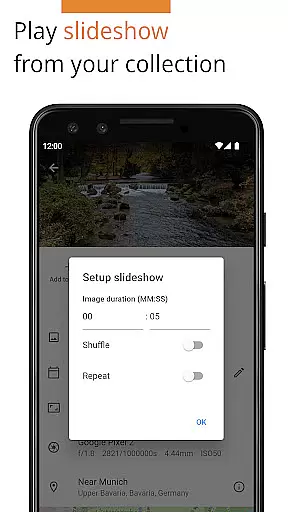
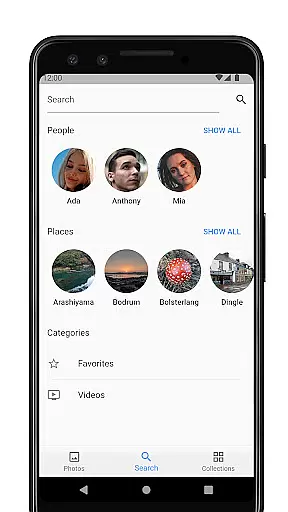
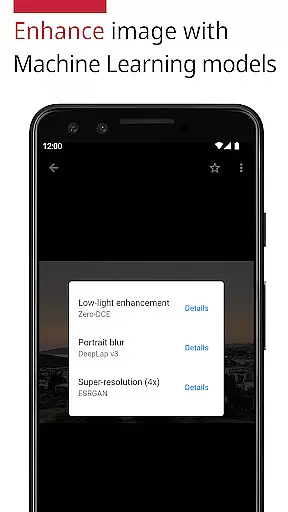
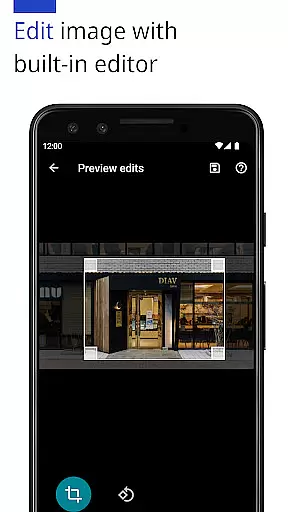
Photos for Nextcloud is a powerful productivity app designed to enhance photo management on the Nextcloud platform. This app offers advanced features such as JPEG XL support, client-side EXIF extraction, and machine learning-based photo enhancement. It also allows users to edit photos with a built-in editor and create flexible albums.
The app supports multiple sign-ins to different servers and enables experimental shared albums with users on the same server. With its open-source nature, Photos for Nextcloud provides transparency and flexibility for tech-savvy users who value control over their data while using a self-hosted productivity solution.
One of the standout features of Photos for Nextcloud is its extensive format support, including JPEG, PNG, WebP, HEIC, GIF, JPEG XL, MP4, and WebM, although codec support may vary across devices. The app integrates seamlessly with Nextcloud's Face Recognition app, providing an enhanced organization capability for large photo libraries.
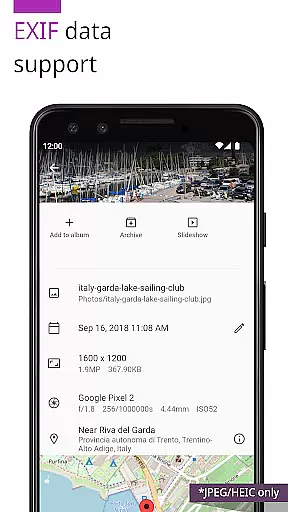
Additionally, the app includes reverse geocoding functionality and allows users to edit images directly within the app. Its ability to handle client-side EXIF data extraction ensures accurate metadata handling even for file types not natively supported by the server. These robust features make it an ideal choice for users seeking comprehensive photo management within their self-hosted Nextcloud environment.
Task management is a cornerstone of productivity applications, and Photos for Nextcloud excels in this area by offering users the ability to efficiently organize their digital assets. The app supports a variety of formats including JPEG, PNG, WebP, HEIC, GIF, JPEG XL, MP4, and WebM, ensuring that all your photos and videos can be managed within a single platform.
The application provides more than just basic organization; it allows for client-side EXIF extraction, reverse geocoding, and even enhancing photos with machine learning models. These features ensure that users can extract meaningful information from their files without compromising privacy, as sensitive data never leaves the device.
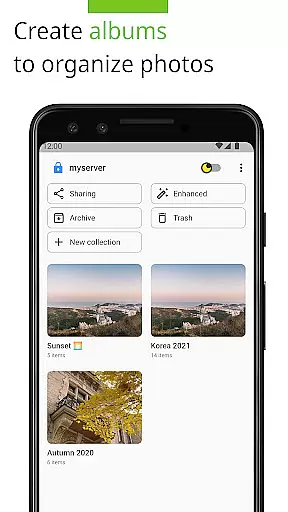
With flexible albums and the experimental feature of creating shared albums with users on the same server, collaboration and sharing become seamless. This functionality not only simplifies task management but also enriches the user experience by allowing dynamic interaction with media files.
Ultimately, the core task management capabilities of Photos for Nextcloud empower users to take control of their digital life. By providing tools for efficient categorization, editing, and sharing, the app ensures that managing your media library is both effective and enjoyable.
Cross-device synchronization is vital for users who access their files from multiple devices. Photos for Nextcloud shines in this aspect by offering reliable synchronization across all your devices. Whether you're signing in from your phone, tablet, or computer, your media library remains consistent and up-to-date.
The app's support for Nextcloud's self-hosted platform means that you have complete control over your data. This ensures that your files are not only synchronized reliably but also stored securely. With no reliance on third-party servers, the risk of data breaches is significantly reduced, providing peace of mind for security-conscious users.
In addition to robust synchronization, Photos for Nextcloud offers advanced features such as face recognition and integration with other Nextcloud apps. These integrations enhance the overall user experience by providing a cohesive ecosystem where all your productivity tools work together seamlessly.
By focusing on reliable cross-device synchronization, Photos for Nextcloud ensures that users can access their files anytime, anywhere, without compromising on speed or security. This reliability makes it an indispensable tool for anyone looking to streamline their digital workflow.
User-friendly interface
Advanced photo editing
Multiple server support
Flexible album creation
Open-source transparency
Experimental sharing features
Limited codec support
No automatic backup
Requires Nextcloud setup
Paid version available

Take control of your clipboard with Clipper!
 3.90
3.90
A simple, portable logger for POTA, SOTA, Field Day, and more
4.2
Todo reminder
4.10
Stay on top of your to-dos with Google Tasks, part of Google Workspace.
4.60
Subscribe to Webcal & .ics calendars and keep them up-to-date!
4.50
* block pre-roll ads, pop-up and forced redirect ads * Samsung certification app
4.00
Scientific calculator for Android - looks and operates like the real thing!
4.90
Access your phone's notifications, calls, apps, photos & texts on your PC
3.90
Daily processing of PDF documents.
4.40
aCalendar+ makes your day, week and month
4.70
The Pro Version of Android's tiniest Notepad app. Just 0.3MB but feature-packed!
4.60
Secure your apps with lock screens, use custom themes and different features.
4.40
Enjoy classic gameplay with customizable features and retro-style graphics.
4.30
Font maker keyboard with your own handwriting
4.10
Wake up & get tasks done! Add alarms & reminders on the Clock Launcher.
4.00
A Revolutionary All-in-One Artificial Intelligence Tools
3.80
Code on-the-go with VScode for Android. Edit,debug and collaborate from mobile!!
3.10
Ads Free App! Editor, Hide File, Copy, Move, Delete and Rename.. all facility av
1.70
A comprehensive suite of tools designed specifically for Lactation Consultants
4.2


User Reviews