
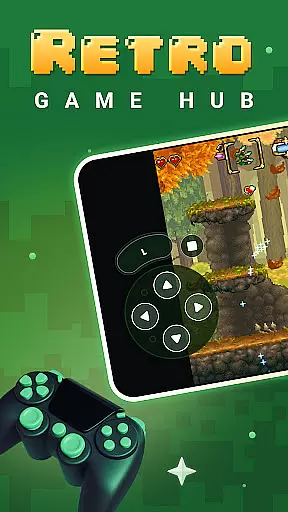
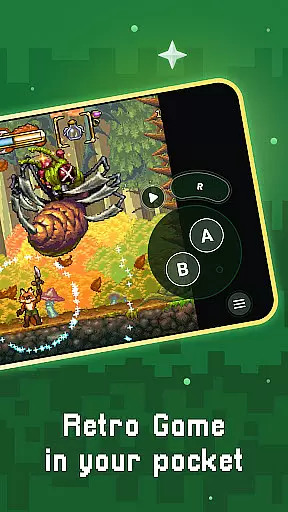
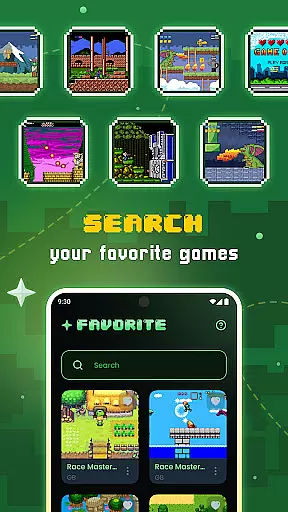
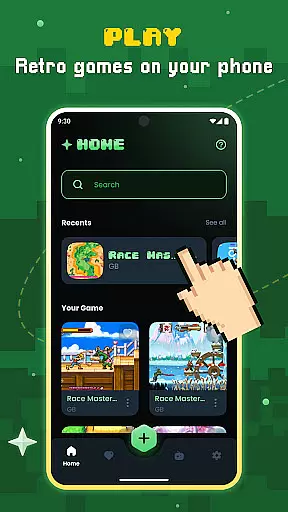
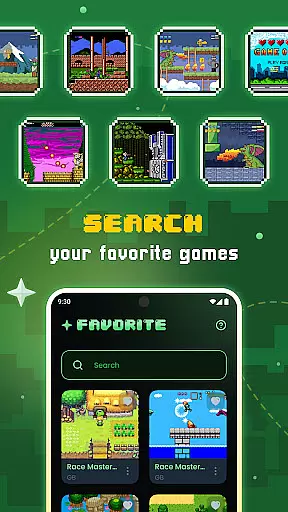
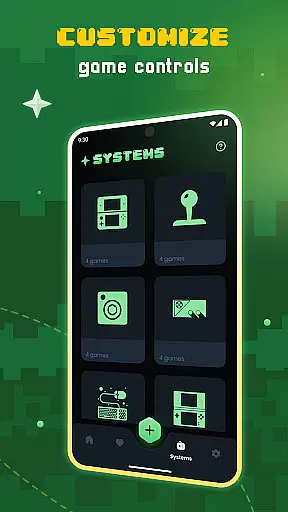
Gamu is a versatile retro gaming emulator that allows users to relive classic video game experiences on modern devices. The app supports multiple platforms including PC, Mac, Linux, Android, and iOS, making it accessible to a wide audience. Gamu's compatibility with various retro game formats and external controllers ensures an authentic gaming experience.
One of the standout features of Gamu is its integration with Libretro, which enables advanced multimedia capabilities such as OpenGL rendering and camera support. This makes the app not just a simple emulator but a comprehensive entertainment hub. With regular updates and an open-source framework, Gamu continues to evolve, offering optimized performance and new functionalities for gamers.
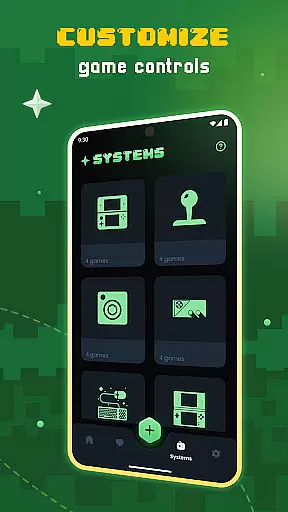
Whether you're commuting or relaxing at home, Gamu provides a seamless way to enjoy your favorite retro games. Its cloud sync feature and customizable controls make it particularly appealing for users who value convenience and personalization in their gaming setup.
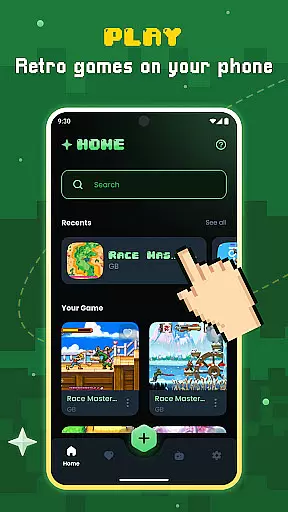
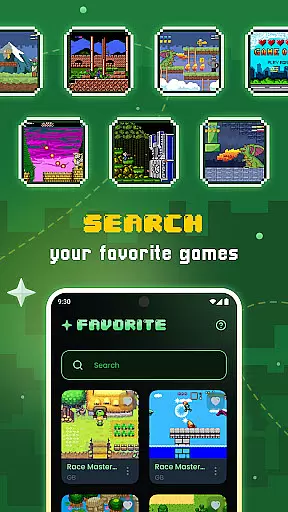
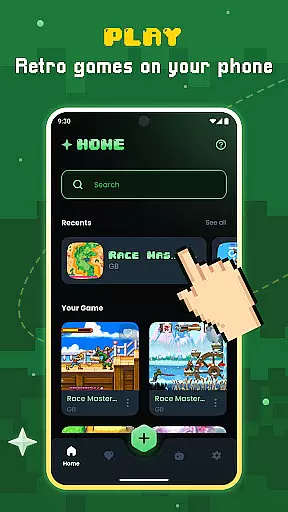
Gamu offers a rich set of features designed to enhance the retro gaming experience. One of its core strengths is the auto-save and resume functionality, allowing players to pick up exactly where they left off. The app also includes a powerful game file scanning system that automatically organizes your library, saving time and effort.
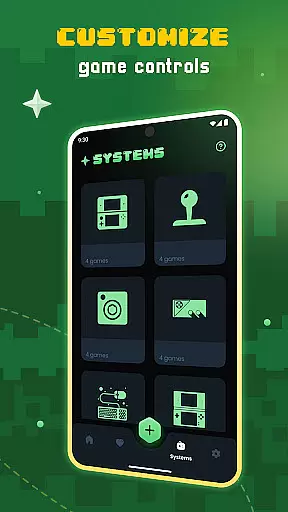
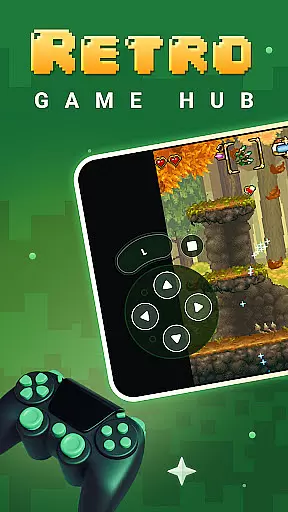
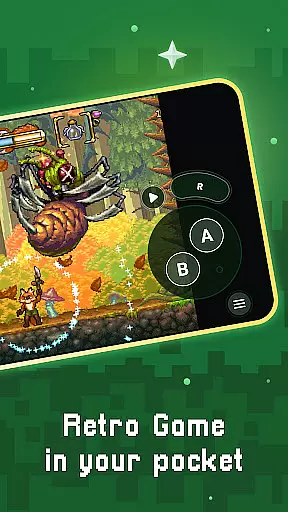
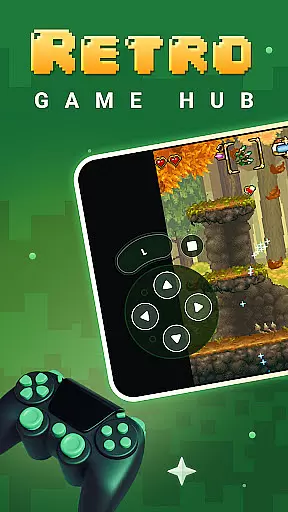
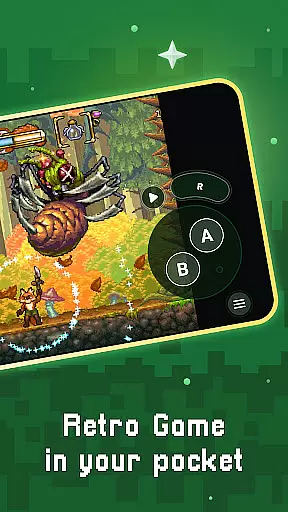
For those who play on mobile devices, Gamu provides optimized virtual controls and customizable on-screen buttons. These features ensure a smooth and intuitive interface, even on smaller screens. Additionally, the app supports quick save/load slots and visual filters that simulate LCD/CRT displays, adding a nostalgic touch to gameplay.
Advanced functionalities like fast-forward mode, motion control, and local multiplayer support make Gamu a top choice for retro gaming enthusiasts. The inclusion of cloud sync for game saves ensures that your progress is always backed up, regardless of the device you're using.
Gamu offers a robust set of features that streamline the gaming experience, akin to core task management tools. Its auto-save and resume functionality ensures that players never lose progress, automatically recording game states at regular intervals.
The app's game file scanning and cataloging system simplifies library organization, making it easy for users to manage extensive collections of retro games. With optimized virtual controls, Gamu adapts touch gestures into responsive inputs, enhancing gameplay on mobile devices.
Quick save/load slots provide flexibility, allowing gamers to create multiple checkpoints within their games. This feature is particularly useful for strategy or role-playing games where tactical decisions can significantly impact outcomes.
Support for compressed game files like .zip formats adds another layer of convenience, reducing storage needs without compromising access to beloved classics. These capabilities collectively ensure an efficient and enjoyable gaming session, mirroring the efficiency expected from top-tier productivity applications.
Cross-device synchronization is a standout feature of Gamu, ensuring seamless transitions between different platforms. Whether you're switching from your computer to a mobile device or vice versa, cloud sync for saves guarantees that your progress remains intact.
This reliable synchronization extends to local multiplayer support with multiple controllers, enabling cooperative play across various devices. Friends and family can join in on the fun without worrying about compatibility issues, thanks to Gamuu2019s broad controller and gamepad compatibility.
Motion control options, such as tilt-to-stick, further enhance cross-device interactions by providing intuitive ways to engage with games. Customizable on-screen buttons also allow users to tailor their interface according to personal preferences, ensuring consistent performance regardless of the hardware used.
By leveraging Libretrou2019s powerful framework, Gamu delivers a unified experience that runs smoothly on everything from smartphones to smart TVs. This dedication to synchronization reliability underscores Gamuu2019s commitment to delivering a versatile and dependable gaming solution.
User-friendly interface
Wide platform support
Regular feature updates
Cloud sync functionality
Customizable controls
No built-in games included
Performance varies by device
Requires legal game files
Limited newer system support
Controller setup can be complex

Send files, sync SMS, notifications & clipboard across devices via local network
 4.40
4.40
We're working to become the best machining app on the market! www.cncdirt.com
4.80
IP Camera Viewer - Android TV : RTSP Surveillance camera viewer for Android TV
4.5
App lock - lock apps with fingerprint, password, pin or pattern, protect privacy
4.70
Activate Two Factor Authentication (2FA or Multi OTP), Password manager and more
4.10
Great calculator for Android named one of USA TODAY's "25 Essential Apps".
4.90
A simple Whisper AI keyboard for reliable speech transcription and rewording
4.60
To do list widget with a notebook organizer, checklist, simple shopping list
4.60
A Pixel Art watchface inspired by other iconic 90s designs for Wear OS devices!
4.40
Native client for Forgejo and Gitea
5.00
Secure, fast, open-source, Remote Desktop Client for Windows and Linux with SSH
4.60
Planet Free VPN - The best Fast Unlimited and Secure VPN Without Logs
4.50
Secure your apps with lock screens, use custom themes and different features.
4.40
When you Focus, so will your Bean in this cozy focus timer
4.30
Pwnagotchi companion app
4.20
All in One PDF Reader: Manage, Read and Edit your Documents
4.20
⏰ Finally a timer app which can run multiple timers simultaneously on your watch
3.90
Smart PDF reader & editor to view, organize and manage PDF documents easily.
3.70
Experience and share your SolidWorks designs on your Android® phone and tablet.
2.50


User Reviews