
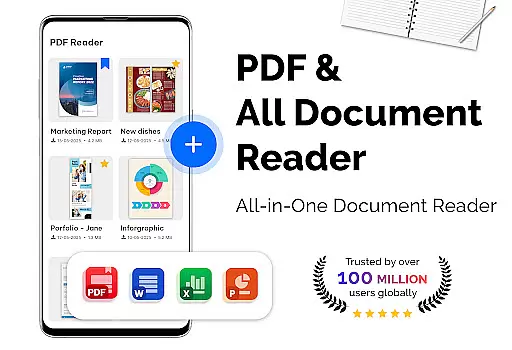
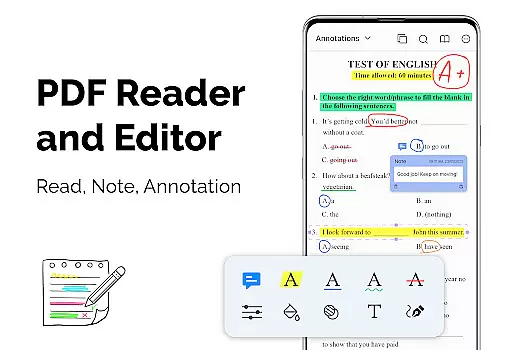
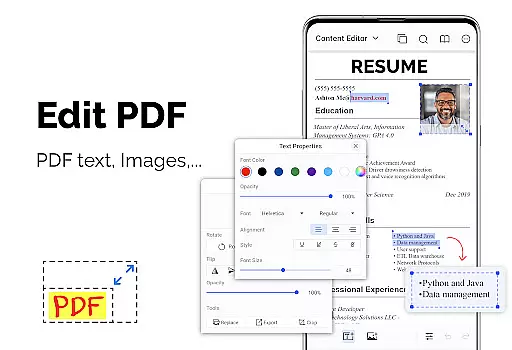
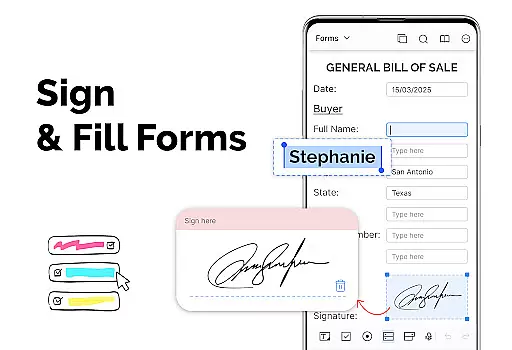
PDF Reader - PDF Viewer is a versatile productivity app designed for seamless document management. This application allows users to read, manage, and convert PDF files with ease. It supports all types of PDF documents, including password-protected files, ensuring that no document is inaccessible. The app's lightweight design ensures smooth performance even with large files, making it ideal for both personal and professional use.
The app offers multiple display modes such as single page, two-page, book mode, and full-screen reading, providing a customizable reading experience. Users can navigate quickly through pages, create bookmarks, and choose between dark or light themes for comfortable reading. Additionally, the app includes essential tools like a PDF converter and scanner, enabling users to transform images into PDFs or convert PDFs into images. These features make PDF Reader - PDF Viewer an indispensable tool for anyone dealing with digital documents.
PDF Reader - PDF Viewer stands out with its advanced technological features that enhance user experience. One of its key strengths is the quick display technology, which ensures fast loading times even for large PDF files. This makes navigating through lengthy documents effortless and efficient. The app also provides various display modes, including single page, two-page, book mode, and full-screen options, catering to different reading preferences.
Another notable feature is the ability to customize the reading experience. Users can adjust the orientation, switch between vertical and horizontal views, and apply either dark or light themes based on their preference. The inclusion of quick page navigation and bookmarking further simplifies managing extensive PDFs. Moreover, the app functions as a PDF converter and scanner, allowing users to create PDFs from images or convert PDFs into images, thus broadening its utility beyond just viewing documents.
PDF Reader - PDF Viewer excels in core task management by offering a comprehensive suite of tools tailored for efficient document handling. The app supports all PDF files, including those with password protection, ensuring that users can access their secured documents without hassle.
The app's quick display technology significantly speeds up the loading and display of large PDF files, providing an uninterrupted reading experience. With multiple display modes such as single page, two-page, book mode, or full-screen, users can customize their reading style to suit their preferences.
Quick page navigation and bookmarks further enhance the user's ability to manage and navigate through lengthy documents effortlessly. This functionality is crucial for individuals who need to handle voluminous reports or research papers regularly.
Additionally, the theme customization feature allows users to choose between dark and light themes, reducing eye strain during extended reading sessions. These capabilities collectively ensure that users can efficiently manage their PDF tasks within a comfortable and personalized environment.
Cross-device synchronization is a pivotal feature for users who operate on multiple devices. PDF Reader - PDF Viewer ensures reliable synchronization, allowing users to seamlessly transition between their smartphone, tablet, or computer without losing any progress or data.
The app supports reading large PDF files of over 300MB swiftly, which is essential for maintaining performance consistency across different devices. This means whether you're at home on your desktop or commuting with your mobile device, your documents are accessible with the same speed and quality.
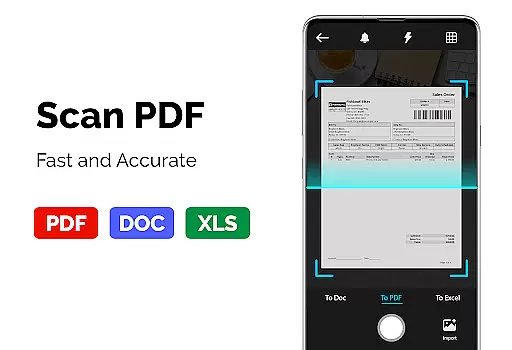
Moreover, the inclusion of a PDF converter and scanner adds another layer of utility. Users can convert images to PDFs or vice versa, making it easier to share and manage documents irrespective of the device being used. This flexibility enhances productivity by streamlining workflows and reducing the time spent on file conversions.
By focusing on these robust synchronization features, PDF Reader - PDF Viewer guarantees that users enjoy a seamless and efficient experience, regardless of where or how they choose to access their documents.
User-friendly interface
Fast loading times
Multiple display modes
Customizable themes
Comprehensive PDF tools
Limited advanced editing
No cloud integration
Basic collaboration tools
Occasional bugs
Ads in free version

A Revolutionary All-in-One Artificial Intelligence Tools
 3.80
3.80
The long-awaited modern gallery app for your Nextcloud server
4.70
The Pro Version of Android's tiniest Notepad app. Just 0.3MB but feature-packed!
4.60
Stay on top of your to-dos with Google Tasks, part of Google Workspace.
4.60
Font maker keyboard with your own handwriting
4.10
PDF scanner & converter for files, photos, lottery, QR codes. One swipe away!
4.50
* block pre-roll ads, pop-up and forced redirect ads * Samsung certification app
4.00
A Pixel Art watchface inspired by other iconic 90s designs for Wear OS devices!
4.40
Browse and view your photos and videos from the phone with photo & video hide.
4.10
The AI assistant that thinks with you - write, code, and solve complex tasks
4.60
Send files, sync SMS, notifications & clipboard across devices via local network
4.40
A customizable calendar for your Wear OS watch
4.20
Professional calendar app for Google Calendar, MS Outlook & Exchange
4.20
Intelligent AI Assistant
4.10
Create and edit presentations with Google Slides, part of Google Workspace.
4.00
Secure, open-source, SPICE and SSH Remote Desktop for QEMU KVM virtual machines
4.00
The ultimate file manager for rooted devices. The original and still the best.
4.00
Experience and share your SolidWorks designs on your Android® phone and tablet.
2.50
Ads Free App! Editor, Hide File, Copy, Move, Delete and Rename.. all facility av
1.70


User Reviews