



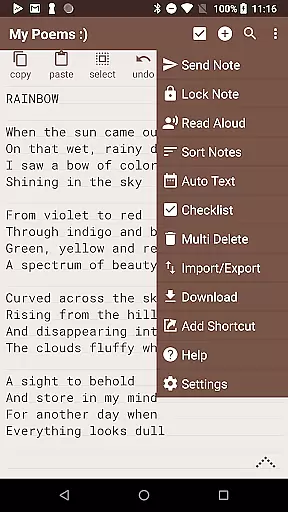
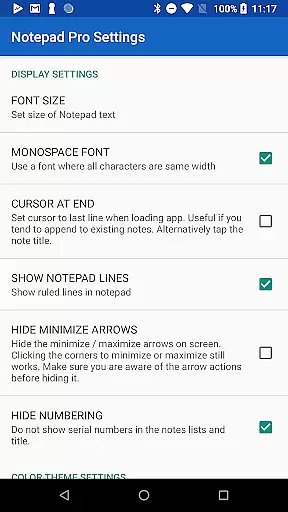
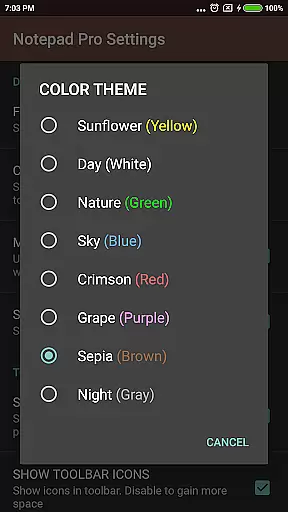
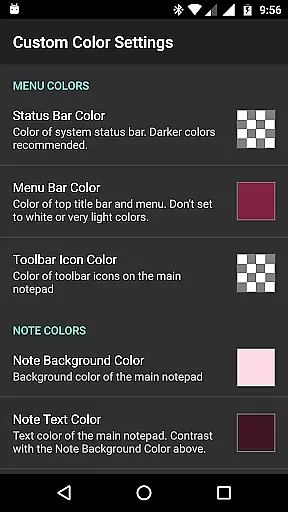
Notepad Pro represents the pinnacle of note-taking applications on Android, offering a robust set of features in an incredibly lightweight package. This productivity tool stands out with its auto-save functionality and versatile capabilities that cater to both casual note-takers and power users alike.
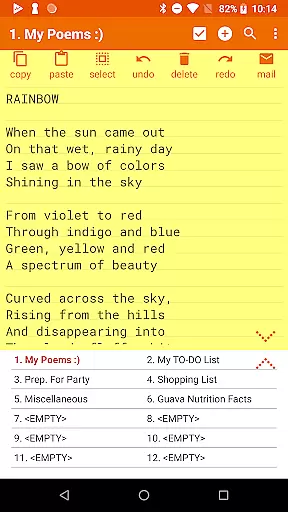
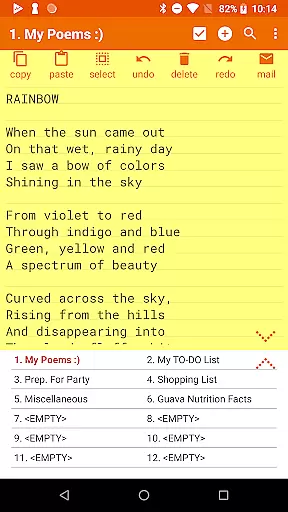
The app provides unlimited notepad slots, inline checklist creation, and powerful search functions across notes. Its tiny footprint of just 0.3MB ensures it runs smoothly even on older devices while maintaining essential security through selective permissions. The desktop widget support and extensive customization options make it an indispensable companion for organizing thoughts and tasks efficiently.
Whether you're managing daily to-do lists or archiving important information, Notepad Pro's comprehensive feature set - including backup management, read-only notes, and various accessibility options - makes it an ideal choice for anyone seeking a reliable digital notebook solution.
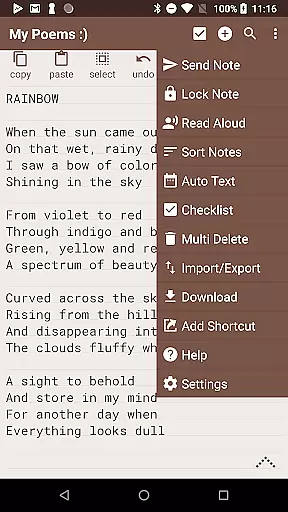
Notepad Pro distinguishes itself through an impressive array of productivity-enhancing features. The application allows users to create unlimited notes with advanced organizational tools such as custom sorting, categorization, and bookmarking capabilities. Its innovative inline checklist function enables efficient task management directly within notes.
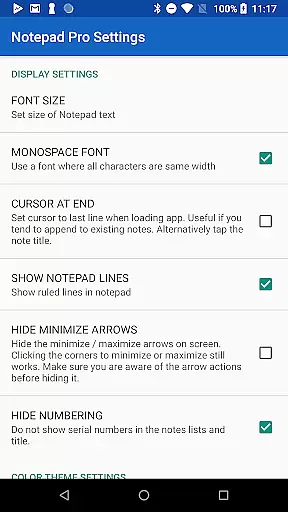
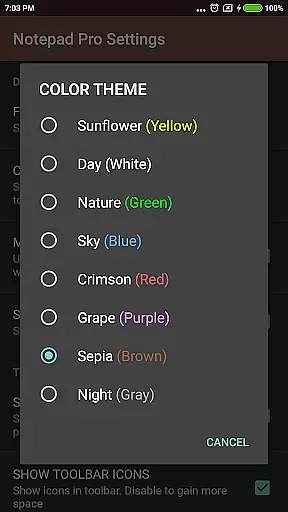
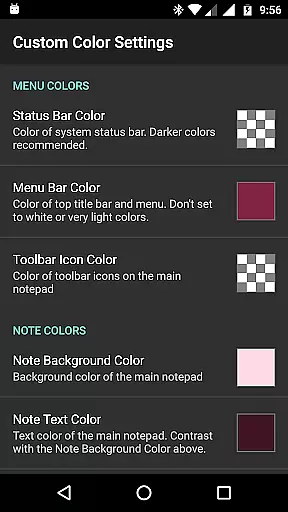
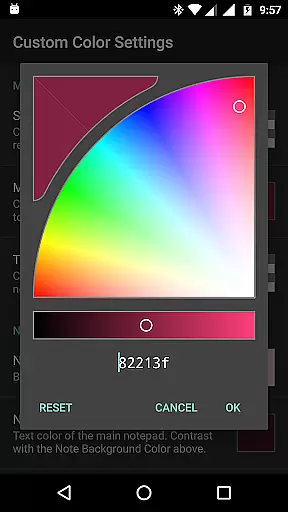
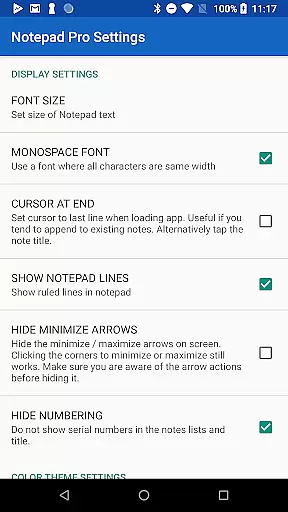
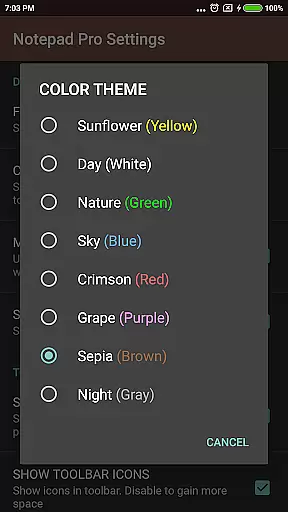
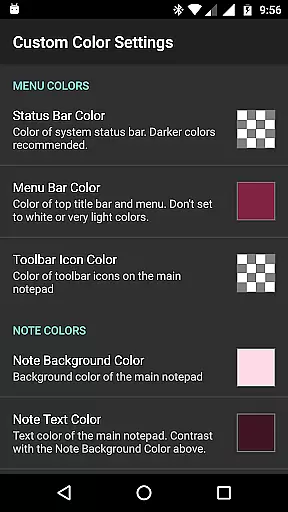
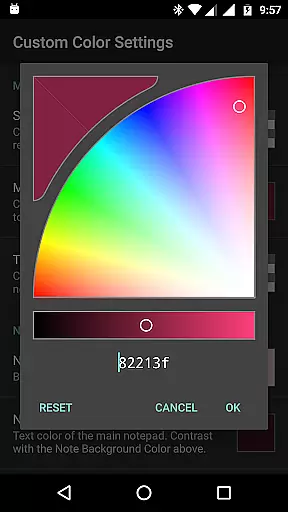
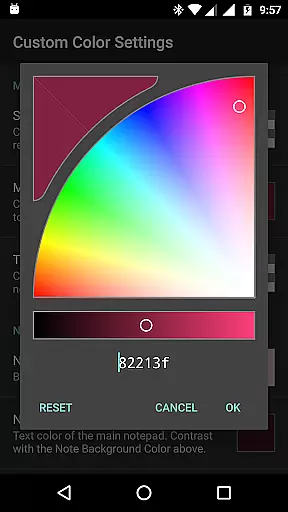
The app's display customization options are particularly noteworthy, offering multiple themes, always-visible note titles, and flexible viewing modes including full-screen display. Security-conscious users will appreciate the comprehensive safeguard features, including selective backup restoration, local file management, and configurable backup frequencies.
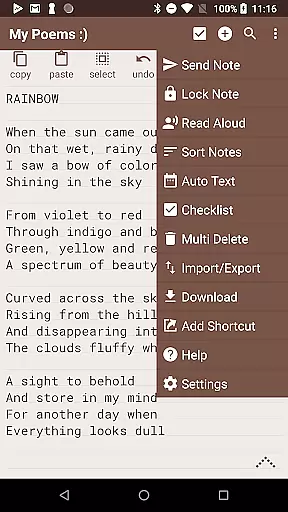
Accessibility is another strong suit, with text-to-speech functionality, customizable shortcuts, and seamless integration with external applications. The sharing capabilities have been thoughtfully designed to support various workflows, allowing users to attach notes as files in emails or open text from other applications while specifying preferred email clients for streamlined communication.
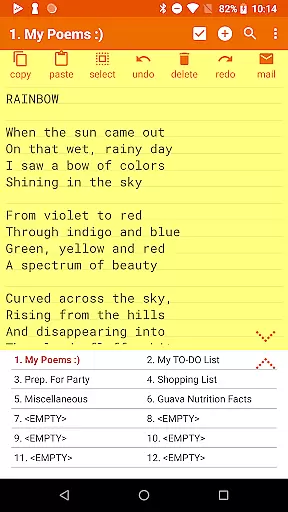
Notepad Pro excels in core task management by offering users a versatile Auto Save Notepad with unlimited notepad slots. This ensures that users can manage multiple tasks without the worry of running out of space or losing their work due to unexpected interruptions.
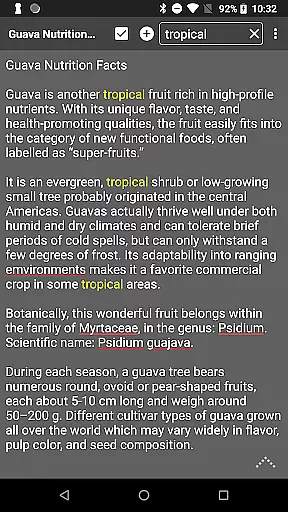
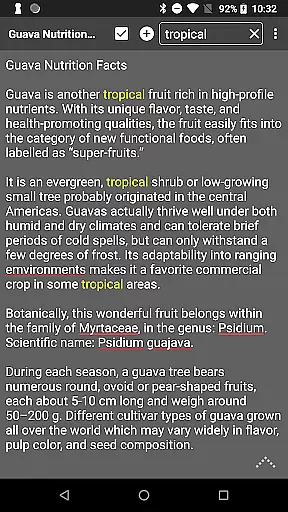
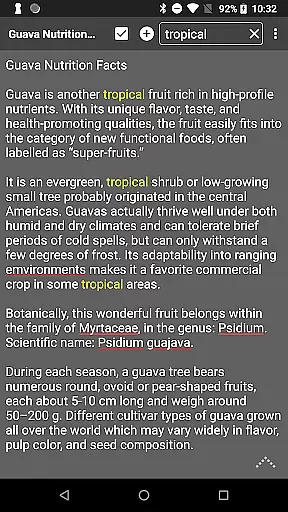
The app's in-line checklist capability allows users to create and manage checklists within their notes, making it easier to track progress on various tasks. Additionally, the search functionality within and across notes enables quick retrieval of information, enhancing productivity and efficiency.
With its tiny size of just 0.3 MB and no unwanted permissions, Notepad Pro provides a lightweight yet powerful solution for task management. The desktop widget support further enhances accessibility, allowing users to view and add notes directly from their home screen without opening the app.
While Notepad Pro focuses primarily on standalone productivity, it offers reliable cross-device synchronization through its backup and restore features. Users can download notes and backups locally, ensuring that their data is accessible even when switching devices.
The ability to specify backup frequency and selectively import/export notes adds another layer of reliability to the synchronization process. This feature set allows users to maintain consistent access to their notes across different devices, promoting seamless transitions and continued productivity.
Moreover, the app supports making notes read-only, which prevents accidental edits during synchronization. Combined with the option to attach notes as files in emails and specify preferred email apps, Notepad Pro ensures that users can reliably share and synchronize their notes across devices while maintaining data integrity.
Lightweight design
Unlimited note storage
Advanced organization tools
Comprehensive backup options
Customizable interface
Paid version only
Basic UI design
Limited collaboration features
No cloud sync
Android exclusive

When you Focus, so will your Bean in this cozy focus timer
 4.30
4.30
Auto-shutoff Alarm with Sunrise, Sunset & Fixed Options.
3.50
The upgraded version of Name Wheel with AI and the power to add your own wheels.
4.2
aCalendar+ makes your day, week and month
4.70
Activate Two Factor Authentication (2FA or Multi OTP), Password manager and more
4.10
ID.me Authenticator is a simple and free Two Factor Authentication solution
3.50
All document reader, all in one file viewer read PDF, DOCX, XLS, PPT, TXT files.
4.60
Translate text/voice/photos in 150+ languages. Offline & fast translator app.
4.50
Calendar 2023 widget for Android. Appointment scheduler, planner, and reminder
4.60
Protect and view your important info on your phone and tablet with eWallet®
4.80
The long-awaited modern gallery app for your Nextcloud server
4.70
Scan paperwork into PDF/JPG, generate your own e-signature and send fax or email
4.70
A simple Whisper AI keyboard for reliable speech transcription and rewording
4.60
Lightweight PDF, Word, Excel reader.
4.60
Planet Free VPN - The best Fast Unlimited and Secure VPN Without Logs
4.50
Send files, sync SMS, notifications & clipboard across devices via local network
4.40
Intelligent AI Assistant
4.10
Experience real multitasking on your Android!
4.00
AI Video AI Image Private LLM AI Browser Llama Gemma Ollama Connect LLM Studio
4.5


User Reviews