
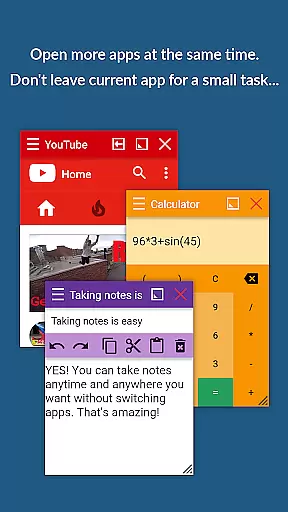
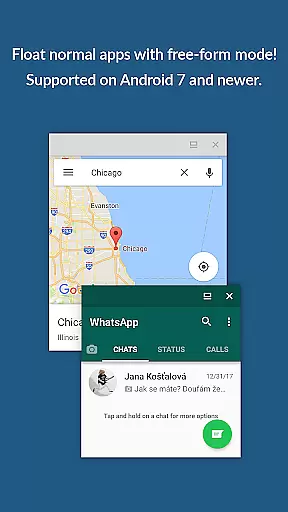
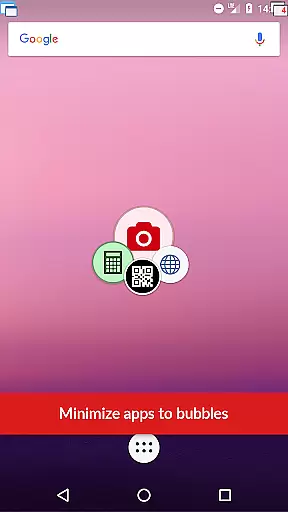
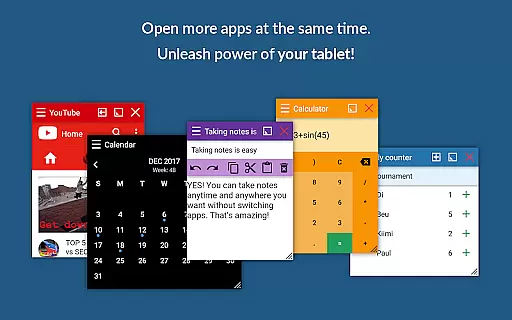
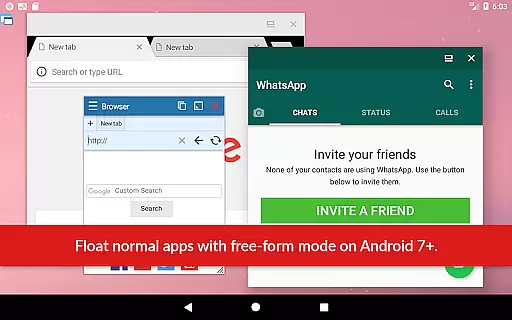
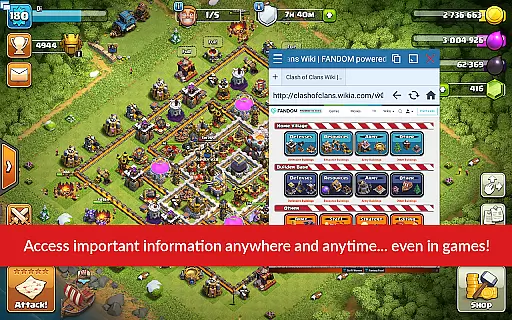
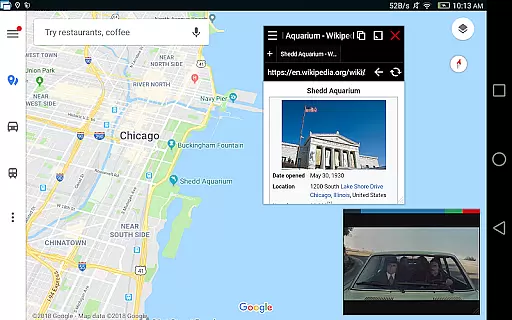
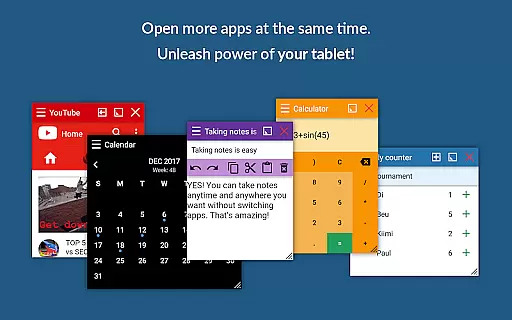
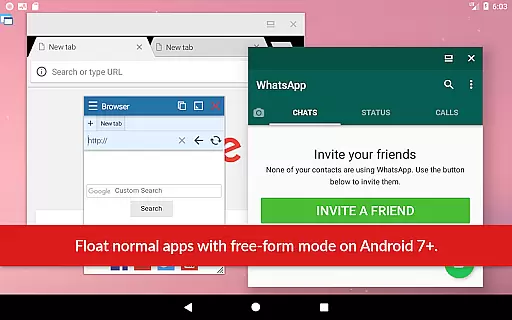
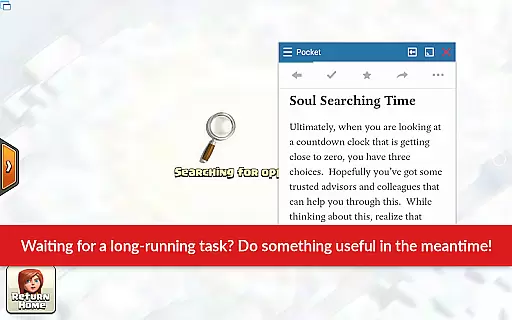
Floating Apps revolutionizes multitasking on Android devices by enabling users to run multiple apps simultaneously in floating windows. This productivity tool allows seamless integration of tasks such as watching videos, taking notes, or viewing documents without switching contexts.
With support for over 41 floating mini-apps including a browser, document viewer, and media players, the app caters to diverse user needs. Its customizable nature lets users create their own floating apps from widgets or URLs, enhancing workflow efficiency.
Ideal for professionals and power users, Floating Apps transforms the Android experience into a versatile workstation where multitasking is not just a feature but an optimized process that saves time and effort.
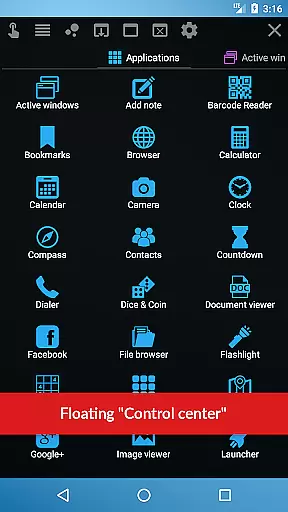
The hallmark of Floating Apps lies in its extensive suite of features designed to maximize productivity. Users can access more than 41 pre-built floating apps, ranging from practical utilities like a calculator and file manager to entertainment options such as YouTube and Facebook.
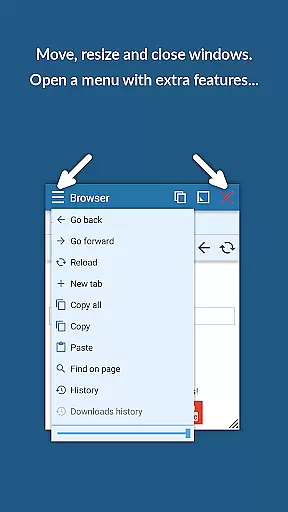
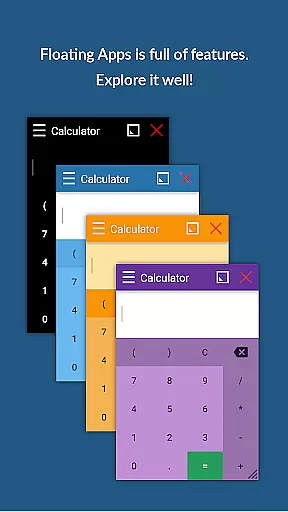
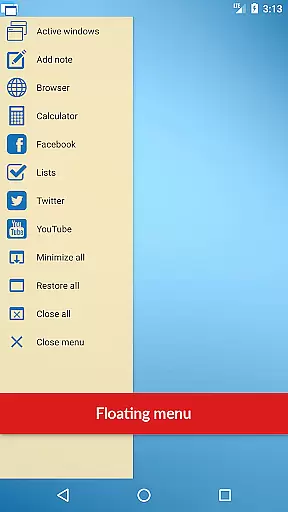
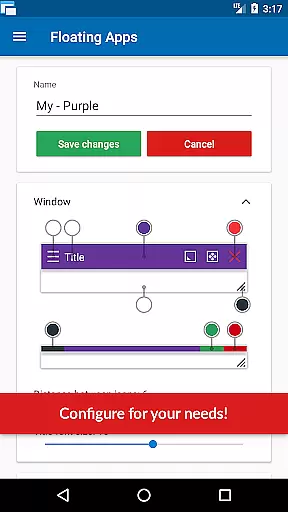
Advanced functionalities include turning home screen widgets and URLs into personalized floating apps, alongside a powerful floating menu for quick access to various shortcuts and controls. The ability to resize, move, and manage window transparency offers a tailored user experience.
Moreover, the app's commitment to accessibility across Android devices ensures compatibility with a wide range of models, making it a comprehensive solution for those seeking enhanced multitasking capabilities on their mobile device.
Floating Apps revolutionizes the way users handle multiple tasks on their Android devices by offering a comprehensive suite of floating mini apps. This innovative approach to multitasking allows users to open more than one app simultaneously, each in its own floating window, streamlining workflow and enhancing productivity.
At the core of this productivity app is its ability to let users perform various tasks without leaving the current application. Whether it's watching a YouTube video while working on something else, taking notes during a meeting, or viewing email attachments without exiting the email client, Floating Apps ensures that users can manage their activities efficiently.
The app includes over 41 built-in floating apps, ranging from browsers and media players to document viewers and social media platforms. This extensive collection covers virtually every need a user might have, ensuring that they can stay within the app ecosystem without disruption. Additionally, the feature allowing users to create custom floating apps from home screen widgets and URLs adds another layer of personalization and flexibility.
By providing such a versatile environment for task management, Floating Apps not only boosts productivity but also enhances the overall user experience. Its intuitive design and robust functionality make it an indispensable tool for anyone looking to maximize their device's potential.
Cross-device synchronization is a critical feature for users who rely on multiple devices throughout their day. Floating Apps addresses this need by ensuring that all data and settings are reliably synced across different devices, providing a seamless experience regardless of where the user left off.
This reliability is achieved through advanced cloud-based technologies that securely store user data and preferences. Whether switching from a phone to a tablet or vice versa, users can expect their floating apps, configurations, and even open tasks to be exactly as they were, maintaining continuity in their workflow.
Moreover, the synchronization process is designed to be both fast and efficient, minimizing delays and ensuring that users have access to their most up-to-date information instantly. This is particularly beneficial for professionals who require immediate access to documents, notes, or communication tools across various devices.
By prioritizing cross-device synchronization reliability, Floating Apps not only meets but exceeds the expectations of modern users who demand consistent performance and accessibility. This feature underscores the app's commitment to delivering a superior multitasking experience that adapts to the dynamic needs of its users.
User-friendly interface
Extensive app collection
Customizable floating windows
Efficient multitasking
Cross-device compatibility
May consume significant memory
Interface can be cluttered
Limited iOS availability
Premium features require payment
Occasional performance lags

Seamlessly integrate data and reports to build your presentation to impress
 4.80
4.80
⏰ Finally a timer app which can run multiple timers simultaneously on your watch
3.90
All in One PDF Reader: Manage, Read and Edit your Documents
4.20
Functional QR scanner and barcode reader that requires little storage space.
4.60
Calendar 2023 widget for Android. Appointment scheduler, planner, and reminder
4.60
Code on-the-go with VScode for Android. Edit,debug and collaborate from mobile!!
3.10
Secure your apps with lock screens, use custom themes and different features.
4.40
Browse and view your photos and videos from the phone with photo & video hide.
4.10
Note taking, handwriting, record audio, PDF annotation, planner & journal
4.20
Secure, fast, open-source, VNC and SSH Remote Desktop for Windows, Linux and Mac
4.70
The long-awaited modern gallery app for your Nextcloud server
4.70
Direct Chat without saving contacts & Dual WA Account on Single Device
4.70
The Pro Version of Android's tiniest Notepad app. Just 0.3MB but feature-packed!
4.60
A simple Whisper AI keyboard for reliable speech transcription and rewording
4.60
Lightweight PDF, Word, Excel reader.
4.60
Experience Reading - Night Mode for Documents
4.40
Cloud storage, automatic phone backup, and more.
4.10
* block pre-roll ads, pop-up and forced redirect ads * Samsung certification app
4.00
IP Camera Viewer - Android TV : RTSP Surveillance camera viewer for Android TV
4.4


User Reviews