
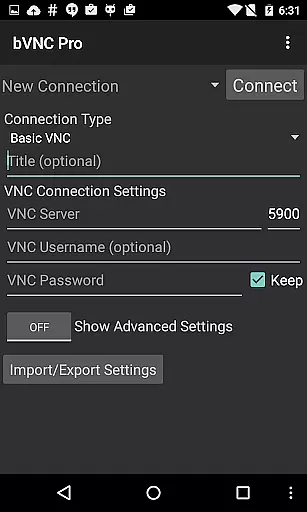
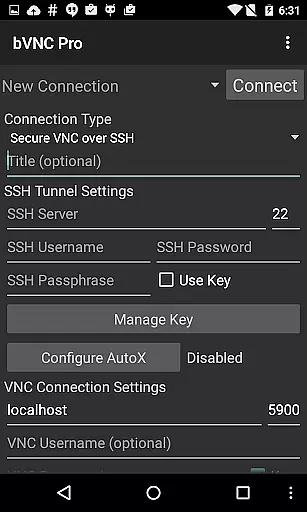
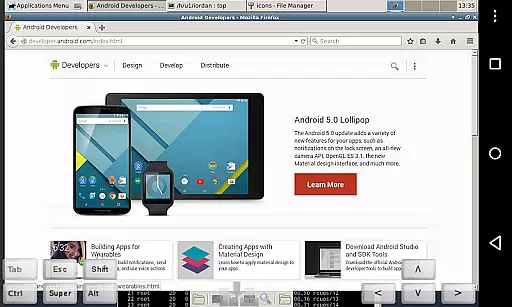
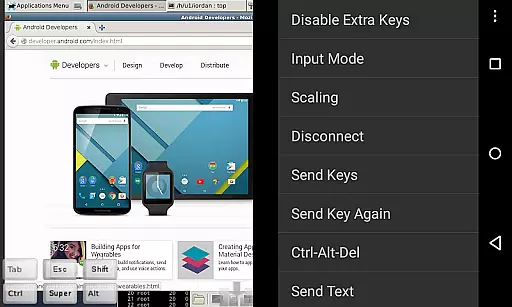
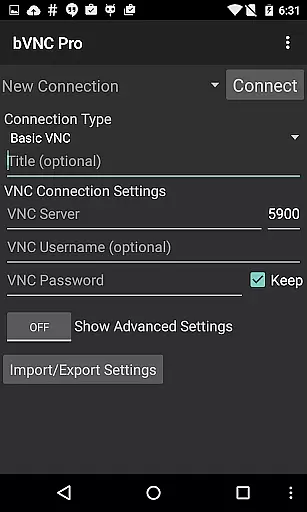
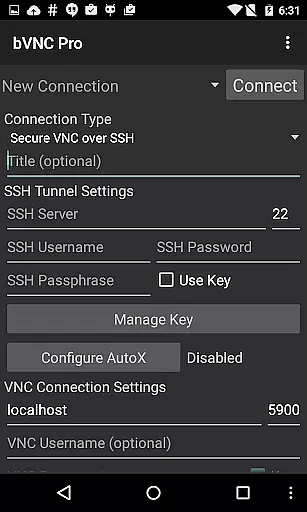
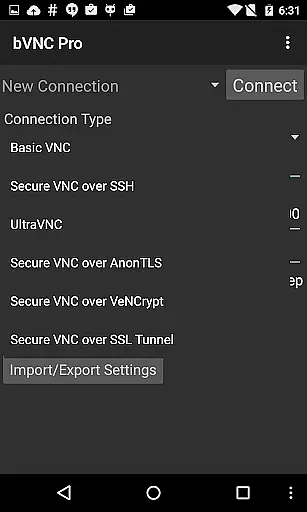
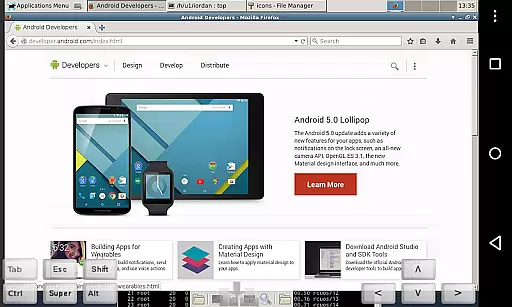
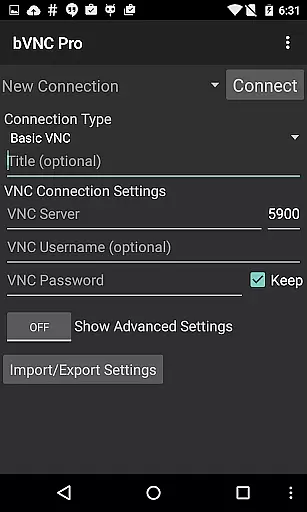
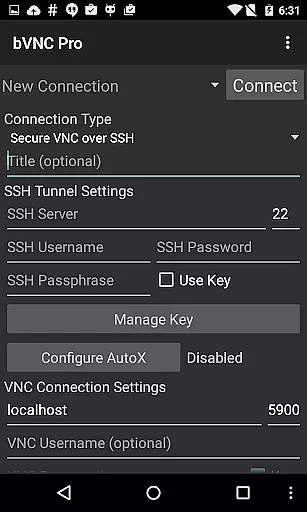
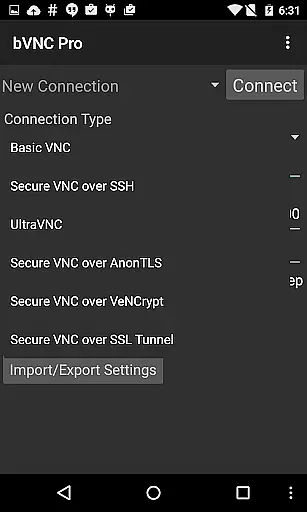
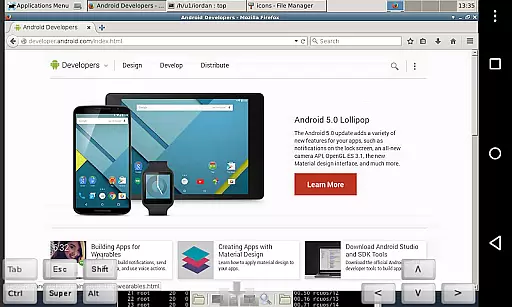
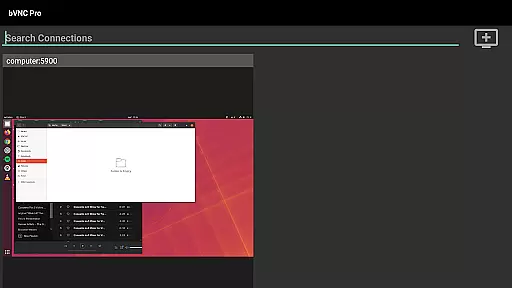
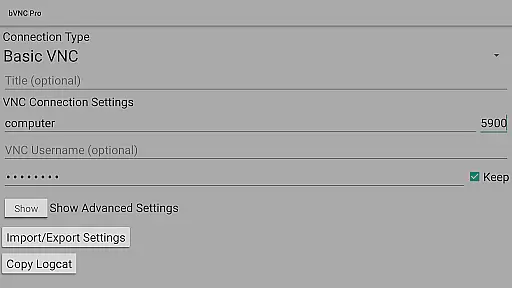
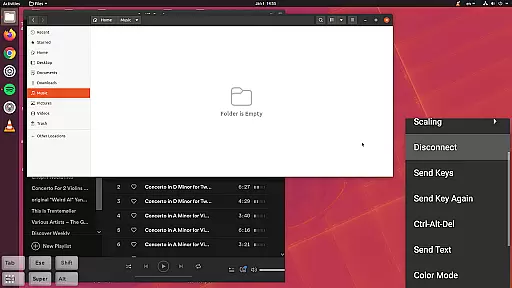
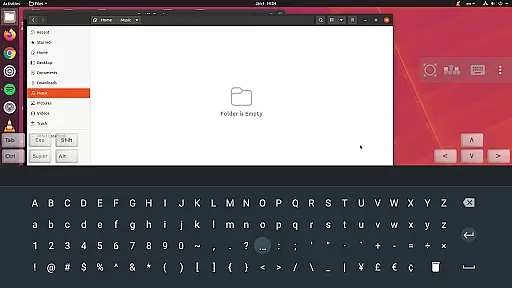
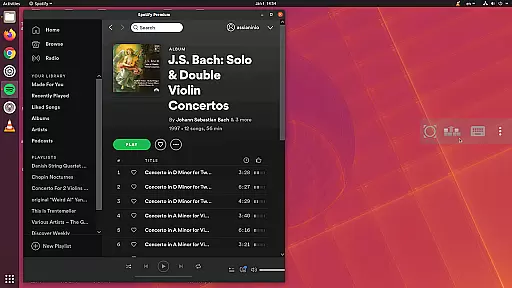
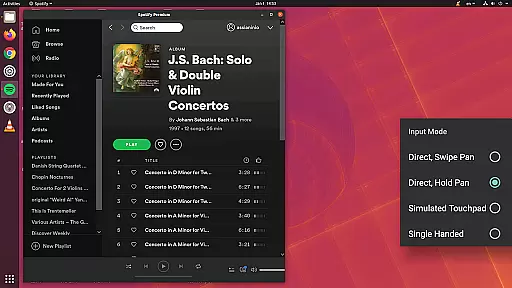
bVNC Pro is a secure, open-source VNC client designed for productivity-focused users. It allows seamless remote desktop connections to Windows, Mac, Linux, and other operating systems with VNC server support. The app offers advanced features such as multi-touch gestures, dynamic resolution changes, and SSH tunneling for secure connections.
With its compatibility across multiple platforms and robust encryption protocols, bVNC Pro ensures both flexibility and security. Whether you're managing virtual machines or accessing remote desktops, this app provides an immersive experience with options like pinch-zoom, multi-factor authentication, and full rotation capabilities.
bVNC Pro stands out with its comprehensive feature set tailored for power users. It supports high-grade encryption using SSH and VeNCrypt, preventing man-in-the-middle attacks. The app also includes multi-touch controls, enabling intuitive interactions like one-finger tap for left-clicks and three-finger tap for middle-clicks.
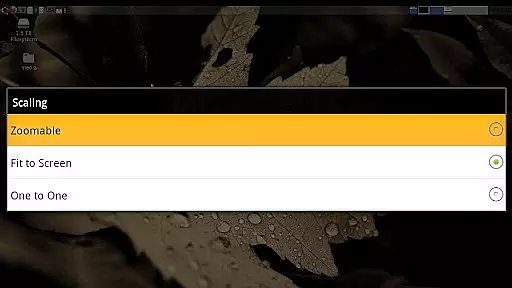
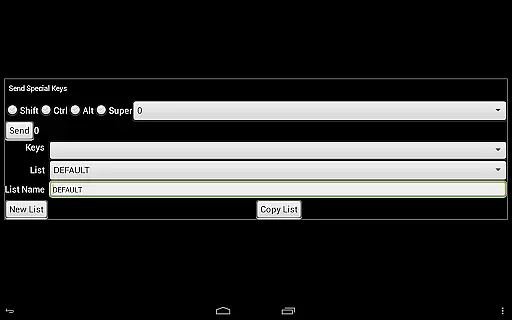
Additional functionalities include pinch-zoom, scroll gestures, and customizable scaling modes. Users can reduce color depth over slow links, utilize copy-paste integration, and access on-screen keys. With compatibility for most VNC servers and unique modes like Single-handed input, bVNC Pro delivers a versatile remote desktop solution.
bVNC Pro is a secure VNC viewer that excels in core task management by providing users with the ability to remotely control desktops and virtual machines. This app supports dynamic resolution changes, allowing users to reconfigure their desktop environments while maintaining an active connection. The feature ensures that productivity is not hindered by technical limitations.
With multi-touch controls, bVNC Pro offers an intuitive way to interact with remote systems. Users can perform left, right, and middle mouse button actions through simple touch gestures. Scrolling and zooming are also optimized for ease of use, making it possible to manage tasks efficiently without the need for additional peripherals.
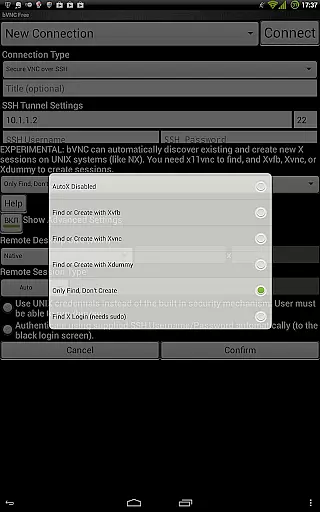
The app includes SSH tunneling, AnonTLS, and VeNCrypt to provide secure connections, which is crucial when managing sensitive data or accessing corporate networks. These security protocols ensure that all remote interactions are protected against unauthorized access, thus maintaining the integrity of the managed tasks.
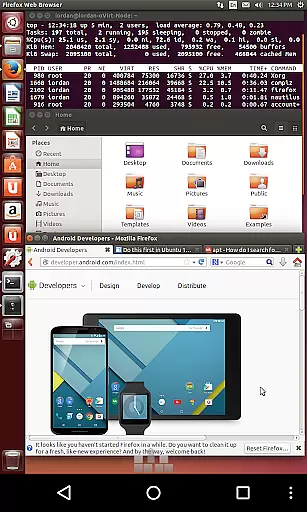
Furthermore, bVNC Pro's compatibility with various VNC servers, including TightVNC, UltraVNC, and Mac OS X built-in remote desktop server, allows users to connect to different systems seamlessly. This versatility enhances task management capabilities across multiple platforms, ensuring consistent performance regardless of the operating system being accessed.
Cross-device synchronization is a critical aspect of bVNC Pro, enabling reliable access to remote desktops from various devices. Whether you're using an Android device or have switched to iOS or Mac OS X, bVNC Pro ensures that your sessions remain synchronized and up-to-date, providing a seamless transition between devices.
The app's support for multi-factor SSH authentication in the Pro version adds an extra layer of security during cross-device usage. By requiring more than just a password, it significantly reduces the risk of unauthorized access, even if a device is lost or stolen. This feature is essential for maintaining the reliability of synchronized sessions.
bVNC Pro also offers master password support, streamlining the login process while keeping your credentials secure. This functionality is particularly beneficial when switching between devices frequently, as it minimizes the hassle of entering passwords repeatedly while ensuring that your connections remain protected.
In addition, the app's ability to import encrypted or unencrypted RSA keys in PEM format facilitates secure and reliable synchronization across devices. This feature allows users to maintain consistent access to their remote systems, regardless of the device they are using, thereby enhancing productivity and ensuring that important tasks can be managed from anywhere at any time.
Secure SSH tunneling
Multi-touch gestures
Cross-platform support
Dynamic resolution changes
High-grade encryption
No RealVNC encryption
Complex setup required
Paid Pro version needed
Limited free features
Advanced knowledge required

A Revolutionary All-in-One Artificial Intelligence Tools
 3.80
3.80
Android Wallet Password Manager
4.80
Protect and view your important info on your phone and tablet with eWallet®
4.80
aCalendar+ makes your day, week and month
4.70
Activate Two Factor Authentication (2FA or Multi OTP), Password manager and more
4.10
Multilingual translator for text, voice, and image translation!
4.90
* block pre-roll ads, pop-up and forced redirect ads * Samsung certification app
4.00
Set up, print, and get support—in one place
4.20
2026 USPS Alpha/Color coded calendar Sunday/Rotating day off schedules
4.5
Scientific calculator for Android - looks and operates like the real thing!
4.90
The long-awaited modern gallery app for your Nextcloud server
4.70
Functional QR scanner and barcode reader that requires little storage space.
4.60
Enjoy classic gameplay with customizable features and retro-style graphics.
4.30
Total remote control for your Android device, PC and cloud services (IFTTT)!
4.20
Wake up & get tasks done! Add alarms & reminders on the Clock Launcher.
4.00
Remotely view listen control and record cameras.
3.70
Find and delete junk files & block unwanted notifications & manage files
3.70
Ads Free App! Editor, Hide File, Copy, Move, Delete and Rename.. all facility av
1.70
A comprehensive suite of tools designed specifically for Lactation Consultants
4.1


User Reviews