
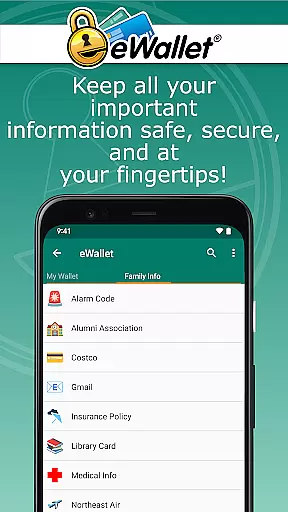
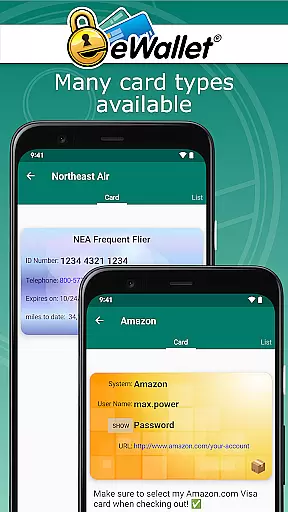
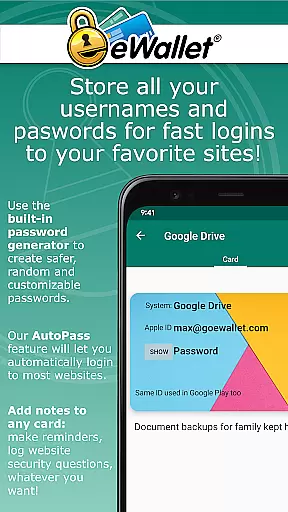
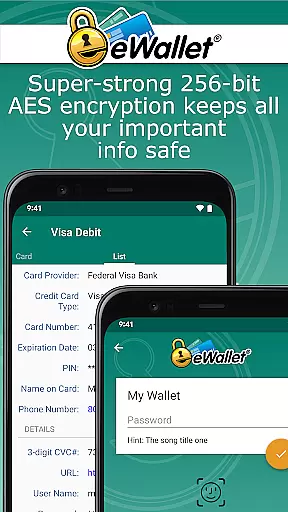
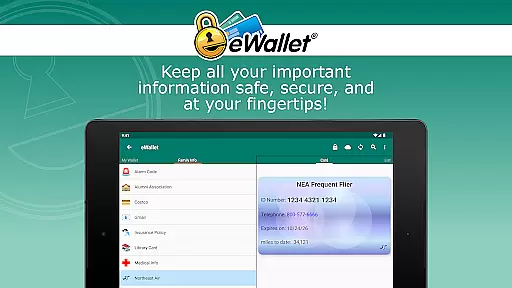
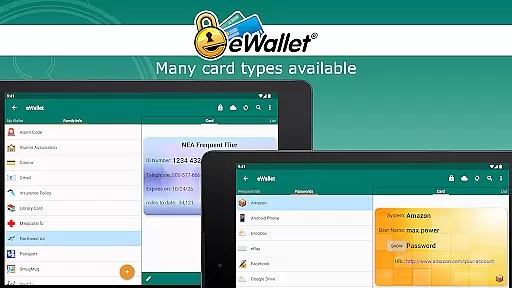
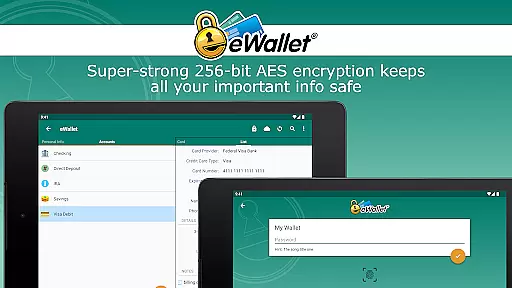
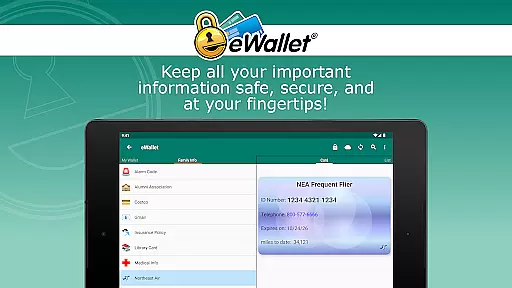
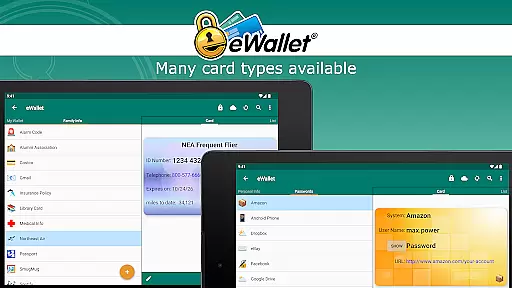
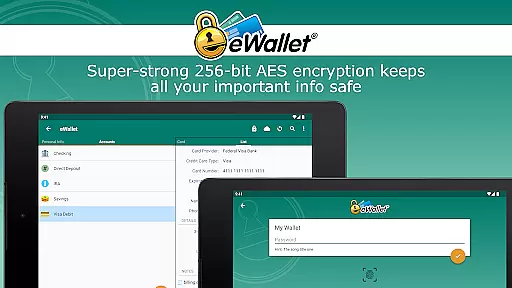
eWallet is a premier productivity app designed to securely manage your sensitive information. This application allows users to store passwords, credit card details, and personal data behind military-grade 256-bit AES encryption. With its updated biometric features, you can conveniently unlock your digital wallet using fingerprint, facial recognition, or iris scan based on your device's capabilities.
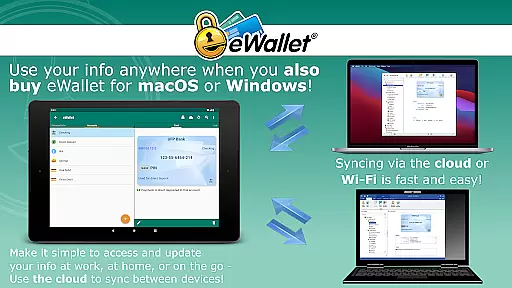
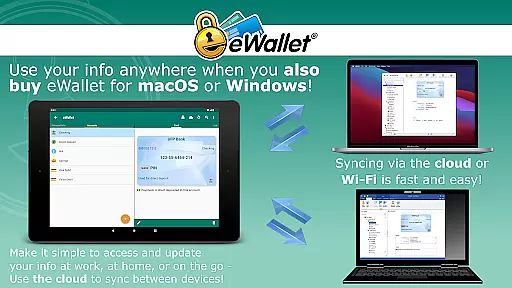
Designed for both smartphones and tablets, eWallet ensures that your critical data is always at your fingertips while maintaining top-notch security. Its synchronization feature enables seamless updates across all your devices via cloud services like Dropbox, Google Drive, or locally through Wi-Fi. Whether you're managing online accounts or organizing personal documents, eWallet provides a comprehensive solution to keep your digital life safe and organized.
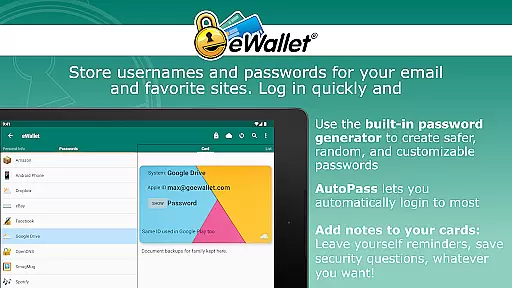
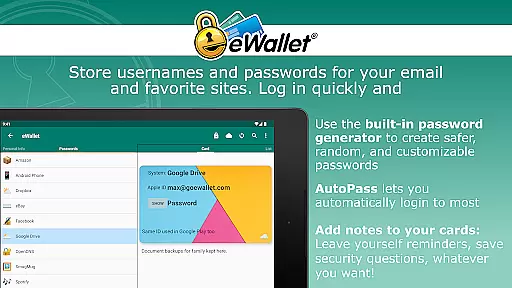
eWallet stands out with its robust feature set tailored for secure and efficient data management. The app supports biometric authentication methods including fingerprint and facial recognition, ensuring quick yet secure access. It also offers a random password generator and auto-locking functionality to enhance your data protection.
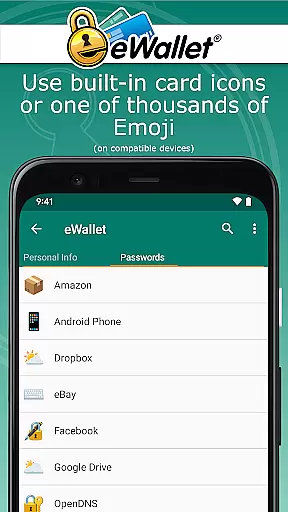
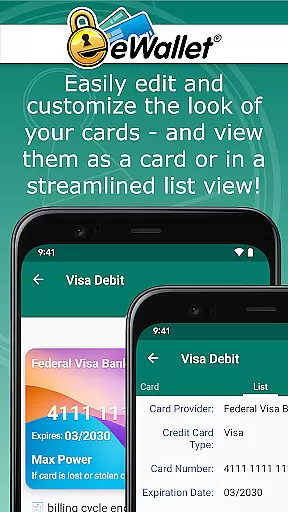
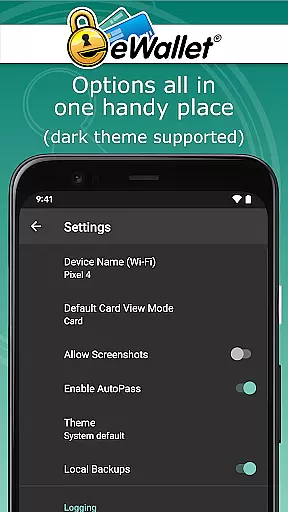
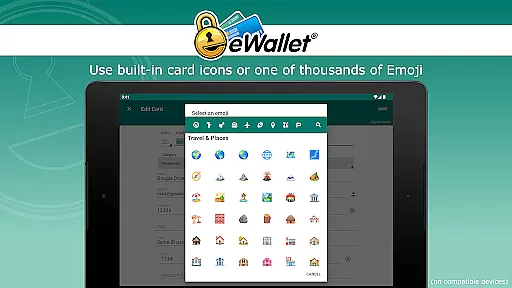
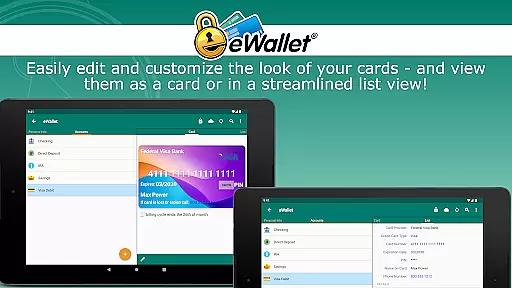
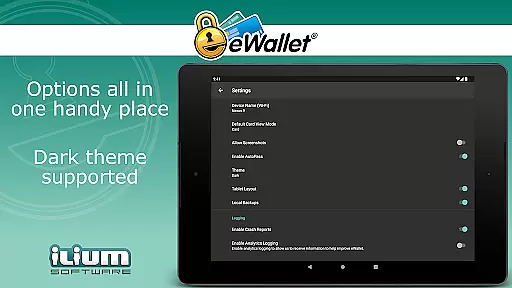
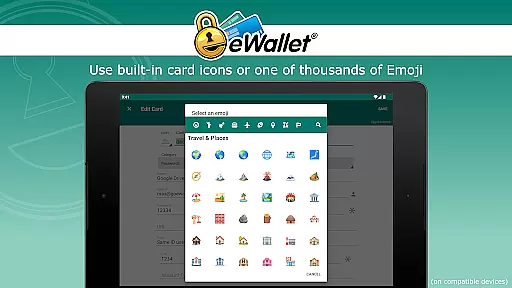
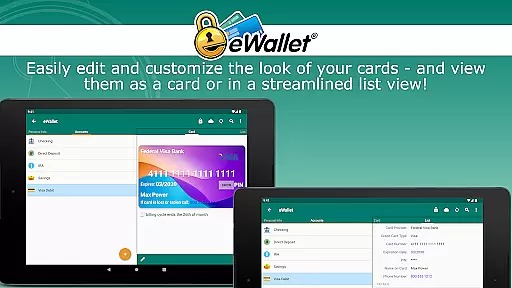
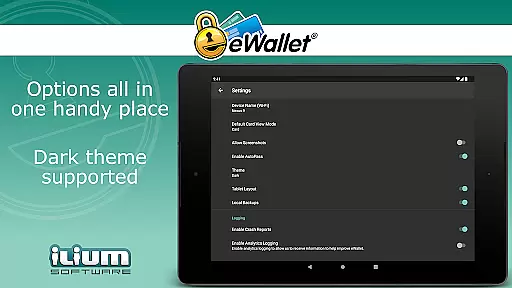
One of the key highlights is its ability to sync multiple wallets across various devices using either cloud services such as Dropbox, Google Drive, or local Wi-Fi connections. Additionally, users can customize their experience with options like Dark Theme, personalized card designs, and over three thousand emoji choices for card customization. These features collectively ensure that eWallet not only secures your data but also makes it easily accessible and visually appealing.
In the realm of productivity applications, core task management is pivotal for organizing and prioritizing daily activities. eWallet excels in this area by offering users a comprehensive suite to manage not just tasks but also sensitive information crucial for personal and professional security.
The app provides military-grade 256-bit AES encryption, ensuring that your passwords, credit card details, and personal data are safeguarded against unauthorized access. This level of encryption allows you to carry your digital life in your pocket without compromising on safety, making it an indispensable tool for effective task and information management.
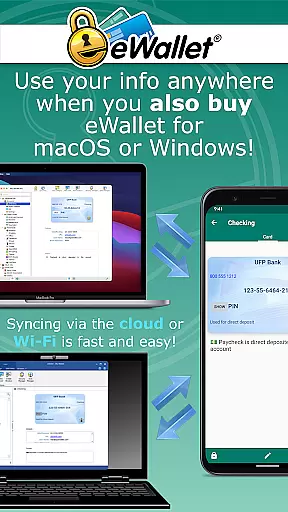
Furthermore, eWallet supports seamless synchronization across Android devices and desktop computers via cloud services like Dropbox, Google Drive, or Microsoft OneDrive, as well as local Wi-Fi sync. This ensures that whether you're at home, in the office, or on the move, your data is always up-to-date and accessible, enhancing your ability to manage tasks efficiently from any location.
Cross-device synchronization is a cornerstone of modern productivity tools, enabling users to maintain consistency and reliability across multiple platforms. eWallet addresses this need with robust features designed to keep your information synced and secure, regardless of the device you're using.
Utilizing advanced cloud synchronization options such as Dropbox, Google Drive, and Microsoft OneDrive, alongside local Wi-Fi sync capabilities, eWallet ensures that your wallets are updated in real-time across all your devices. This means you can start managing your tasks or accessing important information on your smartphone and continue seamlessly on your tablet or computer without missing a beat.
Moreover, the app's auto-locking feature and biometric support for accessu2014such as fingerprint, facial recognition, or iris scanu2014add layers of security and convenience. These features guarantee that your data remains protected yet easily accessible, reinforcing the reliability of cross-device synchronization while maintaining the highest standards of data protection.
Top-notch security
User-friendly interface
Biometric login support
Cloud synchronization
Customizable design
No iOS compatibility
Premium pricing
Limited free features
Requires internet
Device-specific functions

When you Focus, so will your Bean in this cozy focus timer
 4.30
4.30
The long-awaited modern gallery app for your Nextcloud server
4.70
Direct Chat without saving contacts & Dual WA Account on Single Device
4.70
Absolutely the best CNC machinist speed and feed calculator around. fswizard.com
4.60
Make apps & sites with natural language prompts
4.10
Translate text/voice/photos in 150+ languages. Offline & fast translator app.
4.50
Secure, open-source, SPICE and SSH Remote Desktop for QEMU KVM virtual machines
4.00
A beautiful digital clock with autostart and many other functions
4.70
Access your phone's notifications, calls, apps, photos & texts on your PC
3.90
Understand anything with a personalized AI research assistant
4.80
Use powerful, industry-leading AI tools to generate visual charts from any data
4.80
Okta MFA
4.70
PDF scanner & converter for files, photos, lottery, QR codes. One swipe away!
4.50
Device's storage information in a simple and clear graphical form (infographics)
4.10
Take control of your clipboard with Clipper!
3.90
Smart PDF reader & editor to view, organize and manage PDF documents easily.
3.70
Remotely view listen control and record cameras.
3.70
Make your handwriting beautiful, even more than pen on paper.
3.60
The upgraded version of Name Wheel with AI and the power to add your own wheels.
4.0


User Reviews