
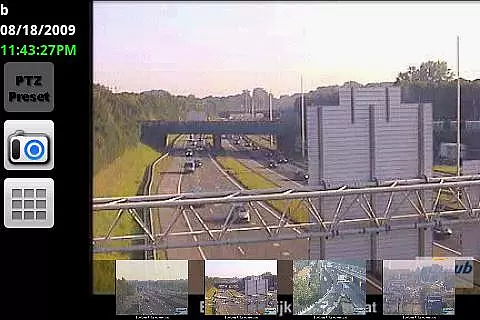
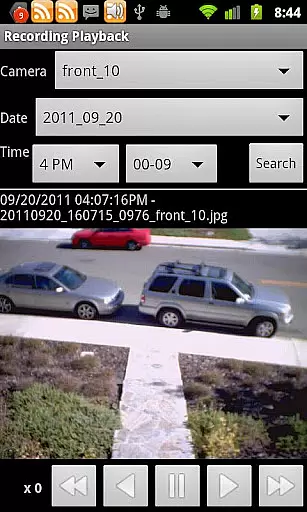
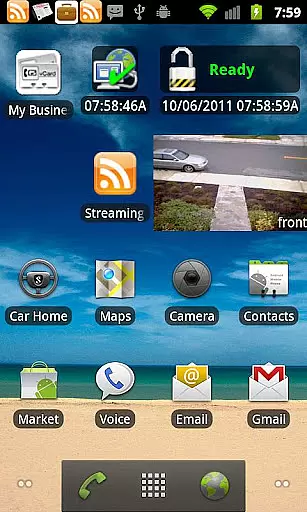
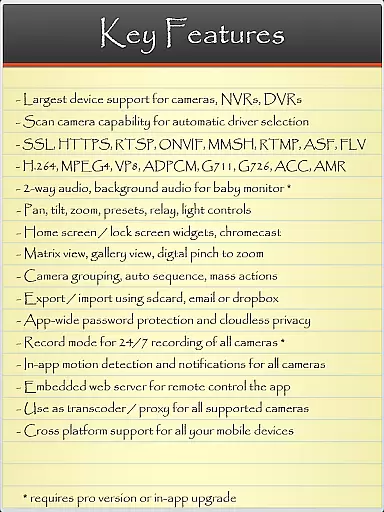
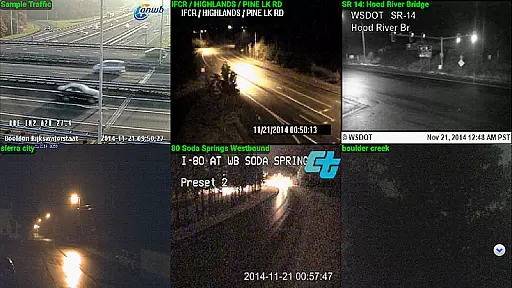
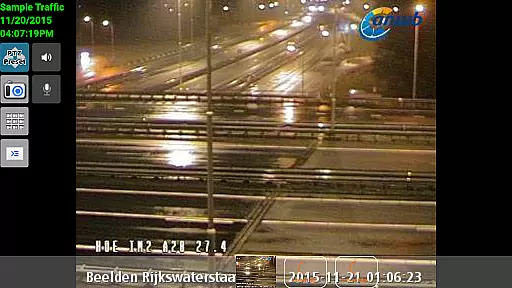
IP Cam Viewer Pro is a powerful productivity tool designed for remote video monitoring. This award-winning app, recognized as the Best Software in the Utilities category for 2011, allows users to access their video cameras, digital video recorders, network recorders, and webcams from anywhere. Supporting over 1600 devices, it offers compatibility with a wide range of equipment and provides features such as automatic camera scanning to find compatible drivers.
The app stands out with its extensive protocol support including HTTPS, RTSP, and ONVIF, making it versatile for different types of surveillance systems. Users can benefit from advanced functionalities like matrix view, pan-tilt-zoom control, home/lock screen widgets, grouping options, encryption, and in-app motion detection. Whether for personal or professional use, IP Cam Viewer Pro delivers comprehensive remote monitoring solutions that enhance security and convenience.
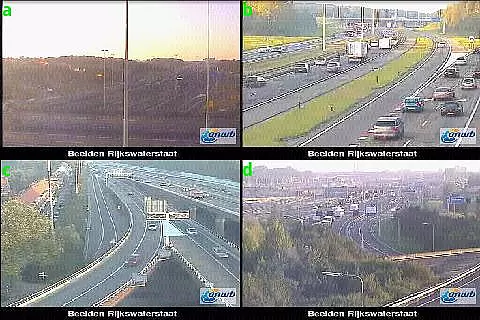
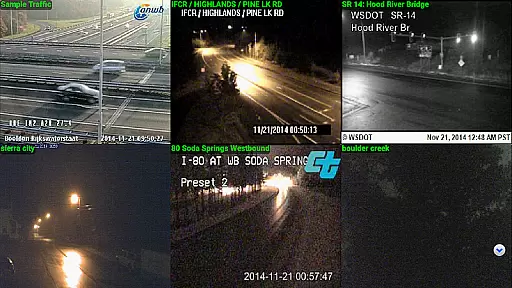
IP Cam Viewer Pro boasts an array of sophisticated features tailored to meet diverse surveillance needs. One of its key strengths is the broad protocol and video format support, which includes HTTPS, RTSP, and ONVIF, ensuring seamless integration with various devices. The app's ability to provide a matrix view allows users to monitor multiple camera feeds simultaneously, offering a comprehensive overview of their security setup.
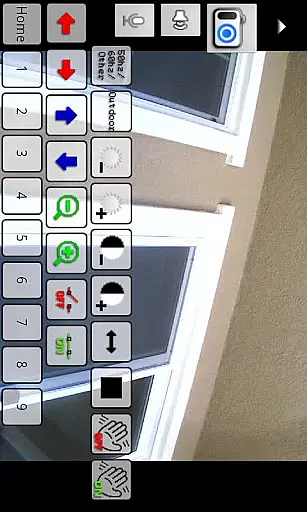
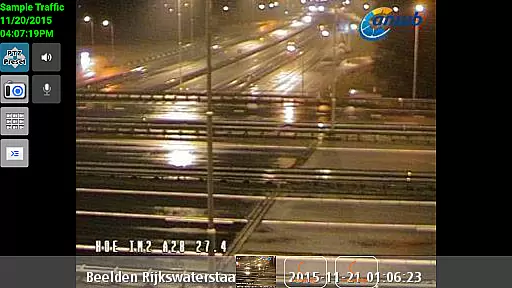
In addition to its robust technical specifications, the app also supports pan-tilt-zoom functionality, giving users dynamic control over their camera angles and focus. Home and lock screen widgets make accessing the app quick and easy, while grouping capabilities allow for organized management of different devices. With added encryption and in-app motion detection, IP Cam Viewer Pro ensures both data security and efficient alert mechanisms, making it an indispensable tool for modern surveillance requirements.
Task management in IP Cam Viewer Pro is designed to streamline the way users handle their surveillance needs. This app allows you to remotely access and manage a wide array of video devices, including cameras, digital video recorders, and webcams. With support for over 1600 devices, it ensures that you can connect to virtually any camera system with ease.
The app's extensive protocol support, including HTTPS, RTSP, and ONVIF, enhances its compatibility and security, making sure that your data streams are both reliable and safe. The matrix view feature provides an organized overview of multiple camera feeds, allowing you to monitor several locations simultaneously without hassle.
Additionally, advanced functionalities such as pan-tilt-zoom control offer precision in monitoring specific areas, ensuring no detail goes unnoticed. Home and lock screen widgets further simplify access to frequently used controls, enhancing productivity by reducing the steps needed to perform essential tasks.
Cross-device synchronization is a critical feature of IP Cam Viewer Pro, ensuring that your surveillance setup remains consistent and up-to-date across all your devices. Whether you're using a smartphone, tablet, or computer, this app provides reliable and real-time updates, so you never miss an important event.
One standout aspect is the appu2019s ability to maintain synchronization even when switching between different platforms. This means that settings configured on one device will automatically apply to others, providing a seamless user experience regardless of the device you choose to use.
Moreover, the app supports background audio and two-way communication capabilities, which allow for continuous monitoring and interaction without needing to keep the app open at all times. This ensures that you stay connected and informed, no matter where you are or what device youu2019re using.
User-friendly interface
Wide device compatibility
Advanced security features
Comprehensive protocol support
Efficient motion detection
Occasional connectivity issues
Complex setup process
Limited customer support
Higher cost compared to alternatives
Resource-intensive operation

QuickBooks Workforce lets teams view pay info and track time in one place.
 4.70
4.70
Wake up & get tasks done! Add alarms & reminders on the Clock Launcher.
4.00
Smart PDF reader & editor to view, organize and manage PDF documents easily.
3.70
Pwnagotchi companion app
4.20
App lock - lock apps with fingerprint, password, pin or pattern, protect privacy
4.70
Understand anything with a personalized AI research assistant
4.80
AT&T Internet customers can use this app to personalize their Wi-Fi network.
4.40
Seamlessly read, manage, and organize all your PDF files solution in one place
4.40
2026 USPS Alpha/Color coded calendar Sunday/Rotating day off schedules
4.4
8 custom complications. Custom Time Fonts. Beautiful color schemes. A++ Design.
5.00
aCalendar+ makes your day, week and month
4.70
A lightweight JSON & XML files creator, editor and viewer (Premium Version)
4.40
Enjoy classic gameplay with customizable features and retro-style graphics.
4.30
Font maker keyboard with your own handwriting
4.10
Secure, open-source, SPICE and SSH Remote Desktop for QEMU KVM virtual machines
4.00
* block pre-roll ads, pop-up and forced redirect ads * Samsung certification app
4.00
The ultimate file manager for rooted devices. The original and still the best.
4.00
Take control of your clipboard with Clipper!
3.90
Mega cloud explorer plugin for Solid Explorer
3.80


User Reviews