
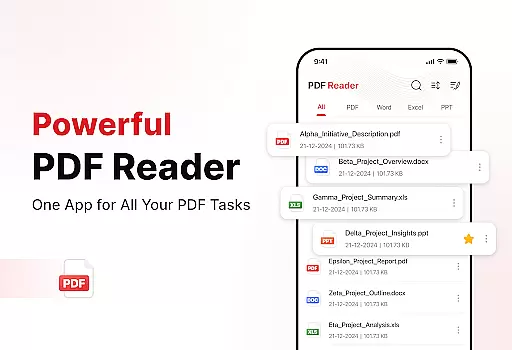
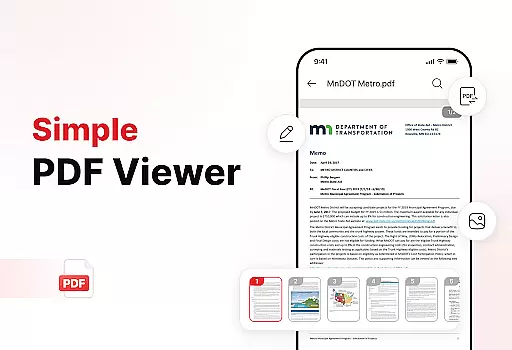
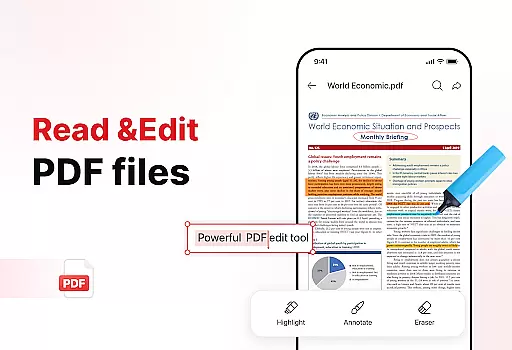
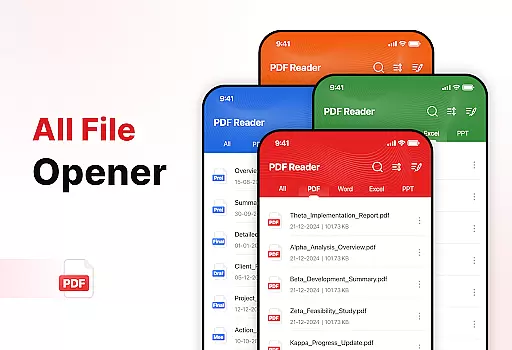
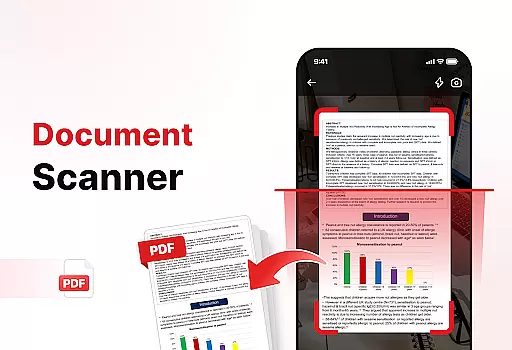
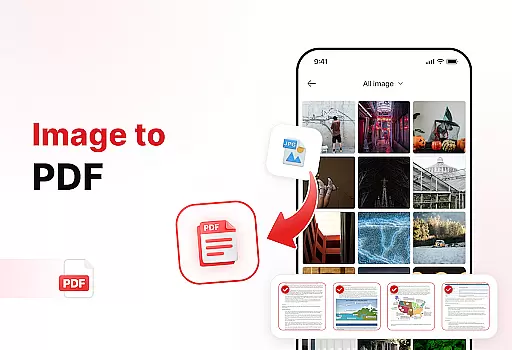
PDF Reader - Edit & View is a comprehensive document management solution designed to simplify how you handle, organize, and convert files. This productivity app offers versatile PDF reading capabilities, allowing users to open and read PDFs of any size without lag while providing easy navigation and zoom features for detailed viewing.
In addition to its core PDF functionality, the app includes powerful document conversion tools. Users can scan physical documents and convert them into high-quality PDFs or transform images and screenshots into professional PDF formats. The app also provides enhanced productivity features such as file organization, advanced sorting options, effortless sharing capabilities, and a convenient search function to quickly locate specific files.
This application is particularly useful for students, professionals, and anyone who frequently works with documents. By combining multiple document management functions in one intuitive interface, PDF Reader - Edit & View helps users boost their productivity and save valuable time when handling various document types.
The PDF Reader - Edit & View app stands out through its diverse range of features that cater to different document management needs. Its primary strength lies in its versatile PDF reader capabilities, which support seamless navigation through documents of any size. Users can easily zoom in for details and highlight critical information while working with multiple file formats including XLS, DOCX, and PPT documents.
One of the app's most notable features is its powerful document converter. The built-in document scanner allows users to capture text, images, and diagrams from physical documents and convert them into high-quality PDFs. Additionally, the image-to-PDF converter enables users to transform various visual content, including screenshots and graphics, into professional-looking PDF documents with just a few taps.
The app goes beyond basic document viewing by offering enhanced productivity tools. These include advanced file management features such as bookmarking for quick access, multiple sorting options (by name, date, or size), and an efficient search function. Users can also add digital signatures to PDFs and share documents effortlessly with colleagues or friends, making it an all-in-one solution for document management needs.
Task management is a cornerstone of productivity, and PDF Reader - Edit & View excels in this area by offering users a comprehensive suite of tools to handle their documents efficiently. The app allows for seamless organization, enabling users to manage, sort, and retrieve files with ease.
The application's functionality extends to versatile file handling, supporting multiple formats such as XLS, DOCX, and PPT. This ensures that no matter the document type, users can open, read, and edit files without any hitches. With features like zoom for details and highlight options, critical information is always at your fingertips.
PDF Reader - Edit & View also includes powerful productivity tools. Users can add bookmarks for quick access, sort files by name, date, or size, and even search for specific documents swiftly. These capabilities ensure that users maintain a clutter-free digital workspace, enhancing overall efficiency.
Ultimately, the core task management features of this app empower users to take control of their document workflow. Whether it's through managing and organizing files or utilizing advanced sorting and search options, productivity is not just promisedu2014it's delivered.
In today's fast-paced world, having reliable cross-device synchronization is vital for maintaining productivity. PDF Reader - Edit & View addresses this need by ensuring that users can access their documents seamlessly across different devices, providing a consistent experience whether they're on a phone, tablet, or computer.
The app supports real-time updates, meaning any changes made to a document are instantly reflected across all linked devices. This feature is particularly beneficial for professionals and students who rely on up-to-date information to collaborate effectively with peers or meet academic requirements.
Moreover, the ability to effortlessly share PDFs and other files with colleagues, friends, or family enhances collaborative efforts. Regardless of geographical location, users can distribute documents knowing that the recipient will view the most current version, thus avoiding miscommunication or errors.
By prioritizing synchronization reliability, PDF Reader - Edit & View guarantees peace of mind for its users. They can focus on their tasks without worrying about version control issues or data loss, making this app an indispensable tool for anyone serious about productivity.
User-friendly interface
Multi-format support
Powerful conversion tools
Advanced organization features
Effortless sharing options
Limited free features
Occasional performance issues
Subscription required
Ads in free version
Large file size

A Revolutionary All-in-One Artificial Intelligence Tools
 3.80
3.80
Make your handwriting beautiful, even more than pen on paper.
3.60
Secure, fast, open-source, Remote Desktop Client for Windows and Linux with SSH
4.60
All in One PDF Reader: Manage, Read and Edit your Documents
4.20
PDF scanner & converter for files, photos, lottery, QR codes. One swipe away!
4.50
Translate text/voice/photos in 150+ languages. Offline & fast translator app.
4.50
Great calculator for Android named one of USA TODAY's "25 Essential Apps".
4.90
Best Tool for the professionals Electrician, Electrical contractors, etc.
4.90
Lightweight PDF, Word, Excel reader.
4.60
A beautiful digital clock with autostart and many other functions
4.70
Client for Nextcloud Deck
4.60
Absolutely the best CNC machinist speed and feed calculator around. fswizard.com
4.60
Stay on top of your to-dos with Google Tasks, part of Google Workspace.
4.60
To do list widget with a notebook organizer, checklist, simple shopping list
4.60
CalenGoo is a very flexible and feature-rich calendar app
4.40
Device's storage information in a simple and clear graphical form (infographics)
4.10
Wake up & get tasks done! Add alarms & reminders on the Clock Launcher.
4.00
Customizable calendar widget for seamless event sync, planning & scheduling.
4.00
* block pre-roll ads, pop-up and forced redirect ads * Samsung certification app
4.00


User Reviews