
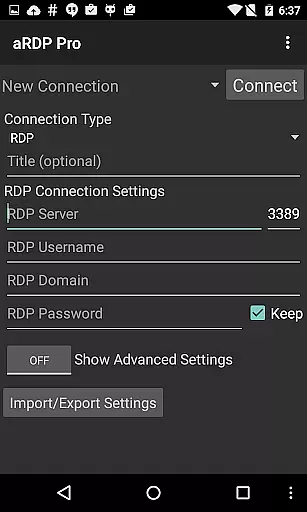
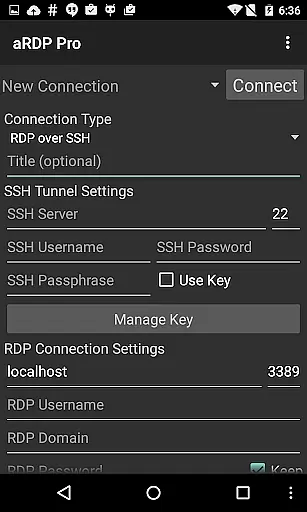
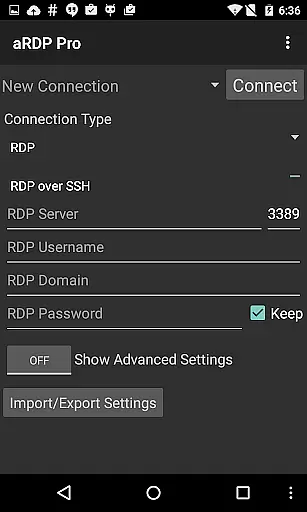
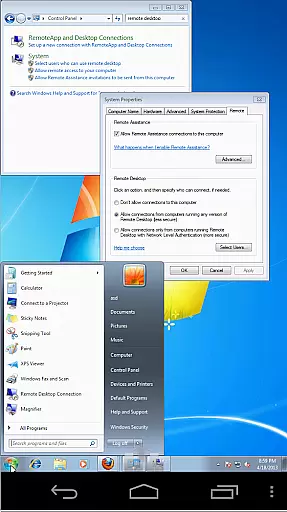
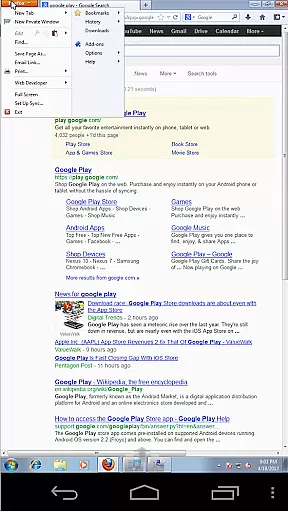
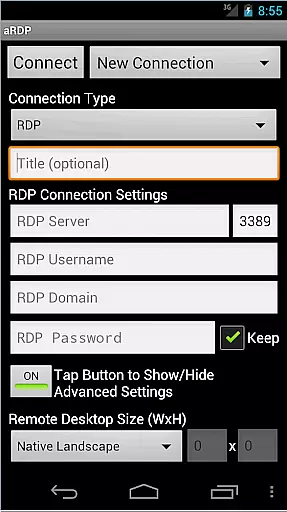
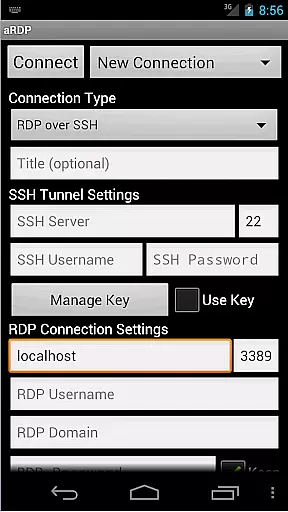
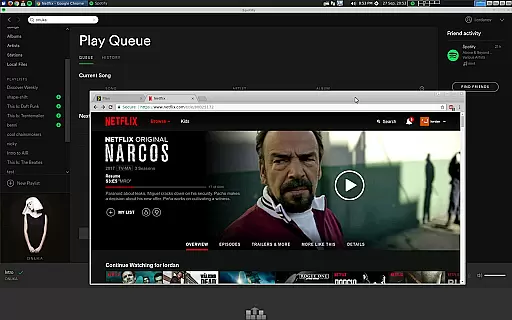
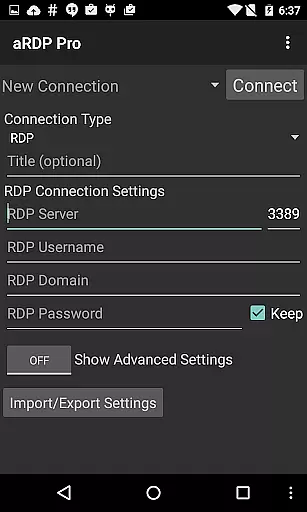
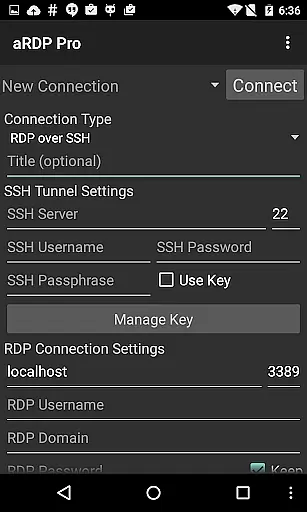
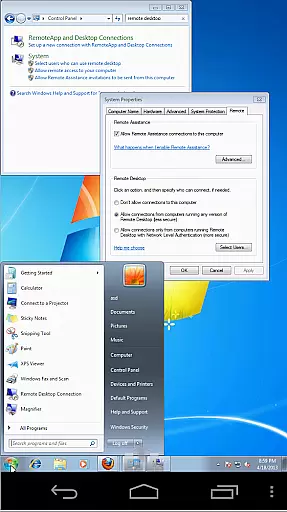
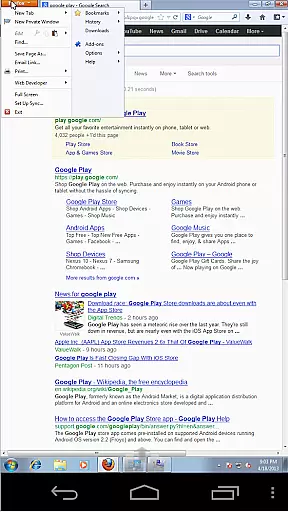
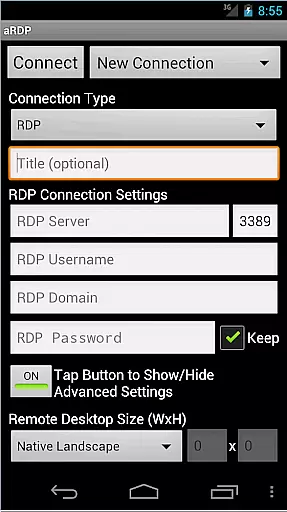
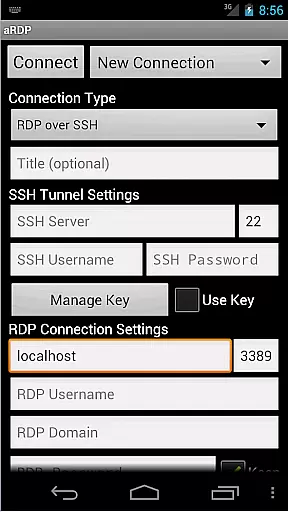
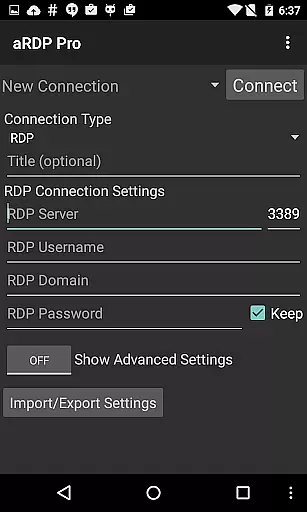
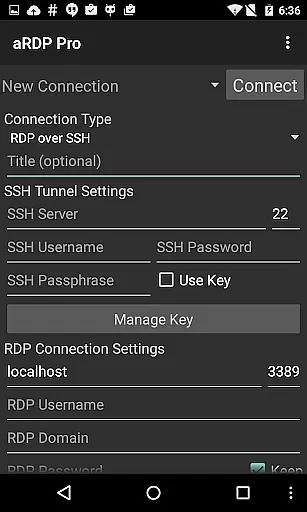
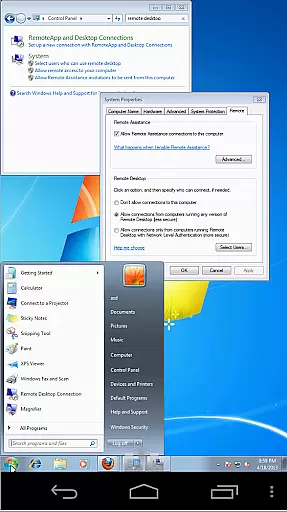
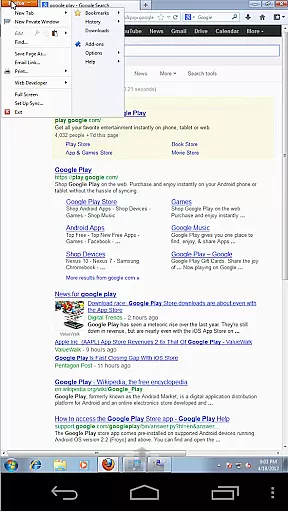
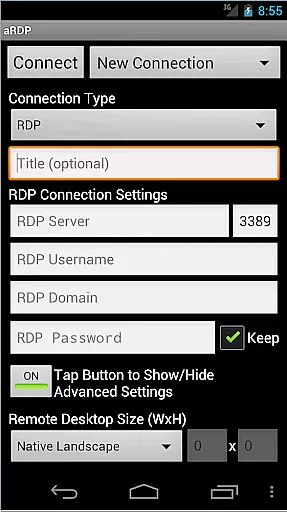
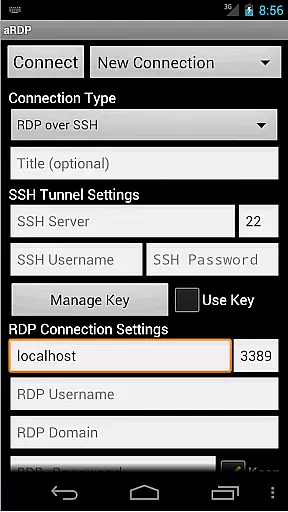
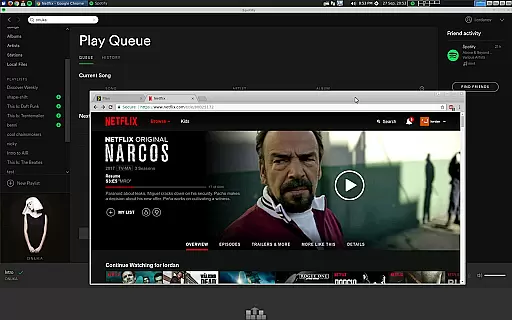
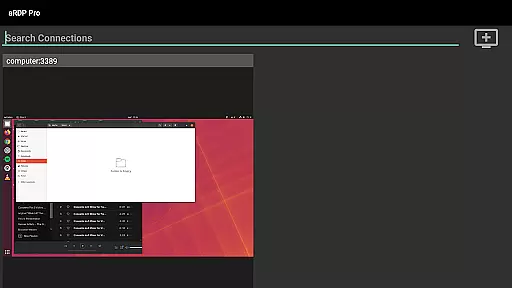
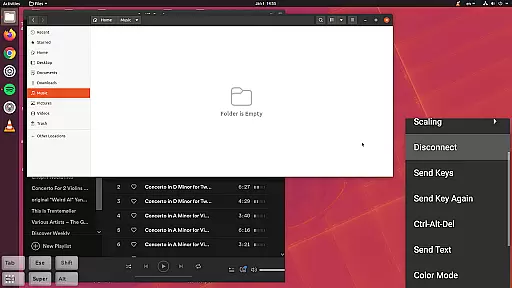
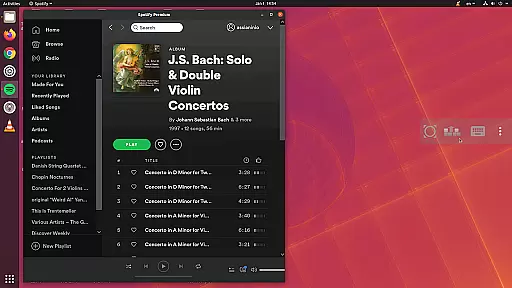
aRDP Pro is a premier open-source Remote Desktop Protocol (RDP) client, offering secure and versatile remote desktop control. It leverages the robust FreeRDP library to deliver seamless connectivity to Windows and Linux systems. With support for SSH tunneling, multi-factor authentication, and sound redirection, it ensures both security and functionality.
The application is designed for productivity across various platforms, including Android, iOS, and Mac OS X. Its comprehensive feature set includes RDP file support, dynamic resolution changes, and multi-language options. Users can enjoy an immersive experience with pinch-zooming, multi-touch controls, and customizable input modes, making remote desktop management efficient and user-friendly.
aRDP Pro stands out with its extensive features tailored for productivity. The app supports remote desktop control of computers running any version of Windows except Windows 10 Home, as well as Linux systems with xrdp installed. This flexibility allows users to manage different operating systems from their mobile devices effectively.
Advanced functionalities include SSH tunneling for enhanced security, RDP Gateway Support, and SD card redirection. The intuitive interface offers multi-touch gestures, scrollable screens, and zoomable displays. Additionally, users benefit from UI optimizations for various screen sizes, Samsung multi-window support, and clipboard integration, ensuring a smooth and productive remote desktop experience.
aRDP Pro excels in core task management by providing users with a comprehensive set of tools to control remote desktops efficiently. The application supports Remote Desktop Protocol (RDP) and leverages the FreeRDP library, ensuring compatibility with various Windows versions and Linux computers equipped with xrdp.
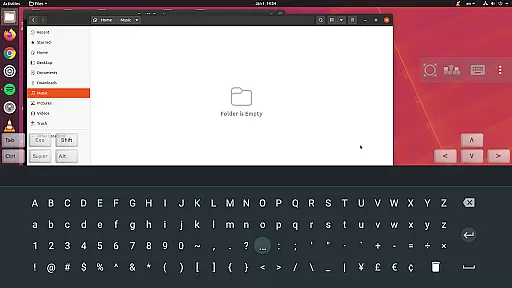
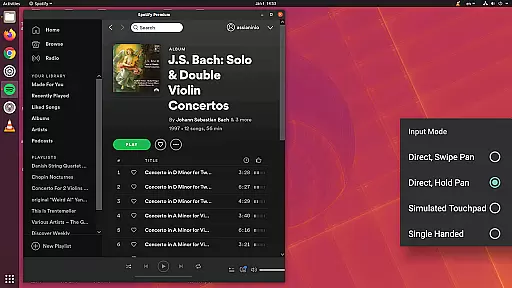
With features like dynamic resolution changes, multi-touch controls for the remote mouse, and different input modes including Direct and Simulated Touchpad, aRDP Pro offers fine-grained control over remote sessions. Users can also take advantage of options such as Force Landscape and Immersive Mode to customize their experience.
The benefits for users are immense; they gain the ability to manage virtual machines from BIOS to OS level, perform scrolling and pinch-zooming, and utilize stowable on-screen keys for Ctrl/Alt/Tab/Super functions. This ensures that productivity is not hindered by the limitations of mobile devices.
Ultimately, aRDP Pro's task management capabilities allow users to maintain high productivity levels while managing remote systems, making it an invaluable tool for IT professionals and remote workers who require reliable access to their desktop environments.
Cross-device synchronization is a critical feature for users who operate across multiple platforms, and aRDP Pro delivers reliable performance in this area. By supporting SSH tunneling, MFA/2FA authentication, and the import of encrypted RSA keys, the app ensures secure connections between devices.
Moreover, aRDP Pro facilitates synchronization through automatic session saving and export/import functionalities for settings, which means users can seamlessly transition between different devices without losing their work or configuration preferences.
For users, this translates into a dependable and consistent experience regardless of whether they're using an Android smartphone, tablet, or even switching to iOS or MacOS X. They can expect uninterrupted service when connecting to remote desktops, thanks to added security layers like master passwords and SSH public/private key support.
In summary, aRDP Pro's robust cross-device synchronization empowers users with flexibility and peace of mind, knowing that their data remains intact and accessible no matter where they are or what device they choose to use next.
Secure SSH connections
Multi-touch controls
Dynamic resolution
Clipboard integration
Multi-language support
No Windows 10 Home
Cyrillic username issues
Complex setup
Limited free support
Requires internet

Client for Nextcloud Deck
 4.60
4.60
Take control of your clipboard with Clipper!
3.90
Mind Map and brainstorm, note taking and idea collection
4.80
IP Camera Viewer - Android TV : RTSP Surveillance camera viewer for Android TV
4.1
CalenGoo is a very flexible and feature-rich calendar app
4.40
App lock - lock apps with fingerprint, password, pin or pattern, protect privacy
4.70
Secure, open-source, SPICE and SSH Remote Desktop for QEMU KVM virtual machines
4.00
Tally and goal counter for Wear OS & mobile
4.50
Scientific calculator for Android - looks and operates like the real thing!
4.90
The long-awaited modern gallery app for your Nextcloud server
4.70
Scan paperwork into PDF/JPG, generate your own e-signature and send fax or email
4.70
All document reader, all in one file viewer read PDF, DOCX, XLS, PPT, TXT files.
4.60
Calendar 2023 widget for Android. Appointment scheduler, planner, and reminder
4.60
Lightweight PDF, Word, Excel reader.
4.60
A customizable calendar for your Wear OS watch
4.20
Device's storage information in a simple and clear graphical form (infographics)
4.10
⏰ Finally a timer app which can run multiple timers simultaneously on your watch
3.90
Access your phone's notifications, calls, apps, photos & texts on your PC
3.90
Ads Free App! Editor, Hide File, Copy, Move, Delete and Rename.. all facility av
1.70


User Reviews