
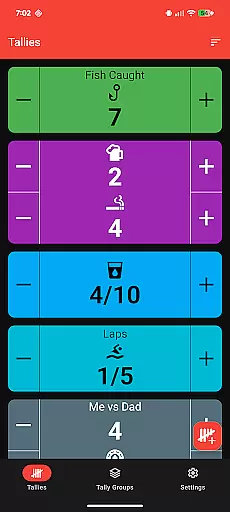
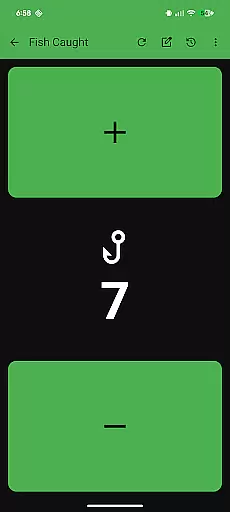
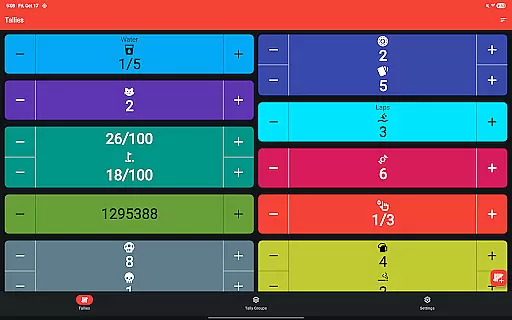
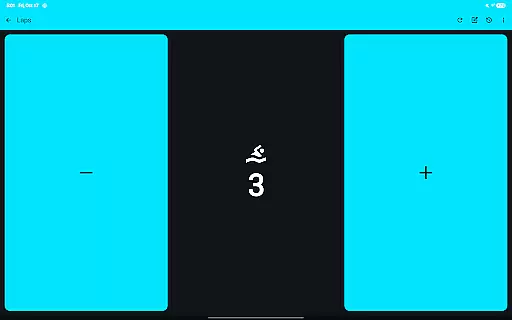
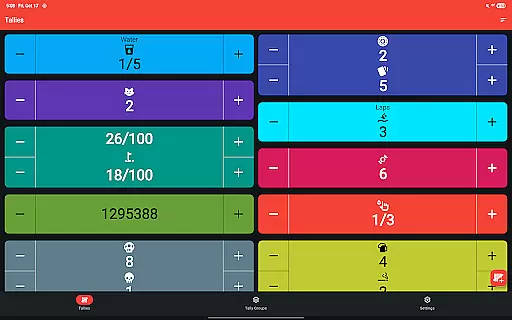
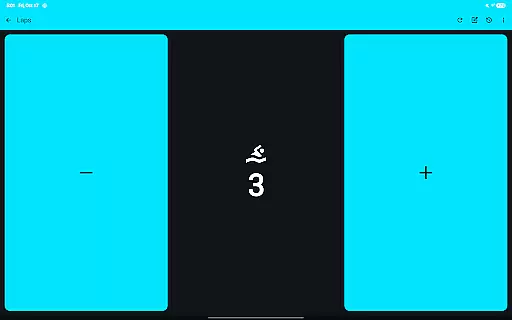
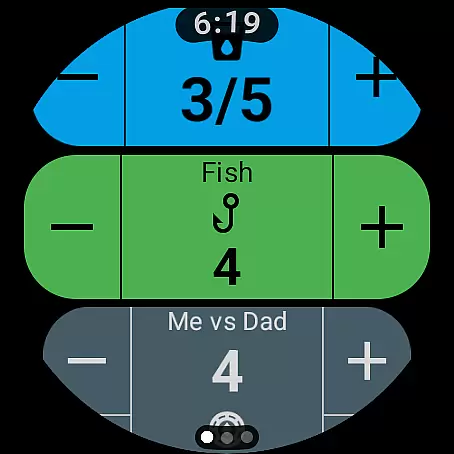
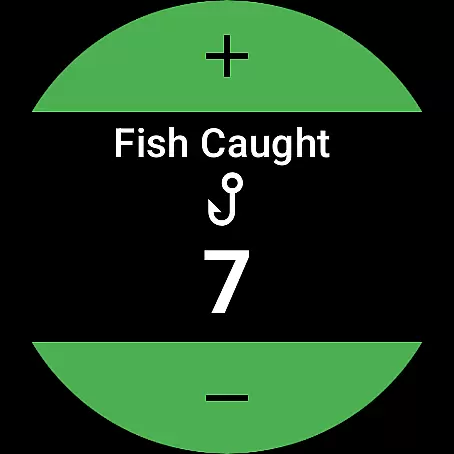
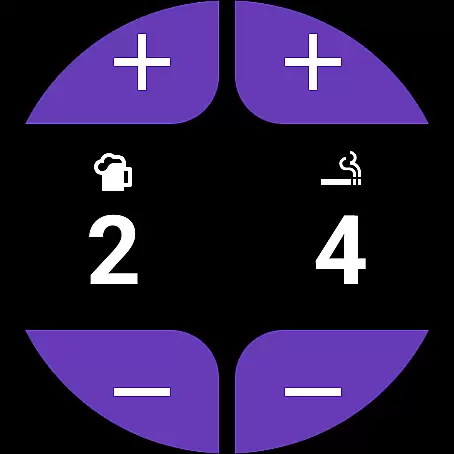
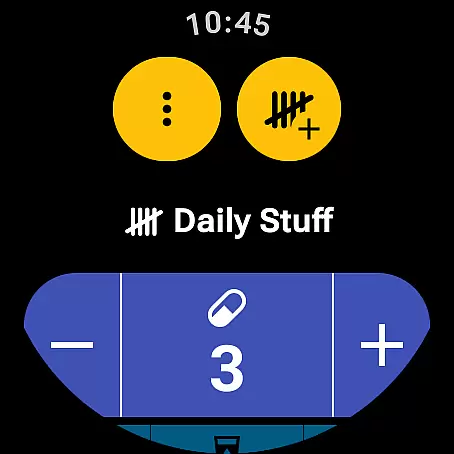
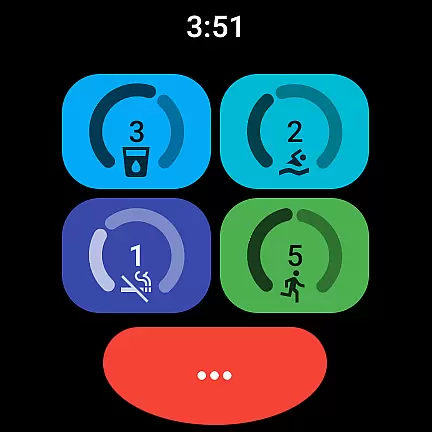
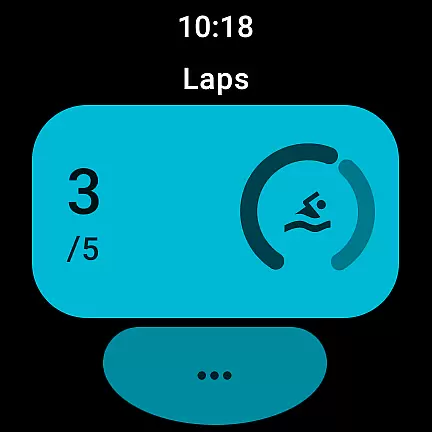
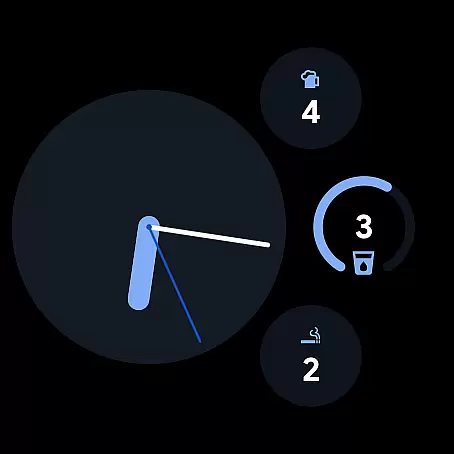
Tallies is a versatile productivity tool designed to help users track and manage counts efficiently across both Wear OS and mobile platforms. The app offers double and single tally counters, ongoing counts, and goal tallies with customizable options such as locking or resetting the count upon reaching a target. With features like automatic resets at daily, weekly, monthly, or yearly intervals, users can maintain precise records of their progress.
One of the standout capabilities of Tallies is its synchronization feature, which ensures that all data entered on either a phone or a Wear OS device is automatically synced, providing seamless access to tally history and statistics. Users can view detailed graphs and stats on their phones, export tally history as CSV files, and choose from over 200 icons and multiple theme colors to personalize their counters. This makes Tallies not only functional but also adaptable to individual preferences and workflows.
Tallies boasts an extensive set of features tailored for both Wear OS and mobile users. For Wear OS, it provides complications for ongoing and goal tallies, quick tally tiles, and multi-goal tally tiles. These watch-specific features allow users to access and modify their tallies directly from their wrist, streamlining the tracking process. Additionally, the app offers shortcut tiles for up to six different tallies or tally groups, ensuring quick access to frequently used counters.
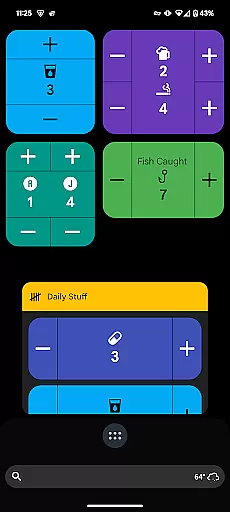
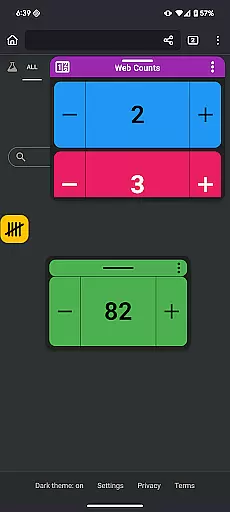
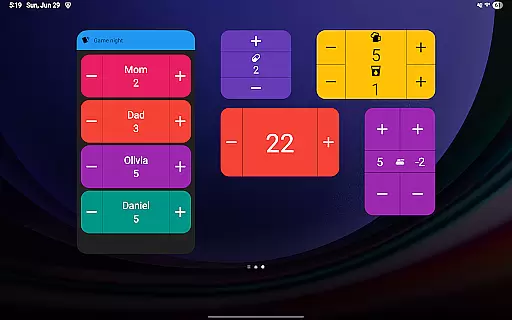
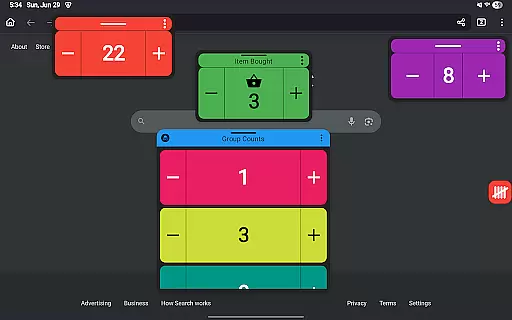
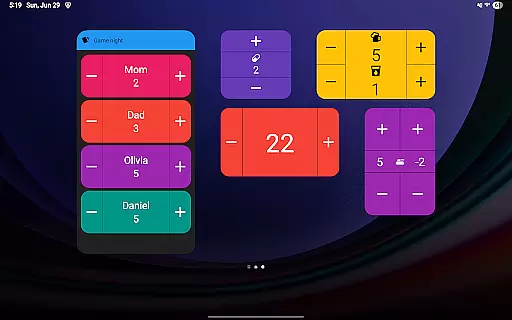
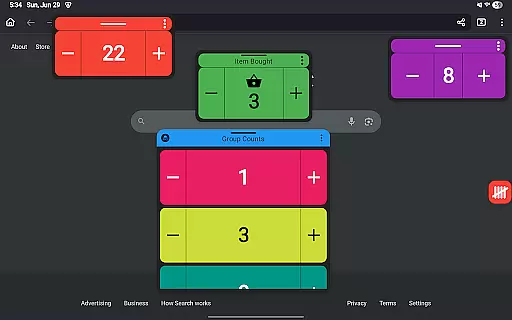
On the mobile side, Tallies supports vertical and horizontal tally widgets, tally list widgets, and tally group widgets for home screens. It also introduces floating tally and tally group windows for Android 14+ users, allowing these counters to be displayed over other apps. The ability to use volume buttons to adjust counts in full-screen mode adds another layer of convenience. Moreover, launcher shortcuts for tallies and tally groups enable swift navigation and management, enhancing overall user experience.
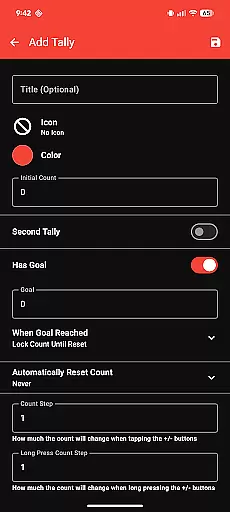
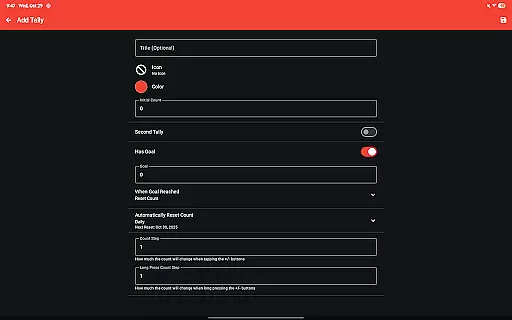
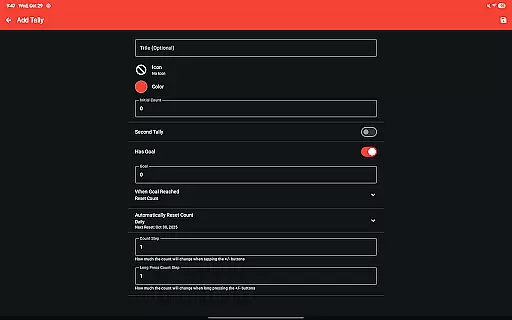
Tallies offers a robust set of features for managing tasks and counts efficiently. The app provides double and single tally counters, ongoing counts, and goal tallies with options to lock or reset the count when the goal is reached.
Users can take advantage of automatic reset options for tallies on a daily, weekly, monthly, or yearly basis. This ensures that users can maintain an organized and consistent counting system tailored to their specific needs.
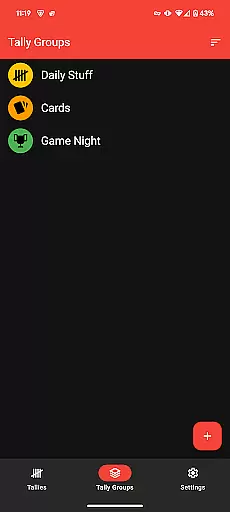
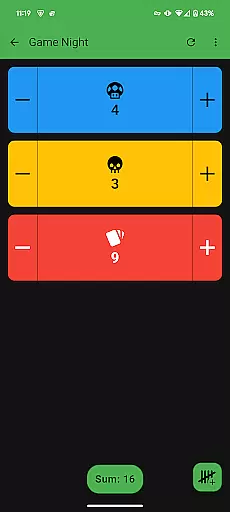
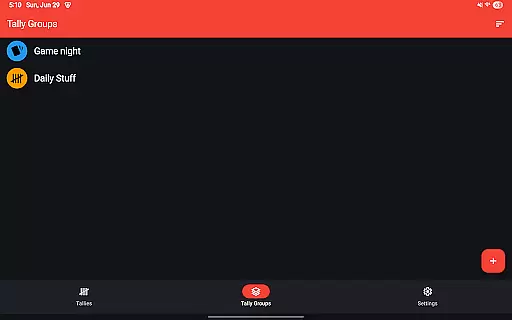
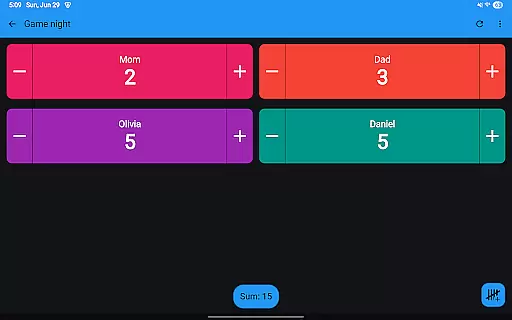
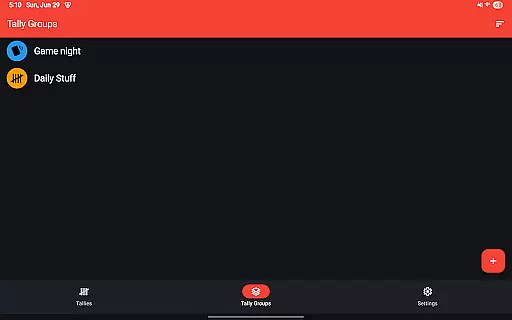
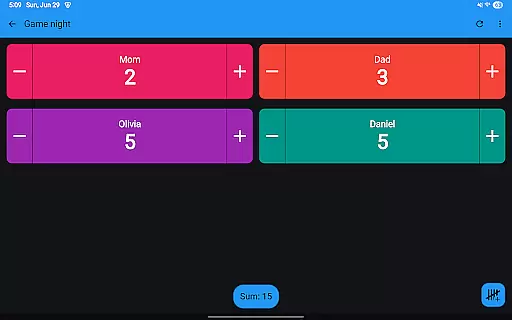
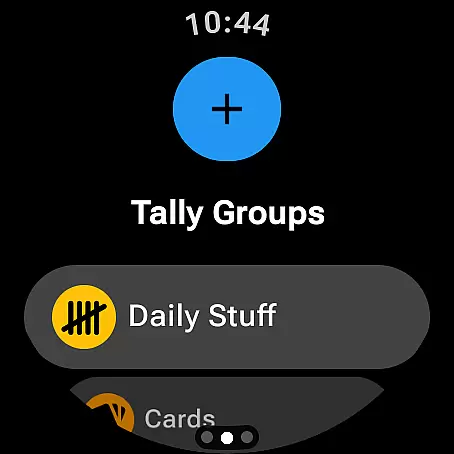
The inclusion of tally groups allows users to manage multiple tallies simultaneously, showing the tally sum for these groups. This feature is particularly useful for users who need to keep track of various projects or goals at once.
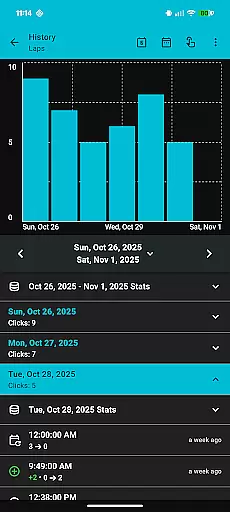
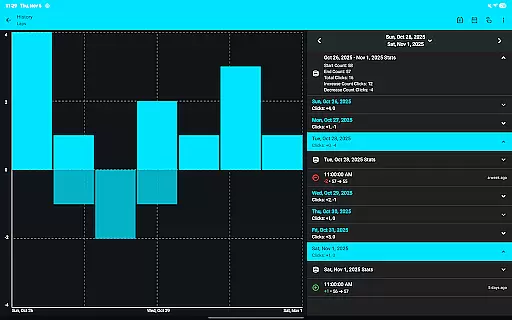
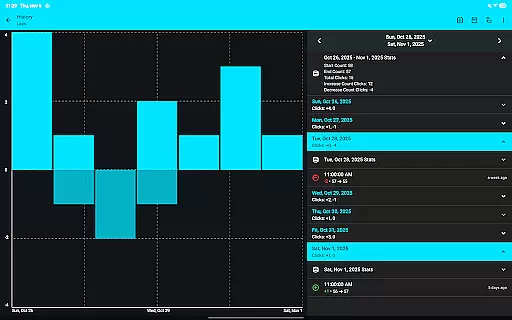
With the ability to view tally history on the phone through multiple graphs, selectable intervals, and stats, Tallies empowers users to analyze their progress over time. This functionality supports better decision-making and tracking, enhancing overall productivity.
Cross-device synchronization is a critical feature of Tallies, ensuring that users can rely on accurate and up-to-date information across their devices. The app syncs tally data between the phone and Wear OS watches automatically when a tally is changed.
This seamless integration requires the app to be installed on both the phone and the watch, providing users with the convenience of accessing their tallies from either device without manual updates. Such reliability enhances the user experience by maintaining consistency and availability of data.
Tallies also supports a variety of watch-specific features like ongoing tally watch complications and goal tally watch complications. These features ensure that users have quick access to their most important counts directly from their watch face.
On the phone, Tallies offers home screen widgets for vertical and horizontal tallies, tally lists, and tally groups. These widgets provide at-a-glance information and easy access, further boosting productivity by keeping essential data readily available.
User-friendly interface
Extensive customization options
Automatic sync between devices
No subscription required
Comprehensive widget support
Limited to Android platform
Requires app installation on both phone and watch for sync
Premium features demand one-time purchase
Floating window feature limited to Android 14+
Complexity may overwhelm new users

A Revolutionary All-in-One Artificial Intelligence Tools
 3.80
3.80
Mega cloud explorer plugin for Solid Explorer
3.80
We're working to become the best machining app on the market! www.cncdirt.com
4.80
All in One PDF Reader: Manage, Read and Edit your Documents
4.20
ID.me Authenticator is a simple and free Two Factor Authentication solution
3.50
A beautiful digital clock with autostart and many other functions
4.70
A Pixel Art watchface inspired by other iconic 90s designs for Wear OS devices!
4.40
Secure your apps with lock screens, use custom themes and different features.
4.40
2026 USPS Alpha/Color coded calendar Sunday/Rotating day off schedules
4.2
Direct Chat without saving contacts & Dual WA Account on Single Device
4.70
Client for Nextcloud Deck
4.60
Send files, sync SMS, notifications & clipboard across devices via local network
4.40
Access, manage and transfer files on Android, PC, Mac, NAS and cloud storages.
4.30
A customizable calendar for your Wear OS watch
4.20
Font maker keyboard with your own handwriting
4.10
Activate Two Factor Authentication (2FA or Multi OTP), Password manager and more
4.10
Secure, open-source, SPICE and SSH Remote Desktop for QEMU KVM virtual machines
4.00
AI Video AI Image Private LLM AI Browser Llama Gemma Ollama Connect LLM Studio
4.0
Create study competitions, track your hours, and stay consistent with friends
4.0


User Reviews