
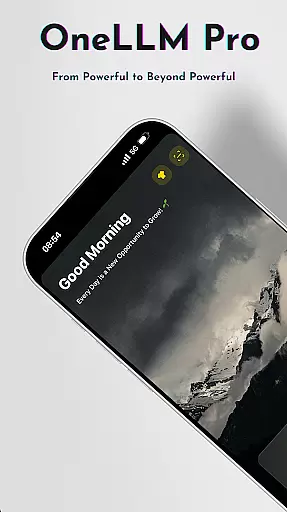
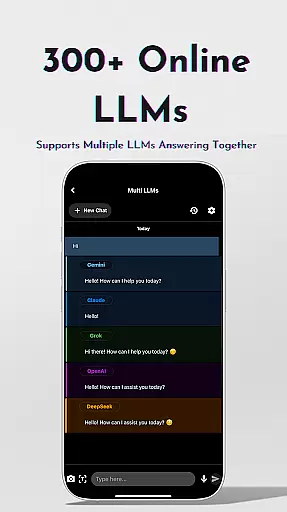
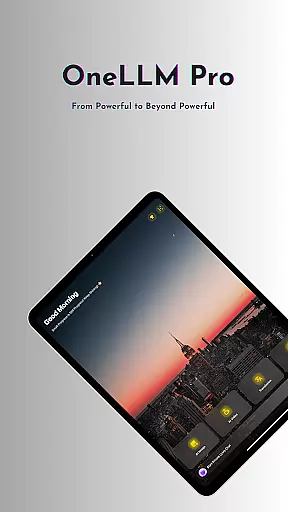
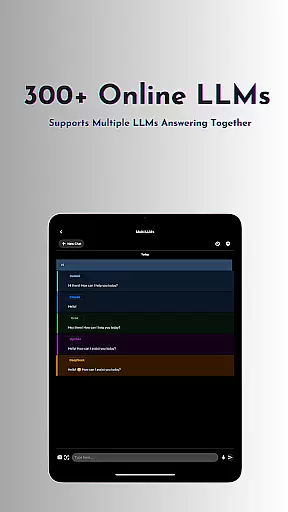
OneLLM Pro is a cutting-edge productivity app that seamlessly integrates local and cloud AI capabilities, offering users an extensive suite of tools for various tasks. Whether offline or online, the app provides access to thousands of fully offline Large Language Models (LLMs) and over 300 online LLMs, including top performers like ChatGPT 4o and Claude. This ensures lightning-fast, secure interactions with maximum privacy.
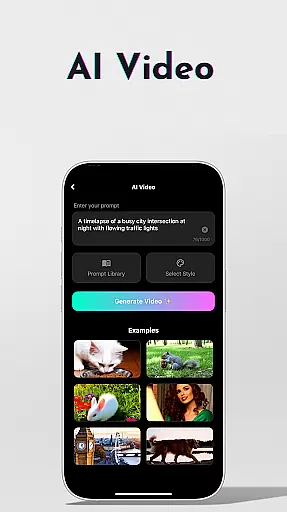
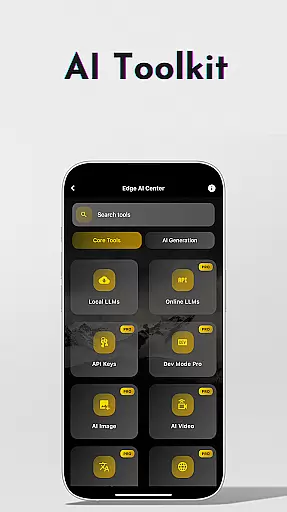
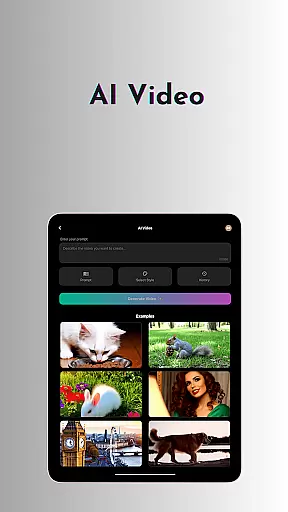
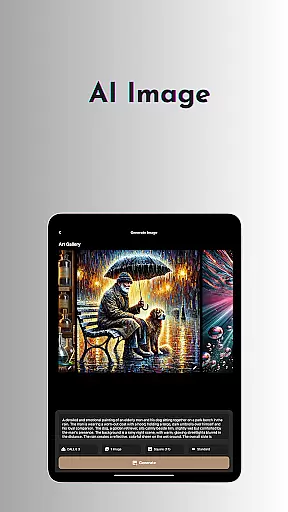
Beyond text-based AI, OneLLM Pro includes specialized toolkits such as AI Video Generation, AI Image Creation using Stable Diffusion and DALL·E 3, Offline OCR Document Scanning, and more. These features cater to creative professionals, students, and anyone seeking efficient ways to handle documents, images, and videos. The app also supports advanced functionalities like LLM Dev Mode for developers and Multi-LLM Simultaneous Response Mode for streamlined workflows.
Designed for all devices, from entry-level to flagship models, OneLLM Pro optimizes performance while maintaining an ad-free experience. With its comprehensive feature set, the app empowers users to unlock the full potential of AI in their daily tasks, making it an invaluable tool for both personal and professional use.
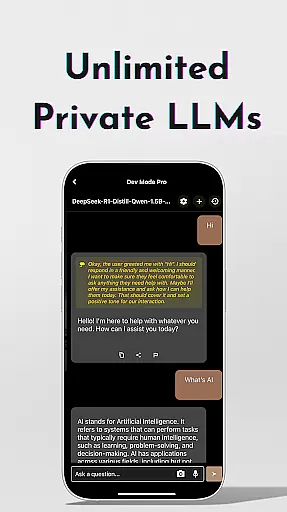
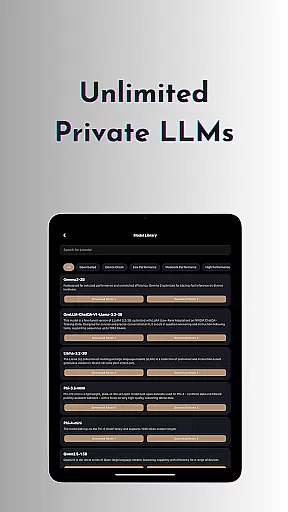
OneLLM Pro stands out with its unparalleled range of AI-powered features designed to enhance productivity across multiple domains. At its core, the app offers unlimited private and local LLMs, allowing users to customize unique AI characters for specialized chat demands without requiring an internet connection. For those needing advanced capabilities, the app provides access to over 300 online LLMs, including industry leaders like o1, DeepSeek, Llama, and Grok, all switchable with a single tap.
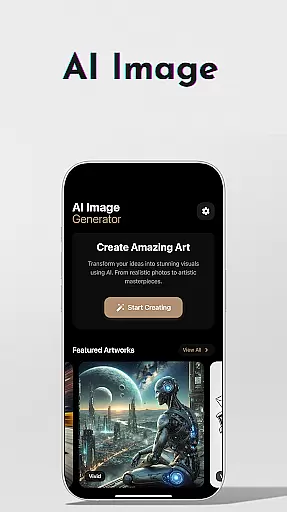
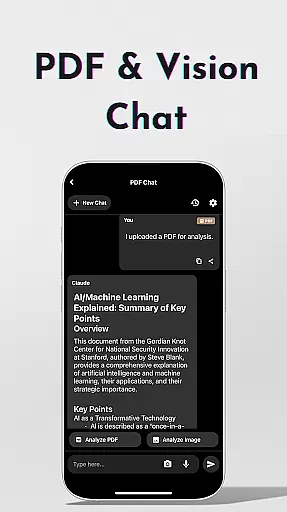
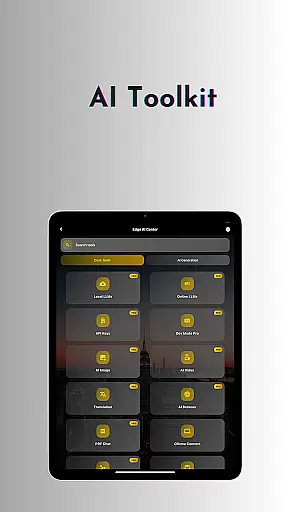
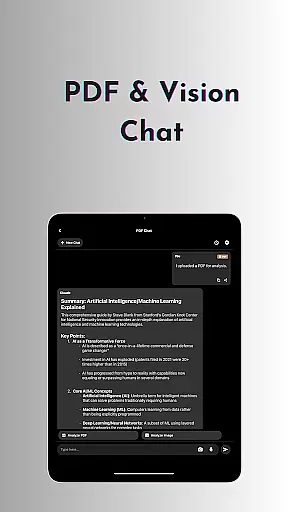
The AI toolkit expands this functionality further by incorporating creative tools such as AI Video Generation and AI Image Creation, which leverage technologies like Stable Diffusion and DALL·E 3. Practical utilities include Offline OCR Document Scanning, Private Speech-to-Text Transcription AI Notes, and Ollama Connect for linking mobile devices to PCs running large LLMs. Additionally, features like Chat with PDF & Image enable users to analyze documents effortlessly, while Study Assistant supports learning through text input, photo capture, or image uploads.
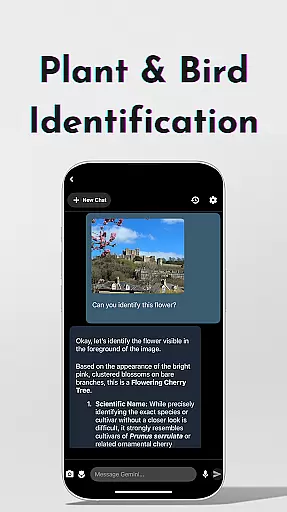
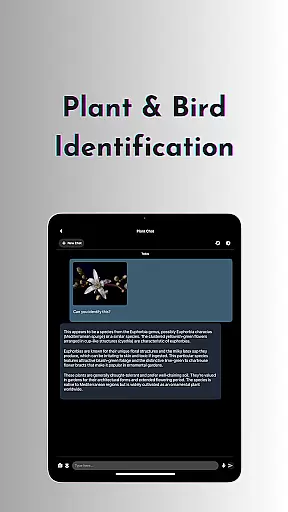
Advanced users benefit from LLM Dev Mode, which allows fine-tuning parameters and saving custom configurations. Other notable features include Plant & Birds Identification, Multi-LLM Simultaneous Response Mode, and integrations with platforms like Hugging Face. Together, these tools create a versatile environment where users can maximize efficiency while maintaining control over data privacy.
Core task management is essential for productivity applications, serving as the backbone for organizing and executing tasks efficiently. OneLLM Pro excels in this area by offering a comprehensive suite of AI tools designed to handle various tasks both offline and online.
The application provides users with access to thousands of fully offline, top-tier Large Language Models (LLMs), which can be customized to match specialized chat demands, thus enabling smarter, faster, and more private interactions. This feature ensures that users can manage their daily tasks without an internet connection, enhancing privacy and speed.
Moreover, OneLLM Pro supports over 300 online LLMs, including leading models like o1, ChatGPT 4o, Claude, and many others. Users can switch between these models effortlessly, unlocking a vast array of AI capabilities tailored to specific tasks. This flexibility allows for dynamic task management, adapting to the user's needs in real-time.
By integrating local and cloud AI capabilities, OneLLM Pro delivers exceptional performance across all devices, from entry-level to flagship. This dual capability ensures that users can leverage the power of AI for demanding tasks while maintaining the privacy and speed of local processing. Overall, OneLLM Pro's robust task management features make it an indispensable tool for maximizing productivity.
Cross-device synchronization reliability is crucial for ensuring that users can seamlessly transition between different devices without losing data or functionality. OneLLM Pro addresses this need by providing optimized performance across all devices, ensuring that users experience consistent and reliable synchronization.
The application leverages both local and cloud AI capabilities to deliver lightning-fast, secure interactions. Local processing ensures maximum privacy and speed, while cloud power supports demanding tasks. This dual approach guarantees that data is synchronized accurately and efficiently, regardless of the device being used.
OneLLM Pro also includes Smart LLMs Matching, which intelligently recommends LLMs optimized for the useru2019s device specifications. This feature not only enhances performance but also saves storage and battery, ensuring that synchronization remains smooth and uninterrupted. Additionally, the application offers an ad-free experience, allowing users to focus on their tasks without distractions.
With its ability to integrate with platforms like Hugging Face, OneLLM Pro enables users to download and customize models directly, further enhancing synchronization reliability. By keeping data private with local processing and no external data sharing, OneLLM Pro ensures that users can trust the integrity and consistency of their synchronized data across all devices.
Extensive AI toolkit
Offline functionality
Top-tier LLM access
Customizable settings
Cross-device optimization
Complex for beginners
Requires API setup
High storage demand
Limited free models
Premium subscription cost

aCalendar+ makes your day, week and month
 4.70
4.70
Easiest event planning, volunteer signups & parent teacher conference scheduling
2.20
App Lock with fingerprint, password: Lock apps & hide photos with lock screens
4.60
PDF scanner & converter for files, photos, lottery, QR codes. One swipe away!
4.50
Functional QR scanner and barcode reader that requires little storage space.
4.60
To do list widget with a notebook organizer, checklist, simple shopping list
4.60
The ultimate file manager for rooted devices. The original and still the best.
4.00
Browse and view your photos and videos from the phone with photo & video hide.
4.10
Put a lock on your cloud: Take the security of your data into your own hands
3.70
8 custom complications. Custom Time Fonts. Beautiful color schemes. A++ Design.
5.00
App lock - lock apps with fingerprint, password, pin or pattern, protect privacy
4.70
A simple Whisper AI keyboard for reliable speech transcription and rewording
4.60
Subscribe to Webcal & .ics calendars and keep them up-to-date!
4.50
A lightweight JSON & XML files creator, editor and viewer (Premium Version)
4.40
This small app MUST BE INSTALLED after purchase, else license won't work
4.40
Share files & memories safely. Keep your photos and videos secure.
4.40
Pwnagotchi companion app
4.20
Font maker keyboard with your own handwriting
4.10
IP Camera Viewer - Android TV : RTSP Surveillance camera viewer for Android TV
4.2


User Reviews