
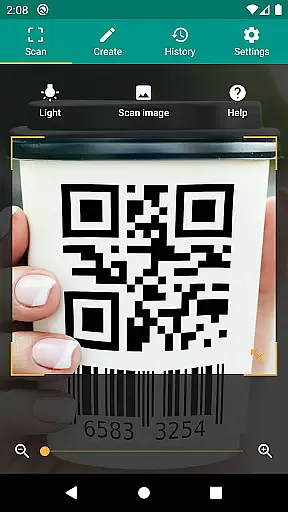
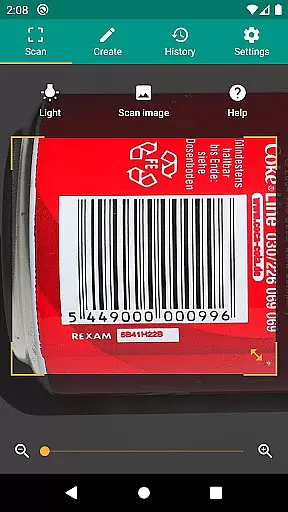
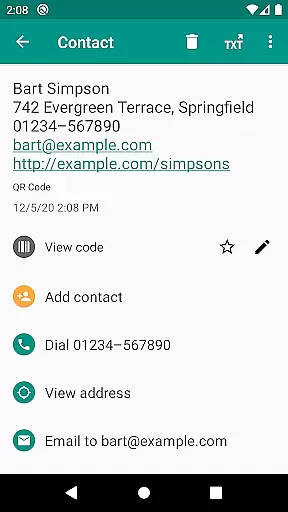
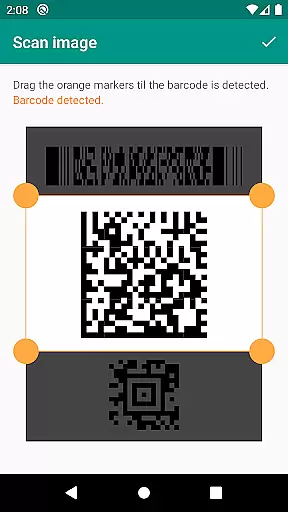
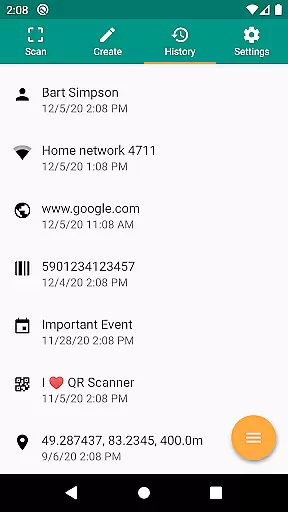
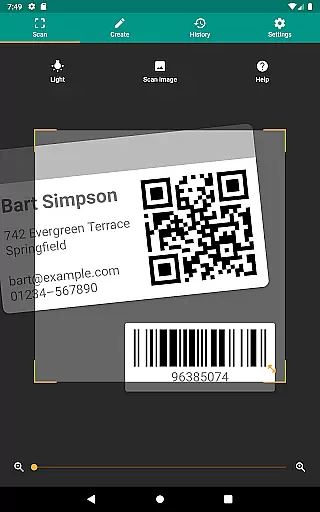
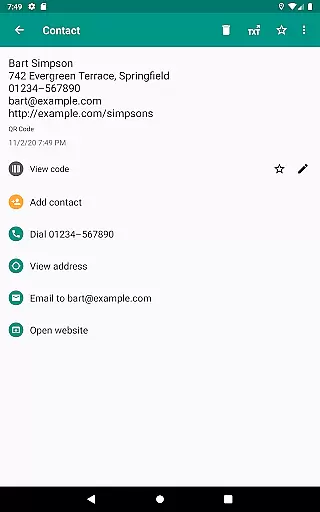
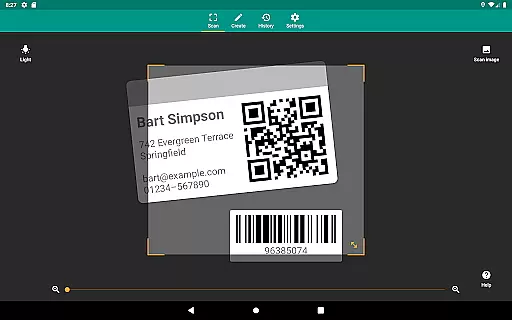
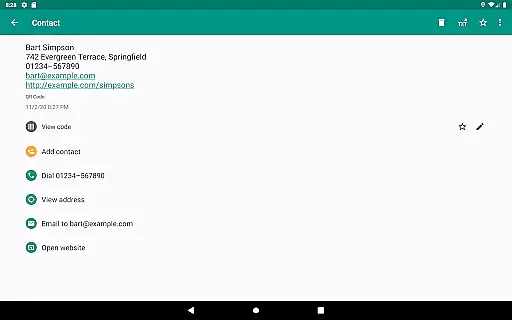
QR & Barcode Scanner is a versatile productivity tool designed to streamline your daily tasks through advanced scanning capabilities. This application allows users to scan all common barcode formats, including QR, Data Matrix, Aztec, UPC, EAN, and Code 39, providing instant access to relevant information from popular online services such as Amazon, eBay, and Google. The app's functionality extends beyond simple scanning, offering features like opening URLs, connecting to WiFi hotspots, adding calendar events, and reading VCards.
In addition to its comprehensive scanning abilities, the app prioritizes security and performance by integrating Chrome Custom Tabs with Google Safe Browsing technology. This ensures protection against malicious links while delivering faster loading times. With minimal permissions required, users can scan images without granting access to their device storage or address book. Whether you're managing inventory for a small business or simply looking to scan product barcodes for price comparisons, this app provides an efficient solution that enhances productivity across various use cases.
QR & Barcode Scanner stands out with its extensive feature set tailored for productivity-focused users. One of the key highlights is its support for all common barcode formats, enabling users to scan everything from standard UPC codes to more complex QR and Aztec codes. The app goes beyond basic scanning by offering relevant actions based on the scanned content, such as opening URLs, connecting to WiFi networks, creating calendar events, and importing contact information via VCards.
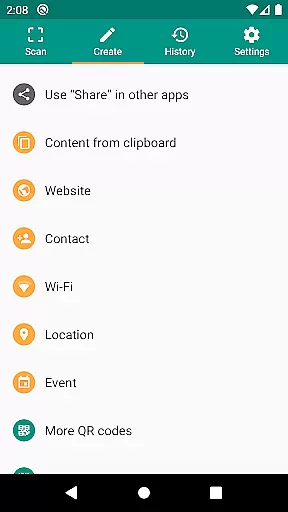
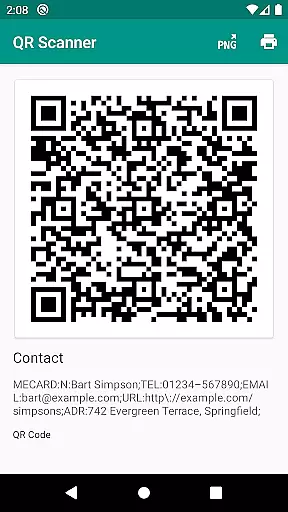
Another notable feature is the built-in QR code generator, which allows users to create and share arbitrary data such as website links. These generated codes can be displayed on the screen and scanned by another device, facilitating seamless data exchange. Additionally, the app includes practical tools like flashlight activation for low-light environments and pinch-to-zoom functionality for distant barcodes. For power users, custom search options enable specific information retrieval from preferred websites, while CSV export capabilities allow for detailed history management and annotation. These features collectively make QR & Barcode Scanner an indispensable tool for both personal and professional use.
QR & Barcode Scanner excels in core task management by offering a comprehensive suite of tools for scanning and generating QR codes and barcodes. This app supports all common barcode formats, including QR, Data Matrix, Aztec, UPC, EAN, Code 39, and many more.
Users can perform relevant actions such as opening URLs, connecting to WiFi hotspots, adding calendar events, reading VCards, and finding product and price information. These features ensure that users can efficiently manage various tasks related to both personal and professional environments.
The app's ability to scan from images, use a flashlight, and zoom enhances its functionality, allowing reliable scans even in challenging conditions. With these capabilities, users can maintain high productivity levels regardless of their location or the specific task at hand.
Cross-device synchronization is a critical feature for maintaining productivity, and QR & Barcode Scanner ensures reliable performance in this area. The app allows users to share arbitrary data such as website links using the built-in QR code generator, displaying them on the screen as a QR code for scanning by another device.
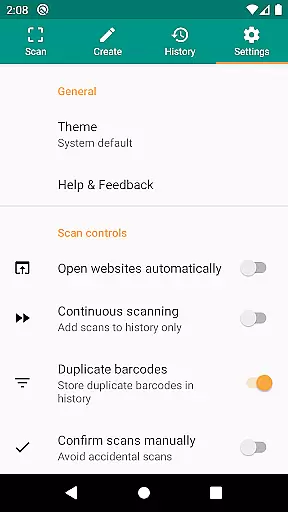
This seamless sharing capability extends to contact data, which can be shared without granting access to the address book, thus protecting user privacy while ensuring efficient data exchange. Additionally, the app supports CSV export and annotations, enabling users to manage unlimited history and export it for use in Excel or cloud storage services like Google Drive.
By integrating custom search options, users can add their favorite shopping websites into the barcode search, further enhancing cross-device utility. These features collectively ensure that QR & Barcode Scanner provides robust and reliable synchronization across multiple devices, making it an indispensable tool for modern productivity needs.
Fast scanning speed
User-friendly interface
Comprehensive format support
Secure browsing technology
Minimal permission requirements
Limited design customization
No offline database
Occasional scanning errors
Ads in free version
Advanced features require paid upgrade

Mind Map and brainstorm, note taking and idea collection
 4.80
4.80
Customizable calendar widget for seamless event sync, planning & scheduling.
4.00
CalenGoo is a very flexible and feature-rich calendar app
4.40
Font maker keyboard with your own handwriting
4.10
Activate Two Factor Authentication (2FA or Multi OTP), Password manager and more
4.10
All document reader, all in one file viewer read PDF, DOCX, XLS, PPT, TXT files.
4.60
Create and edit presentations with Google Slides, part of Google Workspace.
4.00
Ultimate Virtual AI Character for immersive Roleplay Chat. Perfect Companion
3.90
Scan paperwork into PDF/JPG, generate your own e-signature and send fax or email
4.70
Best Tool for the professionals Electrician, Electrical contractors, etc.
4.90
Okta MFA
4.70
Lightweight PDF, Word, Excel reader.
4.60
Cloud storage, automatic phone backup, and more.
4.10
Access your phone's notifications, calls, apps, photos & texts on your PC
3.90
All in one sketching tool. Technical and General drawing. Online Maps support.
3.70
Auto-shutoff Alarm with Sunrise, Sunset & Fixed Options.
3.50
ID.me Authenticator is a simple and free Two Factor Authentication solution
3.50
Simple and reliable communication between inmates, friends and family
3.20
Ads Free App! Editor, Hide File, Copy, Move, Delete and Rename.. all facility av
1.70


User Reviews