
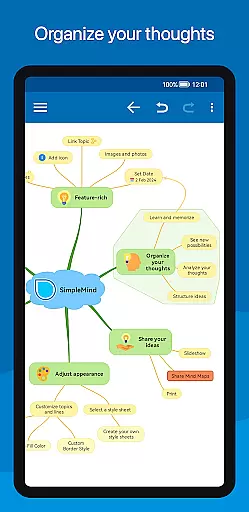
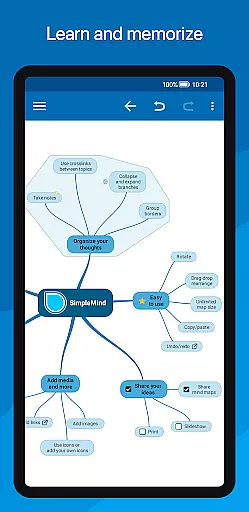
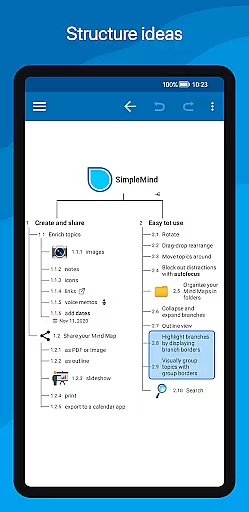
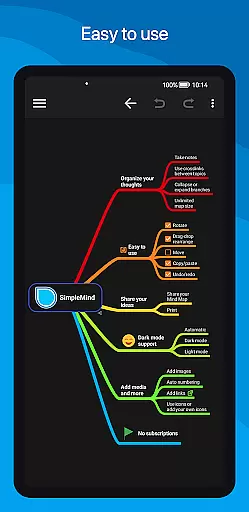
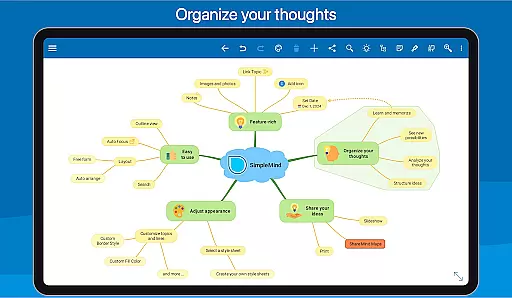
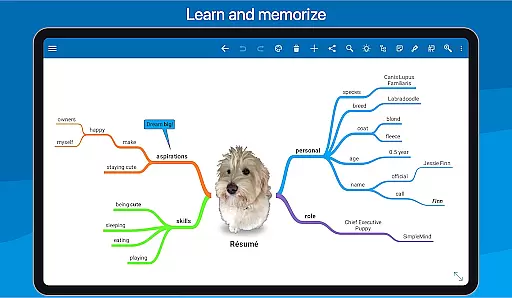
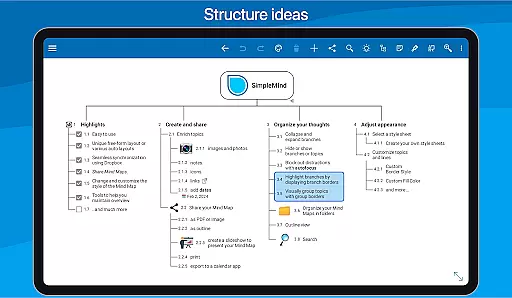
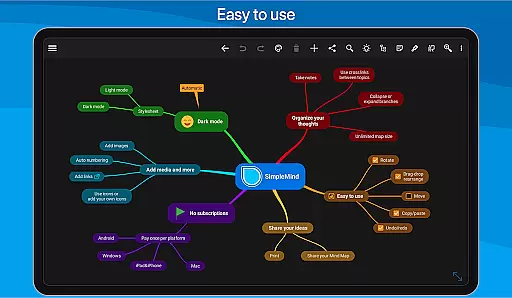
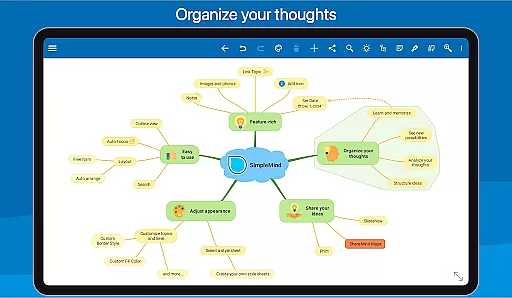
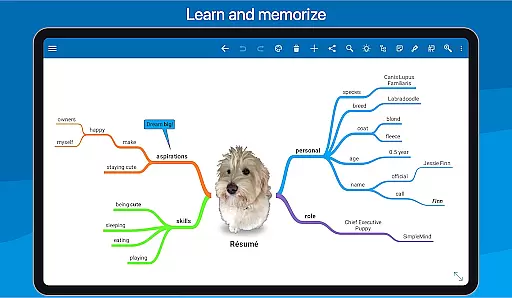
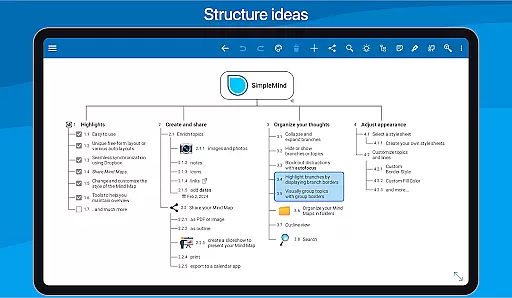
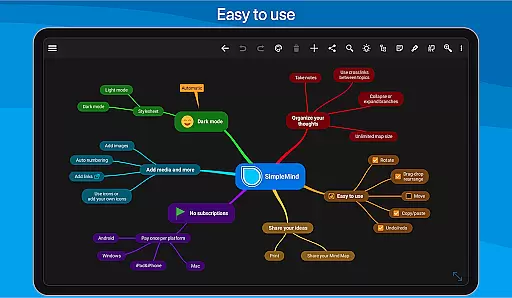
SimpleMind Pro is a premier mind mapping application designed to help users organize thoughts, retain information, and spark new ideas. The app stands out with its intuitive interface that allows for effortless creation of mind maps on the go. Whether you're in a business meeting or studying for an exam, SimpleMind Pro adapts to your environment with reliable performance honed over 10+ years of updates.
The app supports a unique free-form layout alongside various automated layouts, ensuring flexibility in how you structure your thoughts. With seamless synchronization across devices using cloud services, your mind maps are always up-to-date wherever you are. Additionally, SimpleMind Pro offers extensive customization options, media integration, and sharing capabilities, making it an indispensable tool for professionals, educators, and creatives alike.
SimpleMind Pro boasts an array of features tailored to enhance productivity. One of its key strengths is the ability to place topics freely or utilize auto-layout functions, perfect for brainstorming sessions. Users can reorganize their maps through simple drag-and-drop actions, apply checkboxes, progress bars, and even connect topics with crosslinks for complex idea associations.
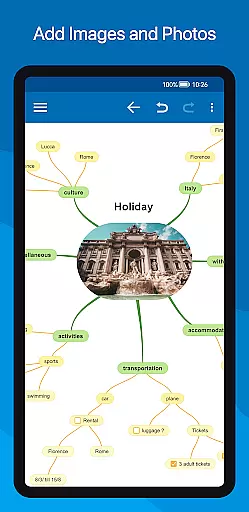
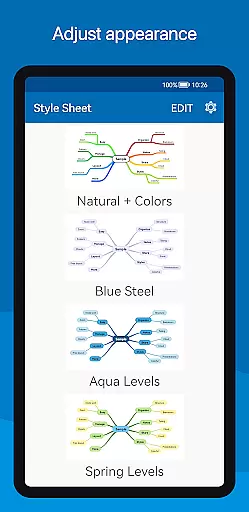
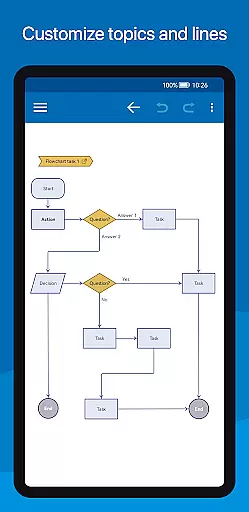
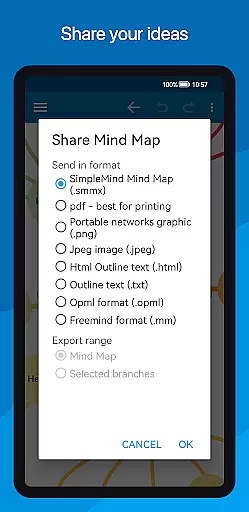
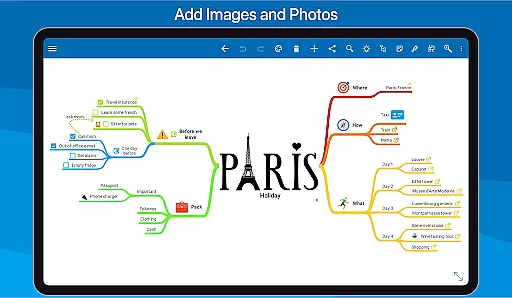
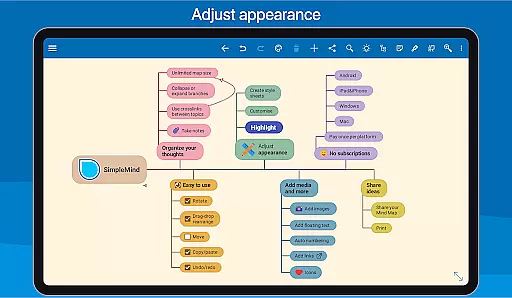
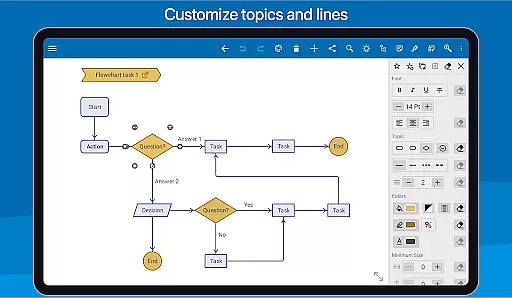
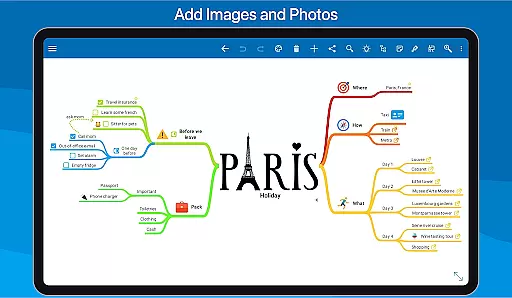
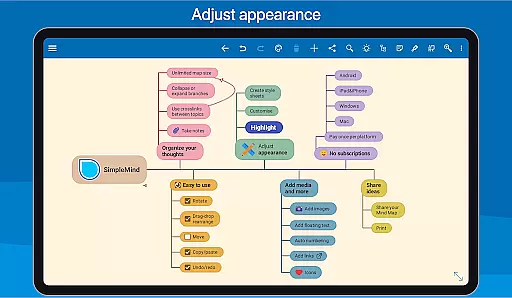
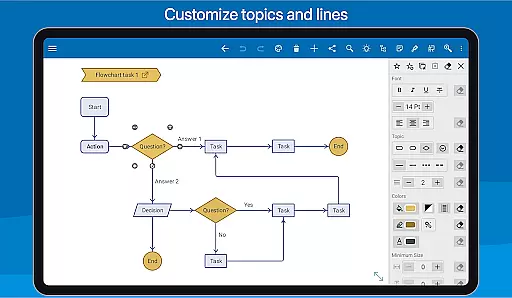
Media integration is another highlight, allowing the addition of images, notes, icons, links, voice memos, and videos to enrich your mind maps. Sharing your work is straightforward, with options to export as PDF, image, or outline format. For presentation purposes, tablet users can create slideshows directly within the app. Furthermore, styling tools offer over 15 style sheets and unlimited customization, letting you tailor every aspect of your mind map's appearance to suit your preferences.
SimpleMind Pro excels in core task management by offering a versatile mind mapping experience that helps users organize their thoughts and generate new ideas effectively. The app provides both free-form and auto-layout options, allowing users to place topics anywhere or utilize the auto layout feature for brainstorming sessions.
With functionalities such as drag-and-drop reorganization, checkboxes, progress bars, and auto-numbering, SimpleMind Pro ensures that managing tasks is both intuitive and efficient. Users can also connect any two topics with crosslinks and label relations, which enhances the clarity of task relationships within projects.
The virtually unlimited page size and support for multiple mind maps on one page mean that users are only limited by their creativity. This flexibility allows for comprehensive task management that can adapt to various project scopes and complexities, making SimpleMind Pro an indispensable tool for productivity.
Cross-device synchronization is a critical feature of SimpleMind Pro, ensuring that your mind maps are always up-to-date across all your devices. By leveraging cloud services like Dropbox, the app offers seamless sync capabilities, so you can start a mind map on your Android phone and continue editing it on a tablet or computer without missing a beat.
This reliable synchronization extends beyond the Android ecosystem, allowing for cross-platform compatibility with Windows and Mac versions of the app (available as a separate purchase). This means whether you're at home, in the office, or on the go, your mind maps are synchronized and accessible wherever you need them.
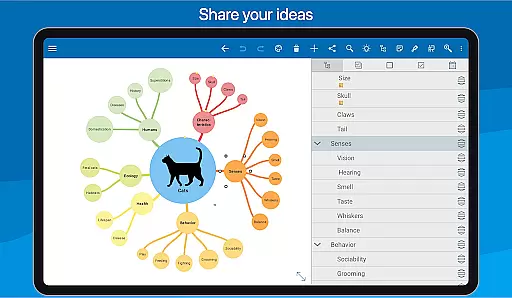
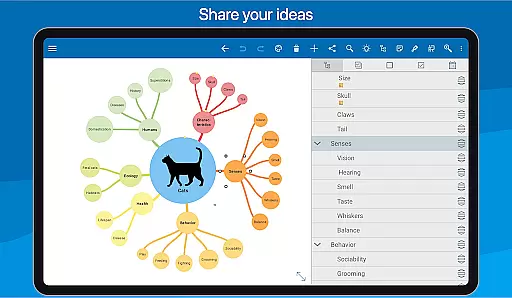
Furthermore, sharing options enable exporting mind maps as PDFs or images, creating slideshows for presentations, printing, or even exporting to calendar apps. These features ensure that not only is your work reliably synced, but it's also easily shareable and integratable into different workflows, enhancing collaborative efforts and productivity.
User-friendly interface
Flexible layout options
Extensive media support
Seamless cross-device sync
Advanced styling tools
Premium price point
Separate purchase for desktop
Limited free version
Occasional sync issues
Steeper learning curve

When you Focus, so will your Bean in this cozy focus timer
 4.30
4.30
Professional calendar app for Google Calendar, MS Outlook & Exchange
4.20
Protect and view your important info on your phone and tablet with eWallet®
4.80
Stay on top of your to-dos with Google Tasks, part of Google Workspace.
4.60
Enjoy classic gameplay with customizable features and retro-style graphics.
4.30
Code on-the-go with VScode for Android. Edit,debug and collaborate from mobile!!
3.10
* block pre-roll ads, pop-up and forced redirect ads * Samsung certification app
4.00
Best Tool for the professionals Electrician, Electrical contractors, etc.
4.90
Scientific calculator for Android - looks and operates like the real thing!
4.90
Functional QR scanner and barcode reader that requires little storage space.
4.60
Client for Nextcloud Deck
4.60
To do list widget with a notebook organizer, checklist, simple shopping list
4.60
Experience Reading - Night Mode for Documents
4.40
Device's storage information in a simple and clear graphical form (infographics)
4.10
Cloud storage, automatic phone backup, and more.
4.10
Experience and share your SolidWorks designs on your Android® phone and tablet.
2.50
Create study competitions, track your hours, and stay consistent with friends
4.4
IP Camera Viewer - Android TV : RTSP Surveillance camera viewer for Android TV
4.1
A comprehensive suite of tools designed specifically for Lactation Consultants
4.0


User Reviews