
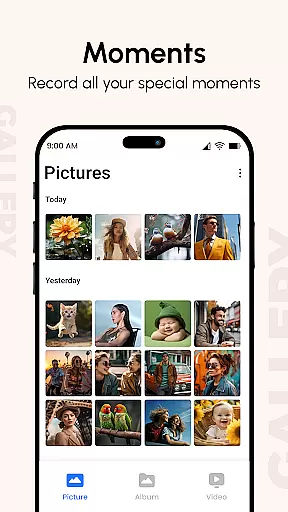
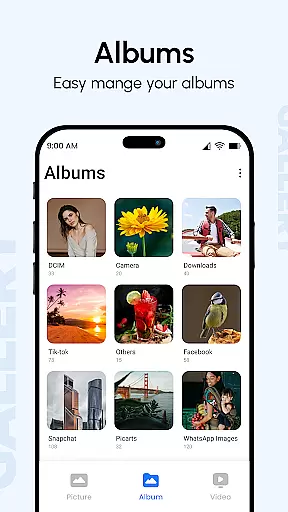
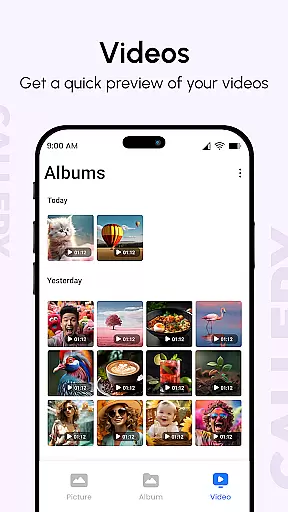
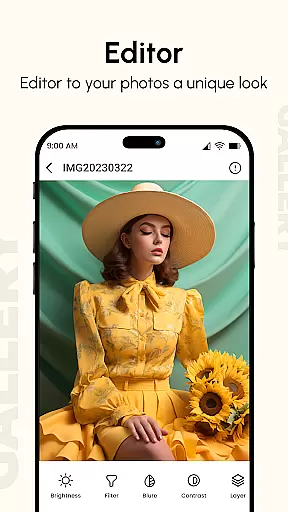
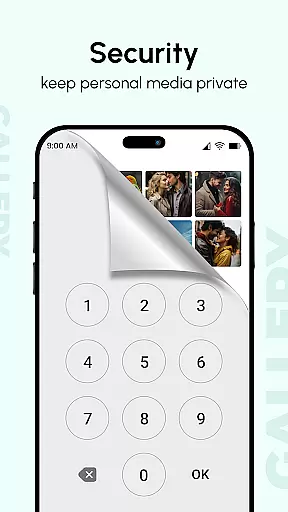
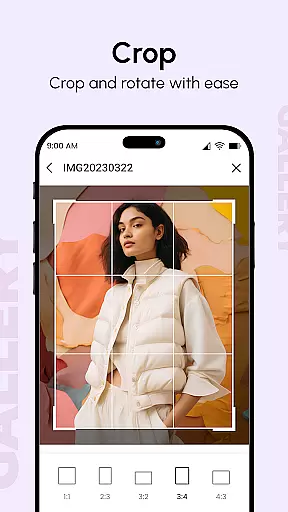
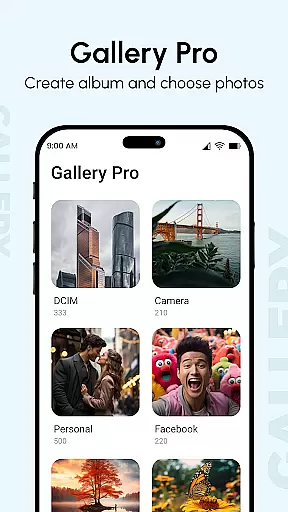
Gallery is a comprehensive photo and video management app designed to enhance your digital memories. It consolidates media from all devices, improves image quality, and organizes them into visually appealing albums. The app offers advanced features like metadata viewing, GIF support, and password protection for privacy.
With flexible slideshow options and smart organization tools, Gallery ensures an optimal user experience. Its intuitive interface allows easy sorting, viewing, and hiding of private content using secure PIN codes. The app's powerful management capabilities make it the ideal choice for both casual users and photography enthusiasts.
Gallery stands out with its robust feature set tailored for efficient media management. The app provides instant access to thousands of photos through quick launching and smooth navigation. Its multi-gesture support enables effortless browsing on large screens.
Advanced functionalities include metadata-based search, hidden galleries with password protection, and various slideshow transitions. Users can also recover lost files through a systematic process, ensuring data security. These features collectively create a reliable and feature-rich gallery experience.
Core task management in Gallery ensures that users can efficiently organize and manage their digital memories. This feature allows you to create albums, categorize photos and videos, and tag them with relevant information such as location and date.
The app enhances your experience by automatically sorting images and videos into folders based on tags, dates, and metadata. This systematic organization makes it easier for users to locate specific files without hassle.
Additionally, the app provides advanced functionalities like metadata-based search, which helps users find photos using detailed criteria such as camera type or location. This level of precision ensures that users can quickly retrieve any photo or video they need.
By integrating these comprehensive task management features, Gallery not only simplifies file organization but also enriches the overall user experience, making it a reliable tool for managing your digital library effectively.
Cross-device synchronization is a pivotal feature of Gallery, allowing users to access their photos and videos seamlessly across multiple devices. Whether you're using a smartphone, tablet, or computer, this app ensures that all your files are updated in real-time.
Gallery employs advanced cloud technology to sync data instantly, ensuring that any changes made on one device reflect across all linked devices. This means you can start editing a photo on your phone and continue the work on your tablet without missing a beat.
Moreover, the app offers options to back up your files securely, protecting your precious memories from being lost due to device malfunctions. With reliable backup solutions, users can rest assured that their data is safe and accessible anytime, anywhere.
This robust synchronization capability not only enhances convenience but also provides peace of mind, knowing that your digital memories are consistently backed up and available across all your devices.
User-friendly interface
Enhanced privacy controls
Flexible slideshow options
Comprehensive file support
Efficient organization tools
Occasional performance issues
Limited free features
Complex settings for beginners
High storage requirements
Frequent update notifications

The long-awaited modern gallery app for your Nextcloud server
 4.70
4.70
Device's storage information in a simple and clear graphical form (infographics)
4.10
Remotely view listen control and record cameras.
3.70
PDF scanner & converter for files, photos, lottery, QR codes. One swipe away!
4.50
Simple and reliable communication between inmates, friends and family
3.20
Functional QR scanner and barcode reader that requires little storage space.
4.60
A beautiful digital clock with autostart and many other functions
4.70
Access your phone's notifications, calls, apps, photos & texts on your PC
3.90
Set up, print, and get support—in one place
4.20
App lock - lock apps with fingerprint, password, pin or pattern, protect privacy
4.70
Client for Nextcloud Deck
4.60
Secure, fast, open-source, Remote Desktop Client for Windows and Linux with SSH
4.60
App Lock with fingerprint, password: Lock apps & hide photos with lock screens
4.60
Translate text/voice/photos in 150+ languages. Offline & fast translator app.
4.50
Tally and goal counter for Wear OS & mobile
4.50
This small app MUST BE INSTALLED after purchase, else license won't work
4.40
Create and edit presentations with Google Slides, part of Google Workspace.
4.00
Experience and share your SolidWorks designs on your Android® phone and tablet.
2.50
Easiest event planning, volunteer signups & parent teacher conference scheduling
2.20


User Reviews