
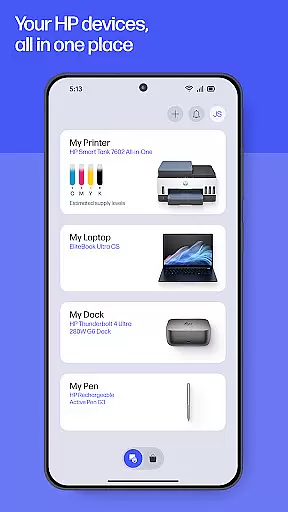
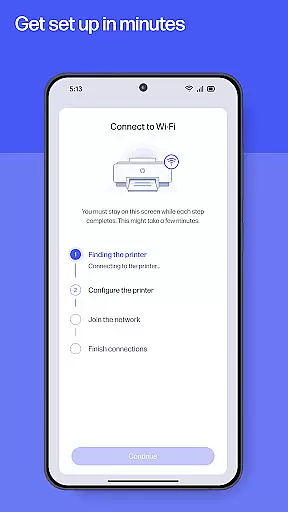
HP is a comprehensive productivity app designed to streamline the management of HP devices. This all-in-one solution allows users to set up new printers, customize settings, print, scan, and access support seamlessly. With its recent upgrade from HP Smart, the app now offers enhanced features that maximize device utility and user convenience.
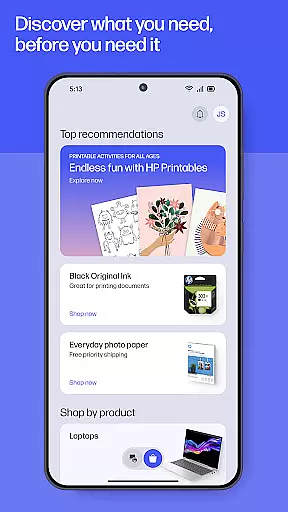
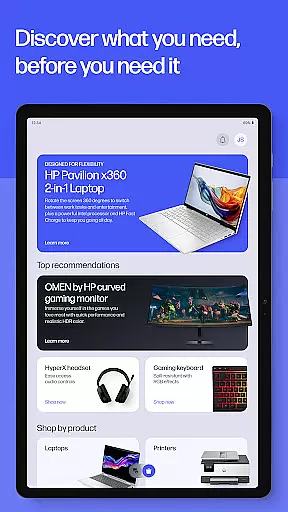
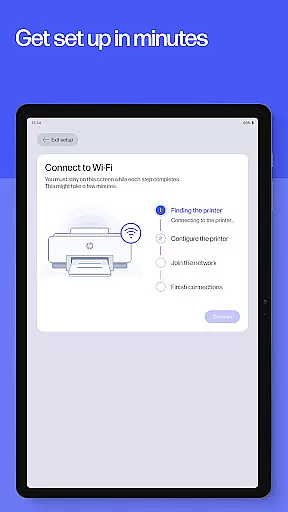
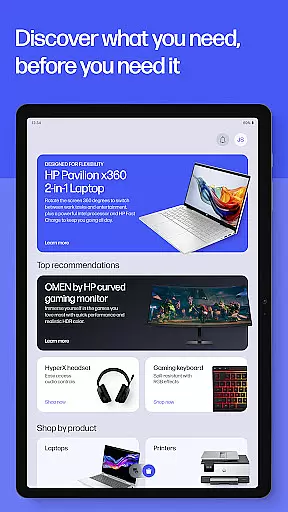
The app provides guided setup for new devices, simplifies print and scan tasks, and delivers instant help through various support channels. Whether at home or in the office, users can efficiently manage their printing needs and stay informed with top recommendations tailored to their usage patterns.
HP's value extends beyond basic functionality by integrating creative tools like HP Printables and practical utilities such as warranty tracking and supply notifications. This makes it an indispensable companion for both personal and professional use, ensuring users get the most out of their HP devices while maintaining optimal performance.
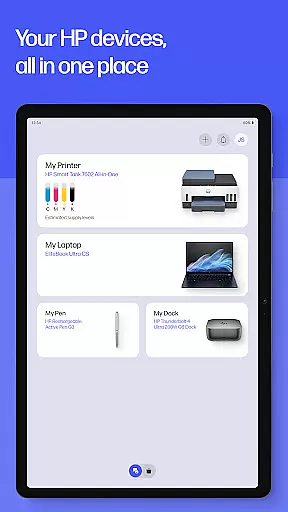
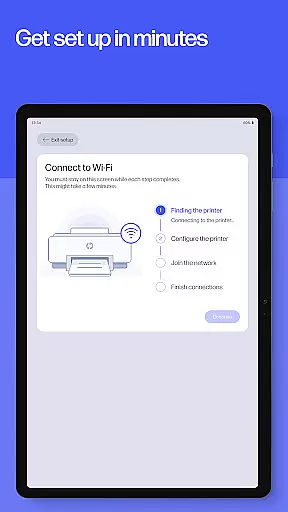
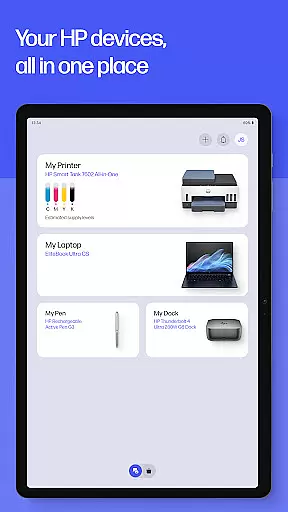
HP app stands out with its extensive feature set designed to enhance user productivity. The Easy Setup functionality guides users through the initial configuration of new HP devices, making the process straightforward and efficient. Once set up, users can easily monitor essential metrics like ink levels and manage both printers and computers from a single interface.
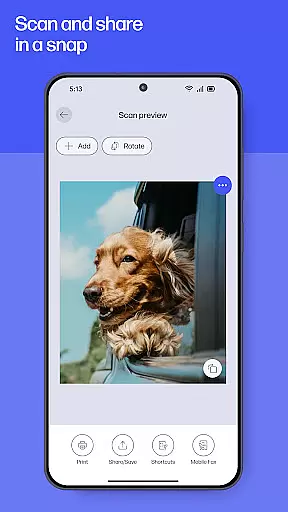
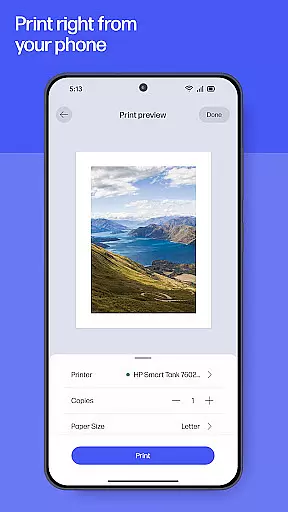
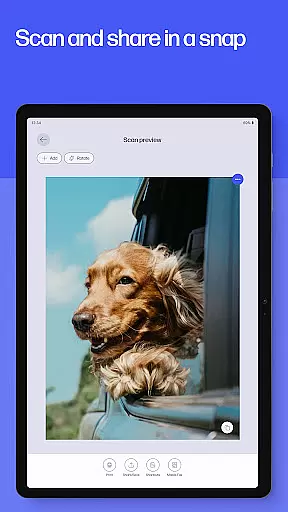
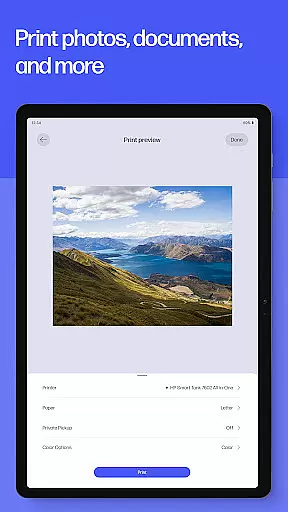
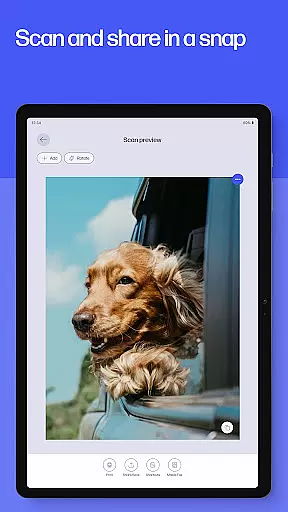
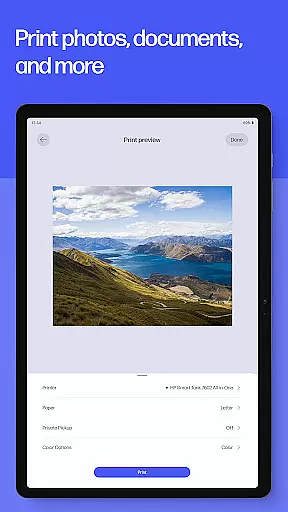
The app excels in task management with capabilities such as printing documents from anywhere, scanning receipts directly to email, and even sending faxes. Advanced features like Print Shortcuts allow users to automate frequent tasks, while Scan and Print options enable document editing before final output. Additionally, HP Printables offers a library of creative templates for personal projects.
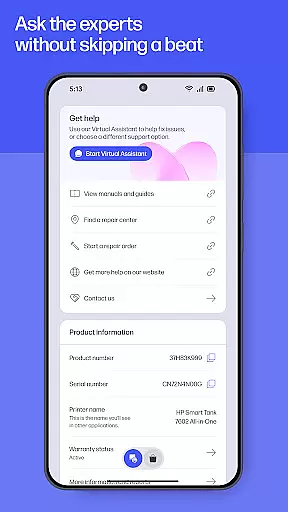
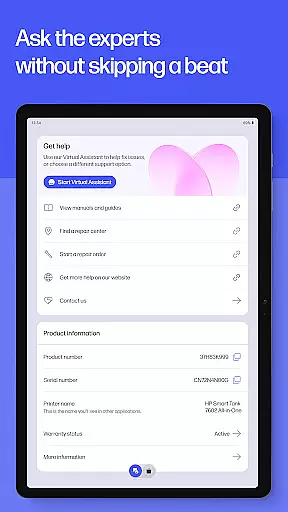
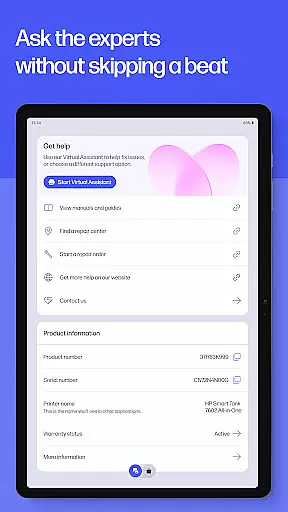
Support features are robust, offering multiple contact methods including live chat and phone support during business hours. Practical tools like Print Supplies notifications ensure uninterrupted workflow by alerting users to low ink or paper levels. These comprehensive features collectively enhance the overall user experience, making device management more intuitive and efficient.
Task management is a cornerstone of productivity applications, and the HP app excels in providing users with comprehensive tools to manage their printing and scanning tasks efficiently. This functionality is crucial for individuals and businesses that require streamlined workflows.
The HP app offers guided setups for new devices, ensuring users can quickly start managing their printers and computers. It provides essential features such as checking ink levels, adjusting device settings, and discovering products that match user needs. These capabilities ensure that users can maintain optimal performance of their devices without hassle.
Users benefit from the ability to print and scan documents directly from their mobile devices, making it convenient to handle tasks on-the-go. The app also supports advanced functionalities like editing documents before printing and setting up custom shortcuts for frequently used print jobs, enhancing overall efficiency.
By integrating task management features, the HP app not only simplifies routine operations but also empowers users to focus on more critical aspects of their work or personal projects. This results in increased productivity and reduced downtime, making it an invaluable tool for anyone relying on HP devices.
Cross-device synchronization is vital for maintaining consistency and accessibility across multiple devices. The HP app ensures reliable synchronization, allowing users to seamlessly transition between their mobile phones, tablets, and computers while retaining access to important functionalities and data.
This app provides a unified platform where users can manage their HP printers and computers regardless of the device they are using. Whether checking ink levels, adjusting settings, or initiating print jobs, the experience remains consistent and reliable across different platforms.
One significant advantage is the automatic update feature, which ensures that all connected devices run the latest version of the app. This minimizes compatibility issues and guarantees that users have access to the newest features and security updates, thus enhancing the overall reliability of cross-device operations.
Ultimately, the HP app's robust cross-device synchronization fosters a cohesive ecosystem where users can depend on consistent performance and functionality. This reliability translates into greater convenience and peace of mind, knowing that their devices are always in sync and ready for action.
User-friendly interface
Comprehensive device management
Robust support options
Innovative productivity tools
Regular feature updates
Limited to HP devices
Some features English-only
Internet connection required
HP account necessary
Potential future charges

Wake up & get tasks done! Add alarms & reminders on the Clock Launcher.
 4.00
4.00
Android Wallet Password Manager
4.80
Create and edit presentations with Google Slides, part of Google Workspace.
4.00
Code on-the-go with VScode for Android. Edit,debug and collaborate from mobile!!
3.10
Docker, Kubernetes management over Portainer Mobile
4.40
* block pre-roll ads, pop-up and forced redirect ads * Samsung certification app
4.00
Great calculator for Android named one of USA TODAY's "25 Essential Apps".
4.90
Scan paperwork into PDF/JPG, generate your own e-signature and send fax or email
4.70
2026 USPS Alpha/Color coded calendar Sunday/Rotating day off schedules
4.5
8 custom complications. Custom Time Fonts. Beautiful color schemes. A++ Design.
5.00
Seamlessly integrate data and reports to build your presentation to impress
4.80
The AI assistant that thinks with you - write, code, and solve complex tasks
4.60
Translate text/voice/photos in 150+ languages. Offline & fast translator app.
4.50
Automates browsing any website and notifies you of important changes or events
4.30
Pwnagotchi companion app
4.20
Cloud storage, automatic phone backup, and more.
4.10
Ultimate Virtual AI Character for immersive Roleplay Chat. Perfect Companion
3.90
Mega cloud explorer plugin for Solid Explorer
3.80
Remotely view listen control and record cameras.
3.70


User Reviews