
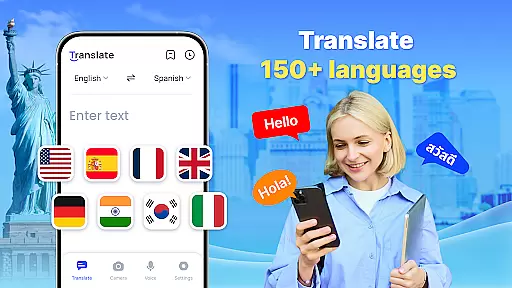

Translate - Translator is a versatile productivity app designed to break language barriers through its comprehensive translation capabilities. This free translator app supports text, voice, and photo translation across 150+ languages, making it an essential tool for travelers, students, and professionals.
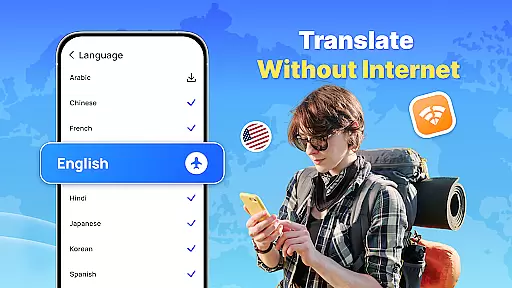
The app's standout features include offline translation functionality, real-time voice recognition, and AI-powered photo translation. Users can communicate seamlessly with foreign speakers, translate menus and documents through the camera, and access previously translated content without an internet connection.
Whether you're traveling abroad, conducting business negotiations, or learning new languages, this app provides instant translations that save time and enhance productivity. The ability to save translations and use a floating ball for quick access makes it particularly useful in work and study environments.
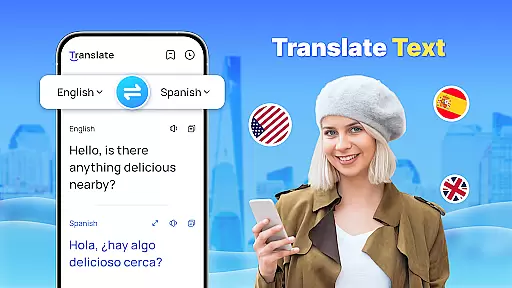
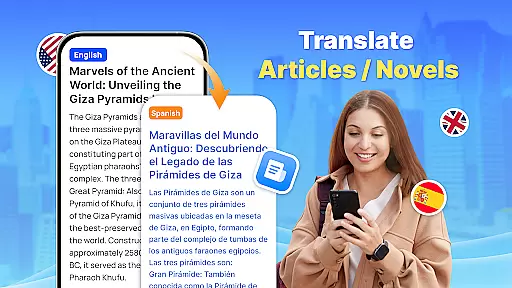
Translate - Translator distinguishes itself through innovative features that cater to diverse translation needs. The app's text translation function supports over 150 languages, allowing users to enter or paste content for instant results. Its intelligent auto-detection capability identifies input languages automatically, streamlining the translation process.
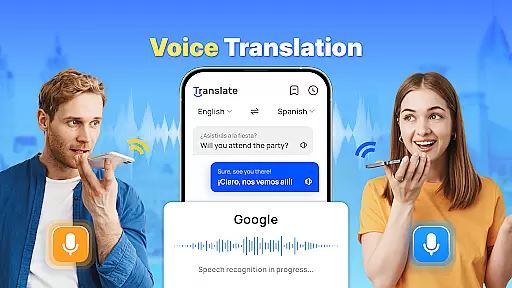
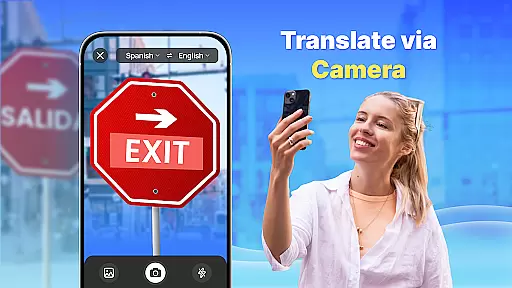
Voice translation utilizes advanced speech recognition technology to enable real-time conversations with foreign speakers. The photo translation feature employs AI algorithms to accurately translate captured images containing text, while also allowing users to extract and copy both original and translated texts.
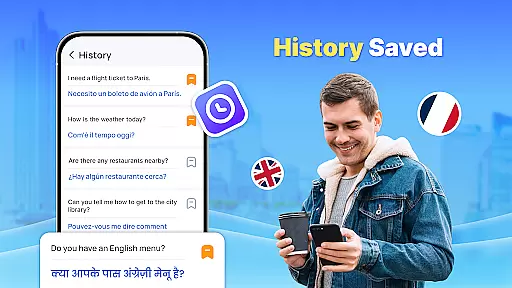
Additional notable features include offline mode for no-connection scenarios, full-screen translation via floating ball, and the ability to create translation collections for future reference. These comprehensive capabilities make the app suitable for various situations, from international travel to professional meetings and language studies.
Core task management in a productivity app like Translate refers to the ability to handle multiple translation tasks efficiently and effectively. This feature is crucial for users who need quick and accurate translations across different languages.
The Translate app excels in this area by offering various modes of translation including text, voice, and photo translation. Users can easily switch between these modes depending on their current needs, ensuring that they can manage different types of translation tasks without hassle.
Additionally, the app supports over 150 languages, which means users can translate content from virtually any language they encounter. The auto-detect input language feature further simplifies task management by automatically recognizing the source language, thus saving time and effort.
By providing features such as offline translation and a floating ball for quick access, the app ensures that users can manage their translation tasks seamlessly, even when they are on the go or in areas with poor internet connectivity.
Cross-device synchronization reliability is essential for users who utilize multiple devices and need consistent access to their translation history and saved translations. This feature ensures that all user data is updated and accessible across different devices.
In the case of Translate, while it may not explicitly advertise cross-device sync, its comprehensive save and share functionality allows users to store important translations. This makes it easier for users to retrieve their translations on different devices manually.
Moreover, the app's offline capabilities ensure that even without an active internet connection, users can still access previously downloaded language packs and saved translations. This reliability is particularly beneficial for travelers or those in areas with limited connectivity.
Although direct synchronization might not be available, the robust set of features provided by Translate ensures that users have reliable access to their essential translation data, enhancing their overall productivity and convenience.
User-friendly interface
Wide language support
Offline functionality
Real-time voice translation
AI-powered photo translation
Limited advanced features
Occasional accuracy issues
Ads in free version
Large app size
Requires permissions

Take control of your clipboard with Clipper!
 3.90
3.90
Native client for Forgejo and Gitea
5.00
8 custom complications. Custom Time Fonts. Beautiful color schemes. A++ Design.
5.00
Make your handwriting beautiful, even more than pen on paper.
3.60
Todo reminder
4.10
A Pixel Art watchface inspired by other iconic 90s designs for Wear OS devices!
4.40
Access your phone's notifications, calls, apps, photos & texts on your PC
3.90
Browse and view your photos and videos from the phone with photo & video hide.
4.10
2026 USPS Alpha/Color coded calendar Sunday/Rotating day off schedules
4.0
A beautiful digital clock with autostart and many other functions
4.70
The AI assistant that thinks with you - write, code, and solve complex tasks
4.60
Docker, Kubernetes management over Portainer Mobile
4.40
Total remote control for your Android device, PC and cloud services (IFTTT)!
4.20
Professional calendar app for Google Calendar, MS Outlook & Exchange
4.20
Experience real multitasking on your Android!
4.00
Unlock AutoNotification
4.00
Auto-shutoff Alarm with Sunrise, Sunset & Fixed Options.
3.50
Simple and reliable communication between inmates, friends and family
3.20
Create study competitions, track your hours, and stay consistent with friends
4.1


User Reviews