
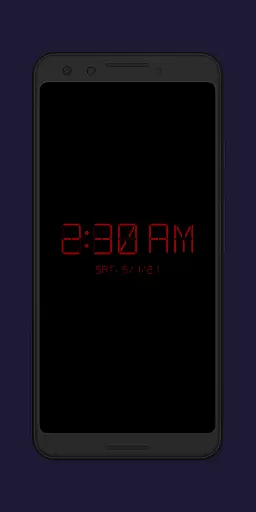
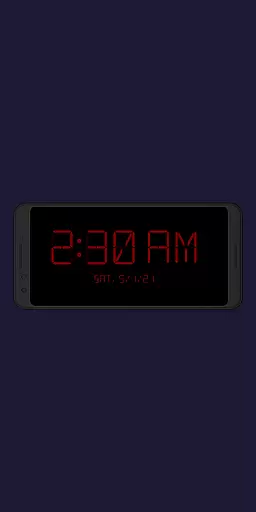
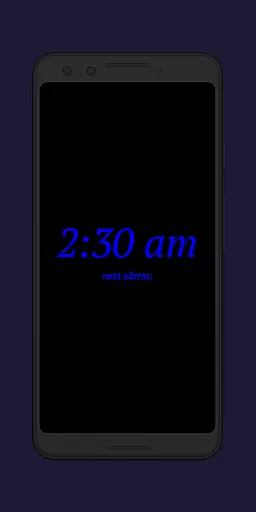
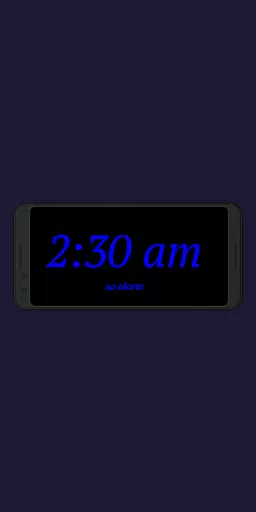
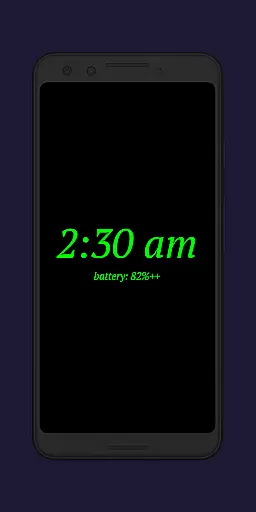
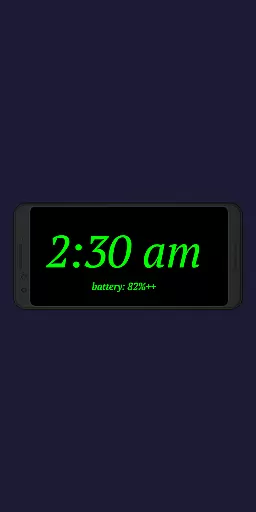
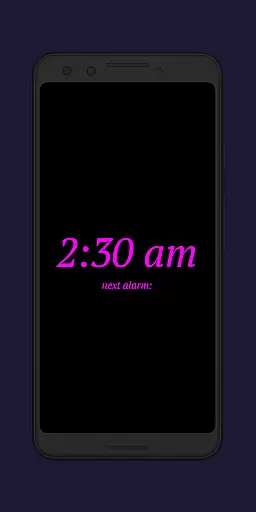
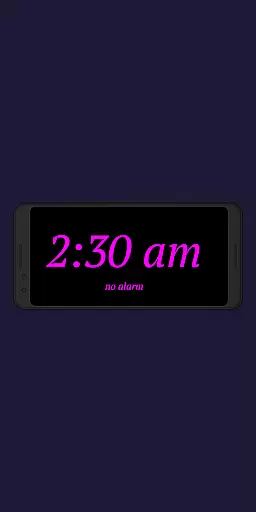
Night Clock + is a versatile digital clock app designed to serve as both a bedside night clock and a daylight mode display. This app transforms any unused device into a beautiful digital clock, functional both during the day and at night. With its supporter version, users can enjoy all features without limitations, including an integrated flashlight for convenience when leaving the bed at night.
The app offers extensive customization options, allowing users to adjust font types, colors, brightness levels, and display sizes. It also includes practical features such as showing the next alarm time set in the Android system and automatic night clock start when a power cord is connected. Whether you need a reliable night clock or a stylish daylight display, Night Clock + provides a comprehensive solution with added productivity benefits.
Night Clock + stands out with its rich feature set tailored for productivity and user convenience. The app allows users to choose from four different font types and fully adjust the font color, providing a personalized experience. Additionally, users have the freedom to select their preferred brightness level for the night clock screen, ensuring optimal visibility in any lighting condition.
One of the key highlights is the ability to automatically start the night clock when a power cord is connected, with an option to limit this function to specific time frames. The daylight mode intelligently adjusts brightness using automatic settings for part of the day and a fixed value for the rest. Other notable features include displaying the next alarm time, integrating a flashlight directly on the screen, and offering a screensaver functionality where the clock slowly moves across the screen. These features collectively enhance usability and ensure that Night Clock + meets diverse user needs effectively.
In the realm of productivity applications, core task management is pivotal for organizing daily activities efficiently. Night Clock + integrates essential task management features that cater to users seeking both simplicity and functionality in their digital tools.
This app provides a unique approach by displaying the next alarm time set in the Android system directly on the night clock screen. This feature ensures that users are always aware of their upcoming schedules without having to navigate away from the current interface, thus maintaining focus and enhancing productivity.
Additionally, the automatic night clock start function, which activates when a power cord is connected or at a preset time, streamlines the user's routine by removing the need for manual adjustments. Such automation not only saves time but also instills a sense of reliability and consistency in managing one's day-to-day tasks.
The integrated screensaver functionality further enriches the user experience by allowing the clock to move very slowly across the screen. This subtle animation can serve as a gentle reminder of time progression, keeping users mindful of their tasks without being intrusive.
Cross-device synchronization is an indispensable feature for users who operate multiple devices and require seamless updates across all platforms. While Night Clock + specializes in providing a superior bedside clock experience, it also excels in ensuring reliable synchronization, which is crucial for maintaining consistency and accuracy in timekeeping.
Although primarily designed as a night clock, this app offers functionalities that extend its utility beyond bedtime. By choosing from four different font types and adjusting the font color, users can customize the display to match their preferences on any device, knowing that these settings will be reliably mirrored across synchronized gadgets.
The ability to freely choose the brightness level and adjust the display size for clock elements means that users can optimize visibility according to ambient lighting conditions. These personalized settings are preserved through robust cross-device synchronization, guaranteeing a uniform experience whether at home or on the go.
Furthermore, with permissions like 'Show / draw above other apps' and 'Camera / flashlight', Night Clock + ensures that its core features, such as the flashlight functionality, remain accessible and operational across devices. This reliability fosters trust in the app's ability to deliver consistent performance, regardless of where or how it's accessed.
User-friendly interface
Highly customizable settings
Integrated flashlight functionality
Automatic night clock activation
Comprehensive daylight mode
Limited to Android devices
Some features are premium-only
Requires permissions for full functionality
No iOS version available
May drain battery faster

Auto-shutoff Alarm with Sunrise, Sunset & Fixed Options.
 3.50
3.50
Native client for Forgejo and Gitea
5.00
Secure, fast, open-source, Remote Desktop Client for Windows and Linux with SSH
4.60
⏰ Finally a timer app which can run multiple timers simultaneously on your watch
3.90
Multilingual translator for text, voice, and image translation!
4.90
ID.me Authenticator is a simple and free Two Factor Authentication solution
3.50
Tally and goal counter for Wear OS & mobile
4.50
To do list widget with a notebook organizer, checklist, simple shopping list
4.60
Seamlessly read, manage, and organize all your PDF files solution in one place
4.40
Protect and view your important info on your phone and tablet with eWallet®
4.80
We're working to become the best machining app on the market! www.cncdirt.com
4.80
Understand anything with a personalized AI research assistant
4.80
A simple Whisper AI keyboard for reliable speech transcription and rewording
4.60
Lightweight PDF, Word, Excel reader.
4.60
Enjoy classic gameplay with customizable features and retro-style graphics.
4.30
A customizable calendar for your Wear OS watch
4.20
Cloud storage, automatic phone backup, and more.
4.10
* block pre-roll ads, pop-up and forced redirect ads * Samsung certification app
4.00
Smart PDF reader & editor to view, organize and manage PDF documents easily.
3.70


User Reviews