
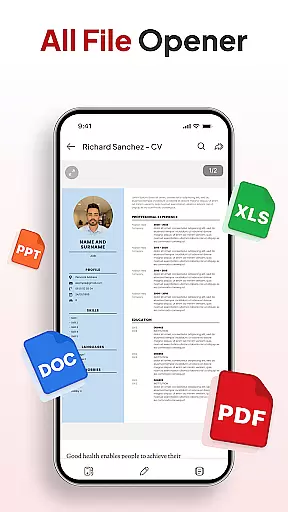
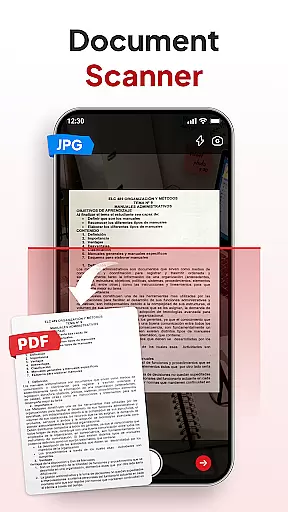
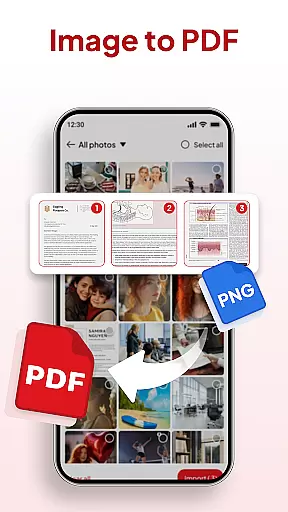
PDF Reader - Document Editor is a comprehensive productivity tool designed to simplify how you manage digital documents. This app allows users to read, edit, organize, and convert PDF files with ease, making it an essential utility for students, professionals, and anyone handling PDFs regularly.
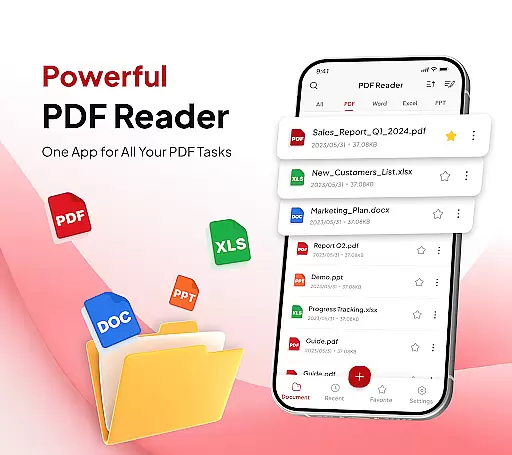
Key features include smooth PDF reading with zoom functionality, support for multiple file formats like XLS, DOCX, and PPT, and smart conversion tools such as Document Scanner and Image to PDF. The app also offers advanced productivity tools including file organization, search functionality, signature management, and AI-powered document summarization and translation.
Whether you need to review study materials, manage work documents, or organize personal files, this app provides a seamless experience across all your devices. Its intuitive interface ensures that even complex tasks like converting images to PDFs or managing signatures are completed effortlessly.
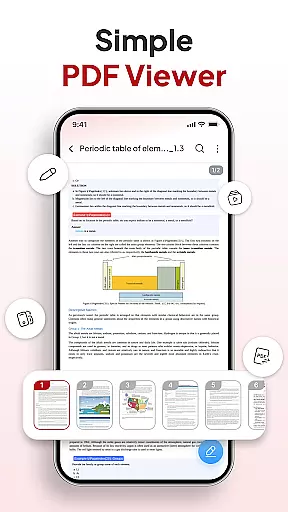
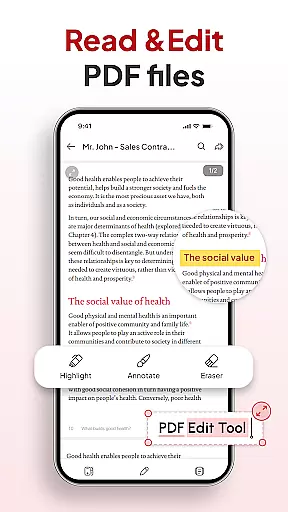
PDF Reader - Document Editor stands out with its robust set of features tailored for efficient document handling. The app's reading capabilities allow users to open and scroll through large PDFs without lag, while offering zoom functionality and text highlighting for enhanced readability.
One of the standout features is its smart conversion toolkit. The Document Scanner transforms physical notes and receipts into clear PDFs, while the Image to PDF function creates professional-quality documents from photos or screenshots. These tools ensure maximum flexibility in managing different types of content.
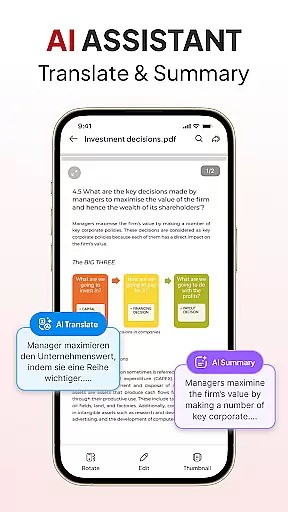
The app also excels in productivity features. Users can organize files using folders and favorites, quickly locate documents through advanced search options, add and manage signatures, and share files instantly via various apps. Additionally, the built-in AI assistant helps summarize or translate documents, adding another layer of utility for users who need quick insights from their files.
In the realm of productivity, managing tasks efficiently is paramount. PDF Reader - Document Editor excels in this area by offering a comprehensive suite of tools designed to streamline your document handling processes.
This app allows you to effortlessly organize and declutter your storage with smart file management features. You can create folders, mark files as favorites, and sort or search documents by name, date, or size, ensuring that you can always find what you need quickly.
Moreover, the inclusion of an AI Assistant adds another layer of productivity. It can summarize or translate documents, making it easier for users to digest information and collaborate across language barriers. This feature not only saves time but also enhances comprehension and workflow efficiency.
By integrating these powerful task management capabilities, PDF Reader - Document Editor ensures that users can focus on their core activities without being bogged down by cumbersome document management tasks.
For professionals and students alike, having reliable access to documents across multiple devices is crucial. PDF Reader - Document Editor addresses this need with robust cross-device synchronization features.
The app supports seamless integration with various cloud services, allowing users to sync their files effortlessly between different platforms. Whether you're switching from your phone to a tablet or accessing documents on a computer, the transition is smooth and hassle-free.
Furthermore, the Instant Sharing feature enables users to send PDFs via their favorite apps with just one tap. This ensures that collaboration and communication are not hindered by device limitations, enhancing overall productivity.
With its reliable synchronization capabilities, PDF Reader - Document Editor provides peace of mind, knowing that your documents are always up-to-date and accessible wherever you go.
User-friendly interface
Multi-format support
Powerful AI tools
Instant sharing options
Advanced search feature
Limited free features
Occasional bugs
Ads in free version
Premium subscription required
Large file size

Professional calendar app for Google Calendar, MS Outlook & Exchange
 4.20
4.20
All in one sketching tool. Technical and General drawing. Online Maps support.
3.70
IP Camera Viewer - Android TV : RTSP Surveillance camera viewer for Android TV
4.2
All in One PDF Reader: Manage, Read and Edit your Documents
4.20
Calendar 2023 widget for Android. Appointment scheduler, planner, and reminder
4.60
Docker, Kubernetes management over Portainer Mobile
4.40
A Pixel Art watchface inspired by other iconic 90s designs for Wear OS devices!
4.40
Share files & memories safely. Keep your photos and videos secure.
4.40
Discover Acode - a sleek, powerful IDE and code editor for Android.
4.30
8 custom complications. Custom Time Fonts. Beautiful color schemes. A++ Design.
5.00
Multilingual translator for text, voice, and image translation!
4.90
The long-awaited modern gallery app for your Nextcloud server
4.70
Absolutely the best CNC machinist speed and feed calculator around. fswizard.com
4.60
Secure, fast, open-source, Remote Desktop Client for Windows and Linux with SSH
4.60
This small app MUST BE INSTALLED after purchase, else license won't work
4.40
Cloud storage, automatic phone backup, and more.
4.10
* block pre-roll ads, pop-up and forced redirect ads * Samsung certification app
4.00
The ultimate file manager for rooted devices. The original and still the best.
4.00
A simple, portable logger for POTA, SOTA, Field Day, and more
4.2


User Reviews