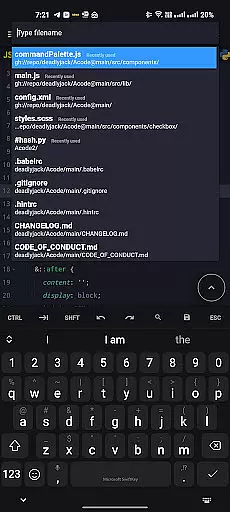
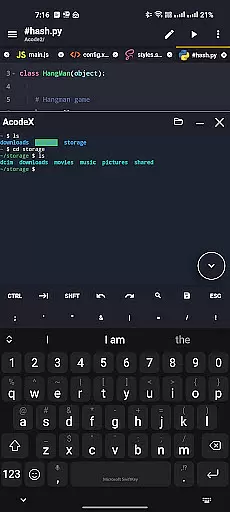
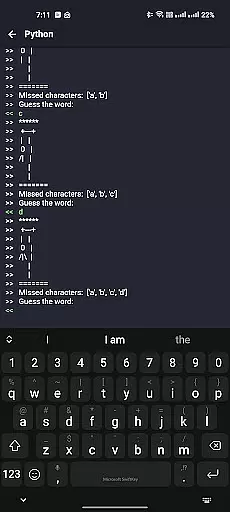
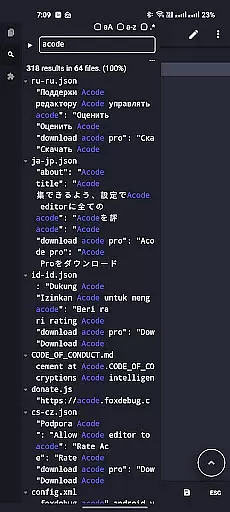
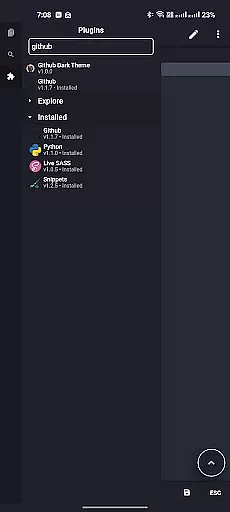
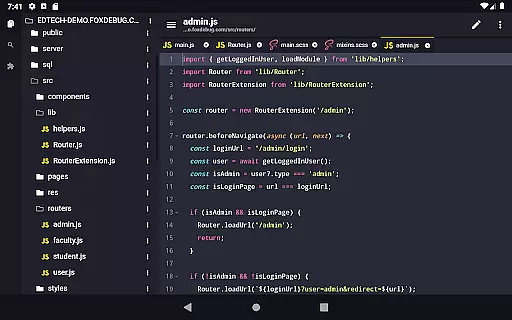
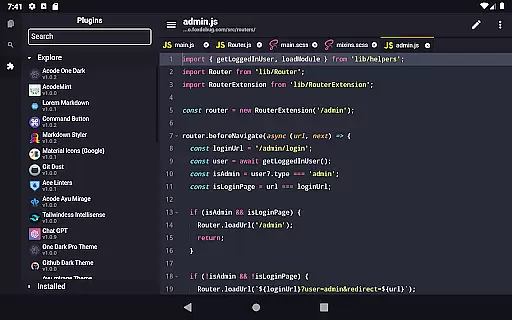
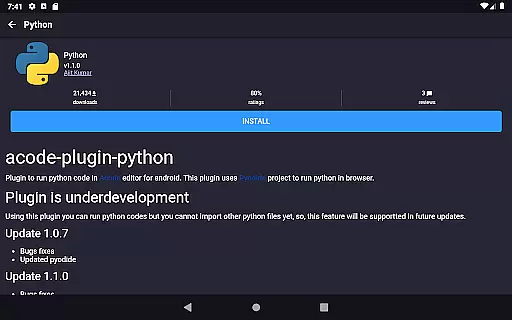
Acode is a powerful, lightweight code editor and web IDE for Android, designed to transform your coding experience. With its innovative Plugin System and over 30 plugins available in the Plugin Store, Acode offers extensive functionality for all development needs.
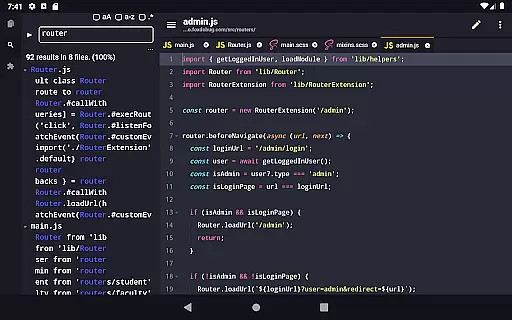
Key features include an enhanced Ace Editor, search in all files, customizable quick tools, and fast file listing. Acode supports editing of various source files, GitHub integration, FTP/SFTP support, and syntax highlighting for over 100 programming languages. Its user-friendly interface, in-app preview, and interactive JavaScript console make it a top choice for developers.
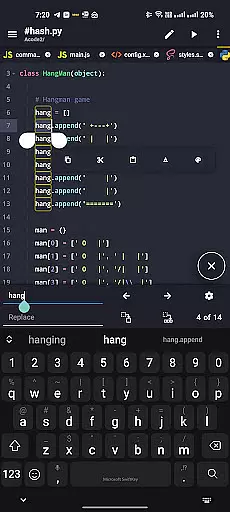
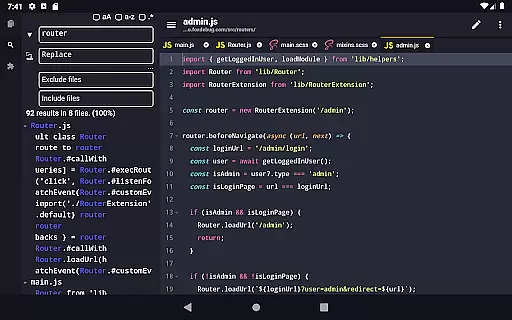
Acode stands out with its cutting-edge features tailored for developers. The Plugin System allows users to extend the app's capabilities, while the updated Ace Editor ensures efficient editing. The beta feature of searching and replacing text in all files within opened projects enhances productivity.
Customizable quick tools and personalized themes let users tailor their workspace. Acode's high performance supports files with over 50,000 lines, and multi-file support enables productive multitasking. Keyboard shortcuts, file recovery, and effective file management ensure a seamless coding experience.
Task management is a cornerstone of productivity applications, and Acode excels in this area by providing developers with the tools they need to efficiently handle their coding projects. This powerful code editor for Android supports multi-file editing, allowing users to work on several files at once without losing context or efficiency.
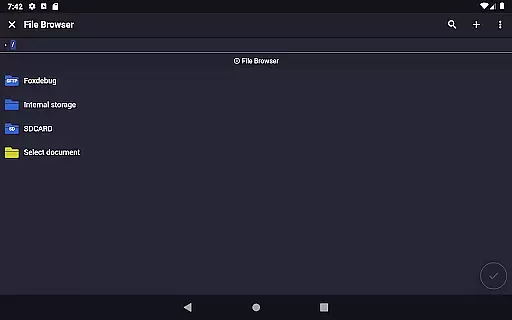
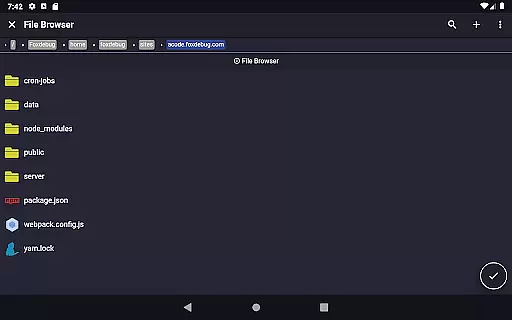
Acode's file recovery feature ensures that no matter what happens during a coding session, users can pick up where they left off without losing precious work. The integrated file browser makes it easy to navigate through project directories, while FTP/SFTP support streamlines remote file management.
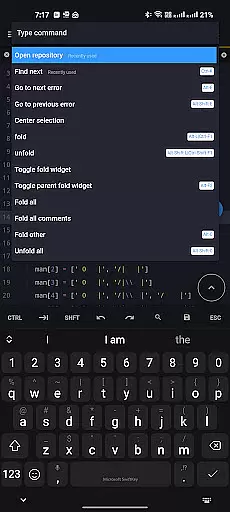
With keyboard shortcuts and customizable quick tools, Acode empowers users to tailor their workspace for maximum productivity. These features combine to create an environment where managing complex tasks becomes intuitive and efficient, freeing developers to focus on writing quality code.
Cross-device synchronization is vital for developers who use multiple devices throughout their day. Acode addresses this need by ensuring reliable and consistent syncing across all user interfaces. With GitHub integration, Acode allows seamless project synchronization with one of the world's leading software development platforms.
The application loads and caches files at startup, which leads to faster file listing when using features like Find Files (Ctrl + P). This means less waiting time and more productivity as users can swiftly move between different parts of their projects.
Moreover, Acode's high performance ensures that even large files are handled with ease, supporting over 50,000 lines per file. By maintaining speed and reliability across various operations, Acode provides a dependable cross-device experience that keeps developers in their flow state, regardless of the device they're using.
Lightweight and powerful
Extensive plugin support
Enhanced editing efficiency
Seamless GitHub integration
Over 100 language syntax highlights
Limited to Android platform
Beta features may be unstable
Requires technical expertise
No iOS version available
Some plugins might need purchase

Client for Nextcloud Deck
 4.60
4.60
Auto-shutoff Alarm with Sunrise, Sunset & Fixed Options.
3.50
Wake up & get tasks done! Add alarms & reminders on the Clock Launcher.
4.00
Absolutely the best CNC machinist speed and feed calculator around. fswizard.com
4.60
CalenGoo is a very flexible and feature-rich calendar app
4.40
Tally and goal counter for Wear OS & mobile
4.50
Best Tool for the professionals Electrician, Electrical contractors, etc.
4.90
Intelligent AI Assistant
4.10
Understand anything with a personalized AI research assistant
4.80
Simple notepad & memo. Take notes, to-do list, shopping list with reminders.
4.80
Secure, fast, open-source, VNC and SSH Remote Desktop for Windows, Linux and Mac
4.70
Direct Chat without saving contacts & Dual WA Account on Single Device
4.70
Quickly and easily keep track of your work shifts
4.70
Functional QR scanner and barcode reader that requires little storage space.
4.60
This small app MUST BE INSTALLED after purchase, else license won't work
4.40
Professional calendar app for Google Calendar, MS Outlook & Exchange
4.20
Customizable calendar widget for seamless event sync, planning & scheduling.
4.00
⏰ Finally a timer app which can run multiple timers simultaneously on your watch
3.90
Code on-the-go with VScode for Android. Edit,debug and collaborate from mobile!!
3.10


User Reviews