
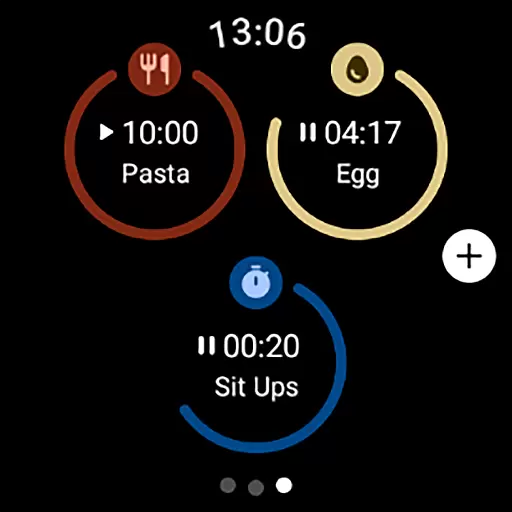
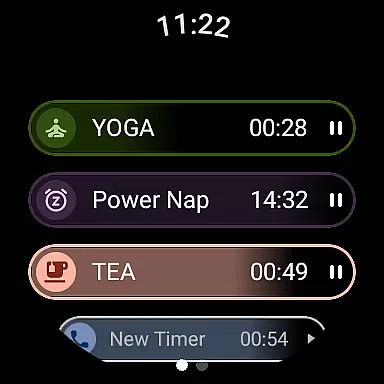
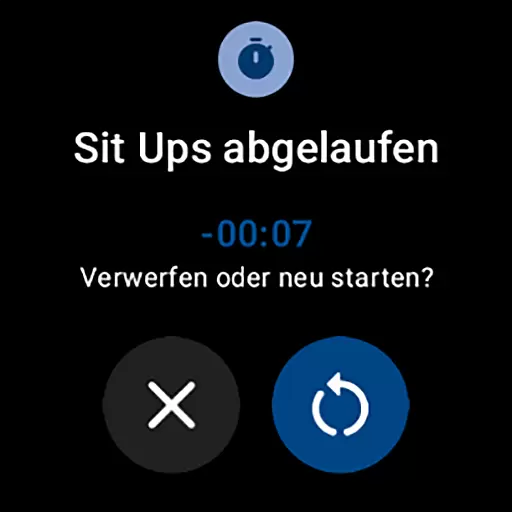
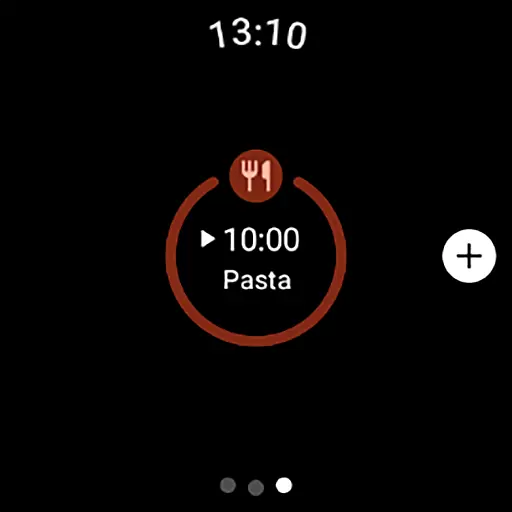
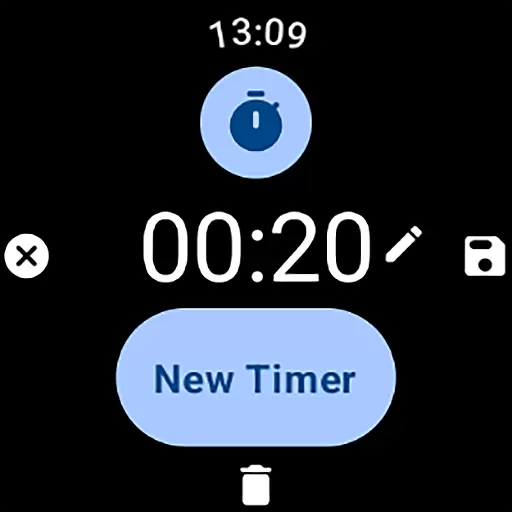
MultiTimerPro for Wear OS is a powerful productivity tool designed to help users manage their time with precision. This app allows you to run multiple timers simultaneously, making it perfect for multitasking scenarios such as cooking, exercising, or work sprints.
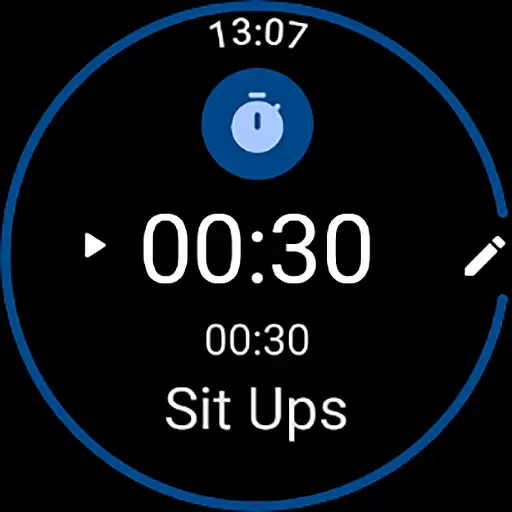
The app features an intuitive interface that makes creating and managing timers effortless. With customizable options like names, durations, icons, and colors, each timer can be tailored to specific needs. The newly added Tile functionality provides quick access to favorite timers directly from the main screen.
Whether you're a busy professional or a home cook juggling multiple dishes, MultiTimerPro helps you stay organized and efficient. Its innovative features set a new standard in smartwatch time management, offering unparalleled convenience right on your wrist.
MultiTimerPro stands out with its unique multi-timer functionality, allowing users to run several timers concurrently - a feature missing in most stock apps. This capability is particularly valuable when handling multiple tasks that require precise time tracking.
The app's interface is thoughtfully designed for ease of use on Wear OS devices. Users can effortlessly create, edit, and manage timers through simple gestures and taps. Customization options are extensive, enabling personalization of timer names, durations, visual indicators, and now even sound notifications.
What truly sets MultiTimerPro apart is its integration with the new Tile feature, providing instant access to frequently used timers. This combination of advanced functionality, user-friendly design, and smartwatch optimization makes it an indispensable tool for productivity enthusiasts.
Efficient task management is essential for productivity, and MultiTimerPro excels in this area by offering users the ability to handle multiple tasks simultaneously. This Wear OS app allows you to set and manage various timers at once, which is perfect for coordinating different activities throughout your day.
The app's multi-timer functionality stands out by letting you keep track of several time-sensitive tasks without losing focus. Whether you're timing a workout, cooking a meal, or managing work intervals, MultiTimerPro ensures that each activity is allocated the correct amount of time and attention.
With an intuitive interface designed for ease of use, creating and editing timers becomes a seamless process. Users can customize each timer with specific names, durations, and even choose unique icons and colors, making it easier to distinguish between tasks at a glance.
By upgrading to MultiTimerPro, you harness the power of precise time management, allowing you to take control of your schedule like never before. The addition of sound notifications means you'll never miss an important time-up alert, further enhancing your multitasking efficiency.
In today's interconnected world, reliable cross-device synchronization is key to maintaining workflow continuity. MultiTimerPro addresses this need by ensuring that your timers are consistently updated across all linked devices, providing a dependable experience whether you're using a smartphone or smartwatch.
This synchronization feature means that any changes made on one device will be reflected on another almost instantly. If you start a timer on your Wear OS smartwatch and then check your phone later, you'll see the same accurate countdown status, giving you peace of mind and continuity in your daily routines.
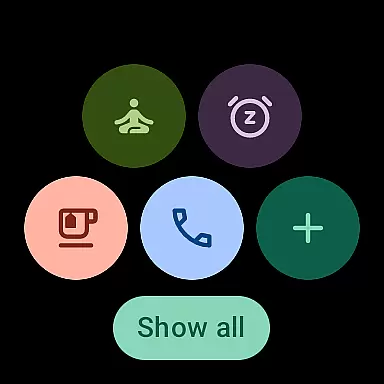
MultiTimerPro also supports direct access to favorite timers through newly added Tiles on Wear OS. This enhancement not only streamlines the user experience but also guarantees quick access to critical timers without needing to navigate through multiple screens.
By integrating these robust synchronization capabilities, MultiTimerPro redefines how users interact with their time management tools. Download now and experience firsthand how effortless managing your day can become when every device works harmoniously together.
Multiple timers
Customizable options
User-friendly interface
Sound notifications
Tile integration
Premium pricing
Wear OS only
Complex UI
Limited support
Battery usage

AI Video AI Image Private LLM AI Browser Llama Gemma Ollama Connect LLM Studio
 4.0
4.0
Client for Nextcloud Deck
4.60
A lightweight JSON & XML files creator, editor and viewer (Premium Version)
4.40
Absolutely the best CNC machinist speed and feed calculator around. fswizard.com
4.60
Activate Two Factor Authentication (2FA or Multi OTP), Password manager and more
4.10
Access, manage and transfer files on Android, PC, Mac, NAS and cloud storages.
4.30
Share files & memories safely. Keep your photos and videos secure.
4.40
AT&T Internet customers can use this app to personalize their Wi-Fi network.
4.40
Seamlessly read, manage, and organize all your PDF files solution in one place
4.40
Secure, fast, open-source, VNC and SSH Remote Desktop for Windows, Linux and Mac
4.70
Direct Chat without saving contacts & Dual WA Account on Single Device
4.70
App lock - lock apps with fingerprint, password, pin or pattern, protect privacy
4.70
AI Chatbot and AI writing assistant powered by ChatGPT.
4.60
Planet Free VPN - The best Fast Unlimited and Secure VPN Without Logs
4.50
Cloud storage, automatic phone backup, and more.
4.10
Experience real multitasking on your Android!
4.00
Smart PDF reader & editor to view, organize and manage PDF documents easily.
3.70
The upgraded version of Name Wheel with AI and the power to add your own wheels.
4.0
IP Camera Viewer - Android TV : RTSP Surveillance camera viewer for Android TV
4.0


User Reviews