
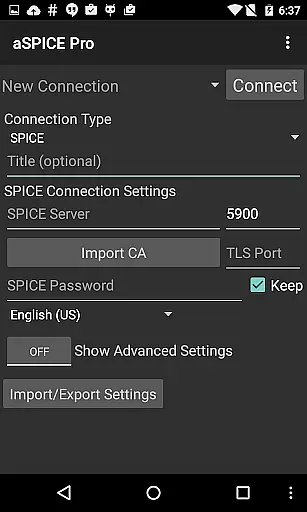
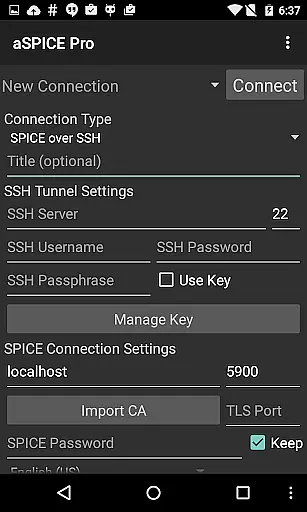
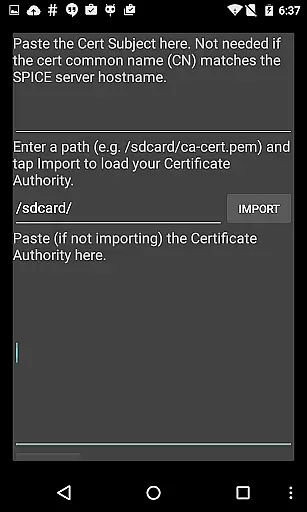
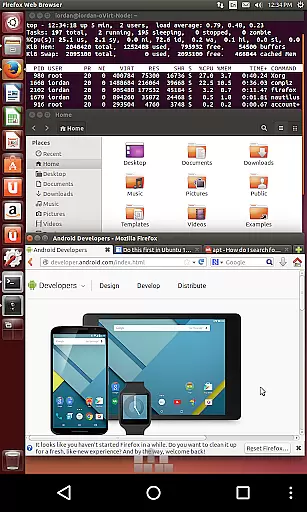
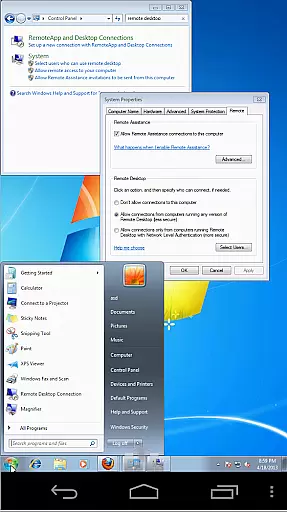
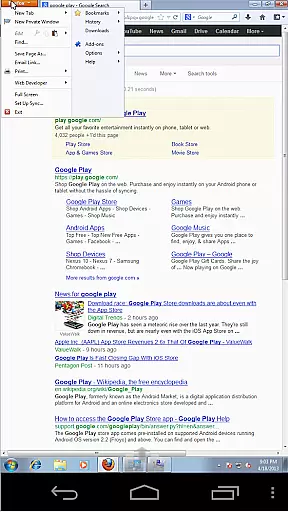

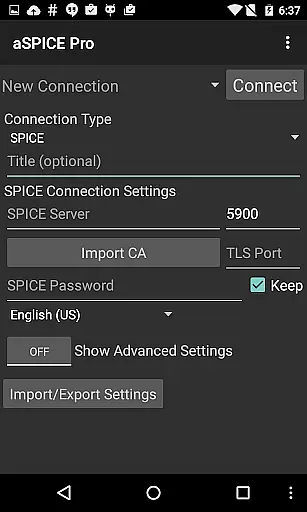
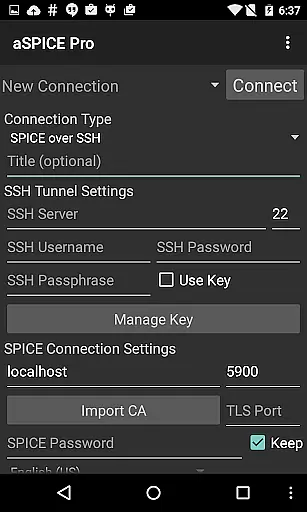
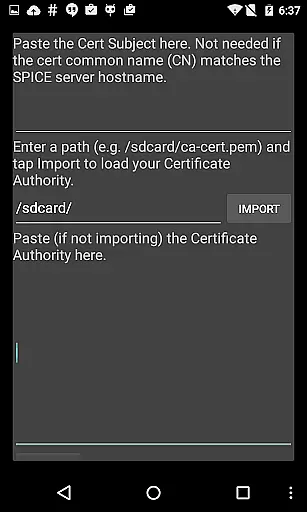
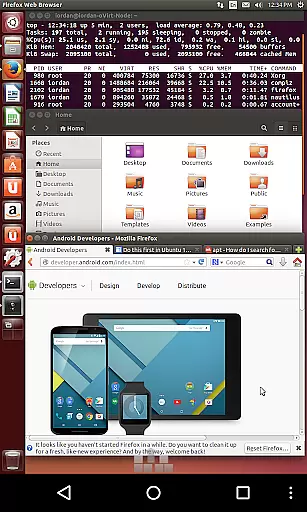
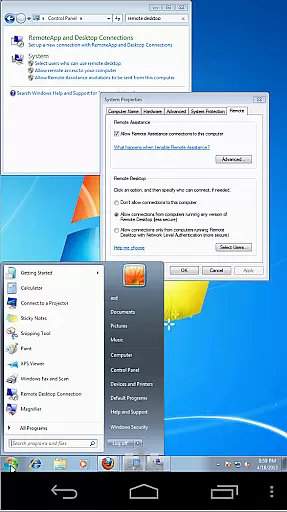
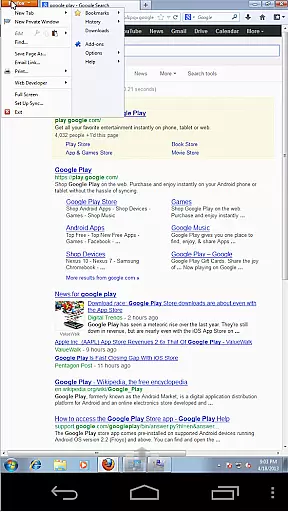

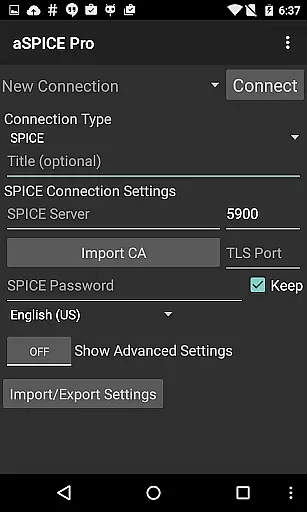
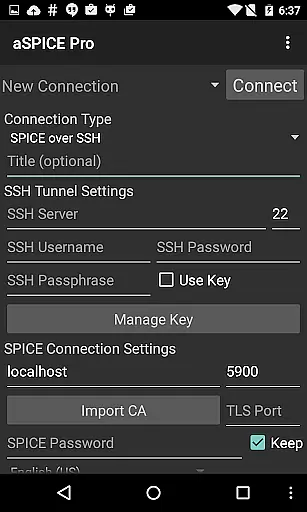
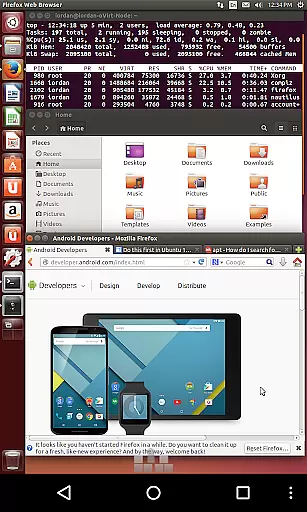
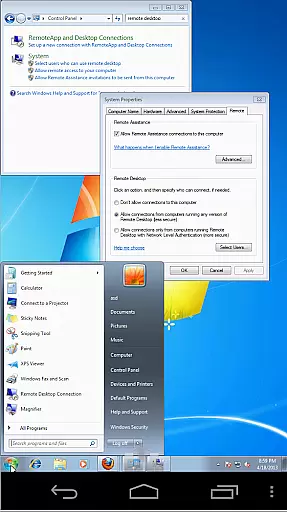
aSPICE Pro Secure SPICE Client is a powerful productivity tool designed for users who need secure and reliable remote access to virtual machines. This application supports the SPICE protocol, making it possible to control any SPICE-enabled QEMU virtual machine regardless of the guest operating system. With features like Master password support, MFA/2FA SSH authentication, and USB redirection, aSPICE ensures both security and functionality.
The app offers an extensive set of capabilities including multi-touch control, sound support, dynamic resolution changes, and full rotation support. These features provide users with a seamless experience whether they are using a smartphone or tablet. Additionally, the SSH tunneling feature adds an extra layer of security, allowing users to connect to machines behind firewalls safely. Its UI optimizations cater to different screen sizes, ensuring that all users can efficiently manage their virtual environments on the go.
aSPICE Pro stands out with its comprehensive feature set tailored for productivity. One of the key highlights is its support for multi-touch gestures, enabling intuitive control over the remote mouse. Users can perform left, right, and middle clicks with simple tap gestures, scroll with two-finger drags, and even pinch-zoom for better visibility. The app also includes sound support and dynamic resolution changes, which allow users to reconfigure their desktops while remaining connected.
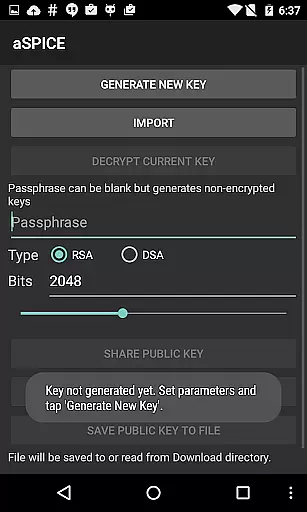
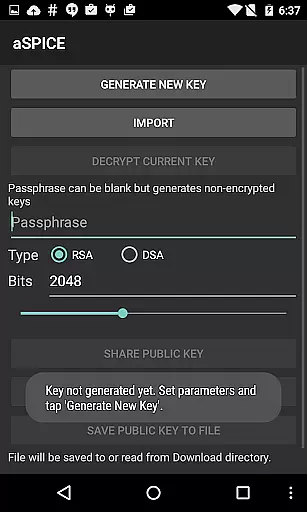
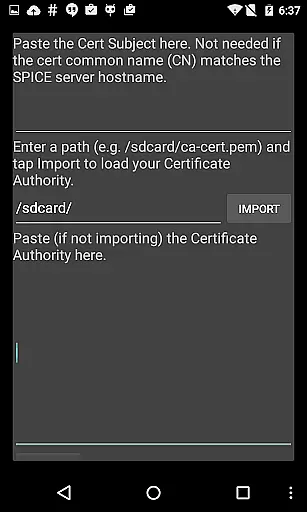
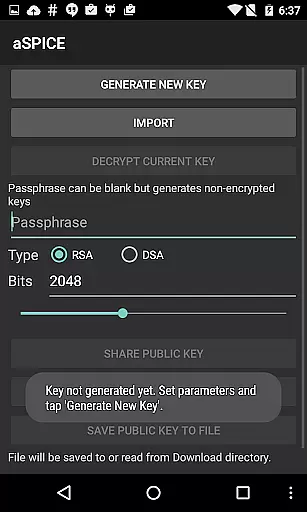
Security is another major focus of aSPICE Pro. It provides robust options such as SSH tunneling, MFA/2FA SSH authentication, and master password support. These features ensure that your connections are not only fast and responsive but also secure from unauthorized access. Furthermore, the app supports importing encrypted RSA keys in PEM format and unencrypted DSA keys in PKCS#8 format, catering to advanced users who require flexible security configurations. Overall, aSPICE Pro combines ease of use with top-notch security measures to deliver a superior remote desktop experience.
In the realm of productivity applications, core task management is pivotal for organizing and executing tasks efficiently. aSPICE Pro Secure SPICE Client excels in this area by offering users comprehensive control over SPICE-enabled virtual machines, regardless of the guest operating system. This application supports features like master password management, multi-factor authentication for SSH, and USB redirection, which are integral to secure and efficient task handling.
The app provides dynamic resolution changes, allowing users to reconfigure their desktop environments on-the-fly while maintaining a connection. This flexibility ensures that productivity is not hindered by technical limitations, thus streamlining workflows. Additionally, the support for sound, multi-touch controls, and full mouse functionality on Android 4.0+ devices enhances the interactive experience, making task management more intuitive.
For users who require high security, aSPICE incorporates SSH tunneling, enabling secure connections even behind firewalls. The ability to import encrypted RSA keys and unencrypted DSA keys further fortifies the application's security measures. These robust features ensure that sensitive data remains protected while managing tasks across different platforms.
Cross-device synchronization is crucial for maintaining consistency and reliability across various platforms. aSPICE Pro Secure SPICE Client addresses this need by providing seamless integration and synchronization capabilities. With support for multiple input modes, including direct touch, simulated touchpad, and single-handed inputs, users can maintain uniformity in their workflow irrespective of the device they are using.
The application also offers automatic session saving, ensuring that users can pick up where they left off without any disruptions. This feature is particularly beneficial for those who switch between devices frequently, as it minimizes the risk of losing progress or important data. Furthermore, the availability of UI optimizations for different screen sizes, such as tablets and smartphones, guarantees a consistent user experience.
aSPICE Pro goes beyond basic synchronization by incorporating advanced functionalities like Samsung multi-window support and DEX compatibility. These features allow users to multitask effectively and utilize their screen real estate optimally. By supporting external keyboards and providing stowable on-screen keys, the app ensures that users have all necessary tools at their disposal, enhancing cross-device productivity and reliability.
Secure SSH connections
Multi-touch controls
Dynamic resolution
Comprehensive gesture support
Advanced security features
Complex setup process
Limited OS compatibility
No clipboard integration
Occasional connection issues
Steep learning curve

Customizable calendar widget for seamless event sync, planning & scheduling.
 4.00
4.00
Todo reminder
4.10
Easiest event planning, volunteer signups & parent teacher conference scheduling
2.20
Multilingual translator for text, voice, and image translation!
4.90
Tally and goal counter for Wear OS & mobile
4.50
Intelligent AI Assistant
4.10
Use powerful, industry-leading AI tools to generate visual charts from any data
4.80
Seamlessly read, manage, and organize all your PDF files solution in one place
4.40
Put a lock on your cloud: Take the security of your data into your own hands
3.70
Native client for Forgejo and Gitea
5.00
The long-awaited modern gallery app for your Nextcloud server
4.70
Scan paperwork into PDF/JPG, generate your own e-signature and send fax or email
4.70
This small app MUST BE INSTALLED after purchase, else license won't work
4.40
Total remote control for your Android device, PC and cloud services (IFTTT)!
4.20
Pwnagotchi companion app
4.20
Unlock AutoNotification
4.00
Mega cloud explorer plugin for Solid Explorer
3.80
Remotely view listen control and record cameras.
3.70
Simple and reliable communication between inmates, friends and family
3.20


User Reviews