
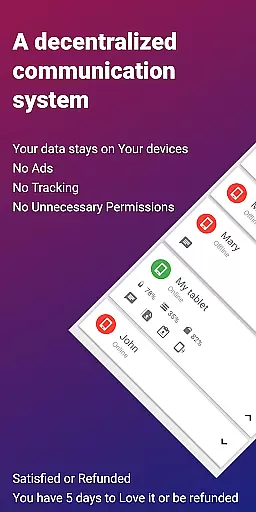
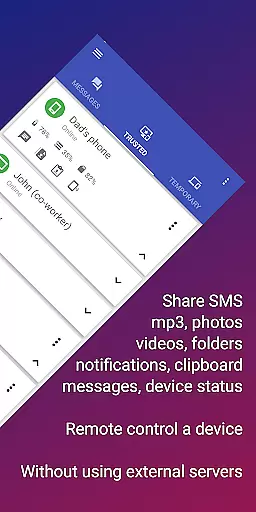
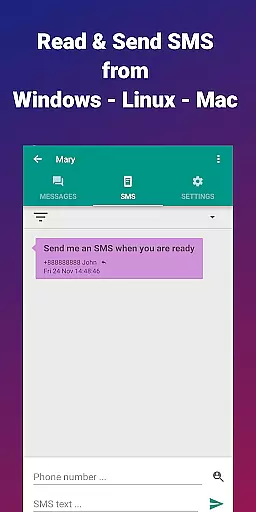
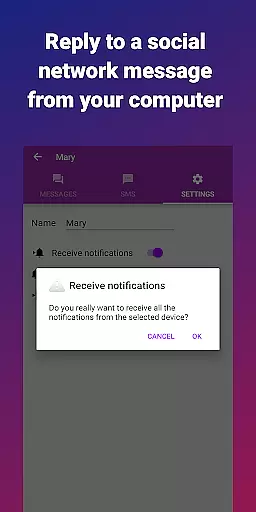



EasyJoin is a productivity-focused application that enables instant file transfers, clipboard synchronization, and remote device control without relying on cloud services or external servers. Designed for privacy-conscious users, the app uses end-to-end encryption to ensure all data shared between devices remains private and secure within your local network.
The app supports cross-platform functionality, allowing seamless communication between Android, Windows, macOS, iPhone, iPad, and Linux devices. Whether you need to send files, sync notifications, or use your phone as a keyboard for your PC, EasyJoin provides a comprehensive solution for personal and team-based productivity tasks.
Perfect for professionals who require offline file sharing or wish to manage SMS and notifications directly from their computers, EasyJoin eliminates unnecessary ads, trackers, and subscriptions, offering a one-time payment model for permanent access to its features.
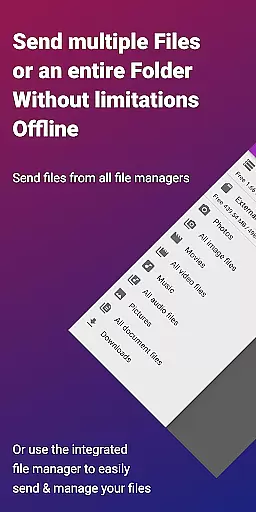
EasyJoin stands out with its robust feature set tailored for efficient device management. The app allows users to transfer files such as photos, videos, documents, and folders instantly between multiple devices using only the local network, ensuring speed and security without requiring an internet connection.
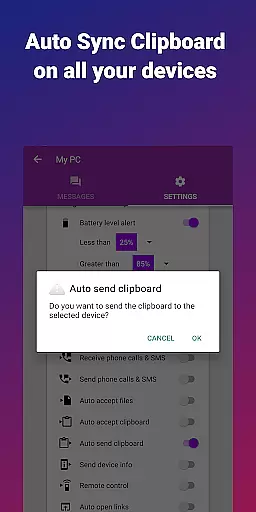
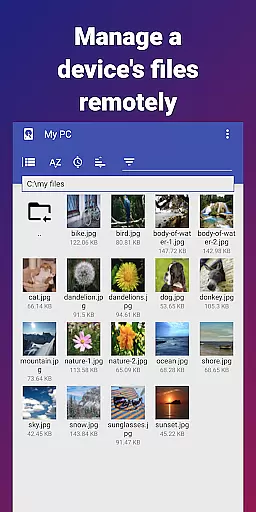
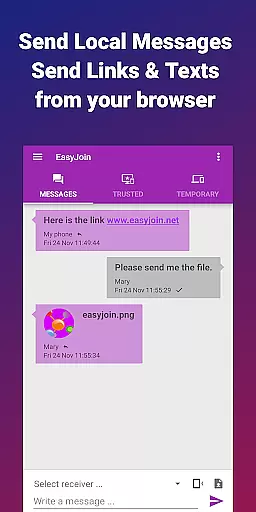
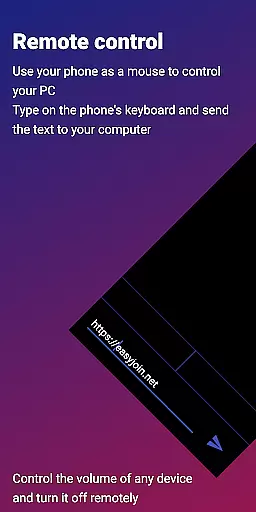
One of the key highlights is its clipboard sync functionality, which lets users copy content on one device and paste it on another, regardless of platform differences. Additionally, the app offers remote control capabilities, enabling users to manage SMS notifications, use their phone as a keyboard or mouse, and even chat securely between linked devices via local network messaging.
Security is prioritized through end-to-end encryption, ensuring that all shared data stays private and encrypted. With no reliance on cloud storage or external servers, EasyJoin guarantees that your information never leaves your devices, making it ideal for sensitive work environments or personal use where privacy is paramount.
Task management is a critical aspect of productivity applications, and EasyJoin excels in this area by offering a suite of features that streamline the way you handle tasks across devices. The app allows for seamless file transfers, clipboard syncing, and even SMS management directly from your computer, ensuring that all your essential tasks can be managed without interruption.
EasyJoin's implementation of task management includes the ability to send files between devices instantly, without the need for cloud storage or external servers. This means you can easily transfer photos, videos, documents, and folders between your phone, PC, and tablet using only your local network, which significantly boosts efficiency and maintains privacy.
For users, this translates into a versatile tool that not only simplifies daily operations but also enhances security. With end-to-end encryption and no reliance on third-party services, EasyJoin ensures that your data remains private and secure, providing peace of mind while you manage your digital life.
The value of having a centralized system for managing tasks such as file sharing, clipboard synchronization, and remote notifications cannot be overstated. It reduces the complexity often associated with juggling multiple devices and platforms, making EasyJoin an indispensable tool for anyone looking to improve their productivity without compromising on privacy.
Cross-device synchronization is a cornerstone of modern productivity tools, and EasyJoin offers a reliable solution that ensures your data is consistently updated across all your devices. By leveraging your local network, EasyJoin provides a seamless experience that keeps your files, clipboard contents, and notifications in sync without relying on cloud services.
The app accomplishes this through its peer-to-peer encrypted sharing feature, which guarantees that all data transferred between devices remains within your local network. This approach not only enhances security but also improves the speed and reliability of synchronization, as there are no external servers that could potentially cause delays or outages.
Users benefit from this robust synchronization by being able to copy text on one device and paste it on another, regardless of the operating system. Whether you're working on an Android phone, Windows PC, macOS laptop, or Linux machine, EasyJoin ensures that your clipboard content is always up-to-date and accessible.
This level of reliability in cross-device synchronization empowers users to work more efficiently and flexibly. It eliminates the frustration of dealing with inconsistent data across devices and supports a more integrated and cohesive workflow, ultimately enhancing productivity and user satisfaction.
Fast file transfer
Clipboard sync
P2P encryption
Cross-platform
No subscriptions
Limited free version
Wi-Fi required
Complex setup
Fewer integrations
Premium cost

AI Video AI Image Private LLM AI Browser Llama Gemma Ollama Connect LLM Studio
 4.0
4.0
Take control of your clipboard with Clipper!
3.90
Android Wallet Password Manager
4.80
Customizable calendar widget for seamless event sync, planning & scheduling.
4.00
All in One PDF Reader: Manage, Read and Edit your Documents
4.20
Activate Two Factor Authentication (2FA or Multi OTP), Password manager and more
4.10
Great calculator for Android named one of USA TODAY's "25 Essential Apps".
4.90
Share files & memories safely. Keep your photos and videos secure.
4.40
Set up, print, and get support—in one place
4.20
Multilingual translator for text, voice, and image translation!
4.90
Okta MFA
4.70
App Lock with fingerprint, password: Lock apps & hide photos with lock screens
4.60
All document reader, all in one file viewer read PDF, DOCX, XLS, PPT, TXT files.
4.60
Calendar 2023 widget for Android. Appointment scheduler, planner, and reminder
4.60
Unlock AutoNotification
4.00
Access your phone's notifications, calls, apps, photos & texts on your PC
3.90
Ultimate Virtual AI Character for immersive Roleplay Chat. Perfect Companion
3.90
Code on-the-go with VScode for Android. Edit,debug and collaborate from mobile!!
3.10
Easiest event planning, volunteer signups & parent teacher conference scheduling
2.20


User Reviews