
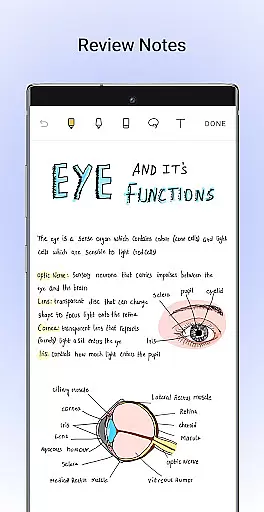
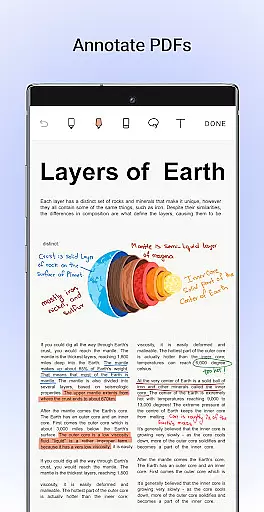
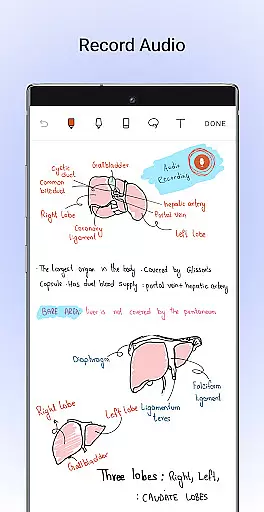
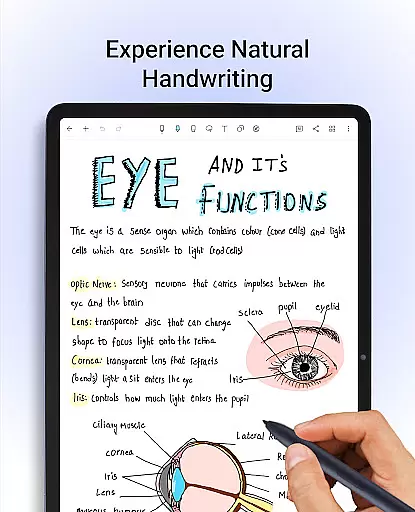
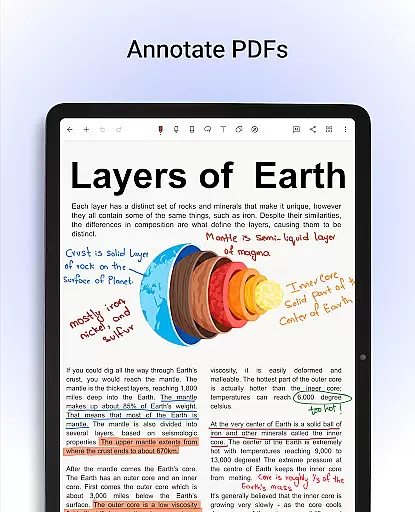
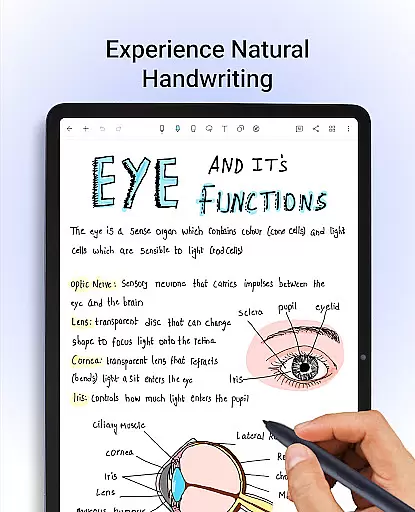
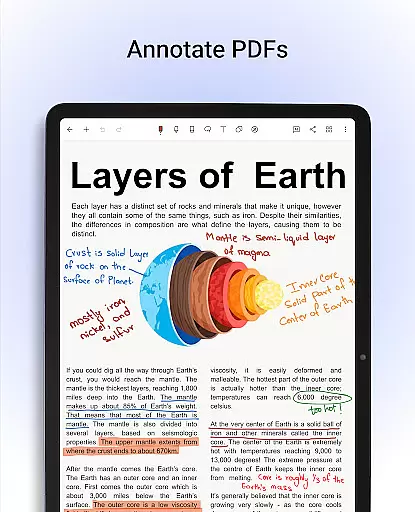
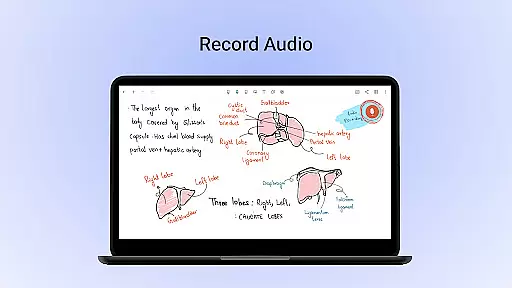
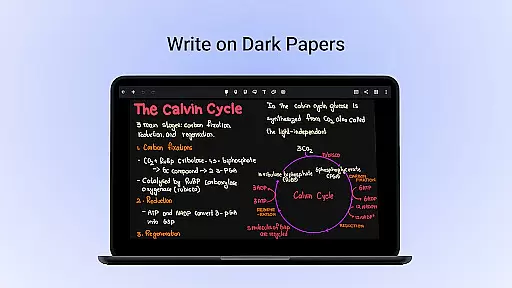
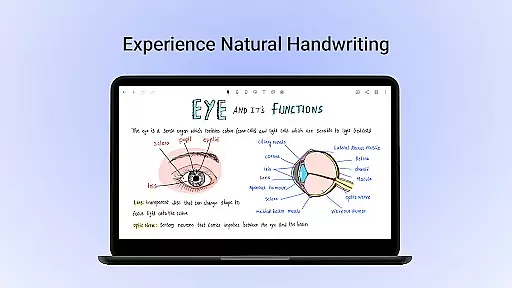
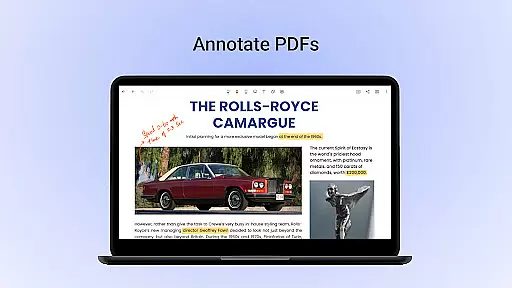
Noteshelf is a feature-rich note-taking app designed for students, teachers, and professionals. It allows users to take beautiful handwritten notes, annotate PDFs, record audio notes, and more. The app offers realistic pens and highlighters, supports various stylus options, and provides handwriting recognition in 65 languages.
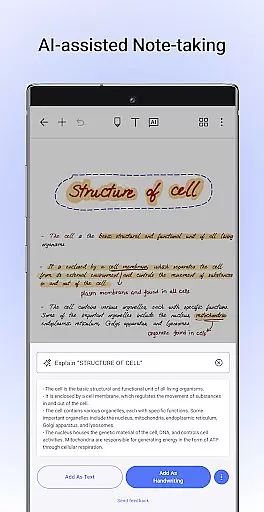
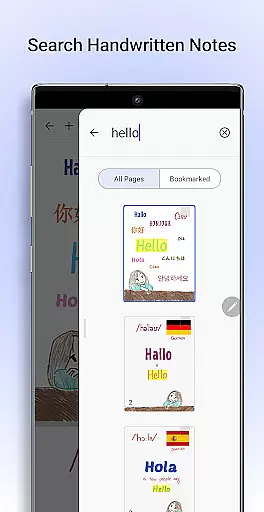
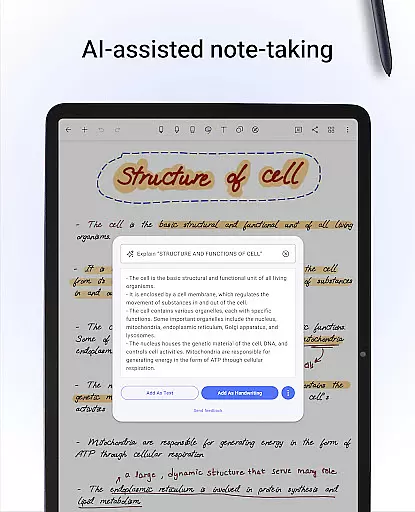
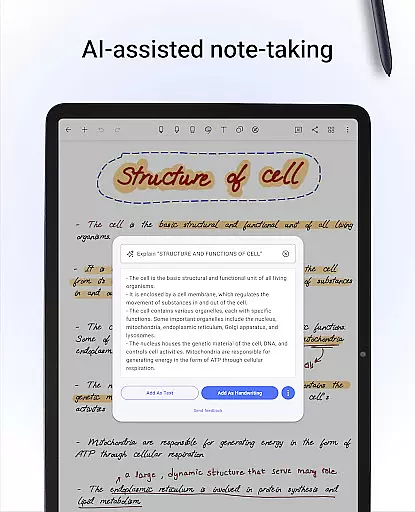
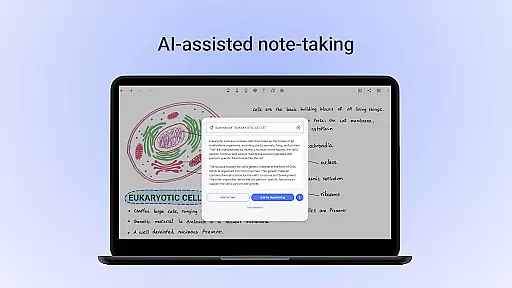
With Noteshelf, users can search and convert handwritten notes to text, find templates for every need, and personalize their note-taking experience. The app also includes Noteshelf AI, an intelligent assistant that understands handwriting and helps with tasks like summarizing notes and translating text.
This productivity tool is perfect for organizing digital notes, annotating documents, and staying on top of school or work assignments. Its extensive features make it a versatile companion for anyone looking to digitize their note-taking process while maintaining the natural feel of pen and paper.
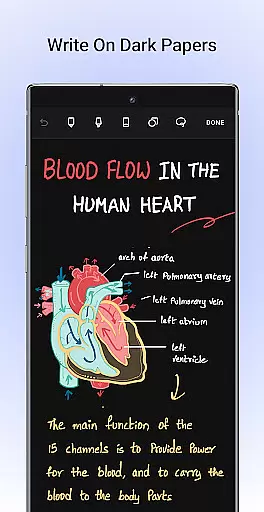
Noteshelf stands out with its comprehensive set of features tailored for efficient note-taking. The app provides a natural handwriting experience with realistic pens and highlighters, supporting multiple stylus devices including Samsung Galaxy Note series with quick-erase functionality.
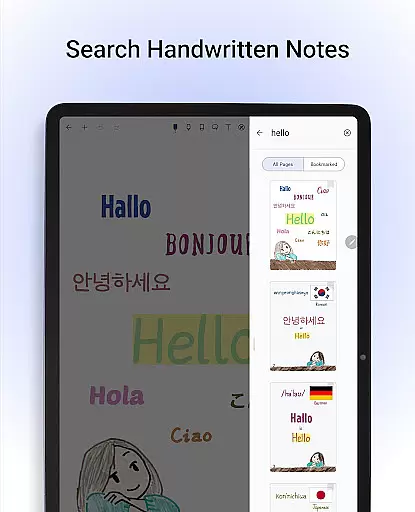
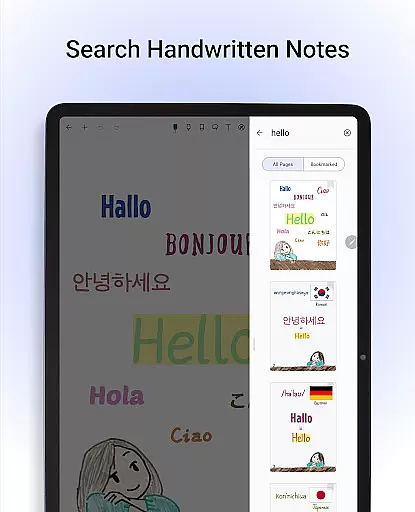
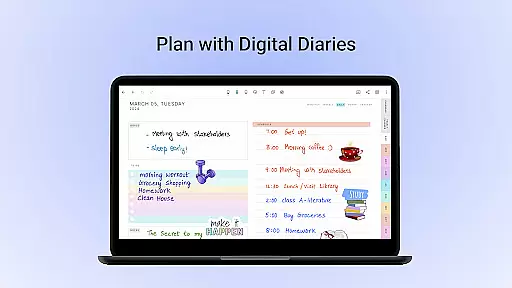
Users can annotate PDFs and images, search through handwritten notes, and convert them to typed text using OCR technology. With over 200 customizable templates, Noteshelf caters to various needs such as lesson planning, bullet journaling, and task management. The introduction of Noteshelf AI adds another layer of convenience by generating notes, summarizing content, and translating text.
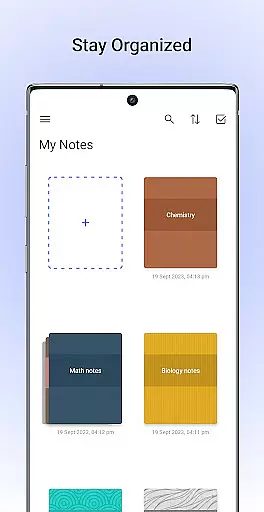
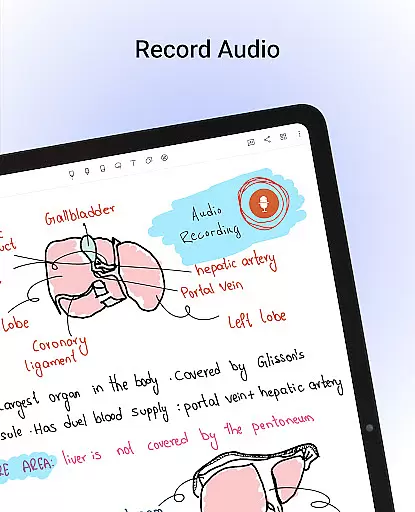
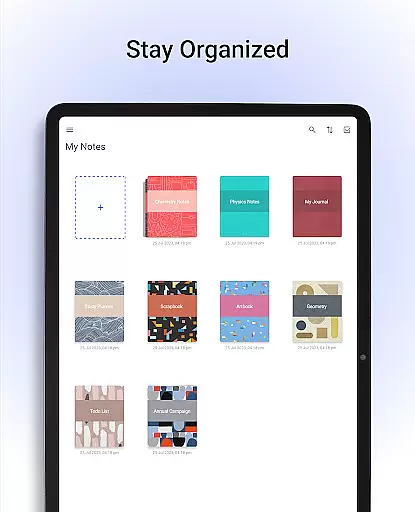
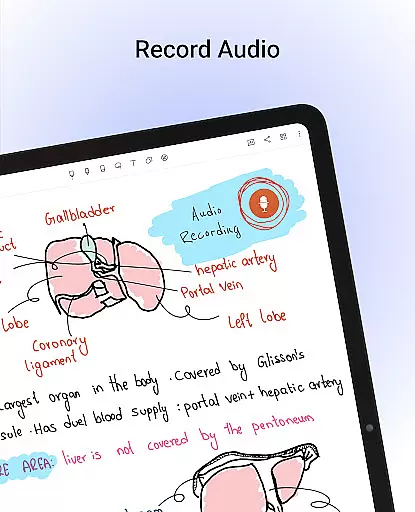
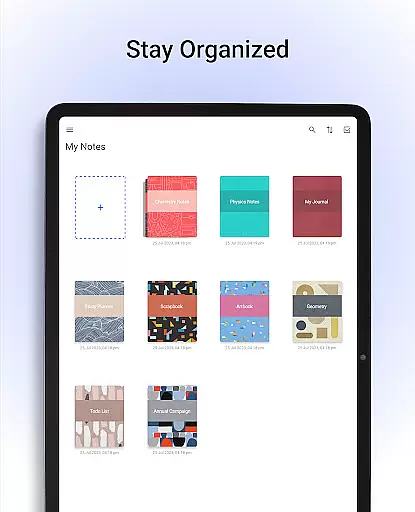
Additional features include personalization options like lined or dotted papers, custom notebook covers, and audio recording during lectures. Notes are kept organized with bookmarking and grouping capabilities, while cloud sync ensures data safety and accessibility across devices.
Noteshelf excels in core task management by offering a comprehensive suite of tools designed to enhance productivity. The app allows users to take beautiful handwritten notes with realistic pens and highlighters, making note-taking both efficient and enjoyable.
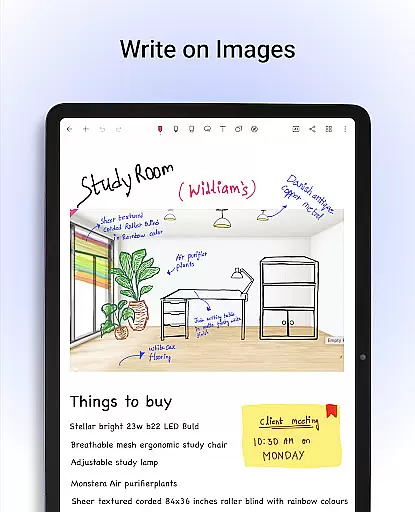
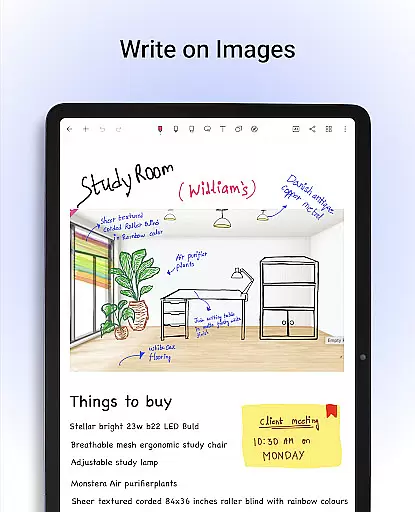
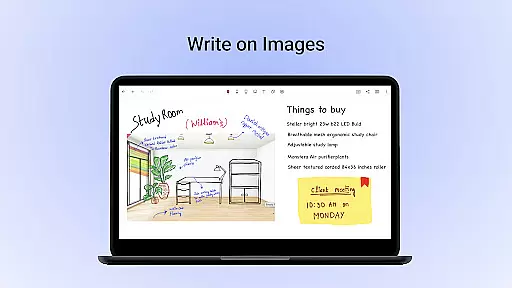
One of the standout features is its support for various styluses, ensuring that users can achieve natural handwriting. This flexibility extends to annotating PDFs and writing on images, providing professionals, students, and teachers with the ability to edit school notes, grade papers, and fill out forms digitally.
The app also includes Noteshelf AI, an intelligent assistant capable of understanding handwriting and helping users generate study notes, summarize content, and translate text. With options to record audio during lectures or meetings, users can ensure they never miss important information.
Overall, Noteshelf's robust task management capabilities make it an invaluable tool for anyone looking to streamline their digital note-taking process while maintaining high levels of organization and accessibility.
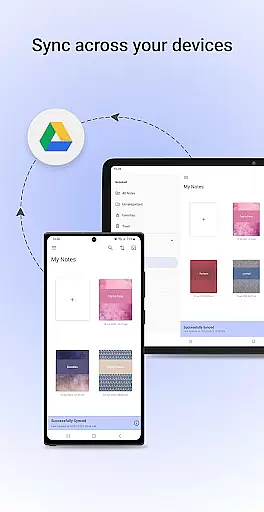
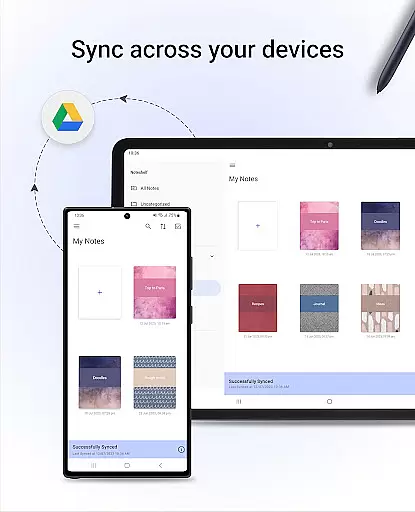
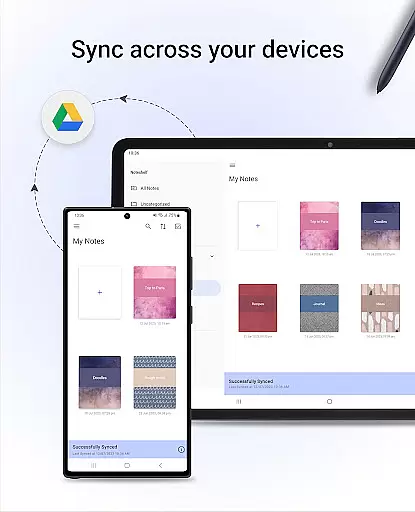
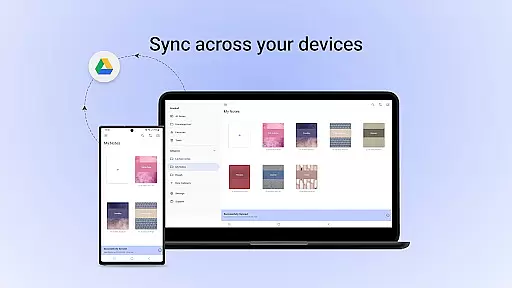
Cross-device synchronization is a critical feature of Noteshelf, ensuring that users can access their notes from any Android device without hassle. By leveraging Google Drive, the app provides reliable syncing, allowing seamless transitions between devices.
In addition to Google Drive, Noteshelf supports auto-backup to other popular cloud services like OneDrive, Dropbox, and WebDAV. This multi-cloud support ensures that users' data remains safe and accessible, no matter where they are or which device they use.
Furthermore, Noteshelf offers automatic publishing to Evernote, extending the reach of your notes across platforms. This feature not only enhances convenience but also adds a layer of redundancy, safeguarding against data loss.
With these reliable synchronization and backup options, Noteshelf guarantees that users can focus on their tasks without worrying about data integrity or availability, thus significantly boosting productivity and peace of mind.
User-friendly interface
Extensive customization options
Powerful handwriting recognition
Innovative Noteshelf AI
Cross-device synchronization
Free version has limitations
Occasional syncing issues
Learning curve for new users
Some features require premium
Resource-intensive on older devices

A customizable calendar for your Wear OS watch
 4.20
4.20
The Pro Version of Android's tiniest Notepad app. Just 0.3MB but feature-packed!
4.60
Device's storage information in a simple and clear graphical form (infographics)
4.10
PDF scanner & converter for files, photos, lottery, QR codes. One swipe away!
4.50
Secure, open-source, SPICE and SSH Remote Desktop for QEMU KVM virtual machines
4.00
* block pre-roll ads, pop-up and forced redirect ads * Samsung certification app
4.00
A simple Whisper AI keyboard for reliable speech transcription and rewording
4.60
Access your phone's notifications, calls, apps, photos & texts on your PC
3.90
AT&T Internet customers can use this app to personalize their Wi-Fi network.
4.40
We're working to become the best machining app on the market! www.cncdirt.com
4.80
The long-awaited modern gallery app for your Nextcloud server
4.70
Quickly and easily keep track of your work shifts
4.70
CalenGoo is a very flexible and feature-rich calendar app
4.40
Enjoy classic gameplay with customizable features and retro-style graphics.
4.30
Experience real multitasking on your Android!
4.00
Wake up & get tasks done! Add alarms & reminders on the Clock Launcher.
4.00
⏰ Finally a timer app which can run multiple timers simultaneously on your watch
3.90
Ultimate Virtual AI Character for immersive Roleplay Chat. Perfect Companion
3.90
AI Video AI Image Private LLM AI Browser Llama Gemma Ollama Connect LLM Studio
4.3


User Reviews