
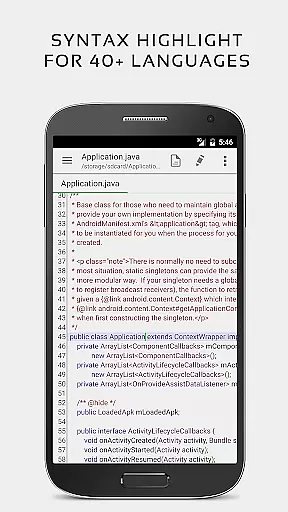


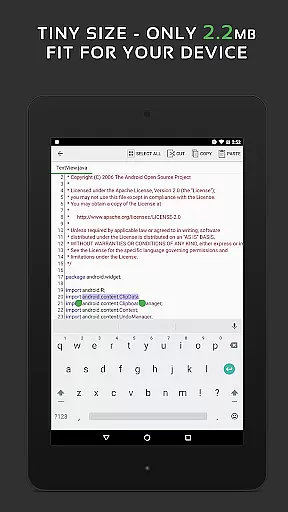
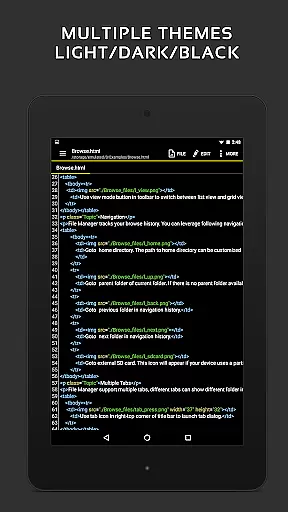
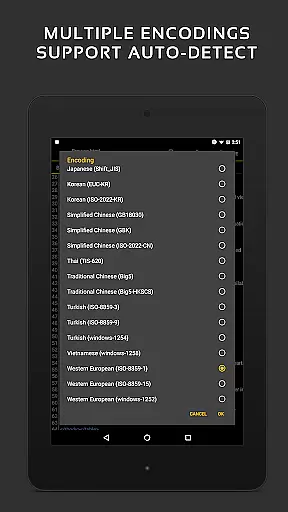
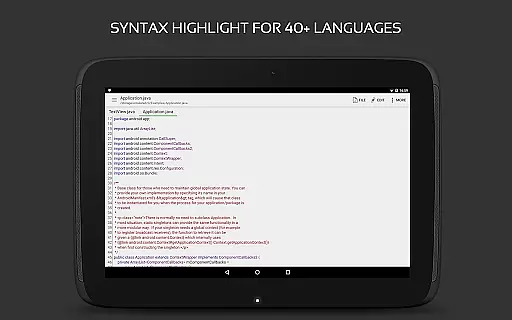
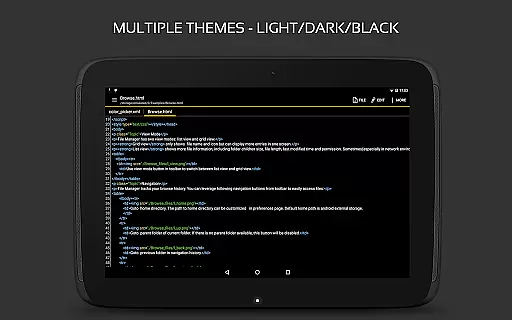
QuickEdit Text Editor Pro is a premium text editing solution designed for both casual users and professional developers. This productivity-focused app offers an enhanced notepad experience with advanced features such as syntax highlighting for over 170 programming languages, making it suitable for coding projects.
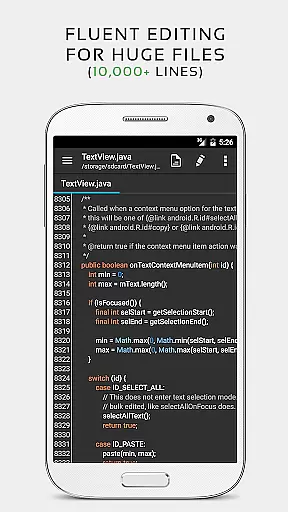
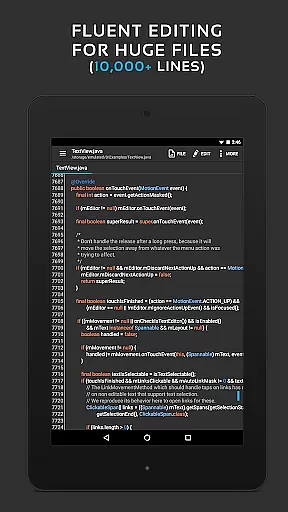
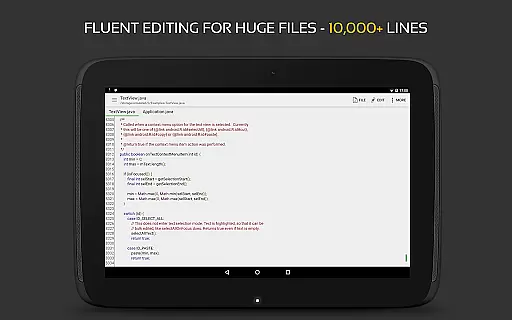
The application stands out through its high-performance design that ensures smooth operation even with large files containing more than 10,000 lines. Its intuitive interface supports multiple open tabs, unlimited undo/redo capabilities, and quick navigation to specific lines, providing an efficient workflow for various text editing tasks.
Whether you're writing simple documents or complex codebases, QuickEdit adapts to your needs by offering versatile tools like online compilers for 30+ languages, cloud storage integration, and preview modes for HTML, CSS, AsciiDoc, and Markdown files. The app's optimization for both phones and tablets makes it an ideal choice for on-the-go productivity.
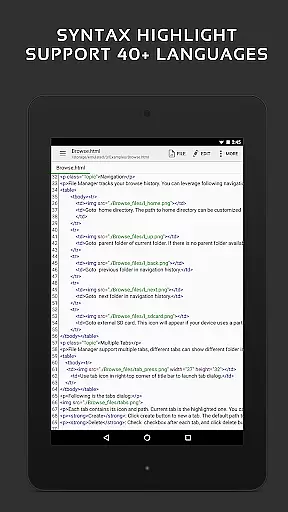
QuickEdit Text Editor Pro distinguishes itself through a comprehensive feature set tailored for diverse editing requirements. One of its key strengths is the robust syntax highlighting capability that supports 170+ languages including C++, Java, Python, and Ruby, enabling developers to write and review code with precision.
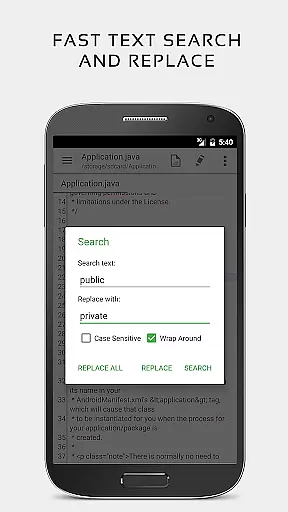
The app incorporates an online compiler that can compile and run over 30 common programming languages directly within the interface. This eliminates the need for external tools and streamlines the development process. Additionally, features like line number display, indentation control, and fast search-and-replace functionality enhance usability for both plain text and code editing.
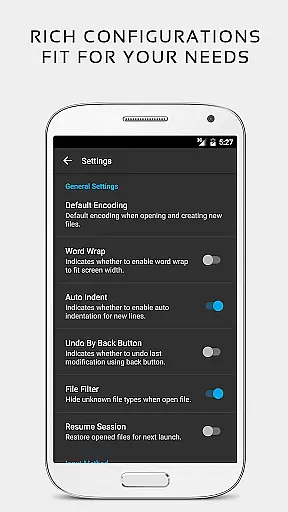
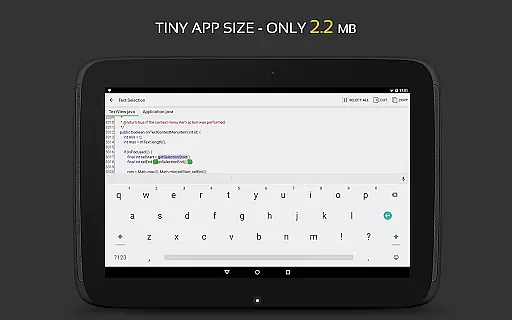
QuickEdit also excels in accessibility and customization. It provides physical keyboard support, smooth scrolling in all directions, and adjustable font settings. Integration with cloud services like Google Drive and Dropbox, along with rooted device system file editing, further extends its utility, making it a complete package for power users seeking flexibility and performance.
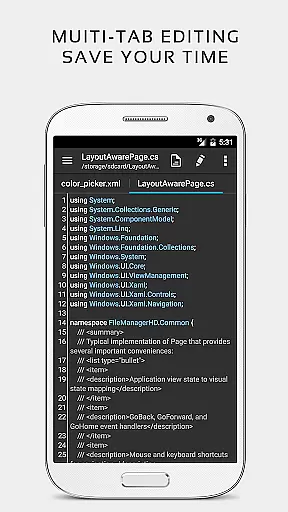
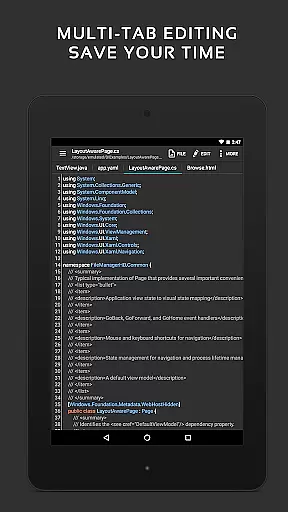
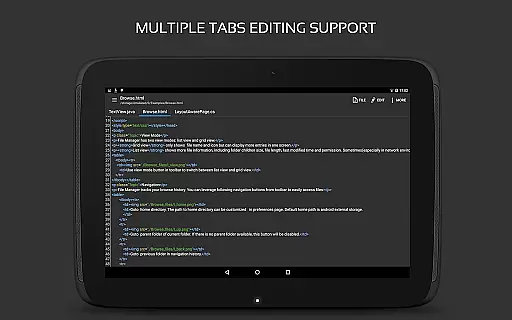
Task management is a critical aspect of productivity applications, and QuickEdit Text Editor Pro excels in this area. The app provides users with the ability to easily navigate between multiple open tabs, which is essential for managing various tasks or files simultaneously.
QuickEdit enhances task handling by offering features such as undo and redo changes without limit, displaying or adjusting line indentations, and quickly searching and replacing content. These capabilities ensure that users can efficiently manage their coding or text editing tasks with precision.
The application's high performance is evident even when working with large text files containing more than 10,000 lines. This ensures that users experience no lag, making task management smooth and reliable regardless of the file size they are dealing with.
Additionally, QuickEdit supports physical keyboard input including key combinations, which facilitates rapid task execution for those who prefer using a keyboard over touch inputs. Such functionality significantly boosts productivity by allowing users to perform tasks faster and with greater accuracy.
Cross-device synchronization is vital for users who work across multiple devices. QuickEdit Text Editor Pro addresses this need by providing access to files from various cloud services like FTP, Google Drive, Dropbox, and OneDrive. This feature ensures that your work is seamlessly synchronized and accessible wherever you go.
The ability to open files from recently opened or added file collections adds another layer of convenience. Users can swiftly pick up where they left off on any device, ensuring continuity in their workflow without the hassle of manually transferring files.
For rooted devices, QuickEdit takes it a step further by allowing the editing of system files. This level of access provides advanced users with the tools needed to manage their deviceu2019s configuration and scripts efficiently across different platforms.
With its optimized usage for both phones and tablets, QuickEdit guarantees a consistent experience on all Android devices. Whether you're switching between a phone during commute and a tablet at home, the app maintains reliable synchronization so that your projects remain up-to-date and coherent across all your devices.
Fast and responsive performance
Extensive language support
Advanced coding features
Cloud storage integration
User-friendly interface
No free version available
Complex for beginners
Limited offline help
Premium price point
Root required for system edits

Secure, fast, open-source, Remote Desktop Client for Windows and Linux with SSH
 4.60
4.60
aCalendar+ makes your day, week and month
4.70
Stay on top of your to-dos with Google Tasks, part of Google Workspace.
4.60
PDF scanner & converter for files, photos, lottery, QR codes. One swipe away!
4.50
Great calculator for Android named one of USA TODAY's "25 Essential Apps".
4.90
Quickly and easily keep track of your work shifts
4.70
Intelligent AI Assistant
4.10
Scan paperwork into PDF/JPG, generate your own e-signature and send fax or email
4.70
Seamlessly read, manage, and organize all your PDF files solution in one place
4.40
Multilingual translator for text, voice, and image translation!
4.90
Protect and view your important info on your phone and tablet with eWallet®
4.80
We're working to become the best machining app on the market! www.cncdirt.com
4.80
This small app MUST BE INSTALLED after purchase, else license won't work
4.40
A customizable calendar for your Wear OS watch
4.20
Font maker keyboard with your own handwriting
4.10
All in one sketching tool. Technical and General drawing. Online Maps support.
3.70
Find and delete junk files & block unwanted notifications & manage files
3.70
Easiest event planning, volunteer signups & parent teacher conference scheduling
2.20
A simple, portable logger for POTA, SOTA, Field Day, and more
4.5


User Reviews