
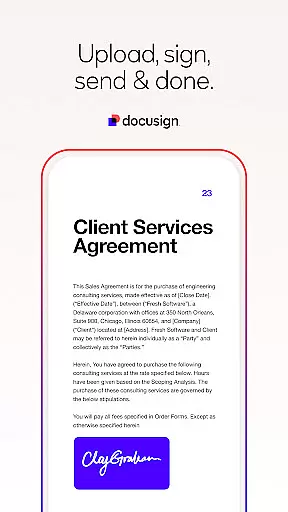
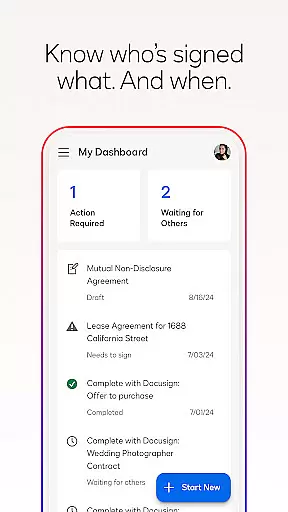


Docusign is the leading Intelligent Agreement Management platform that revolutionizes how businesses and individuals handle agreements. The app provides a secure, legally binding eSignature solution for documents such as PDFs, Word files, and more, accessible from virtually anywhere and any device. Trusted by millions globally, Docusign simplifies the entire agreement process.
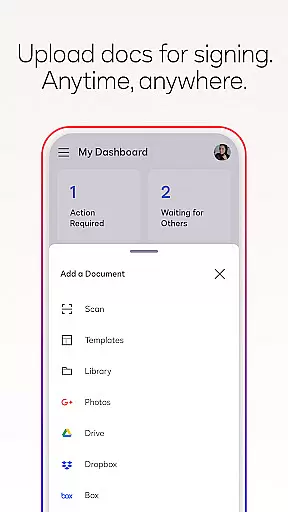
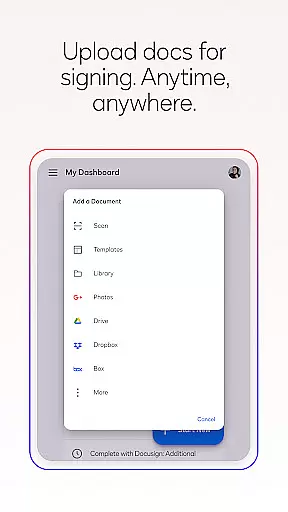
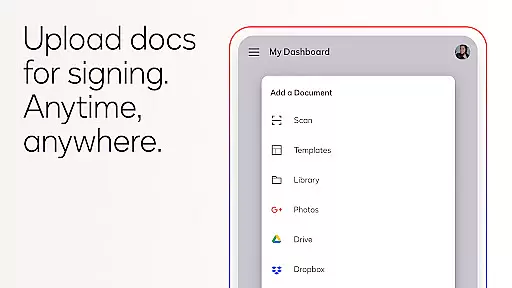
With its user-friendly interface, Docusign allows users to create digital signatures, upload documents via multiple sources like Google Drive or email, and manage signing workflows with ease. Its responsive design ensures seamless document signing on both mobile and desktop environments. Whether you're handling NDAs, sales contracts, or lease agreements, Docusign offers a streamlined experience with real-time notifications and robust security features.
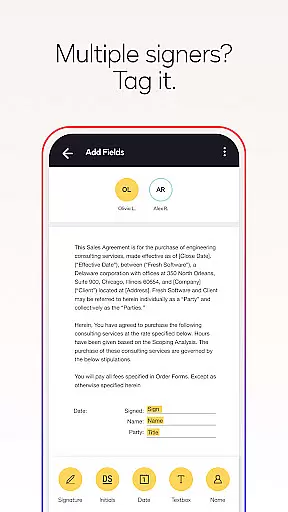
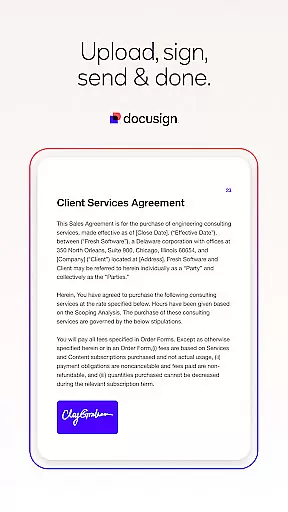
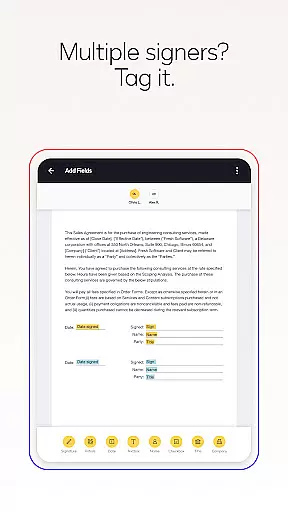
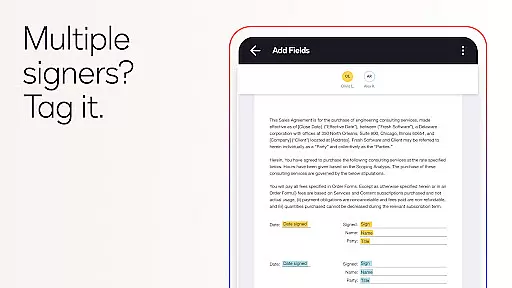
Docusign stands out with its comprehensive feature set tailored for efficient agreement management. Users can upload documents directly from various cloud services, apply 'Sign Here' tags, and define precise workflows for multiple signers. The app supports both in-person and remote signing, adapting documents automatically for optimal mobile viewing.
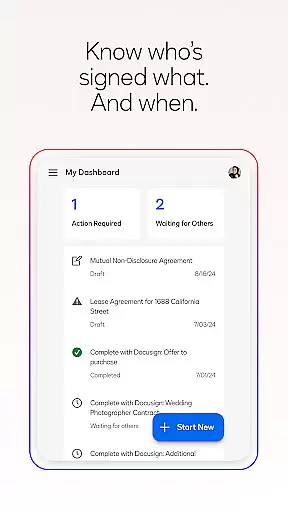
Security is a top priority, with Docusign ensuring legal compliance through encryption and adherence to standards like the eSign Act and ISO 27001 SSAE16. Real-time push notifications keep users updated on document statuses, while advanced plans offer additional capabilities such as reusable templates and zipForm Plus integration for real estate professionals. These features collectively enhance productivity and ensure peace of mind when managing critical agreements.
In the realm of productivity, core task management is pivotal for organizing and executing work efficiently. DocuSign addresses this by streamlining the agreement process, allowing users to manage tasks related to document signing with ease.
DocuSign's application enables users to import files, prepare documents with specific tags for signatures, and set workflows for multiple signers. This organized approach ensures that each step, from document preparation to obtaining signatures, is managed effectively within the app.
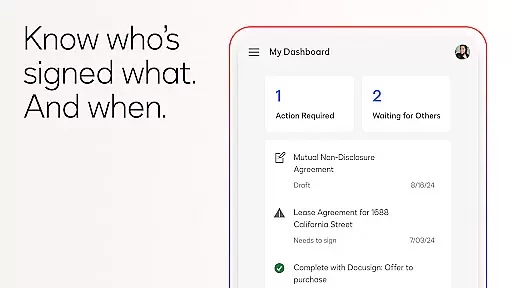
The real value for users lies in the ability to send reminders, void documents, and receive real-time notifications upon completion. These features contribute to a seamless experience where task progress is transparent, and follow-ups are automated, enhancing overall productivity.
By integrating these comprehensive task management features, DocuSign not only simplifies document handling but also significantly reduces the time and effort required to manage agreements, making it an essential tool for efficient task execution.
Cross-device synchronization is crucial for maintaining workflow continuity across different devices. DocuSign excels in this area by ensuring that all activities related to your documents are updated in real time, regardless of the device used.
With DocuSign, users can upload documents via various platforms such as email, Google Drive, or Dropbox, and access them from any device. This cross-device functionality supports a wide range of file types, including PDFs, Word documents, and images, which are securely synchronized across devices.
This reliable synchronization means users have the flexibility to start a document on one device and continue working on another without missing a beat. It ensures that every party involved has access to the most current version of a document, thus avoiding version control issues.
Ultimately, DocuSign's robust cross-device synchronization empowers users to conduct business seamlessly, providing peace of mind that their important documents and processes are always up-to-date and accessible wherever they go.
User-friendly interface
Legally compliant e-signatures
Multi-platform accessibility
Real-time notifications
Secure document handling
Limited free sending in Personal Plan
Subscription required for advanced features
No offline access for some functions
Occasional syncing issues
Learning curve for new users

Create study competitions, track your hours, and stay consistent with friends
 4.0
4.0
All in one sketching tool. Technical and General drawing. Online Maps support.
3.70
Automates browsing any website and notifies you of important changes or events
4.30
Mind Map and brainstorm, note taking and idea collection
4.80
Enjoy classic gameplay with customizable features and retro-style graphics.
4.30
Code on-the-go with VScode for Android. Edit,debug and collaborate from mobile!!
3.10
Docker, Kubernetes management over Portainer Mobile
4.40
Ultimate Virtual AI Character for immersive Roleplay Chat. Perfect Companion
3.90
Okta MFA
4.70
8 custom complications. Custom Time Fonts. Beautiful color schemes. A++ Design.
5.00
Quickly and easily keep track of your work shifts
4.70
Secure, fast, open-source, Remote Desktop Client for Windows and Linux with SSH
4.60
Stay on top of your to-dos with Google Tasks, part of Google Workspace.
4.60
PDF scanner & converter for files, photos, lottery, QR codes. One swipe away!
4.50
A Pixel Art watchface inspired by other iconic 90s designs for Wear OS devices!
4.40
Todo reminder
4.10
Auto-shutoff Alarm with Sunrise, Sunset & Fixed Options.
3.50
Simple and reliable communication between inmates, friends and family
3.20
A simple, portable logger for POTA, SOTA, Field Day, and more
4.0


User Reviews