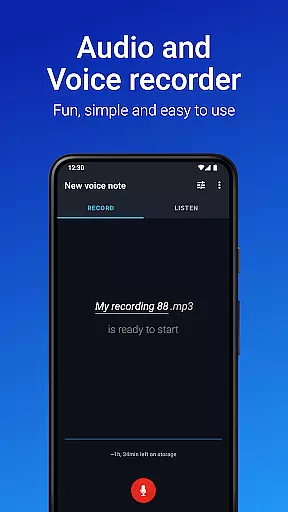
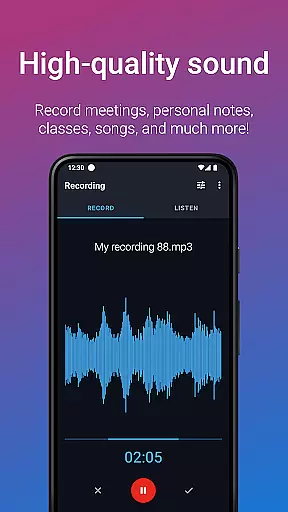
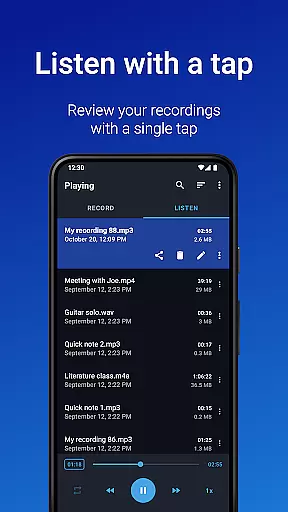
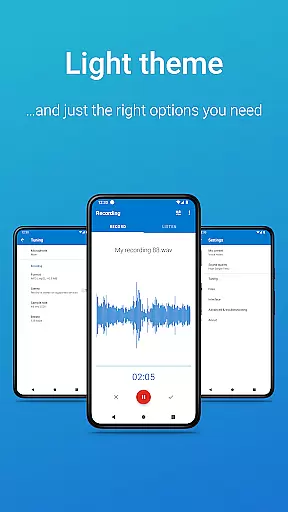
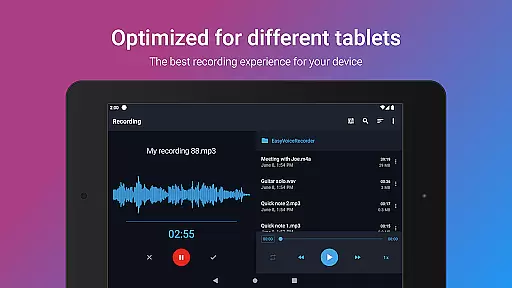
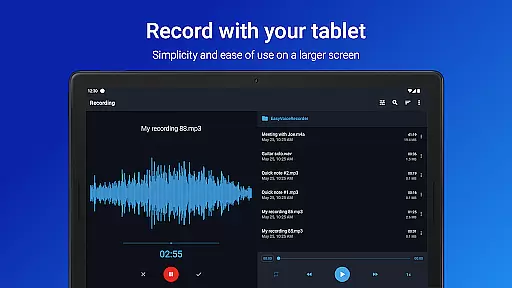
Easy Voice Recorder Pro is a versatile audio recording application designed for Android devices, including smartwatches. It allows users to capture high-quality recordings of meetings, classes, music, and more without any time restrictions or advertisements. The app offers advanced features such as automatic cloud uploads, multiple file format options, and Bluetooth microphone support.
With its user-friendly interface and customizable settings, Easy Voice Recorder Pro caters to various needs, whether you're a student wanting to record lectures, a business professional capturing interviews, or a musician experimenting with new ideas. Its powerful tools like playback speed control, trimming, and folder organization make it an indispensable tool for managing your audio content efficiently.
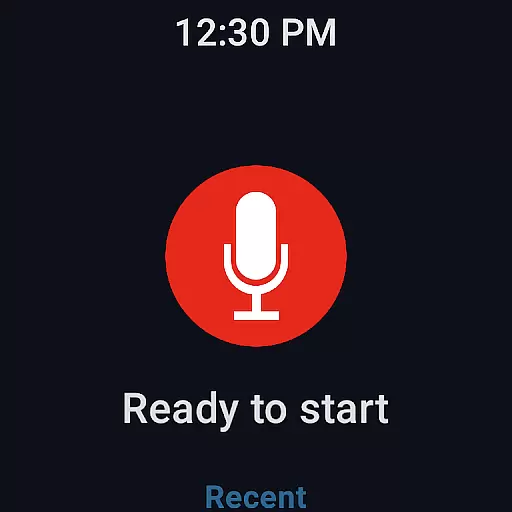
The app's ability to integrate seamlessly with Wear OS devices adds another layer of convenience, allowing users to start recordings directly from their smartwatches. Overall, Easy Voice Recorder Pro provides a reliable, fast, and flexible solution for all your audio recording needs.
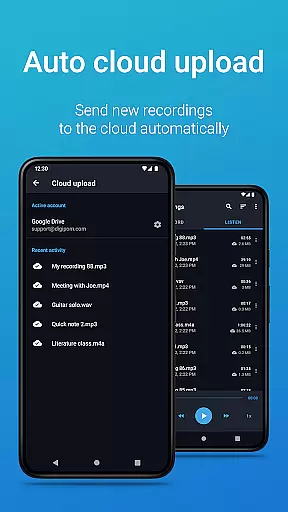
Easy Voice Recorder Pro stands out with its comprehensive feature set tailored to enhance the recording experience. One notable feature is the automatic upload to cloud services like Google Drive or Dropbox, ensuring that your recordings are safely stored and easily accessible across devices. Additionally, the app supports various high-quality audio formats including MP3, FLAC, and AAC, giving users flexibility in choosing the best format for their specific requirements.
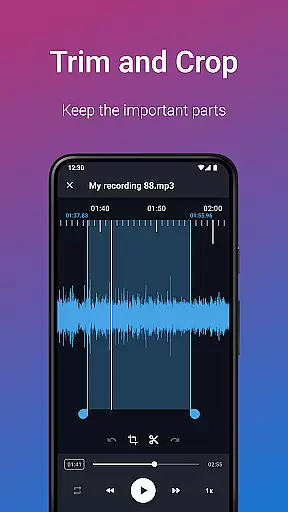
Another significant advantage is the ability to use Bluetooth microphones, which expands the range of recording possibilities, especially in environments where wired microphones may be impractical. The inclusion of an Edit mode allows users to trim unwanted sections and fine-tune their recordings effortlessly. Furthermore, the app offers robust organizational tools such as folders and custom bitrates, enabling efficient management of large collections of audio files.
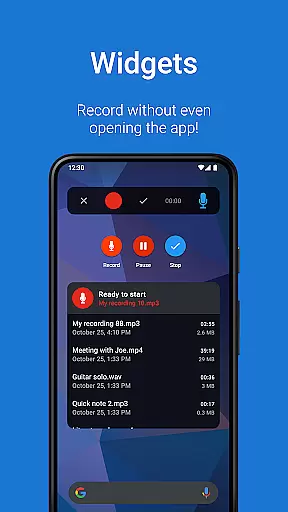
For those who require quick access, the app provides widgets and shortcuts to initiate recordings instantly from the home screen. These features collectively ensure that Easy Voice Recorder Pro remains a top choice for anyone seeking a reliable and feature-rich audio recording solution.
Companion app integration is essential for a seamless experience across multiple devices. Easy Voice Recorder Pro excels in this area by offering robust connectivity between your smartphone, tablet, and Wear OS smartwatch. This ensures that you can start, pause, or stop recordings from any linked device without missing a beat.
The app's synchronization capabilities allow users to access their recordings from all connected devices. Whether you're commuting with your watch or working on your tablet, the recordings are automatically updated across devices. This feature provides flexibility and convenience, especially for professionals who are always on the go.
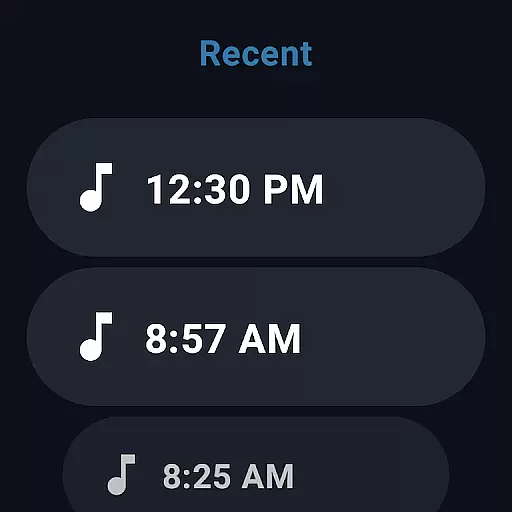
Additionally, the Wear OS support includes a handy watch tile for quick access. This means you can initiate recordings directly from your smartwatch, making it perfect for capturing spontaneous ideas or important meetings without needing to take out your phone. The ability to control the recorder from anywhere using the notifications bar further enhances this integration.
By focusing on these companion app features, Easy Voice Recorder Pro ensures that users have a versatile and reliable recording solution that adapts to various scenarios and device setups.
Device compatibility is crucial for ensuring that an application performs optimally across different platforms. Easy Voice Recorder Pro offers extensive support for Wear OS and other Android devices, making it a versatile choice for users with multiple gadgets. This compatibility allows for a smooth and consistent user experience regardless of the device being used.
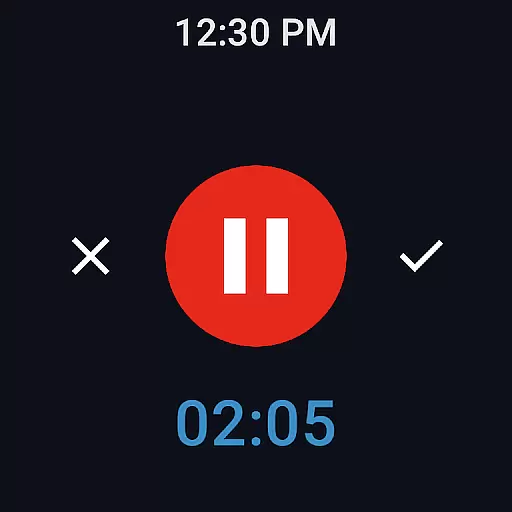
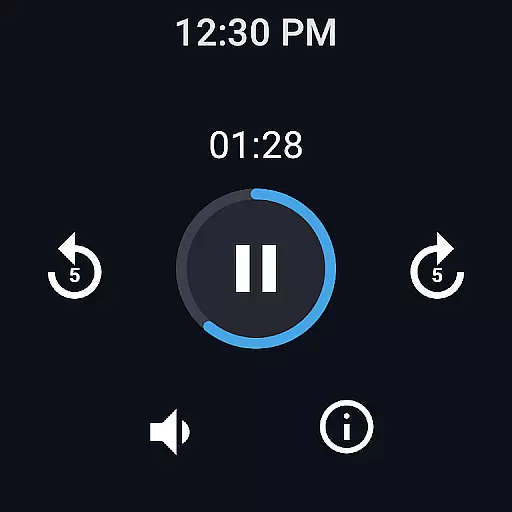
With its dedicated Wear OS support, the app enables users to record directly from their smartwatches. This feature is particularly beneficial for capturing voice notes or short memos when your phone isn't readily accessible. The quick-start watch tile adds another layer of convenience, allowing instant recording initiation with just a tap.
Moreover, the app supports high-quality recording formats such as MP3, FLAC, and AAC, which are available on supported devices. These options ensure that whether you're using a smartphone or a tablet, you can achieve professional-grade audio capture tailored to your storage needs and quality preferences.
Easy Voice Recorder Pro's commitment to broad device compatibility underscores its adaptability and user-centric design, providing a reliable tool for diverse recording needs across various Android devices.
User-friendly interface
High-quality recording options
Automatic cloud backup
Supports multiple formats
Bluetooth microphone compatibility
No call recording capability
Premium version required for advanced features
Limited free version functionality
Occasional bugs reported
Requires external storage permission

Diet tracker for weight loss - track calories, food and macros. Simple and easy!
 4.70
4.70
Watch the sharpness of the sky on your wrist..
3.70
Embrace the holiday spirit with this magical animated watch face!
4.40
Snowflake Rose Gold Watch Face - Digital, modern, & sleek with GYRO effect.
4.10
A Wintery Snow Globe on Your Wrist; now celebrating Christmas!
4.5
Analog watch face with 8 complications and expedition styling
4.4
The #1 source of faces for your smartwatch!
4.00
Reliable phone calls with spam protection, caller ID and more helpful features
4.40
The most customizable hybrid watch face. For Wear OS 5.0, API 34+ and later
4.70
Hyperlocal rain alerts by MyRadar using patent-pending technology, radar & more
4.80
Easy Voice Recorder is your everyday companion to record important moments.
4.70
Kia Access makes getting your vehicle information easier than ever
4.60
Connect to your Bluelink equipped Hyundai vehicle from your smartphone.
4.50
Beautiful artistic animated digital watch face, with a customizable layout!
4.40
Bold weather Digital watchface with forecast & optional animated background
4.40
Connect, create, and collaborate with Gmail, part of Google Workspace.
4.10
an Analog Watch Face for winter season with freeze winter background for Wear OS
4.1
Simple Analog-Digital Watchface For Wear OS 3.0 and Up Smartwatches
4.0
Funny animated watch face for Thanksgiving
4.4


User Reviews