
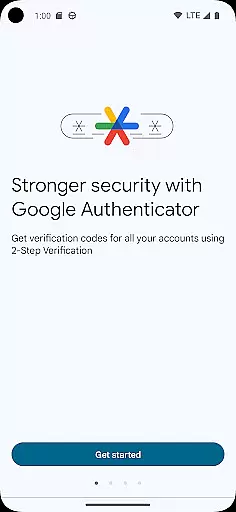
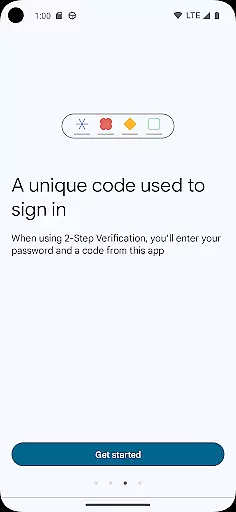
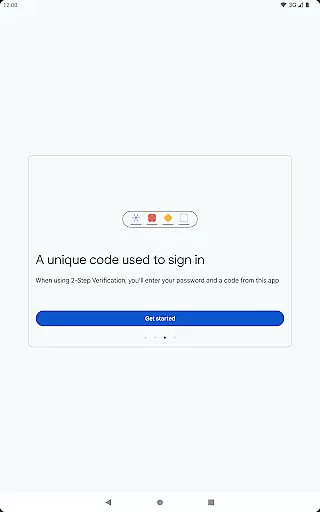
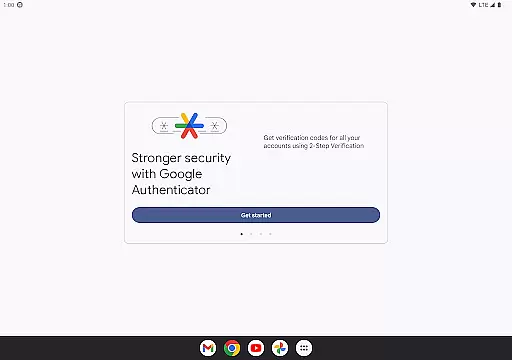
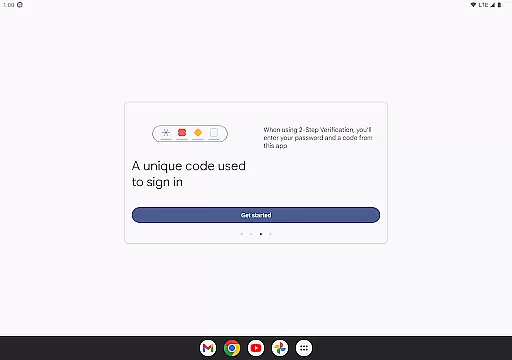
Google Authenticator is a security tool that provides an additional layer of protection for your online accounts through two-factor authentication. When signing in, users must enter both their password and a unique code generated by the app on their mobile device. This ensures enhanced account security even if passwords are compromised.
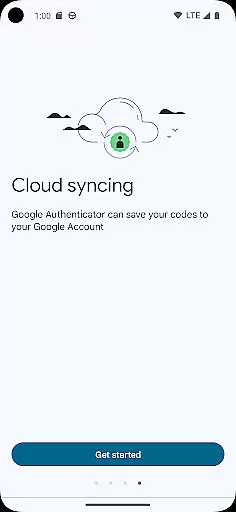
The app operates independently of network connectivity, generating time-based or counter-based codes directly on your phone. It supports syncing across devices via your Google Account, automatic setup using QR codes, and management of multiple accounts. These features make it an essential tool for anyone seeking to strengthen their online security while maintaining ease of access.
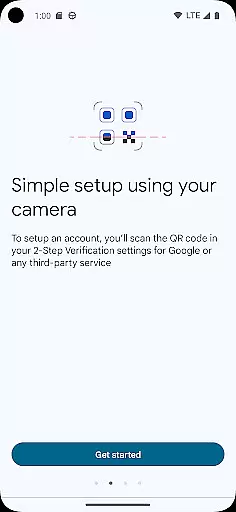
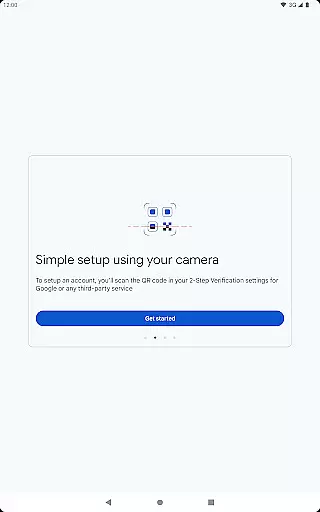
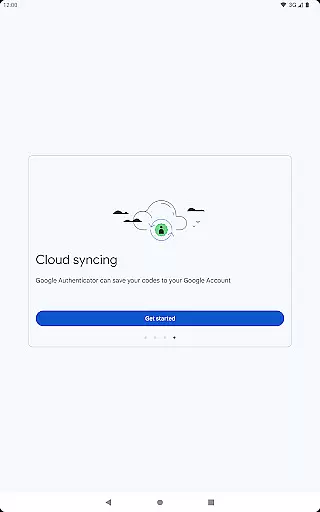
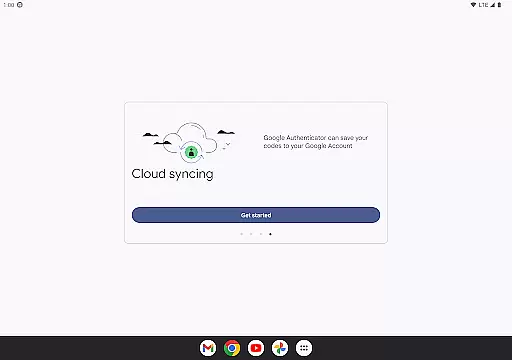
Google Authenticator offers several key features that enhance its functionality as a security tool. The app allows users to sync their authentication codes across multiple devices through their Google Account, ensuring accessibility even if a device is lost. Automatic account setup is made simple through QR code scanning, reducing manual input errors.
For users managing multiple accounts, the app provides seamless support without requiring constant app switching. It also supports both time-based and counter-based code generation methods, allowing customization based on user preference. Additionally, transferring accounts between devices is streamlined with QR code functionality, making migration effortless and secure.
Google Authenticator excels in providing highly accurate and effective two-factor authentication. The app generates time-based or counter-based codes that serve as the second verification layer for your online accounts, ensuring that only authorized users gain access.
The core functionality is built around generating unique, time-sensitive codes even without an internet connection. This offline capability guarantees that users can always authenticate their identity, regardless of network availability, making it a reliable tool for enhancing account security.
By integrating with various platforms through QR code scanning, Google Authenticator simplifies the setup process while maintaining high-security standards. Users can easily sync their authentication codes across multiple devices, ensuring they are never locked out of their accounts due to device loss.
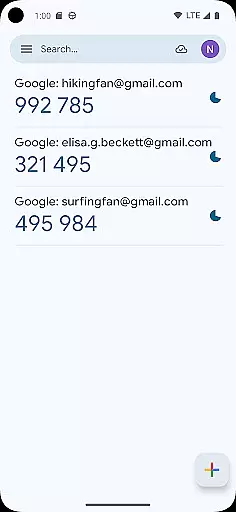
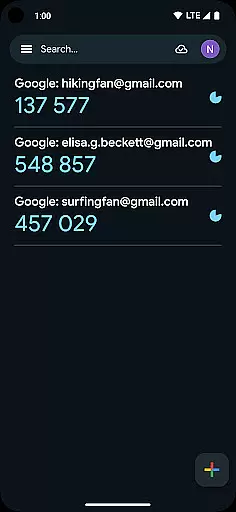
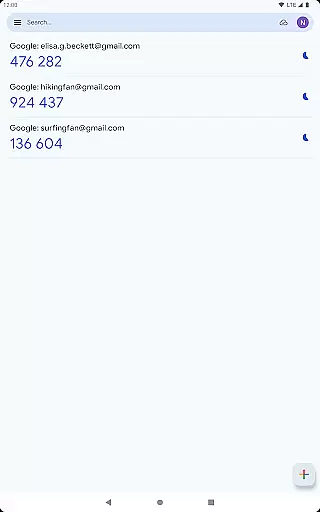
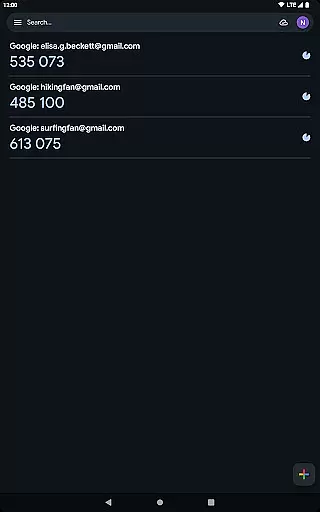
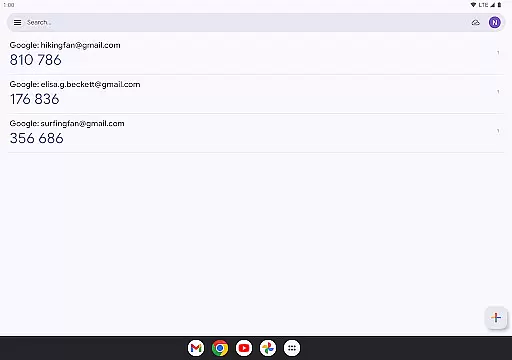
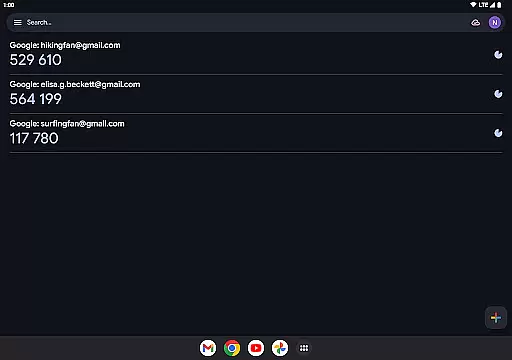
The interface of Google Authenticator is designed to be simple and intuitive, focusing on ease of use without compromising security. Upon opening the app, users are greeted with a straightforward list of their registered accounts, each displaying the current verification code and a progress bar indicating when the code will refresh.
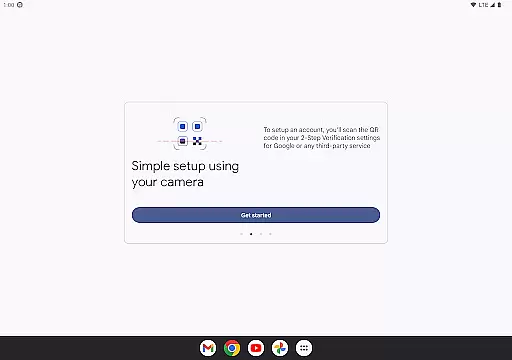
Adding new accounts is a seamless experience thanks to the support for QR code scanning. This eliminates manual input errors and ensures that the setup is both quick and accurate. The minimalistic design avoids unnecessary features, keeping the user focused on what matters mostu2014managing their authentication codes efficiently.
Despite its simplicity, the app offers powerful functionalities such as transferring accounts between devices using QR codes and supporting multiple account management. These features enhance usability while maintaining an uncluttered and intuitive interface, making Google Authenticator accessible even to those who may not be tech-savvy.
Enhanced Security
Offline Code Generation
Multi-Device Sync
QR Code Setup
Multiple Account Support
No Built-In Backup
Limited Customization
No Desktop Version
Manual Entry Required
Occasional Sync Issues

A convenient photo, video, and file recovery tool.
 4.00
4.00
Universal TV remote control all TVs, Roku, LG, Samsung, Fire, Vizio, Sony, TCL.
4.40
VESC Tool can monitor and configure VESC-compatible devices over BLE and Wifi
4.20
Navigate with Ease and Style
4.90
View detailed information about your Nissan Leaf the dealer never shows you.
4.10
Undelete and recover your lost or deleted files with DiskDigger!
3.40
Screen Mirroring for Roku Sticks, Roku TCL TV and Roku Hisense TV
4.50
Mobile Security with Scam Protection | Malware & Virus Cleaner | Safe Browser
4.70
fast and easy mp3 music downloader
4.80
Planner and Tracker for Stardew Valley
4.60
Play your X-Box games remotely in 1080p with any controller and zero latency
4.60
Game Booster, GFX Tool is now compatible with newer game update
4.50
Use your phone as a webcam on your computer over WiFi or USB.
4.40
Forza Tuning Calculator App for Forza Horizon 5, Motorsport and Earlier Titles
4.40
App that Recover your pictures, videos or files after you delete them.
4.20
Family Locator, Share location, StayConnect with your family in real time
3.90
A powerful, easy-to-use flight computer on your phone or tablet!
3.80
Smart and comfortable browsing experience.
3.80
Fun lie-detection pranks for friends and parties.
3.80


User Reviews