
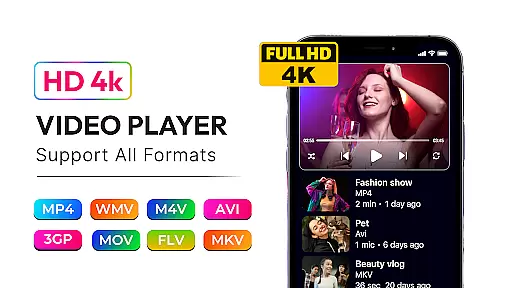

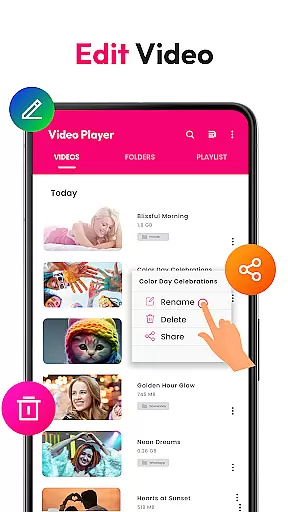
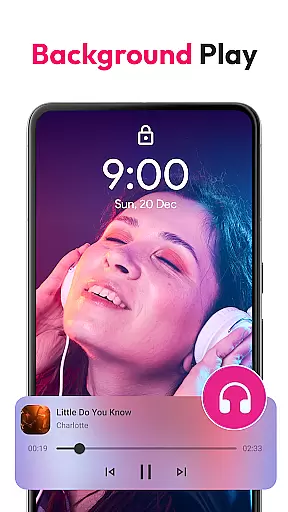
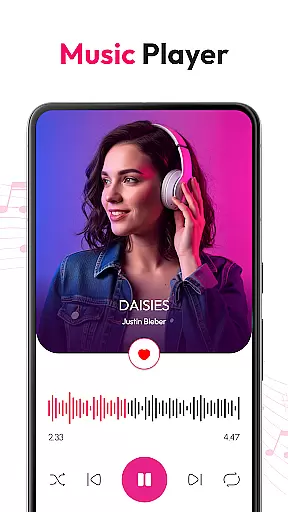
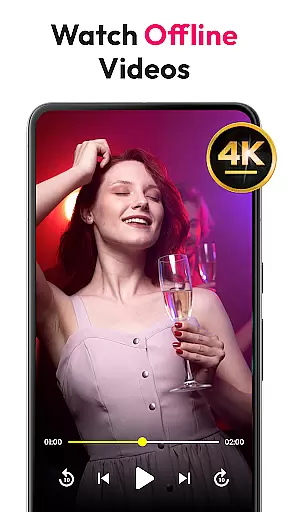
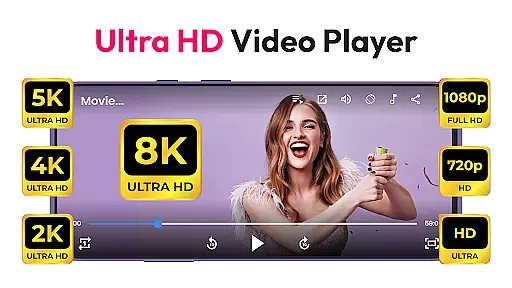

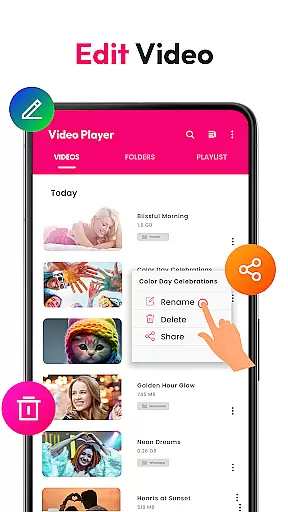
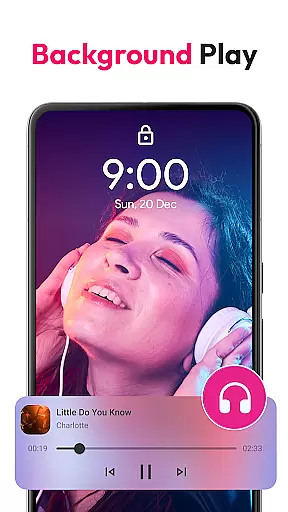
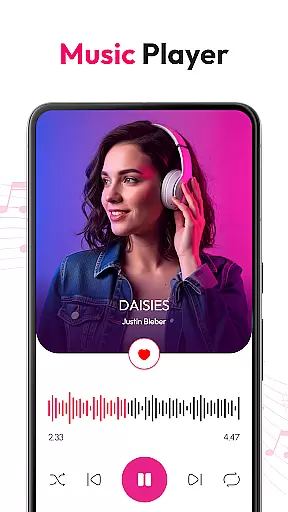
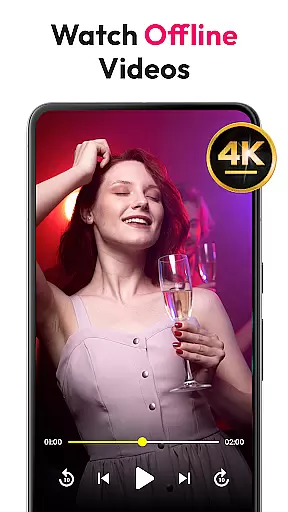
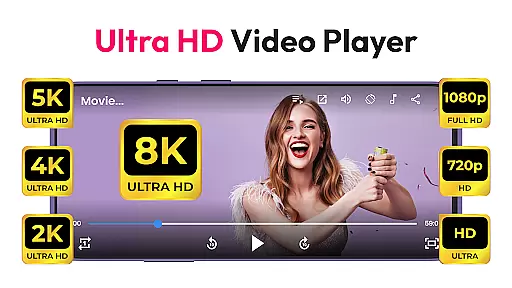
HD Video & Music Player is a versatile media player for Android that supports all video and audio formats. Whether you're watching 4K, Ultra HD, or Full HD videos, this app delivers smooth playback with advanced controls. It also doubles as an mp3 player, offering powerful equalizer settings and playlist management.
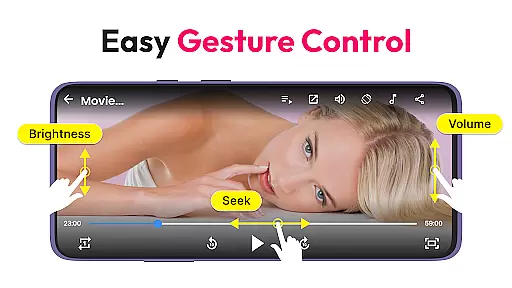
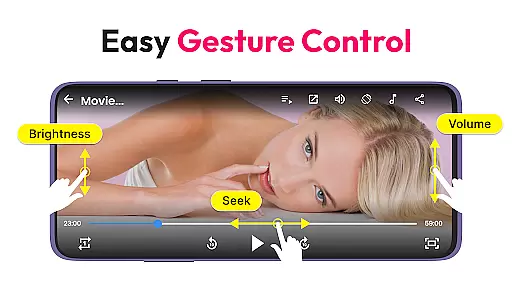
This app stands out with features like Picture-in-Picture mode, auto file scanning, and gesture controls for volume and brightness. The built-in file manager helps organize media files efficiently. Suitable for both movies and music, it ensures high-quality playback on phones and tablets alike.
Ideal for users who need an all-in-one media solution, the app provides seamless multitasking capabilities and offline playback. Whether commuting or relaxing at home, this player enhances your entertainment experience by delivering crisp visuals and clear sound in a user-friendly interface.
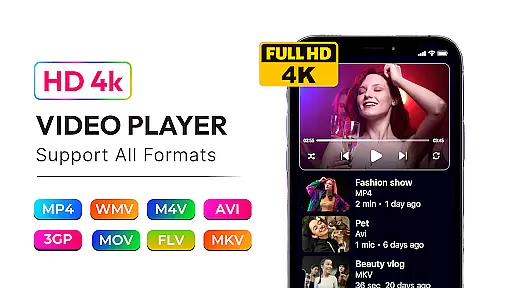
HD Video & Music Player offers extensive format support including MP4, AVI, MKV, MP3, WAV, and FLAC. The app provides smooth 4K video playback and includes advanced features like floating player mode and auto-rotate functionality. Its intuitive interface allows easy navigation through your media library.
As a music player, it includes a powerful equalizer with bass boost and 3D sound effects. Users can create custom playlists, browse by album or artist, and control playback from the lock screen. With widget support and offline playback capabilities, it's perfect for enjoying media without interruptions.
The app's built-in file manager scans internal storage and SD cards for media files automatically. Additional features include gesture controls, video playlists, and Picture-in-Picture mode for multitasking. These comprehensive tools make managing and enjoying your media collection effortless and enjoyable.
Video format compatibility is a critical feature for any media player, ensuring that users can enjoy their favorite content without worrying about file type restrictions. HD Video & Music Player excels in this area by supporting all major video formats, including MP4, AVI, MKV, 3GP, FLV, MOV, WMV, and TS.
This versatile video player delivers smooth playback of high-resolution videos, from 4K Ultra HD to Full HD content. The application's advanced decoding capabilities ensure that even the most demanding video files play seamlessly on Android devices. Whether you're watching movies or personal recordings, this player handles them all with ease.
Users benefit from the app's automatic file scanning feature, which detects video files across internal storage and SD cards. This ensures no media file goes unnoticed, regardless of its format. With support for floating player mode and Picture-in-Picture functionality, viewers can multitask while enjoying their videos in various formats.
While primarily known for its playback capabilities, HD Video & Music Player also incorporates AI-powered editing features that enhance the user's media experience. These intelligent tools help optimize video quality and audio performance automatically, ensuring the best possible presentation of your media files.
The application's advanced processing algorithms analyze video content frame by frame, adjusting parameters such as brightness, contrast, and color saturation. This results in improved visual quality across different video formats and resolutions. Additionally, the built-in equalizer with bass boost and 3D sound enhancement creates an immersive audio experience.
Gesture controls for volume, brightness, and seeking demonstrate the app's intelligent approach to media consumption. These AI-driven features learn from user behavior, adapting to individual preferences over time. The smart search function exemplifies this capability by filtering content based on user-defined keywords and viewing patterns.
User-friendly interface
Wide format compatibility
Advanced equalizer settings
Picture-in-Picture mode
Offline playback support
Occasional ads in free version
Large app size
No cloud integration
Limited editing tools
High system requirements

Fast, private downloading, video saving, social media
 4.50
4.50
HD Video player all format, HD Videos, Cast & Subtitle. No annoying ads.
4.60
Powerful, professional, versatile teleprompter. Developed by an active film crew
4.00
Snaptubè Video Downloader app allows to download videos and music in Snaptube. .
4.60
AirMirror is Receiver for Screen Mirroring and Casting from Apple Devices.
3.60
Turn your phone into a wireless camera!
4.20
Seamlessly connect and control your smart devices, anytime, anywhere with ease.
4.60
Cast to Smart TV, Fire TV. Cast video, photo - Fast & Stable!
3.90
Viddo: Generate Action Figure, AI Anime, AI kiss, AI hug Video from image & text
4.40
Watch a large amount of high-definition short drama content
4.60
Create photo video with music & template. AI video maker for stunning slideshow.
4.60
Auto video maker with music & exclusive filters. Video editing made simple.
4.50
Video Downloader, Multiple Resolution Options, Video Player
4.50
KMPlayer Plus (Divx Codec) officially support Divx codec.
4.30
Stream Web Videos to Chromecast, Samsung, LG, Sony, Roku, Fire TV, DLNA + more
4.00
Connect EasyCap or UVC devices for recording and broadcast video/audio stream
3.60
Mix with Virtual DJ directly from your phone or tablet !
3.10
The essential companion to your Blue Iris PC software
2.50
Play and download HD videos from all sources — fast, simple, and all-in-one.
4.3


User Reviews