
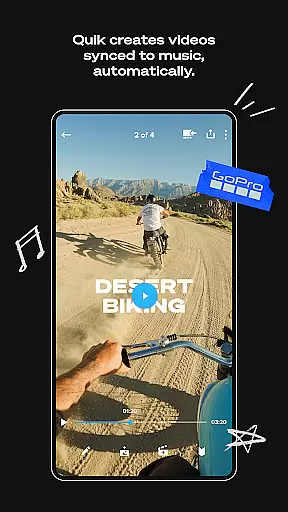
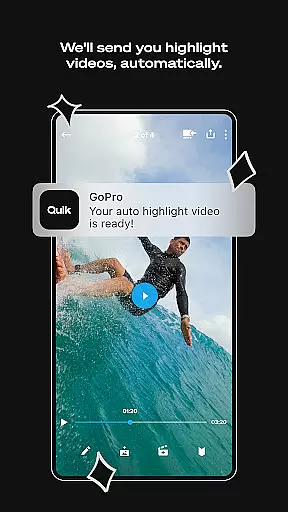
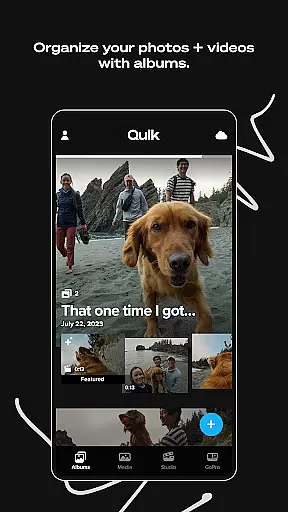
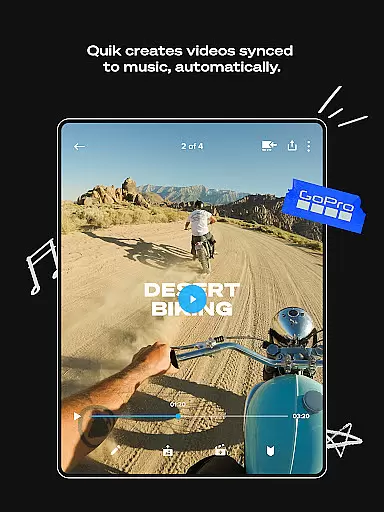
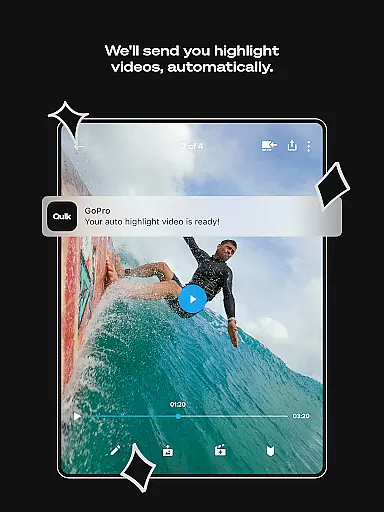
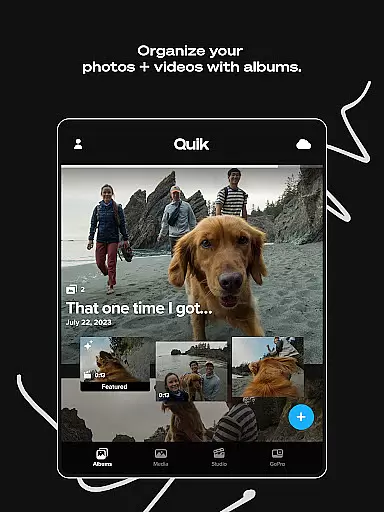
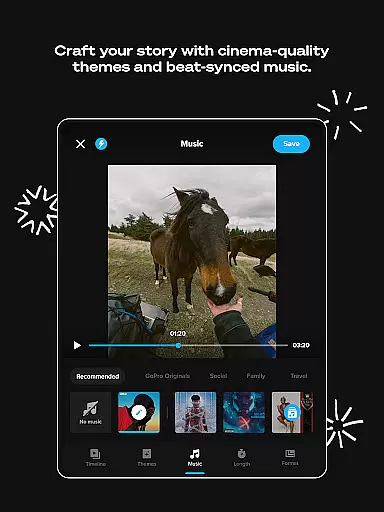
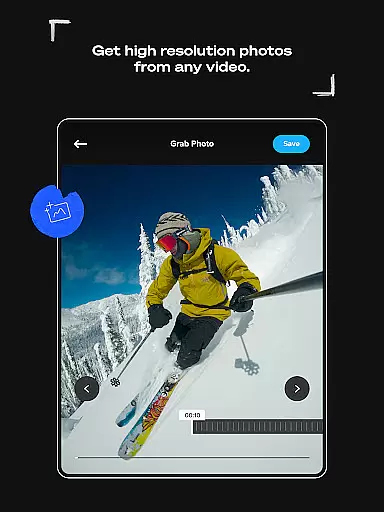
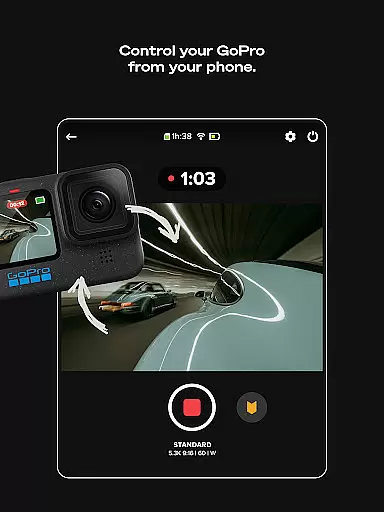
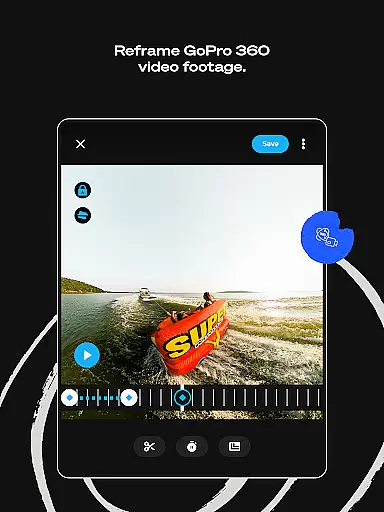
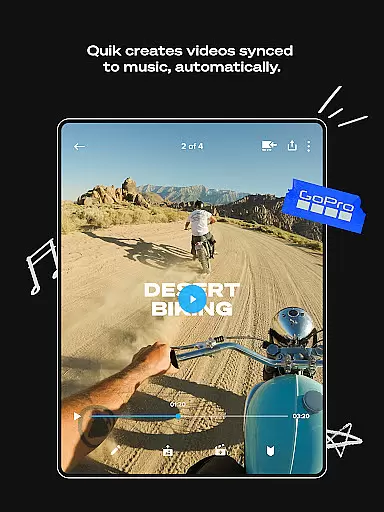
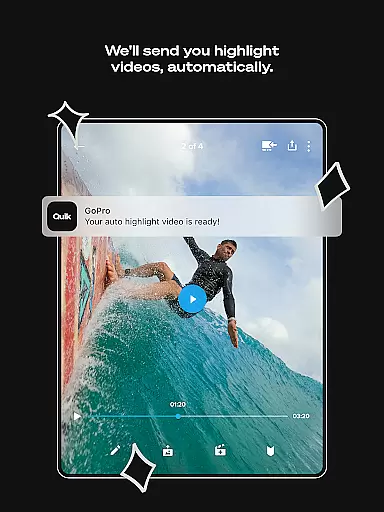
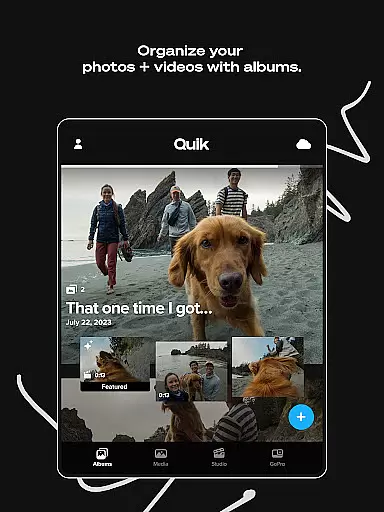
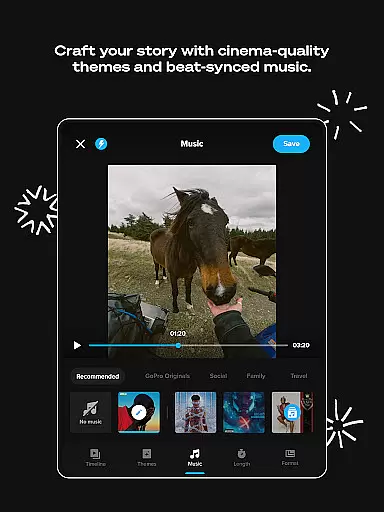
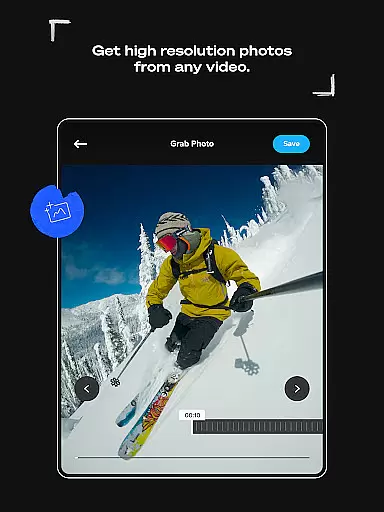
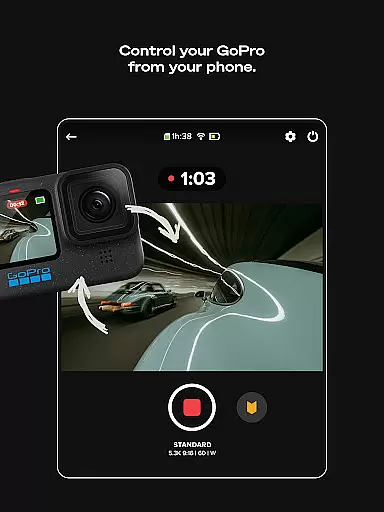
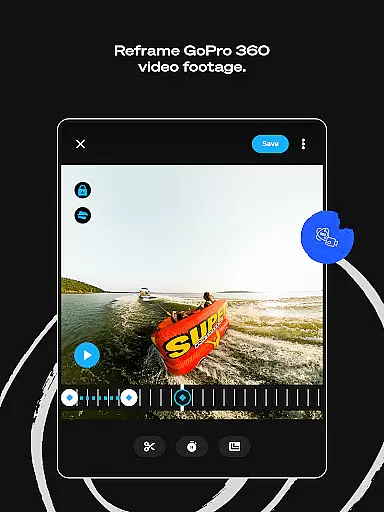
GoPro Quik is a powerful video editing application designed to simplify the process of creating professional-quality videos. The app automatically generates highlight videos by analyzing your footage, syncing clips to music, and adding polished transitions. With its cloud integration, users can access their media library from any device, while enjoying unlimited storage for GoPro footage and up to 500GB for other camera content through a Premium+ subscription. Designed for both casual creators and professionals, Quik ensures that editing is intuitive, efficient, and accessible on-the-go.
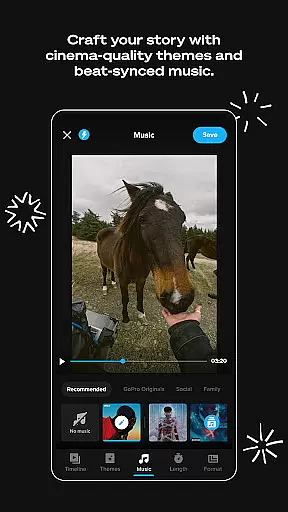
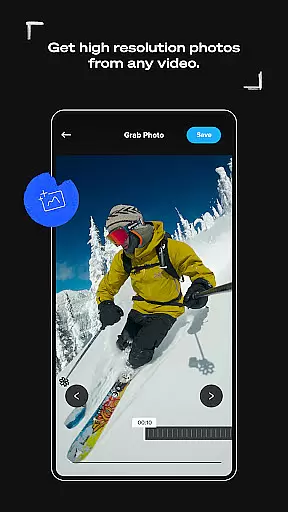
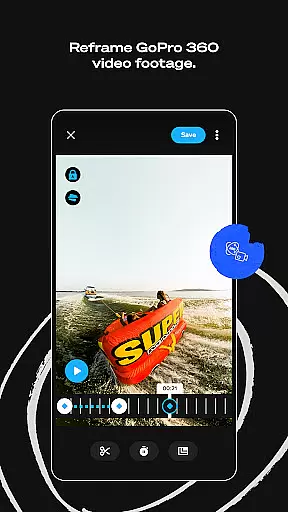
In addition to automatic edits, the app offers advanced tools such as Beat Sync, Frame Grab, and customizable themes with filters optimized for specific environments like snow and water. These features allow users to refine their videos with precision, experiment with creative angles using Reframe, and even transform 360-degree footage into traditional video formats. Whether you're looking to create quick social media content or detailed cinematic projects, GoPro Quik provides the resources needed to produce visually stunning results.
GoPro Quik stands out with its comprehensive suite of editing tools tailored for both beginners and experienced editors. One of its core functionalities is Automatic Highlight videos, where the app intelligently selects key moments from your footage, syncs them to music beats, and applies smooth transitions to create engaging videos effortlessly. This feature is particularly useful for users who want high-quality edits without spending hours on manual adjustments. Additionally, the app's unlimited cloud storage at 100% quality ensures that all your media is securely backed up and easily accessible across devices, streamlining the editing workflow.
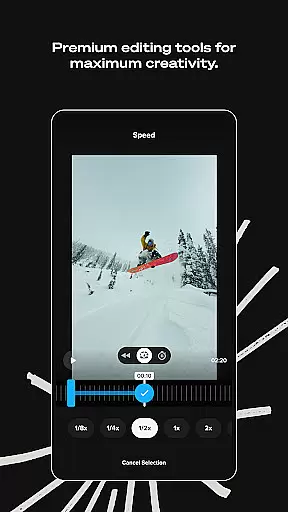
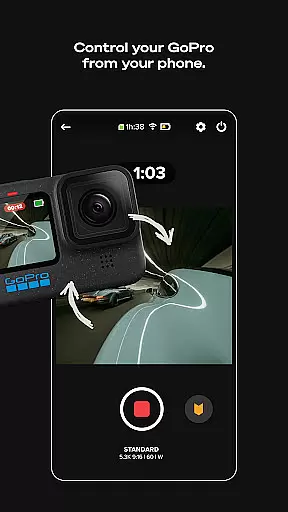
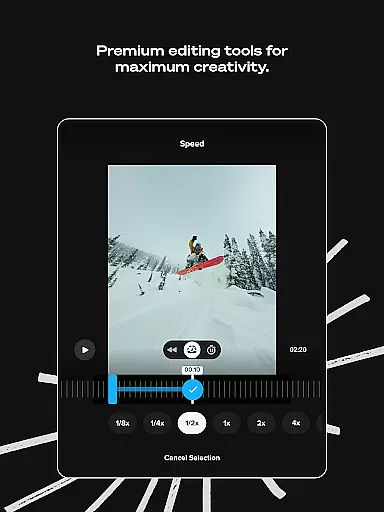
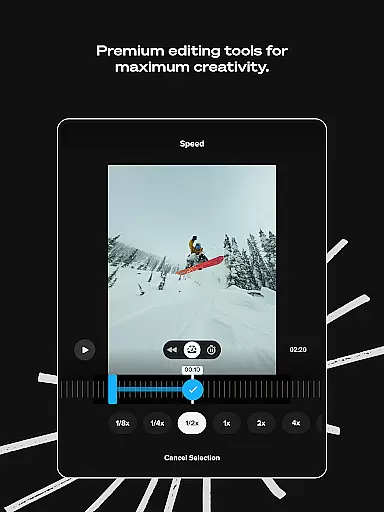
Premium editing tools further enhance the user experience by offering advanced controls over color, lighting, and video length. Users can add text overlays, stickers, and experiment with different aspect ratios using Frame Adjust. The Beat Sync feature ensures that every transition aligns perfectly with the music, while exclusive filters and themes provide a cinematic touch to videos. For GoPro camera owners, the app also supports Auto Detection and Transfer of footage, simplifying the process of managing large volumes of media. These capabilities make GoPro Quik an indispensable tool for anyone serious about video creation.
GoPro Quik supports a wide range of video formats, ensuring that users can import and edit footage from various devices seamlessly. The app is optimized to handle files captured by GoPro cameras as well as other popular camera models, making it versatile for different user needs.
The application's automatic upload feature ensures that videos in supported formats are effortlessly synced across devices. This cross-device synchronization allows users to start editing on one device and continue on another without worrying about format compatibility issues.
For content captured on non-GoPro devices, the app provides clear guidelines on supported file types, helping users understand which formats are compatible. This transparency empowers creators to make informed decisions about their video projects while maintaining high-quality standards.
With its robust format support and cloud integration, GoPro Quik enables users to focus on their creative process rather than technical limitations. The app's comprehensive compatibility ensures that both casual creators and professional videographers can work with confidence.
GoPro Quik incorporates advanced AI-powered editing tools that revolutionize the video creation process. The app's Automatic Highlight feature uses machine learning algorithms to identify the most compelling moments in your footage, creating engaging videos without manual intervention.
The Beat Sync functionality demonstrates the app's sophisticated AI capabilities by automatically synchronizing video clips, transitions, and effects to the rhythm of selected music tracks. This feature ensures that every edit aligns perfectly with the audio, enhancing the overall viewing experience.
Through its Premium subscription, users gain access to enhanced AI tools that enable precise color correction, intelligent frame adjustments, and automated reframing of 360-degree content. These features help transform raw footage into professional-grade videos with minimal effort.
The combination of AI-driven automation and manual editing options creates a powerful editing environment. Users can choose to let the app handle complex editing tasks or take full control, making GoPro Quik suitable for both beginners and experienced editors seeking efficiency.
User-friendly interface
Automatic video editing
Unlimited cloud backup
Premium editing tools
Cross-device sync
Premium subscription required
Limited free storage
Advanced tools need learning
Occasional sync issues
File type restrictions

The smartest M3U IPTV Player your playlists have ever seen.
 4.3
4.3
Cast Videos from Web Browser, IPTV to Roku, Chromecast, DLNA, Smart TV +more
4.60
HD video maker with no watermark, no ads & vlog maker with music, PIP, text
4.50
All format media Player, no need video converter any more!
4.00
Download videos easily & play them all in one smart, powerful video manager.
3.40
Browser for Sony TV to stream web videos, online movies and live tv
3.20
Connect EasyCap or UVC devices for recording and broadcast video/audio stream
3.60
Web Browser for LG TV to stream webvideos, online movies and livestreams in HD
4.20
Fast & Private HD Video Downloader with Built-in Proxy Browser and Video Player.
4.50
Download Hub, easy and private way to download and enjoy your videos offline
4.80
All in one HD video downloader & player for multiple formats with full privacy
4.70
Photo and Music Video Creator into Stunning Videos—Effortlessly
4.40
Powerful Video Editor & Photo Editing App —— Quick Edits & Stunning Effects!
4.30
Video Downloader is an utility that can save videos and music from web sites
4.20
Video player with 4K & 1080P support, popup play, background play and subtitle.
4.20
Stream Web Videos to Chromecast, Samsung, LG, Sony, Roku, Fire TV, DLNA + more
4.00
Capture images & record videos for USB Camera, Webcam, Microscopes, Endoscopes
3.80
Live TV, anywhere in your home
3.80
Powerful HD video player with support for all formats & subtitles.
4.2


User Reviews