
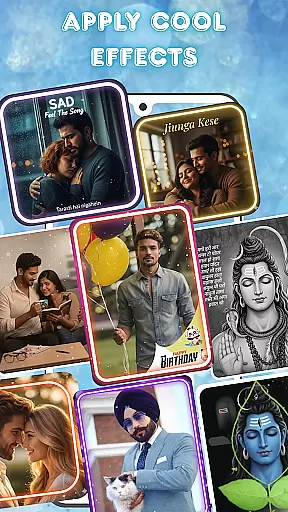
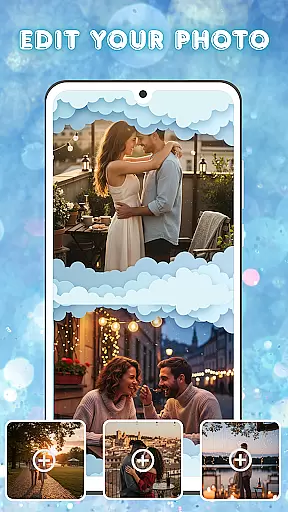
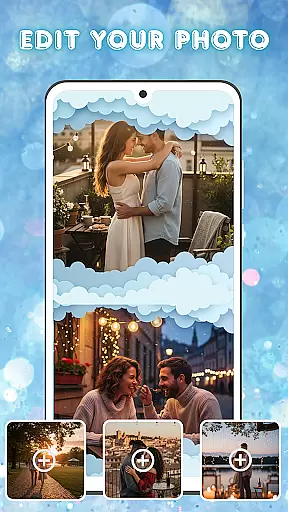
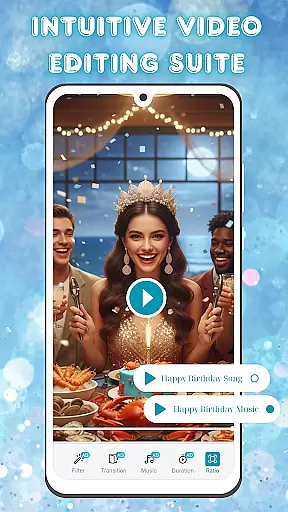
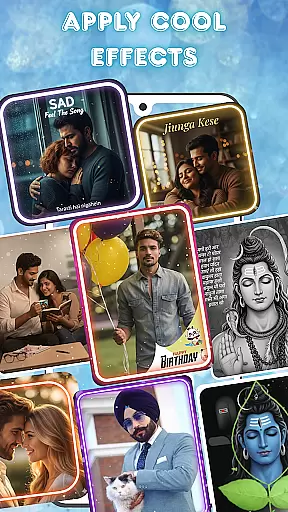
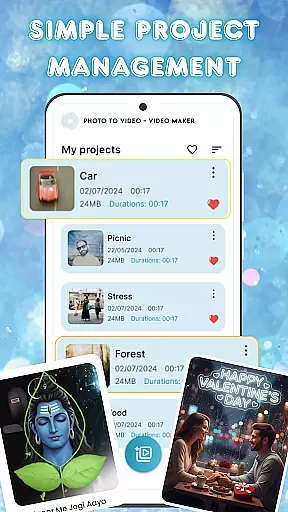
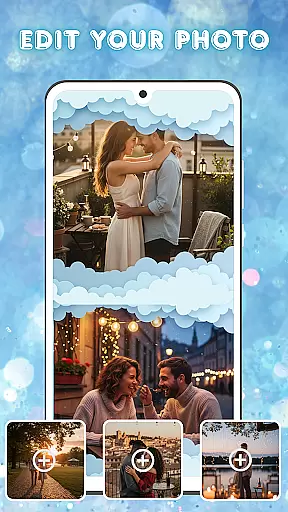
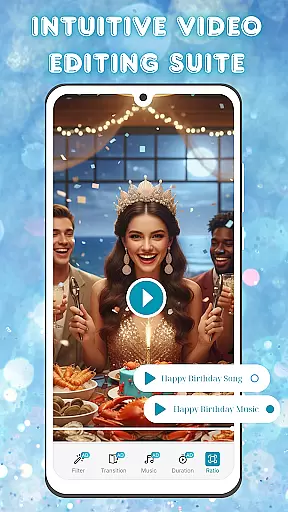
Photo and Music Video Creator is a versatile app designed to transform your photos into engaging video stories. With its user-friendly interface, the app allows you to create professional-quality slideshows and social media-ready videos effortlessly.
Key features include easy photo-to-video conversion, advanced photo editing tools, and an intuitive video editing suite. Whether you're crafting heartfelt memories or trendy reels, this app provides all the necessary tools for seamless content creation.
Ideal for both casual users and content creators, the app helps you organize projects efficiently while delivering polished results. Bring your cherished moments to life with dynamic transitions, music, and filters.
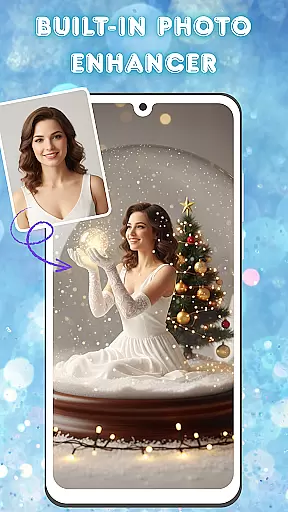
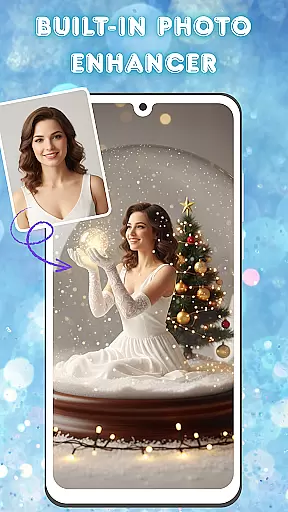
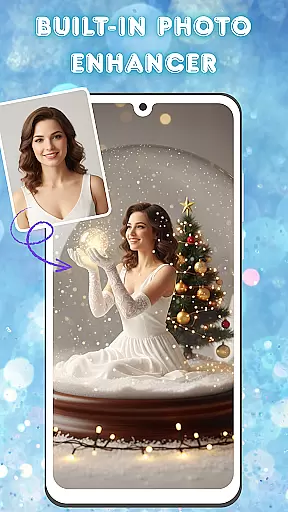
This app stands out with its comprehensive set of creative tools tailored for visual storytelling. The built-in photo enhancer lets you adjust brightness, contrast, and saturation, ensuring your images look their best before turning them into videos.
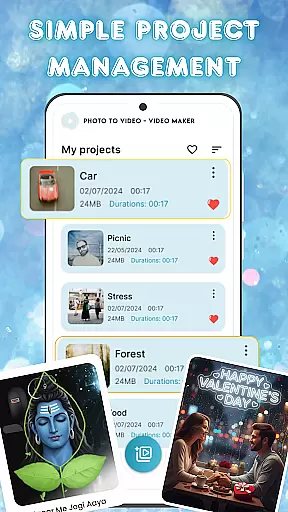
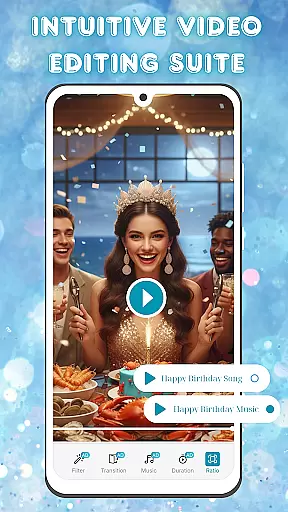
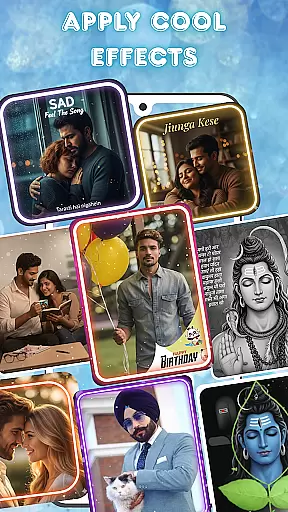
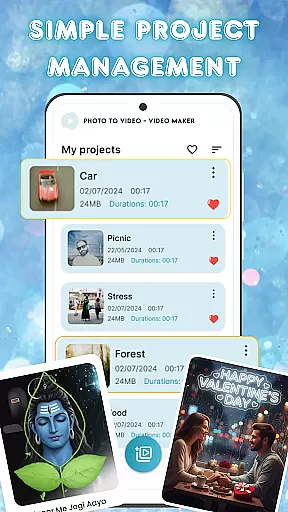
The video editing suite offers smooth transitions, stylish filters, and customizable background music, enabling you to craft videos with a professional touch. Additionally, the app's project management system makes it easy to organize and access all your creations from one place.
With fast rendering and an accessible design, Photo and Music Video Creator empowers users to produce captivating videos in minutes, making it perfect for sharing on social media platforms.
Video format compatibility is a crucial feature for any video editing application, ensuring that users can work with a wide range of file types without compatibility issues. Photo and Music Video Creator supports an extensive array of video formats, allowing creators to import and export projects in the most common and some specialized codecs.
This app ensures seamless integration with various devices and platforms by supporting formats like MP4, AVI, MOV, and more. This flexibility empowers users to create videos without worrying about format restrictions or conversion hassles, making it ideal for both amateur and professional use.
By offering broad video format support, the app enhances user experience, providing peace of mind when working on cross-platform projects. Whether you're designing content for social media, personal keepsakes, or professional presentations, this compatibility ensures your videos will be accessible and shareable across different mediums.
AI-powered editing features are revolutionizing how we approach video creation, automating complex tasks and enhancing creativity. Photo and Music Video Creator incorporates advanced AI tools that simplify the editing process, enabling users to produce high-quality videos effortlessly.
From smart cropping and scene detection to automated transitions and filter suggestions, the app leverages artificial intelligence to optimize video production. These features not only save time but also elevate the final output, giving even novice editors the ability to craft visually stunning stories.
The inclusion of AI-driven functionalities ensures that users can focus on their creative vision without getting bogged down by technical details. By streamlining workflows and offering intelligent suggestions, Photo and Music Video Creator makes professional-grade video editing accessible to everyone, regardless of skill level.
User-friendly interface
Advanced photo editing
Smooth video transitions
Customizable music options
Efficient project management
Limited free features
Occasional ads
Paid subscription required
Basic tutorial support
Rendering speed varies

Kodi media center, a free and open source cross-platform entertainment hub
 3.60
3.60
Client application for NextPVR software
3.00
IPTV-Smarters Player Pro M3U - Watch Live Stream TV Channels with Chromecast
4.00
A Quick and Pro Video Editor
4.70
Stream high quality video from your camera over NDI protocol
4.0
High-Quality USB Camera Viewer & HDMI Display
4.70
Screen recorder with audio to take live videos & Screenshot in high quality!
4.70
Photo editor & video maker with music and slideshows.
4.10
Manage your YouTube channel on the go
4.40
Download videos and play them offline
4.70
Watch a large amount of high-definition short drama content
4.60
Support 1000+ Video Format, Subtitle Download, mp3 & Background Play, Cast On TV
4.60
Add date and time watermark to photos and videos
4.50
Powerful Video Editor & Photo Editing App —— Quick Edits & Stunning Effects!
4.30
Browser for Samsung TV to stream webvideos, online movies and livestreams in HD
4.10
VLC for Android is the best open source video and music player, fast and easy!
4.10
Watch full episodes of your favorite Cartoon Network and Cartoonito shows!
3.50
Mix with Virtual DJ directly from your phone or tablet !
3.10
Play and download HD videos from all sources — fast, simple, and all-in-one.
4.1


User Reviews