
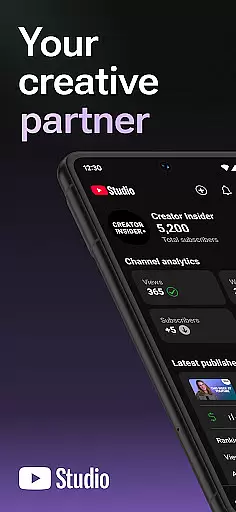
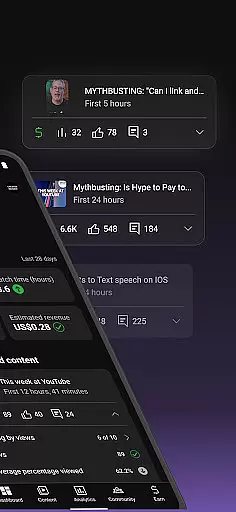
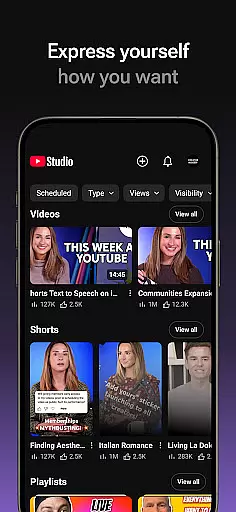
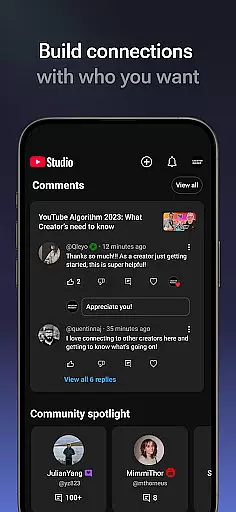
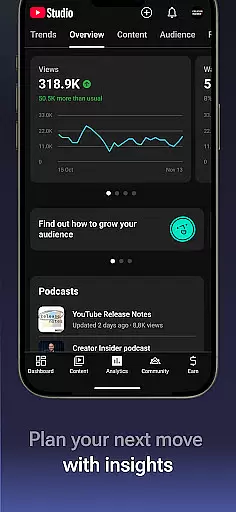
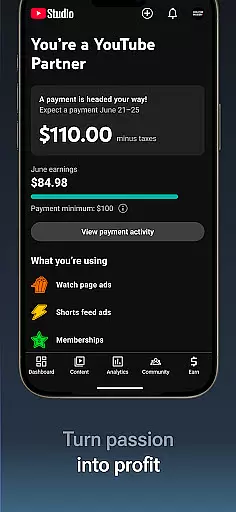
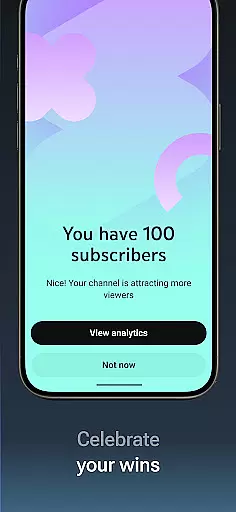
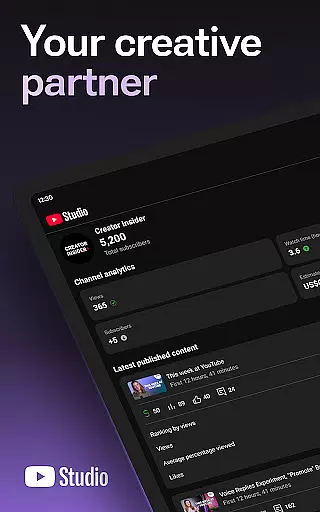
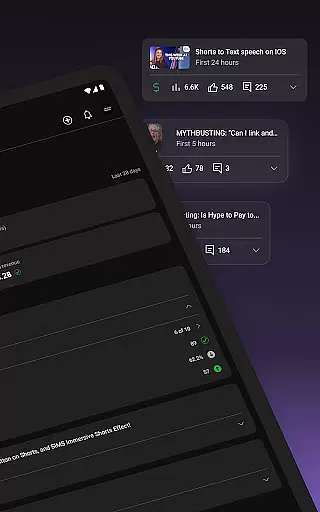
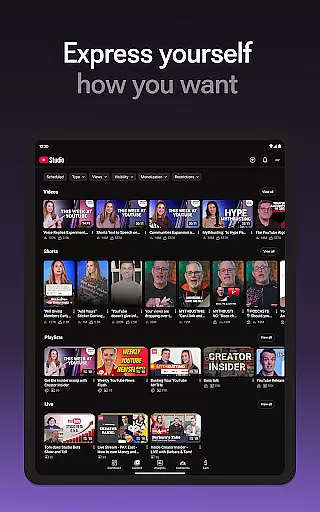

YouTube Studio is the official mobile app designed for content creators to manage their YouTube channels effectively. The app provides a comprehensive set of tools that allow users to monitor channel performance, engage with their audience, and customize content directly from their mobile devices. With features like the Channel Dashboard, detailed Analytics, and comment management, it offers everything needed to optimize a YouTube channel's growth and engagement.
The app stands out by enabling creators to make real-time updates to their channel's appearance and video details, ensuring their content remains relevant and appealing. Whether you're reviewing metrics or responding to comments, YouTube Studio ensures you can maintain an active presence and foster deeper connections with your community.
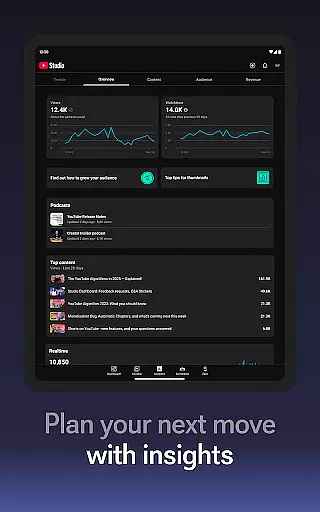
YouTube Studio offers an array of robust features tailored for content creators. One of its standout capabilities is the Channel Dashboard, which provides a snapshot of key performance indicators, helping creators quickly assess how their channel is performing. Additionally, the app includes advanced Analytics tools that break down viewer behavior and content performance across videos, shorts, and livestreams.
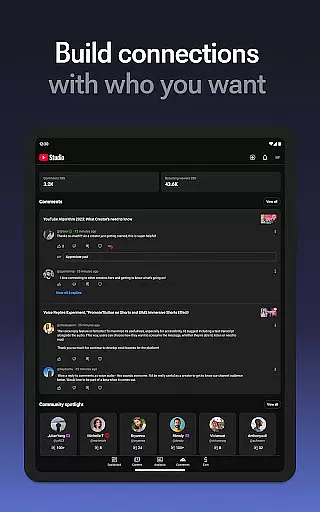
Beyond analytics, YouTube Studio facilitates stronger audience relationships through sophisticated comment management. Creators can sort and filter comments to prioritize important discussions. Moreover, the app allows for on-the-go customization of video details and channel aesthetics, empowering creators to refine their brand and optimize individual pieces of content efficiently.
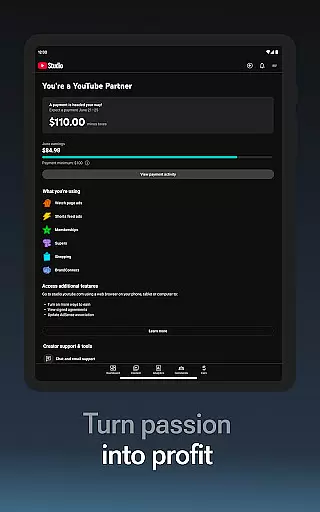
For those looking to monetize their content, YouTube Studio streamlines the process by providing easy access to the YouTube Partner Program. This feature helps creators start earning revenue by meeting the necessary requirements and managing monetization settings directly from the app.
Video format compatibility is a crucial feature for any video player or editor, including YouTube Studio. This app ensures that creators can manage various types of content, such as videos, shorts, and livestreams, regardless of their original formats.
YouTube Studio supports a wide range of video formats, allowing creators to upload and edit their content without worrying about compatibility issues. Whether you're dealing with MP4, AVI, or MOV files, the app provides seamless integration and management capabilities.
The benefit of this extensive format support is the flexibility it offers to creators. They can focus on producing high-quality content without being constrained by format limitations. This ensures that all videos, regardless of their source, can be optimized for the best viewer experience.
By offering broad video format compatibility, YouTube Studio empowers creators to efficiently manage their content, ensuring they can make necessary changes and updates across different types of media, thus enhancing their channel's performance.
AI-powered editing features are revolutionizing the way creators manage and enhance their content on platforms like YouTube. YouTube Studio incorporates advanced AI tools that help streamline video editing processes, making it easier for creators to produce professional-quality content.
One of the standout AI features in YouTube Studio is its ability to provide detailed analytics and performance data. The app uses AI algorithms to analyze how different types of content perform, giving creators insights into what works best for their audience. This helps them tailor their content strategy more effectively.
In addition to analytics, YouTube Studio also leverages AI for comment management. Creators can sort and filter comments using AI-driven tools, helping them engage with their community more efficiently by highlighting important conversations.
These AI-powered capabilities not only save time but also enhance the overall quality of content management, enabling creators to cultivate deeper relationships with their audience while optimizing their channel's growth potential.
User-friendly interface
Comprehensive analytics
Real-time updates
Effective comment sorting
Monetization support
Limited desktop features
Occasional bugs
Advanced tools require learning
Notifications can be overwhelming
Some features need internet

HD video & music player - All format support with floating & PIP mode!
 3.80
3.80
HD video maker with no watermark, no ads & vlog maker with music, PIP, text
4.50
All format media Player, no need video converter any more!
4.00
Download videos easily & play them all in one smart, powerful video manager.
3.40
Fast & Private Video Downloader App. Save all videos easily from the Internet.
4.40
Make your own Animations, Video and Photo Edits, Visual Effects, and more!
4.00
Flud is a simple and beautiful BitTorrent client for Android.
4.80
Download Hub, easy and private way to download and enjoy your videos offline
4.80
Create, Publish & Maximize
4.70
Find, download, and play torrents with the official BitTorrent® Pro app
4.70
?100% FREE! Download & save videos? safely in this app. All formats supported.
4.60
Watch a large amount of high-definition short drama content
4.60
VLC Remote lets you control your VLC Media Player on Mac, PC or Linux.
4.60
Watch IPTV on your Android device
4.60
Add date and time watermark to photos and videos
4.50
Photo and Music Video Creator into Stunning Videos—Effortlessly
4.40
KMPlayer Plus (Divx Codec) officially support Divx codec.
4.30
Powerful, professional, versatile teleprompter. Developed by an active film crew
4.00
AirMirror is Receiver for Screen Mirroring and Casting from Apple Devices.
3.60


User Reviews