
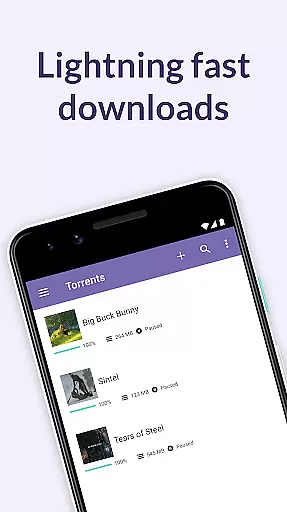
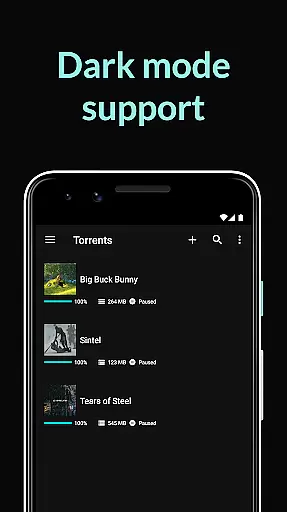
BitTorrent Pro is a premier torrent client designed specifically for Android devices, offering users the ability to find and download torrents directly to their phones or tablets. As the official BitTorrent app, it provides an AD-FREE experience with advanced features like battery saving and auto-shutdown capabilities. This application stands out as the world's leading torrent client, developed by the creators of the BitTorrent protocol and uTorrent.
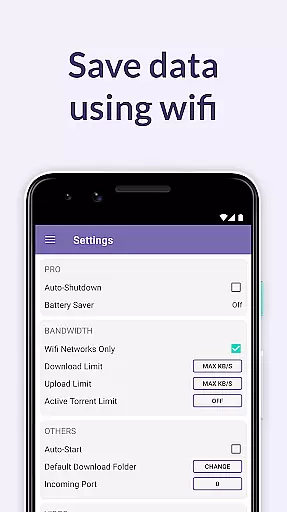
The app allows media enthusiasts to enjoy their favorite content without being tethered to a desktop. With its recent introduction to the Google Play Store, users can take advantage of a special introductory price for the Pro version. Key features include no banner ads, a Battery Saver that suspends downloads when battery levels are low, and an Auto-shutdown feature that conserves both battery and data usage. These functionalities ensure a seamless mobile torrenting experience.
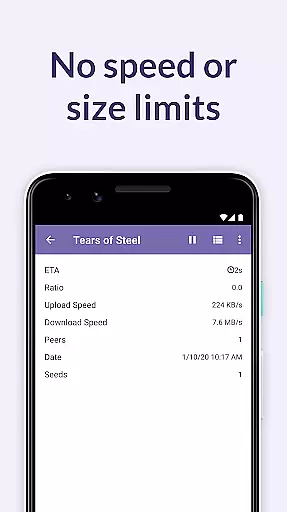
BitTorrent Pro boasts a range of sophisticated features tailored for efficient and user-friendly torrent downloading. The app includes a beautifully light and clean design, along with a Wifi-only mode to conserve mobile data. Users benefit from unlimited speed and file size limits, alongside integrated music and video libraries for easy access to downloaded media.
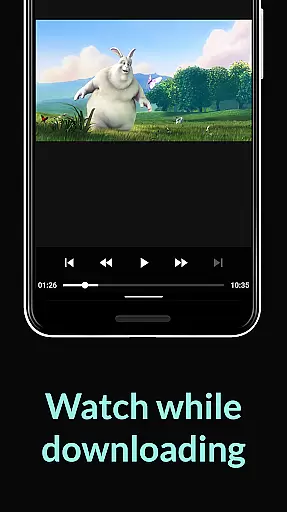
Additional functionalities enhance the overall user experience. Users can select specific files within a torrent to minimize storage use and enjoy an improved music and video playback experience through integrated players. The app also offers flexible options such as choosing file download locations, handling torrents and magnet links, and deciding whether to delete only torrents or both torrents and associated files upon completion.
BitTorrent Pro stands out in video format compatibility, ensuring users can download and play a wide range of video files without hassle.
The app supports virtually all popular video formats available in torrent files, making it an ideal choice for media enthusiasts who require flexibility in their video content.
With integrated music and video libraries, users have easy access to their media, enhancing the playback experience directly on their Android devices.
This compatibility not only simplifies the process of enjoying media but also eliminates the need for additional conversion software, streamlining the user experience significantly.
While BitTorrent Pro focuses primarily on downloading and managing torrents, its capabilities extend into AI-powered features that enhance media management.
Although direct video editing isn't its main function, the app offers intelligent file handling options such as selecting specific files within a torrent for download, optimizing storage usage.
Moreover, BitTorrent Pro includes advanced features like Canonical Peer Priority, which improves download performance by reducing the hop length between peers, indirectly supporting smoother media consumption.
These smart functionalities ensure efficient data processing and better organization of multimedia content, providing users with a seamless blend of torrenting and media enjoyment.
AD-FREE experience
Battery Saver feature
Auto-shutdown functionality
No speed or size limits
Integrated media libraries
Paid Pro version
Limited device compatibility
Requires significant storage
Potential legal concerns
High battery consumption

The smartest M3U IPTV Player your playlists have ever seen.
 4.4
4.4
HD video & music player - All format support with floating & PIP mode!
3.80
Watch full episodes of your favorite Cartoon Network and Cartoonito shows!
3.50
HD video maker with no watermark, no ads & vlog maker with music, PIP, text
4.50
AirMirror is Receiver for Screen Mirroring and Casting from Apple Devices.
3.60
Stream Web Videos to Chromecast, Samsung, LG, Sony, Roku, Fire TV, DLNA + more
4.00
Turn your phone into a wireless camera!
4.20
Download videos and play them offline
4.70
Mix with Virtual DJ directly from your phone or tablet !
3.10
Play ALL formats in 4K & HD. Video downloader, MP3 player, Chromecast & more.
4.80
An easy-to-use and all-round screen recorder with audio
4.80
#1 Torrent App on Android ** No Ads Ever + Battery Saver **
4.80
?100% FREE! Download & save videos? safely in this app. All formats supported.
4.60
Seamlessly connect and control your smart devices, anytime, anywhere with ease.
4.60
Watch IPTV on your Android device
4.60
Cast to Chromecast, Xbox, Fire Stick, Roku, DLNA, Smart TV & No Feature Limited!
4.50
KineMaster, Your Ultimate Video Editor!
4.40
Viddo: Generate Action Figure, AI Anime, AI kiss, AI hug Video from image & text
4.40
Save photos and videos from social apps in one tap.
3.60


User Reviews