


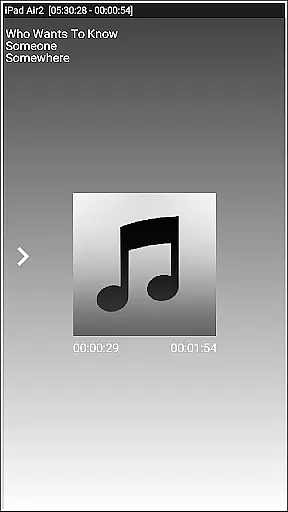


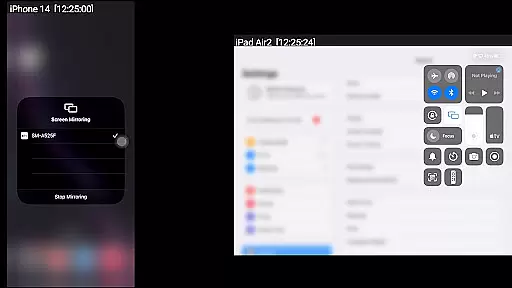
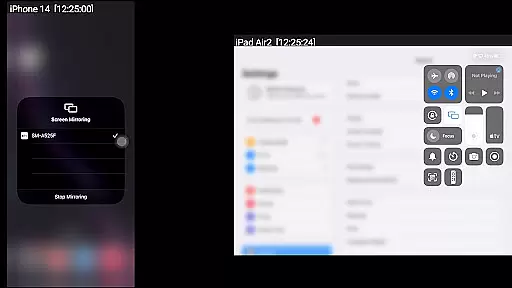
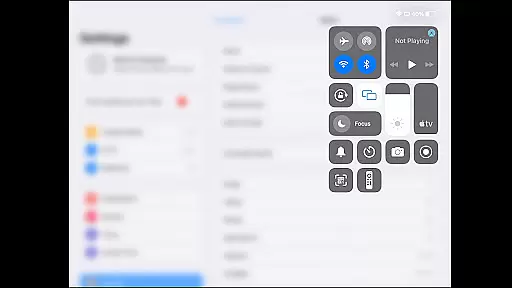
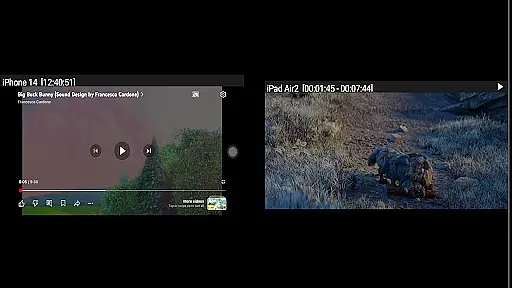
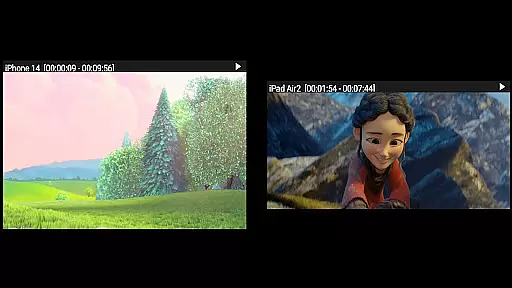

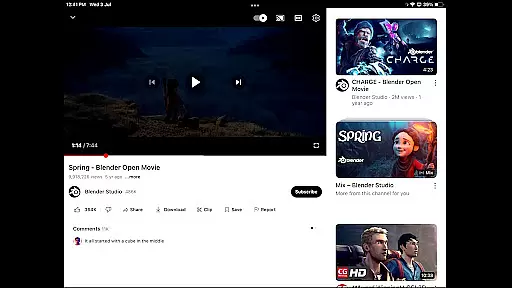
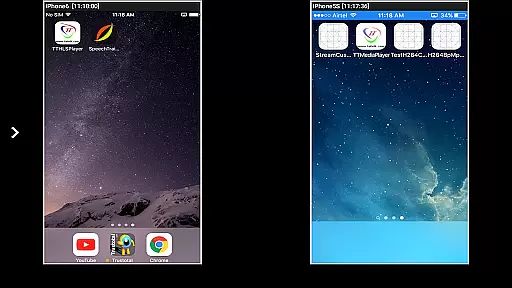


AirMirror is a specialized receiver application designed for Android devices, enabling seamless screen mirroring and casting from Apple devices such as iPhones, iPads, MacBooks, or iMacs. This app allows users to mirror screens, play back media content, and share YouTube links over the local network, making it an ideal tool for presentations, entertainment, and collaborative sharing with family, friends, or business partners.
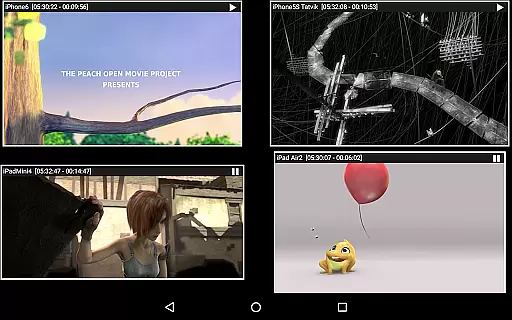
One of the standout features of AirMirror is its ability to simultaneously connect up to four Apple devices, providing flexibility in multi-device environments. With support for iOS versions 9 to 15, it ensures broad compatibility while offering advanced functionalities like passcode protection, adjustable mirroring quality, and Bluetooth Low Energy based advertising for cross-subnet connections.
The app's intuitive interface allows users to easily resize and move the mirroring window, start slideshows, and even share game screens in real-time. These capabilities make AirMirror particularly valuable in both personal and professional settings where screen sharing is essential.
AirMirror offers a comprehensive set of features that cater to various screen mirroring needs. The app supports high-quality screen mirroring from Apple devices, ensuring a smooth and responsive experience. It also allows simultaneous connections from multiple devices, which is especially useful in meeting rooms or classrooms where several participants may need to share their screens.
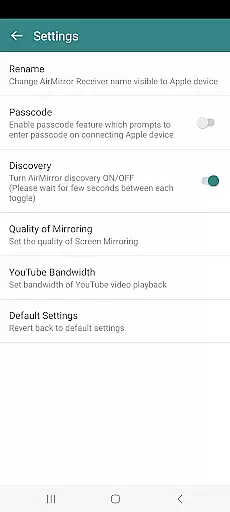
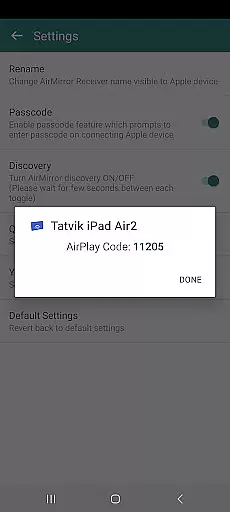
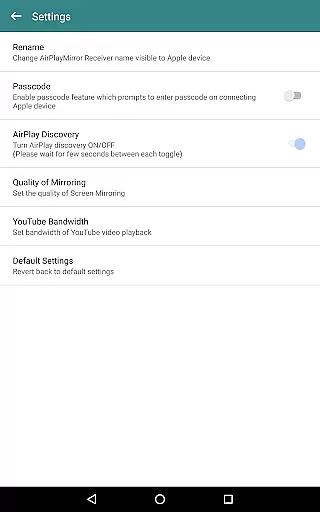
In addition to basic mirroring, AirMirror provides enhanced control options. Users can manage connected devices through a semi-transparent control screen, disconnect devices, and adjust audio settings directly within the app. Advanced settings include renaming the receiver, toggling discovery on/off, and customizing mirroring quality to suit different network conditions.
Another notable feature is the ability to stream DRM-free media content, including photos, videos, and YouTube links. While the app cannot handle protected content like Netflix or iTunes movies, its versatility with non-protected media makes it a reliable choice for casual viewing and presentations. The inclusion of Bluetooth Low Energy advertising further extends its usability across different network configurations.
Video format compatibility is a crucial aspect of any video player or editor application. AirMirror excels in this area by supporting screen mirroring and casting from Apple devices to Android, covering a wide range of media formats. This ensures that users can mirror not only their screens but also playback various types of audio, video, and photos stored on their Apple devices.
The app supports mirroring from iOS versions 9 to 15, making it versatile for different generations of Apple products. Whether you're using an iPhone, iPad, MacBook, or iMac, AirMirror provides seamless connectivity. It even allows simultaneous mirroring from up to four Apple devices, creating opportunities for collaborative presentations or shared entertainment experiences.
While AirMirror handles most common media formats with ease, it's important to note some limitations. The app cannot process DRM-protected content from services like Netflix or paid iTunes videos. However, its capability to play YouTube content and display slideshows of photos and videos makes it a valuable tool for both personal and professional use cases.
While AirMirror primarily focuses on screen mirroring capabilities, it incorporates several intelligent features that enhance the user experience similar to AI-powered editing tools. The application automatically adjusts to different content types and optimizes the display for better viewing quality across devices. Users can resize and move the mirroring window within the app view, providing flexibility in how they want to present their content.
The app includes smart management features such as passcode protection to prevent unauthorized sharing, and Bluetooth Low Energy based advertising for cross-subnet device discovery. These features demonstrate a level of intelligence in managing connections and maintaining security during screen sharing sessions. The ability to toggle AirMirror Receiver discovery on or off adds another layer of control for users.
For optimal performance, AirMirror offers adjustable settings including mirroring quality and YouTube bandwidth configuration. While not traditional editing features, these options allow users to customize their streaming experience based on network conditions and desired output quality. The app's capability to handle multiple simultaneous connections while maintaining stable performance showcases its sophisticated handling of video data transmission.
Seamless screen mirroring
Multi-device connectivity
User-friendly interface
Customizable settings
Cross-subnet compatibility
No DRM content support
Limited live TV capability
iOS version restrictions
Network dependency
Occasional connectivity issues

Kodi media center, a free and open source cross-platform entertainment hub
 3.60
3.60
Stream high quality video from your camera over NDI protocol
4.5
Video player with powerful streaming playback and various convenient features.
2.10
KMPlayer Plus (Divx Codec) officially support Divx codec.
4.30
IPTV Player - Watch live TV from m3m & m3u8 playlist, stream IPTV on mobile
3.30
IPTV Loader, loads your own Playlist. DOES NOT CONTAIN ANY LIST OR CHANNELS
4.60
Download Hub, easy and private way to download and enjoy your videos offline
4.80
Video&Drama Player All Format is a HD video player, music player
3.00
Manage your YouTube channel on the go
4.40
Video Trimmer, Video to MP3 Converter. Extract music from video, Easy & Fast.
4.80
All in one HD video downloader & player for multiple formats with full privacy
4.70
Find, download, and play torrents with the official BitTorrent® Pro app
4.70
Screen recorder with audio to take live videos & Screenshot in high quality!
4.70
Photo and Music Video Creator into Stunning Videos—Effortlessly
4.40
Your media, on your terms.
4.10
IPTV-Smarters Player Pro M3U - Watch Live Stream TV Channels with Chromecast
4.00
Live TV, anywhere in your home
3.80
Connect EasyCap or UVC devices for recording and broadcast video/audio stream
3.60
The essential companion to your Blue Iris PC software
2.50


User Reviews