
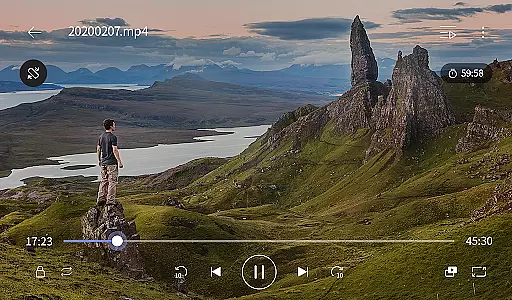
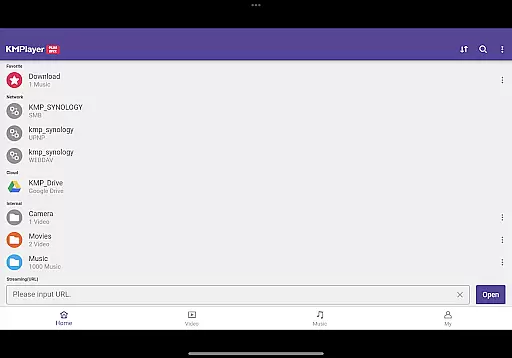
KMPlayer Plus (Divx Codec) is a versatile video player that supports Divx codec, making it ideal for users who need to play various video formats. The app offers high-definition playback for HD, 4K, and even 8K videos, ensuring an exceptional viewing experience.
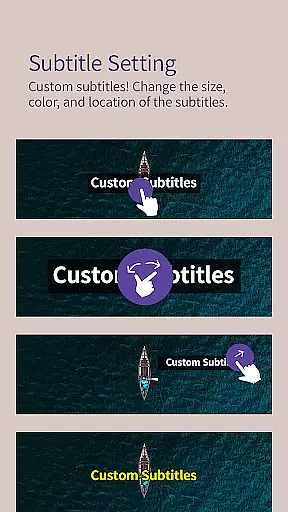
With advanced features like color adjustment, zoom functionality, and section repeat, KMPlayer Plus provides users with tools to customize their video playback. Additionally, the app supports a wide range of subtitle formats, enhancing accessibility for all users.
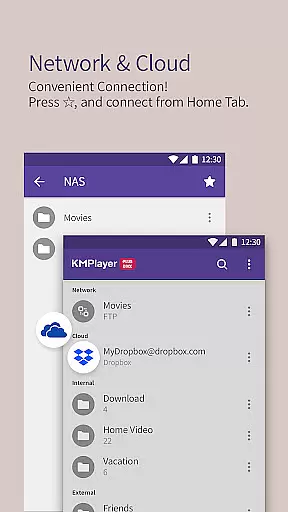
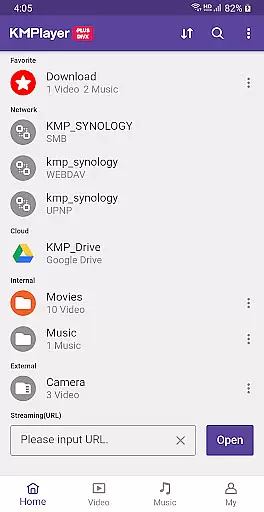
This application is particularly useful for those who require reliable media playback across different devices and platforms, including cloud services like Dropbox and OneDrive. Its comprehensive codec support and user-friendly interface make it a top choice for video enthusiasts.
KMPlayer Plus stands out with its extensive codec support, including DXMF, DIVX, and MP4V, allowing users to play AVI and MKV files seamlessly. The inclusion of unsupported codecs like DTS and TrueHD ensures users are well-informed about file compatibility.
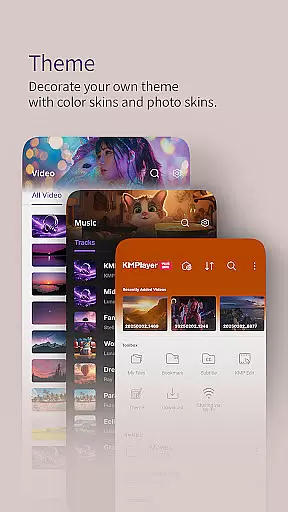
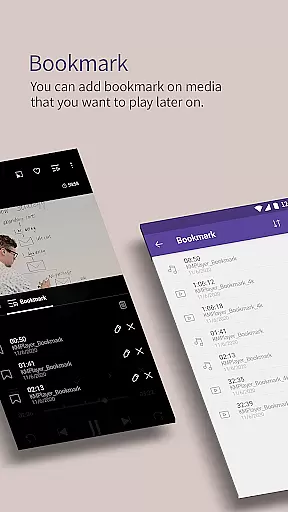
Beyond basic playback, the app offers innovative functions such as bookmarking, video inversion, and speed control up to 0.25~4 times. Users can also enjoy enhanced UI elements and equalizer settings for both music and video, providing a personalized entertainment experience.
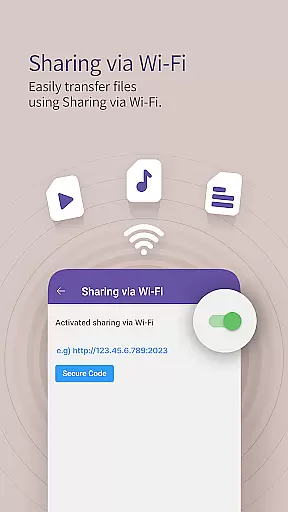
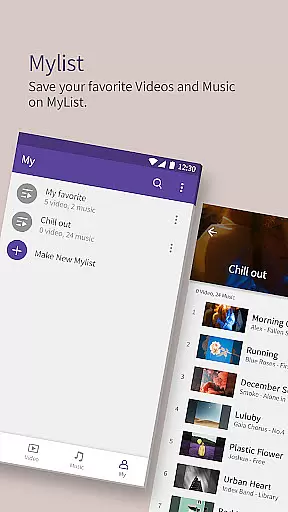
Additional features include Wi-Fi sharing, playlist creation, and network connectivity options like FTP and SMB. With VIP features available through in-app purchases, users can access torrent client capabilities, video cropping, and MP3 conversion, further expanding the app's utility.
Video format compatibility is a crucial feature for any video player, ensuring that users can enjoy a wide range of media files without technical limitations. KMPlayer Plus (Divx Codec) excels in this area by supporting an extensive list of codecs and file formats.
The application officially supports Divx codec, catering to Avi and MKV files with specific codecs like DXMF, DX50, DIVX, DIV4, DIV3, and MP4V. This ensures smooth playback of high-quality videos, including HD, 4K, 8K, UHD, and Full HD content. By covering such a broad spectrum of codecs, KMPlayer Plus allows users to watch almost any video file they come across.
Moreover, the app provides support for various subtitle formats, enhancing the viewing experience by allowing users to add subtitles in formats like DVD, DVB, SSA/ASS Subtitle Track, SubStation Alpha, SAMI, SubRip, MicroDVD, VobSub, SubViewer2.0, MPL2, TMPlayer, Teletext, PJS, and WebVTT. This versatility makes it an ideal choice for users who frequently engage with foreign language content or need subtitles for accessibility reasons.
By offering comprehensive video and subtitle format compatibility, KMPlayer Plus ensures that users can enjoy their media library without worrying about format restrictions, making it a reliable tool for diverse video playback needs.
AI-powered editing features are revolutionizing how users interact with their media files, providing advanced tools that simplify complex tasks. KMPlayer Plus (Divx Codec) incorporates several intelligent functionalities that enhance user experience through smart editing capabilities.
One standout feature is the ability to crop videos and audio. Users can select their desired sections and edit them effortlessly, which is particularly useful for creating short clips or removing unwanted parts from media files. Additionally, the GIF toast function allows users to create dynamic GIFs from their favorite videos, enabling creative expression and easy sharing on social platforms.
The MP3 Converter tool further exemplifies the app's innovative approach by extracting and converting audio from video files into MP3 format quickly and easily. This feature caters to users who want to extract soundtracks or specific audio segments from videos for personal use or sharing purposes.
These AI-driven tools not only streamline the editing process but also empower users to customize their media creatively. With KMPlayer Plus, even those without professional editing skills can achieve impressive results, making it a versatile choice for both casual viewers and content creators alike.
User-friendly interface
Wide codec support
High-definition playback
Advanced customization options
Cloud service integration
Limited free trial
Subscription required
Some features locked behind paywall
Occasional bugs reported
Heavy on system resources

A Quick and Pro Video Editor
 4.70
4.70
Tik & Story Saver-Download ALL social media videos, photos & reels no watermark.
4.80
High-Quality USB Camera Viewer & HDMI Display
4.70
Download website videos fast&privacy
4.40
Flud is a simple and beautiful BitTorrent client for Android.
4.80
Video&Drama Player All Format is a HD video player, music player
3.00
Enjoy your favorite videos and channels with the official YouTube app.
3.90
Create, Publish & Maximize
4.70
Manage your YouTube channel on the go
4.40
A Simple app to download Video & Music from the Internet.
4.70
Download videos and play them offline
4.70
Video Player - Unlimited features, 30 days money back guarantee.
4.60
Viddo: Generate Action Figure, AI Anime, AI kiss, AI hug Video from image & text
4.40
Powerful Video Editor & Photo Editing App —— Quick Edits & Stunning Effects!
4.30
Powerful video player with advanced hardware acceleration and subtitle supports
4.20
Your media, on your terms.
4.10
Live TV, anywhere in your home
3.80
Livestream, news, & gaming content. Watch, chat, and upload. Join Rumble today!
3.80
IPTV Player - Watch live TV from m3m & m3u8 playlist, stream IPTV on mobile
3.30


User Reviews