
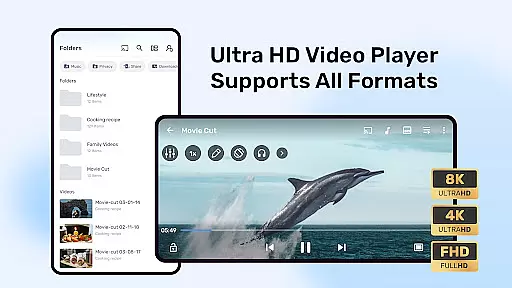
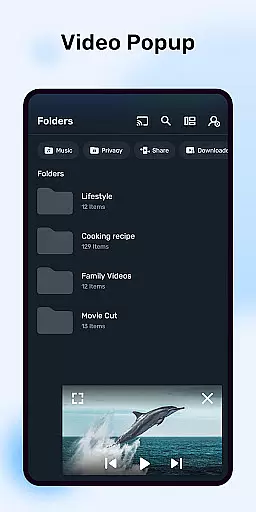
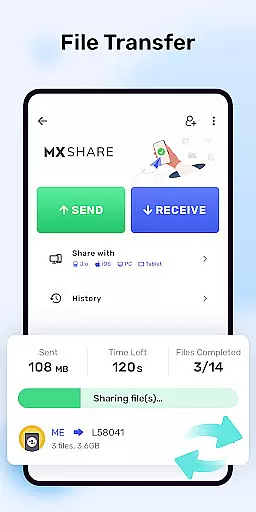


MX Player is a powerful video and music player designed for Android devices, offering advanced hardware acceleration and comprehensive subtitle support. With features like HW+ decoder, it ensures smooth playback even for high-resolution videos.
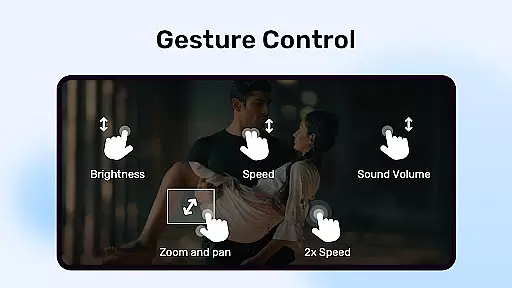
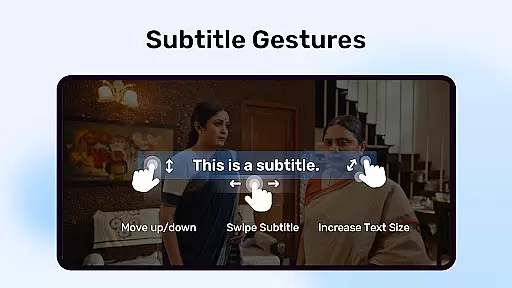
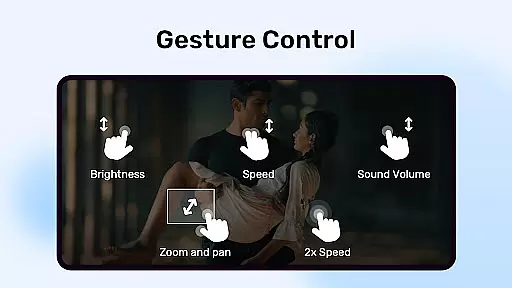
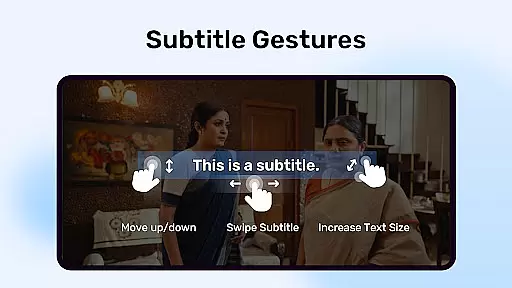
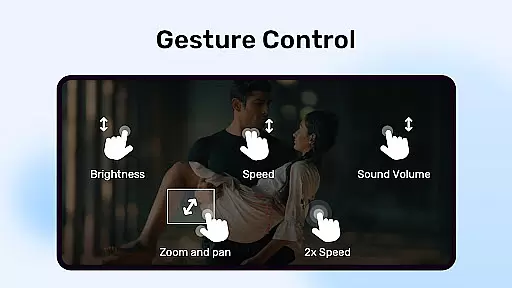
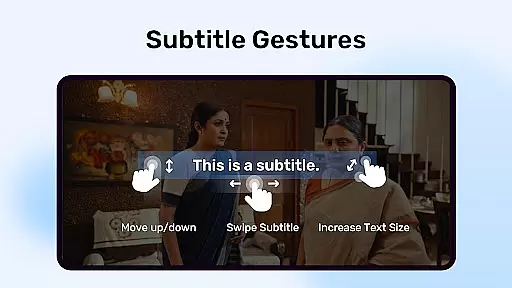
The app stands out with its multi-core decoding capability, which significantly enhances performance on multi-core devices by up to 70%. It also provides user-friendly controls such as pinch-to-zoom and gesture-based subtitle navigation, making it versatile for various viewing preferences.
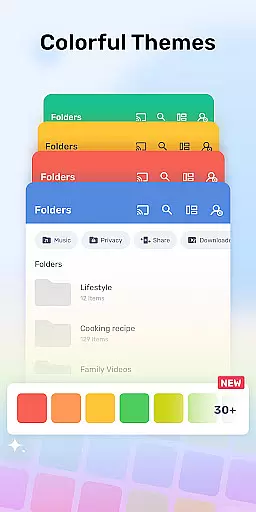
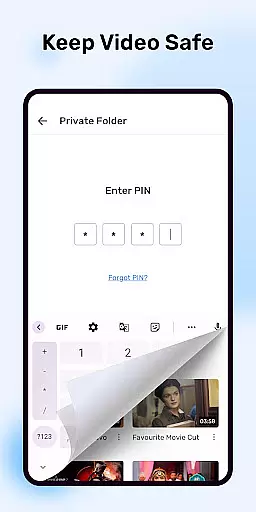
Whether you're watching local files or streaming content, MX Player delivers an optimized experience across different formats. Its intuitive interface and enhanced privacy options, like the Privacy Folder, make it suitable for personal and family use.
MX Player boasts several standout features that cater to diverse user needs. The inclusion of hardware acceleration through the new HW+ decoder allows for seamless video playback, while multi-core decoding maximizes device performance.
User experience is further enhanced with interactive features like pinch-to-zoom and precise subtitle gestures. These allow viewers to easily adjust text size and position during playback. Additionally, the Kids Lock feature ensures child-friendly viewing by disabling unwanted interactions.
Subtitle support is extensive, covering formats like SubStation Alpha, SAMI, and SubRip. This versatility makes MX Player a top choice for users who require reliable media playback with customizable options.
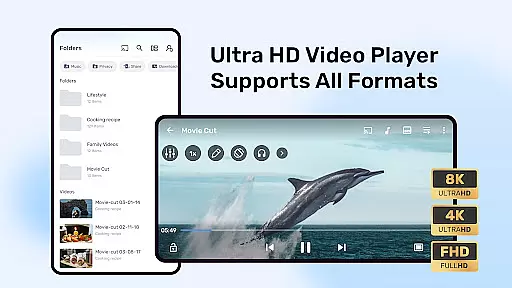
MX Player stands out in the Video Players & Editors category by offering extensive video format compatibility. This feature is crucial for users who deal with various types of video files and require a player that can handle them without additional conversion or codec installation.
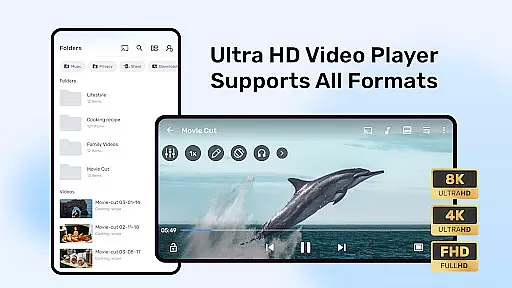
The application supports an array of formats, including but not limited to AVI, MKV, MP4, and FLV. With its advanced hardware acceleration and multi-core decoding, MX Player ensures smooth playback even for high-definition videos. The new HW+ decoder further enhances this capability, allowing more video formats to benefit from hardware acceleration.
For users, this means they can play almost any video file without worrying about format support. Whether it's a movie downloaded from the internet or a clip transferred from a digital camera, MX Player handles it effortlessly. This versatility makes it an indispensable tool for anyone looking for a reliable video playback experience on their Android device.
Beyond just playing videos, MX Player incorporates AI-powered editing features that elevate the user experience in the Video Players & Editors category. While primarily known for its playback capabilities, the inclusion of intelligent editing tools adds significant value for users seeking to modify their content directly within the player.
These AI-driven features include smart trimming, where the software intelligently suggests optimal cut points based on scene changes or audio cues. Additionally, there are automated enhancements that adjust brightness, contrast, and color balance to optimize video quality. Such functionalities are powered by sophisticated algorithms that learn from vast datasets to provide precise editing suggestions.
Users benefit from these innovations as they can quickly edit videos without needing specialized skills or additional software. Whether adjusting subtitles using the intuitive gesture controls or enhancing video quality with a single tap, MX Player streamlines the editing process. This integration of AI technology transforms MX Player into a comprehensive multimedia solution, catering to both casual viewers and content creators alike.
Advanced hardware acceleration
Multi-core decoding support
Intuitive zoom and pan controls
Comprehensive subtitle format support
Kids Lock for child safety
Requires many permissions
Ads in free version
Occasional crashes reported
Limited iOS availability
Complex settings for beginners

Full HD Video mp3 Player, MP4 player play 1080p, File manager, Video Downloader
 4.40
4.40
High-Quality USB Camera Viewer & HDMI Display
4.70
Explore the largest library of free GIFs, Stickers & Memes - or create your own!
3.90
Download website videos fast&privacy
4.40
Fast & easy HD video downloader for all formats, support 4K playback & download.
4.60
Flud is a simple and beautiful BitTorrent client for Android.
4.80
#1 Torrent App on Android ** No Ads Ever + Battery Saver **
4.80
Create, Publish & Maximize
4.70
convenient, safe and fast at Video Downloader & Player
4.60
Fast & Private HD Video Downloader with Built-in Proxy Browser and Video Player.
4.50
Web Browser for LG TV to stream webvideos, online movies and livestreams in HD
4.20
Video player with 4K & 1080P support, popup play, background play and subtitle.
4.20
Your media, on your terms.
4.10
Powerful, professional, versatile teleprompter. Developed by an active film crew
4.00
Online Videos Player
3.90
This app is an emulator of some specific IPTV boxes
3.50
Browser for Sony TV to stream web videos, online movies and live tv
3.20
The smartest M3U IPTV Player your playlists have ever seen.
4.0
Play and download HD videos from all sources — fast, simple, and all-in-one.
4.5


User Reviews